
PixelClip AI
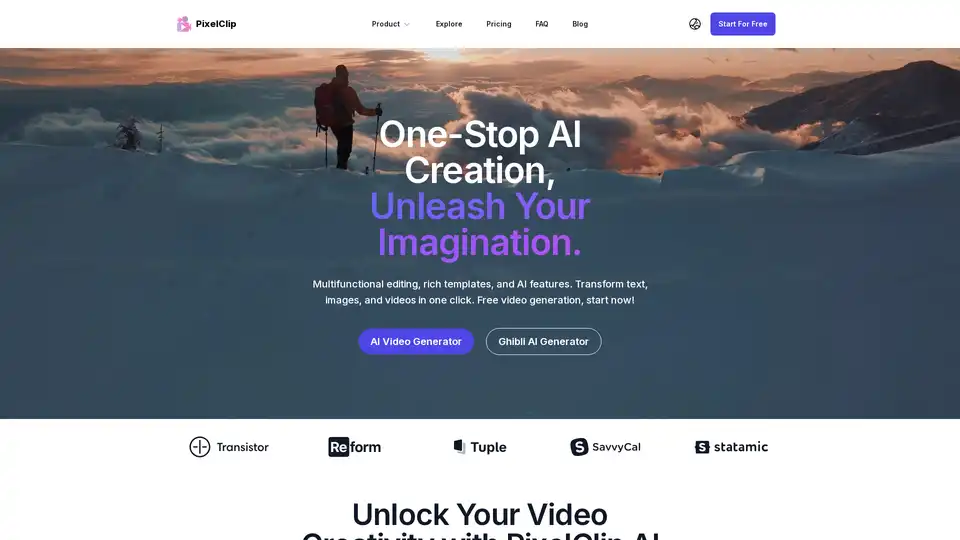
Overview of PixelClip AI
PixelClip AI: Unleash Your Video Creativity with AI
What is PixelClip AI? PixelClip AI is an innovative AI-powered platform designed to transform text, images, and simple instructions into high-quality video content. This AI video generator leverages state-of-the-art AI models to simplify the video creation process, making it accessible, fast, and creative. It's an ideal tool for creators, marketers, and educators looking to produce engaging video content effortlessly.
Key Features of PixelClip AI
- AI Video Generation: Instantly transform images and text into captivating videos.
- Multifunctional Editing: Offers rich templates and AI features for one-click transformations.
- Reference to Video: Generate desired video effects based on reference images for efficient creation.
- User-Friendly Interface: Designed for beginners to easily get started and realize their creativity.
- Advanced AI Model: Accurately understands user needs and generates content that meets expectations.
How Does PixelClip AI Work?
PixelClip AI simplifies video creation through a user-friendly process:
- Choose Your AI Effects: Select the AI effect you'd like to apply.
- Upload Your Image: Upload a photo to apply the effect.
- Generate and Share: Click to generate, wait a few minutes, and receive a stunning AI video.
Why Choose PixelClip AI?
- Ease of Use: PixelClip AI's user-friendly interface allows anyone, even without prior video production experience, to create stunning videos quickly. Beginners can easily get started and quickly realize their creativity with rich templates and tools. The smooth and intuitive operations give users confidence in creation.
- High-Quality Output: The AI video generation produces high-quality videos in minutes with a simple operation. PixelClip AI's advanced AI model accurately understands user needs and generates content that meets expectations, perfect for social media and professional projects.
- Rich Template Library: The platform's template library is very rich, covering various styles and scenes, helping users quickly find suitable templates for their projects and improve work efficiency.
Who is PixelClip AI for?
PixelClip AI is designed for a wide range of users, including:
- Creators: Ideal for content creators looking to produce engaging video content effortlessly.
- Marketers: Perfect for marketers seeking to create compelling video ads and marketing materials.
- Educators: Suitable for educators aiming to enhance their lessons with visually appealing videos.
PixelClip AI Pricing Plans
PixelClip AI offers several pricing plans to suit different needs:
- Starter Plan: $19.9/month, suitable for small projects, includes unlimited products and 100 credits per month.
- Premium Plan: $34.9/month, provides more power with unlimited products and 200 credits per month.
- Advanced Plan: $62.9/month, offers the most power with unlimited products and 500 credits per month.
All plans include unlimited use of video and audio, video & image history, and a commercial license.
User Reviews
- Leslie Alexander: “PixelClip AI's AI video generation is fantastic! It generates high-quality videos in minutes with a simple operation.”
- John Doe: “I'm amazed by PixelClip AI's high-quality images. They are perfect for social media and professional projects.”
- Emily Johnson: “PixelClip AI has a user-friendly interface. Beginners can easily get started and quickly realize their creativity with rich templates and tools.”
- Michael Brown: “I love PixelClip AI's advanced AI model. It accurately understands my needs and generates content that meets my expectations.”
- Sarah White: “PixelClip AI's template library is very rich, covering various styles and scenes. It helps me quickly find suitable templates for my projects and improve work efficiency.”
- Laura Smith: “PixelClip AI's interface is well-designed, with smooth and intuitive operations. Beginners can quickly master it, giving me confidence in creation.”
FAQ
- What is PixelClip AI? PixelClip AI is an innovative AI-powered platform designed to transform text, images, and simple instructions into high-quality video content.
- Do I need professional video production knowledge to use PixelClip AI? No, PixelClip AI is designed with a user-friendly interface that allows anyone to create stunning videos quickly.
- Can videos generated by PixelClip AI be used for commercial purposes? Yes, our standard license allows you to use the generated videos for commercial purposes.
- Can I customize the videos generated by PixelClip AI? Absolutely. PixelClip AI offers a rich set of customization options.
- How does PixelClip AI protect my creative ideas and data privacy? All content uploaded to PixelClip AI is encrypted and is not used to train our AI models.
- How often is PixelClip AI updated? Feature updates typically occur monthly, while AI model optimization is an ongoing process.
Conclusion
PixelClip AI stands out as a one-stop AI creation tool that makes video creation accessible to everyone. With its AI video generation capabilities, user-friendly interface, and rich template library, it's an excellent choice for creators, marketers, and educators looking to unlock their video creativity and produce high-quality content effortlessly. Whether you're creating videos for social media, professional projects, or educational purposes, PixelClip AI provides the tools and features you need to bring your ideas to life quickly and easily.
AI Generated Art Image Enhancement and Repair Image Style Transfer AI Background Removal and Replacement AI Avatar and Cartoonization 3D Modeling and Rendering Logo and UI Design
Best Alternative Tools to "PixelClip AI"
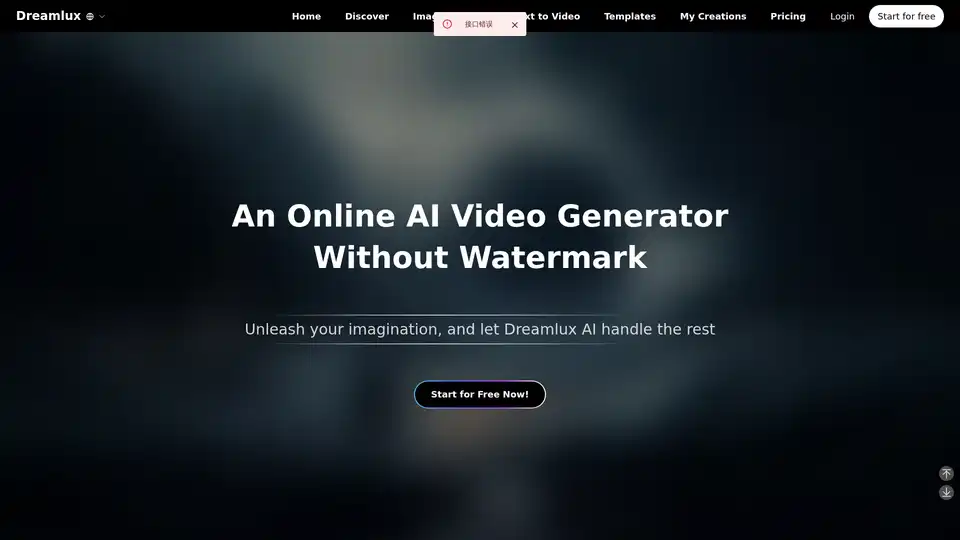
Dreamlux is a free online AI video generator that transforms text and images into captivating videos with no watermarks. Create high-quality AI videos in minutes!
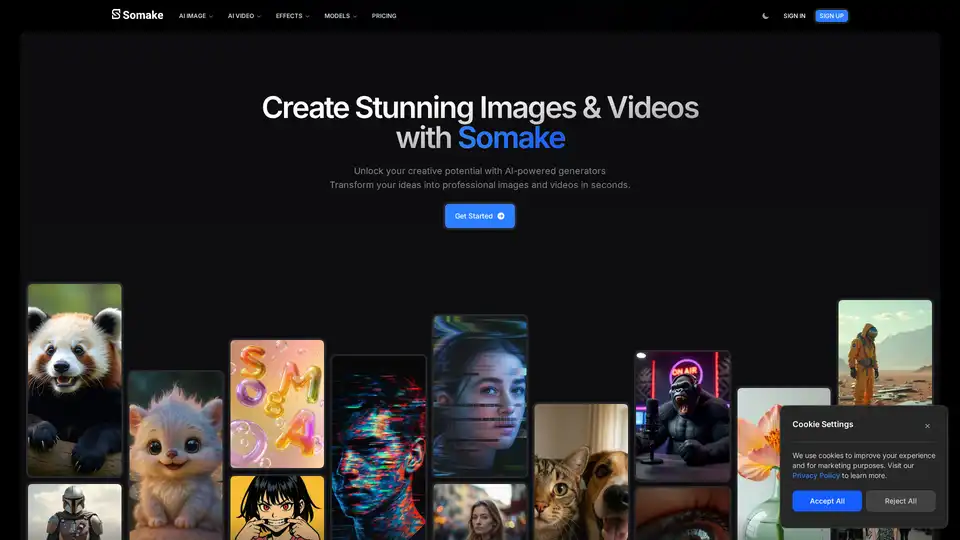
Somake AI is an AI-powered platform for effortless image and video creation. Transform your ideas into professional visuals in seconds with its AI image and video generators.
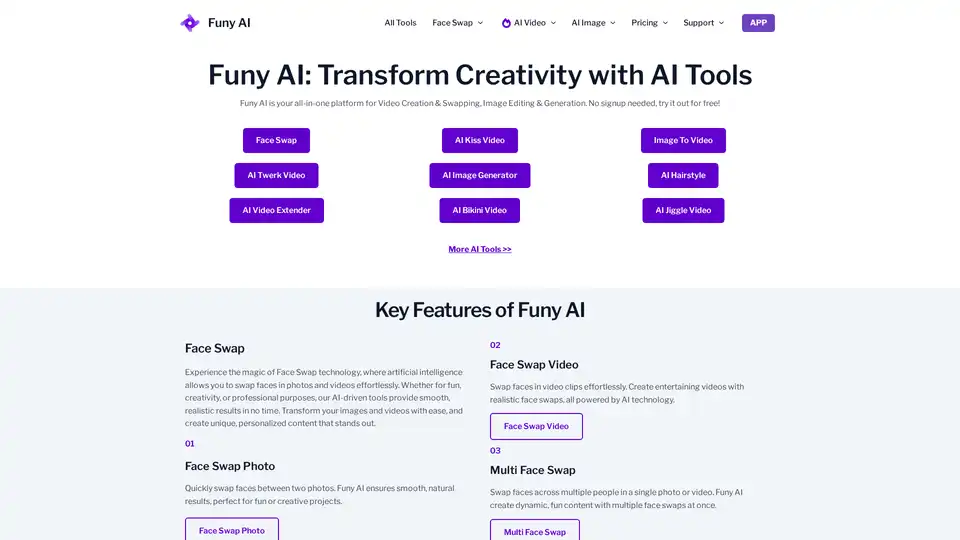
Funy AI: Free AI Video Generator, Image to Video, Text to Video, AI Kissing Generator, Face Swap, AI Art Generator and AI Hairstyle! Free and No Sign Up!
Create cinematic videos with Google Veo 3 on Videomaker.me. Use the AI video generator to turn text or images into HD videos with synchronized audio. Try Veo 3 for free!
Create amazing AI videos from text prompts and images using Clipfly's all-in-one AI video generator. Transform ideas into professional-grade visuals without any skills.