
Picture to Drawing
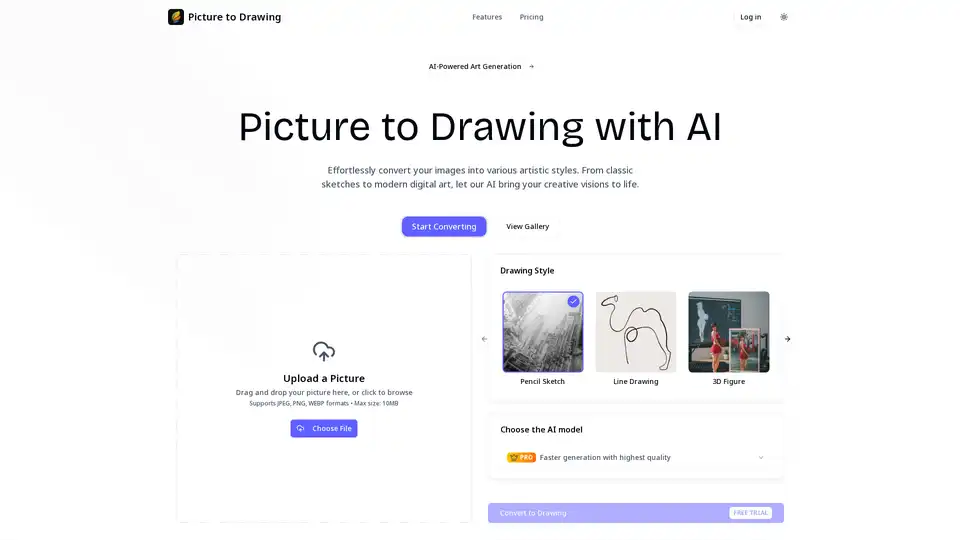
Overview of Picture to Drawing
What is Picture to Drawing?
Picture to Drawing is an AI-powered online tool that transforms ordinary photographs into stunning artistic drawings. Using advanced artificial intelligence algorithms, this platform converts your images into various artistic styles including pencil sketches, line drawings, watercolor paintings, and more. The service is designed to be accessible to everyone, from professional artists to casual users looking to add creative flair to their photos.
How Does Picture to Drawing Work?
The platform operates through a sophisticated three-step process that makes digital art creation accessible to users of all skill levels:
1. Image Upload
Users simply drag and drop their photos or click to select files from their devices. The platform supports multiple image formats including JPEG, PNG, and WEBP, with a maximum file size of 10MB.
2. Style Selection
Users can choose from a diverse range of artistic styles:
- Pencil Sketch: Traditional monochromatic style with graphite strokes and detailed cross-hatching
- Line Drawing: Minimalist approach using clean, continuous lines without shading
- 3D Figure: Digital sculpting with realistic dimensional forms and sophisticated lighting
- Cubism: Geometric shapes and fragmented forms inspired by the revolutionary art movement
- Impressionism: Loose brushwork and vibrant colors capturing natural light effects
- Watercolor Painting: Fluid technique with transparent pigments and soft color bleeding
- InkArt: Bold ink-based artistic expressions
- Fauvism: Vibrant and expressive color palette styles
3. AI Processing and Download
The platform offers two AI models:
- Basic Model: Free option for quick conversions
- Pro Model: Subscription-based model offering superior quality, faster generation, and professional-grade results
After processing, users can instantly download high-resolution artwork suitable for sharing, printing, or professional use.
Key Features and Benefits
Dual AI Model System
Picture to Drawing stands out with its dual-model approach. The Basic model provides quick, accessible conversions for casual users, while the Pro model delivers enhanced quality and speed for professional requirements.
Unlimited Free Conversions
New users receive a free trial, and registered users enjoy unlimited free conversions with the Basic model, making digital art creation accessible to everyone.
High-Quality Output
All generated drawings maintain high resolution quality, ensuring that the final artwork is suitable for various applications including professional use, printing, and digital sharing.
User-Friendly Interface
The platform features an intuitive drag-and-drop interface that requires no technical expertise, making it easy for anyone to create artistic transformations.
Who Uses Picture to Drawing?
Professional Artists and Designers
Artists utilize the tool for creating reference sketches, exploring different styles, and accelerating their creative workflows with instant conversions.
Social Media Content Creators
Content creators transform their photos into unique, eye-catching posts that stand out with artistic effects, enhancing their social media presence.
Educational Professionals
Teachers and students use the technology for art projects, educational materials, and understanding different drawing techniques through practical examples.
Marketing and Business Professionals
Marketers leverage the tool to create distinctive visual content, branded illustrations, and artistic advertisements that capture audience attention.
Personal Users
Individuals enjoy converting family photos and personal memories into personalized artwork and unique gifts, preserving memories in artistic forms.
Businesses and Entrepreneurs
Companies integrate the solution into their workflows for product visualization, creative presentations, and enhanced brand storytelling.
Practical Applications and Use Cases
- Social Media Enhancement: Create unique profile pictures and engaging content
- Artistic Portfolio Development: Generate diverse art styles for creative portfolios
- Educational Materials: Develop visual aids and teaching resources
- Marketing Collateral: Produce eye-catching advertisements and promotional materials
- Personal Gifts: Transform personal photos into custom artwork for special occasions
- Product Visualization: Create artistic representations of products for e-commerce
Technical Specifications
- Supported Formats: JPEG, PNG, WEBP
- Maximum File Size: 10MB
- Processing Time: Seconds for most conversions
- Output Quality: High-resolution downloadable files
- Access Requirements: Free trial available, registration for unlimited use
Why Choose Picture to Drawing?
Picture to Drawing distinguishes itself through its combination of advanced AI technology, diverse style options, and user-friendly accessibility. The platform's commitment to providing unlimited free conversions with the Basic model makes professional-quality artistic transformations available to everyone, regardless of technical skill or budget constraints.
The tool's ability to instantly transform ordinary photos into multiple artistic styles positions it as an invaluable resource for creative professionals, content creators, and casual users alike. With its seamless integration of cutting-edge AI and artistic expression, Picture to Drawing represents the future of accessible digital art creation.
AI Generated Art Image Enhancement and Repair Image Style Transfer AI Background Removal and Replacement AI Avatar and Cartoonization 3D Modeling and Rendering Logo and UI Design
Best Alternative Tools to "Picture to Drawing"
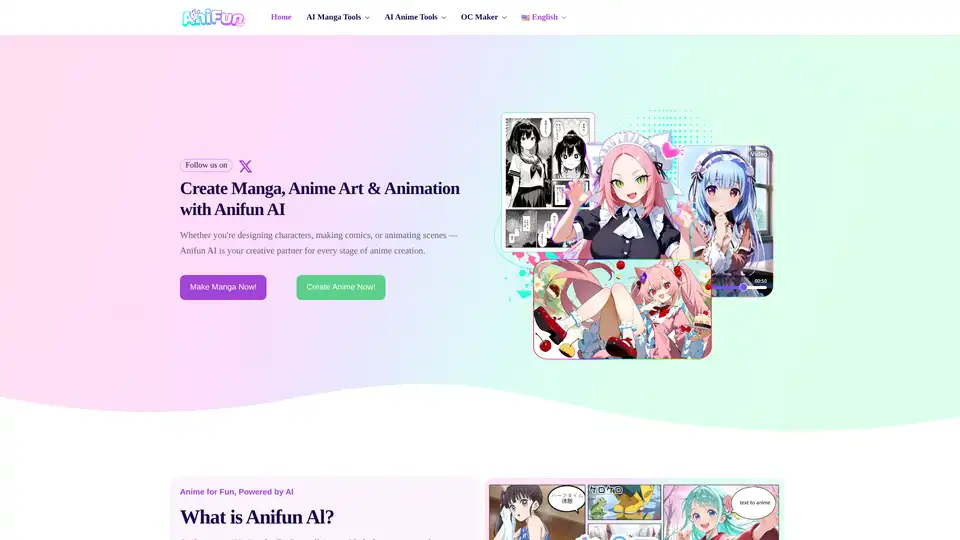
Anifun AI is the leading AI anime creation platform to create high-quality anime art, manga, and videos effortlessly with powerful free AI tools for character design, story generation, and more.
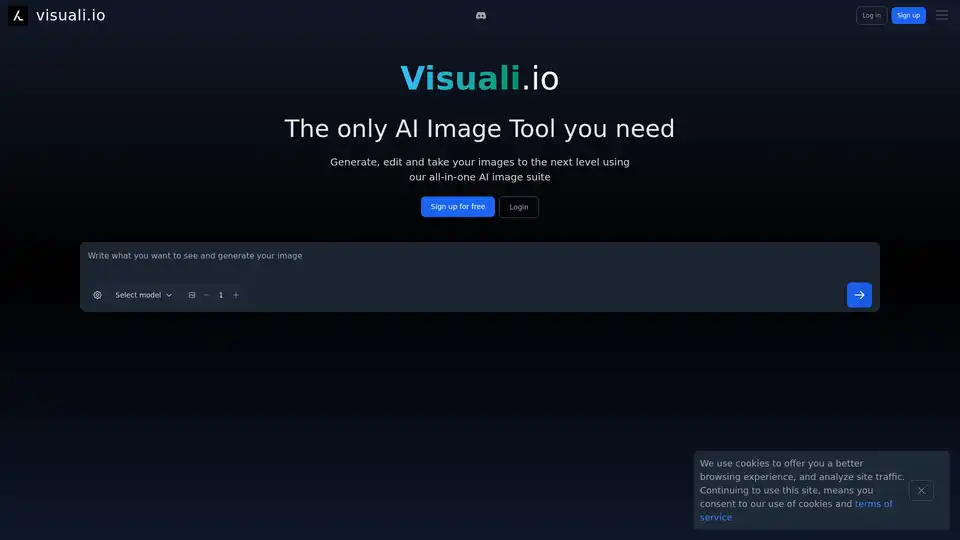
Visuali.io is an all-in-one AI image suite that allows users to generate, edit, and enhance images online. It offers features like AI image generation, inpainting, outpainting, and sketch-to-image conversion on an infinite canvas.
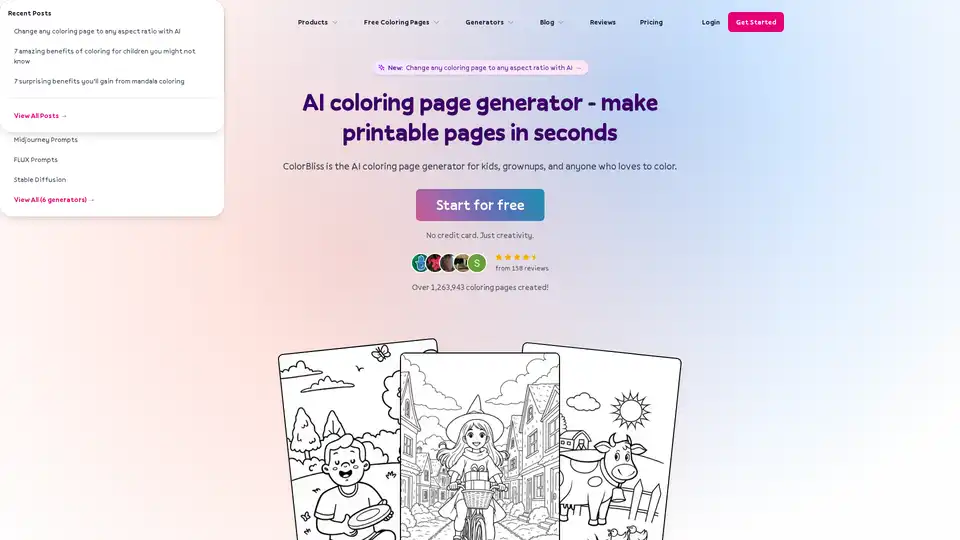
ColorBliss is an AI coloring page generator that lets you create custom coloring pages from text prompts, photos, or drawings. Perfect for parents, teachers, and anyone who loves to color.
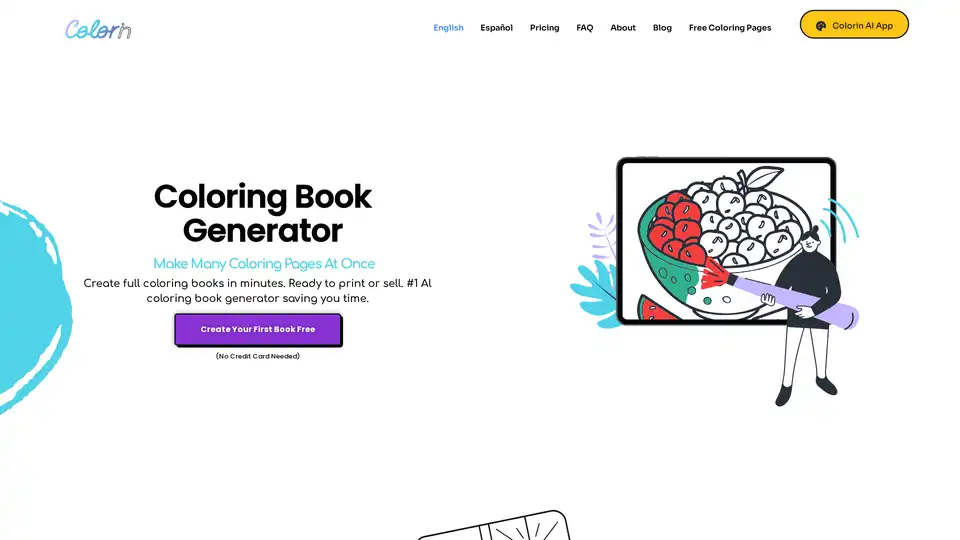
Colorin AI is an AI-powered coloring book generator that allows users to quickly create unique coloring pages and books. It offers various styles, editing tools, and print-ready PDF output, suitable for hobbyists, teachers, and entrepreneurs.