
Photolapse
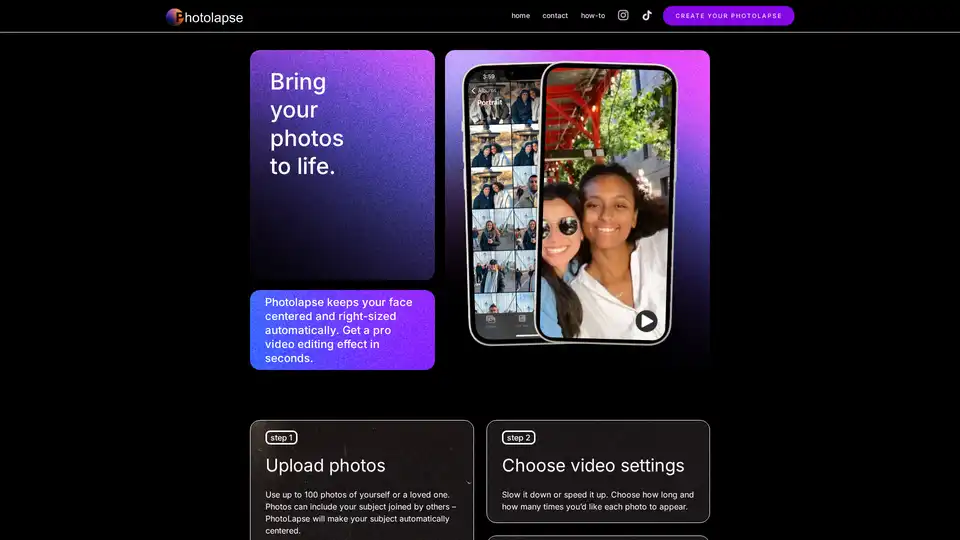
Overview of Photolapse
Photolapse: Create Stunning AI Face Timelapse Videos Effortlessly
What is Photolapse?
Photolapse is an innovative online video editing tool that leverages the power of AI to create captivating face aging timelapse videos. Inspired by visual storytellers who use high-end software for professional video effects, Photolapse makes the mesmerizing "flashcut" effect accessible to everyone. No more mastering expensive editing software – Photolapse simplifies the process, allowing you to create impressive videos in seconds.
How does Photolapse work?
Photolapse uses face-detection AI to keep your subject's face centered and properly sized throughout the video. Here's how it works:
- Upload Photos: Upload up to 100 photos of yourself or a loved one. The photos can include other people – Photolapse will automatically center the subject's face.
- Choose Video Settings: Adjust the video speed by choosing how long each photo appears and how many times each photo is repeated.
- Free Preview and Download: Preview your video and download it without a watermark for $5.99.
Why is Photolapse important?
Photolapse is important because it democratizes access to professional-quality video editing effects. It allows anyone, regardless of their technical skills, to create engaging and visually appealing content. This is especially valuable for social media creators, marketers, and anyone who wants to share their story in a unique and captivating way.
Key Features of Photolapse
- AI-Powered Face Detection: Automatically centers the subject's face in the video.
- Easy-to-Use Interface: Simple three-step process for creating videos.
- Customizable Settings: Adjust video speed and photo duration.
- Quick Processing: Creates professional video effects in seconds.
- Affordable Download: Download videos without a watermark for a reasonable price.
Who is Photolapse for?
Photolapse is ideal for:
- Social Media Creators: Create eye-catching content for TikTok, Instagram, and other platforms.
- Marketers: Produce engaging video ads and promotional materials.
- Families: Create unique gifts and keepsakes.
- Anyone who wants to create captivating face aging timelapse videos
Use cases:
- Creating a time lapse of a child growing up
- Creating a flashcut video for tiktok or instagram
- Creating a funny way to show friends a before and after
How to use Photolapse?
- Go to Photolapse website
- Upload your pictures
- Click create photolapse button
Best way to create a face aging timelapse video?
Photolapse offers the best way to create a face aging timelapse video. It is very easy to use, is low cost, and uses AI to automatically center faces.
Photolapse is a game-changer for anyone looking to create professional-quality face aging timelapse videos without the hassle of complex and expensive software. Give it a try and bring your photos to life!
AI Video Generation AI Video Editing AI Motion Capture and Animation AI Virtual Human and Digital Avatar 3D Video Generation
Best Alternative Tools to "Photolapse"
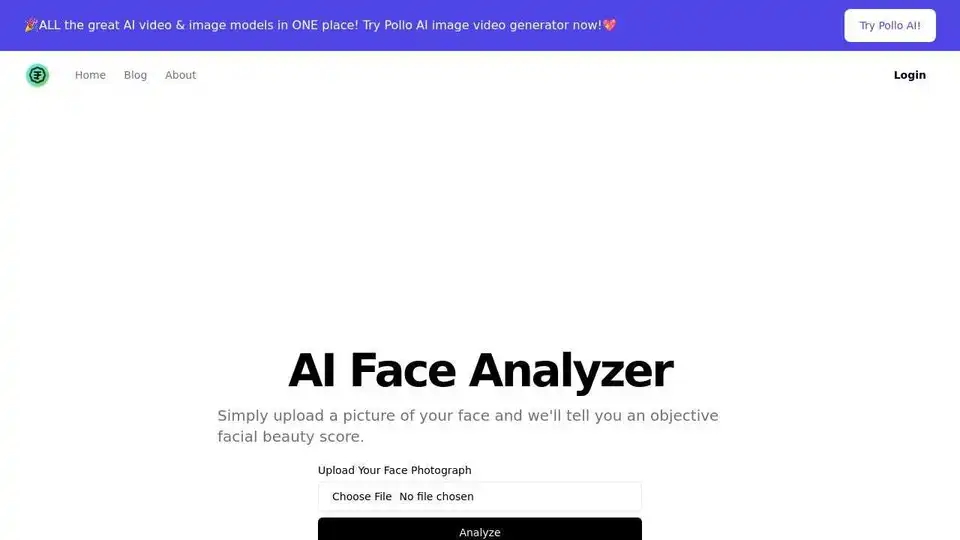
Upload your photo to AI Face Analyzer and get an objective beauty score based on symmetry, proportionality, and clarity. Discover your radiant potential!
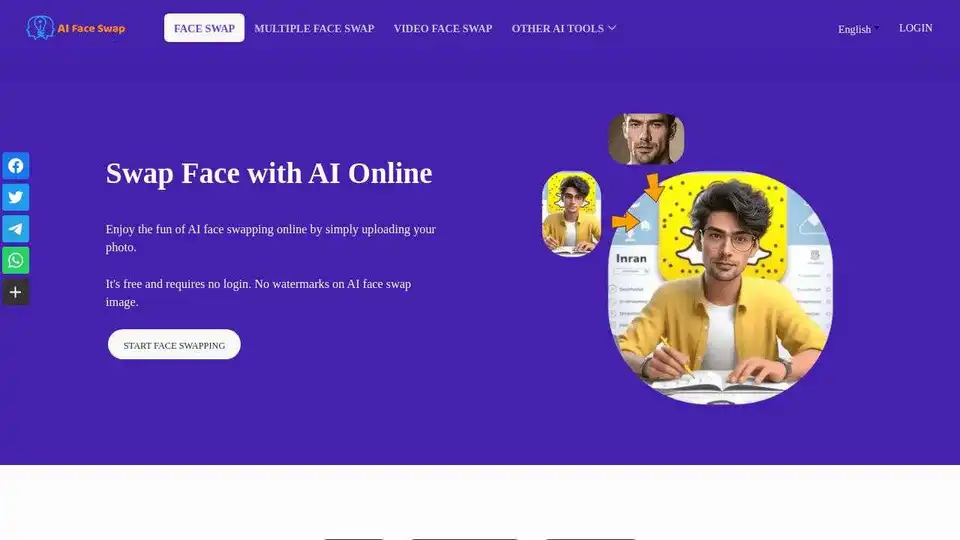
Instantly swap faces with AI Face Swap online for free. Enjoy the fun of face swapping in photos with no login required. 100% free, no watermark.
Beauty AI is a free online face swap tool that uses artificial intelligence to seamlessly swap faces in photos and videos. Perfect for creating memes, social media content, and entertainment purposes with realistic results.

DeepFaceSwap.AI is an AI-powered online face swapper with no watermarks. It also offers AI avatar creation and an AI companion.