
PhotoGrid
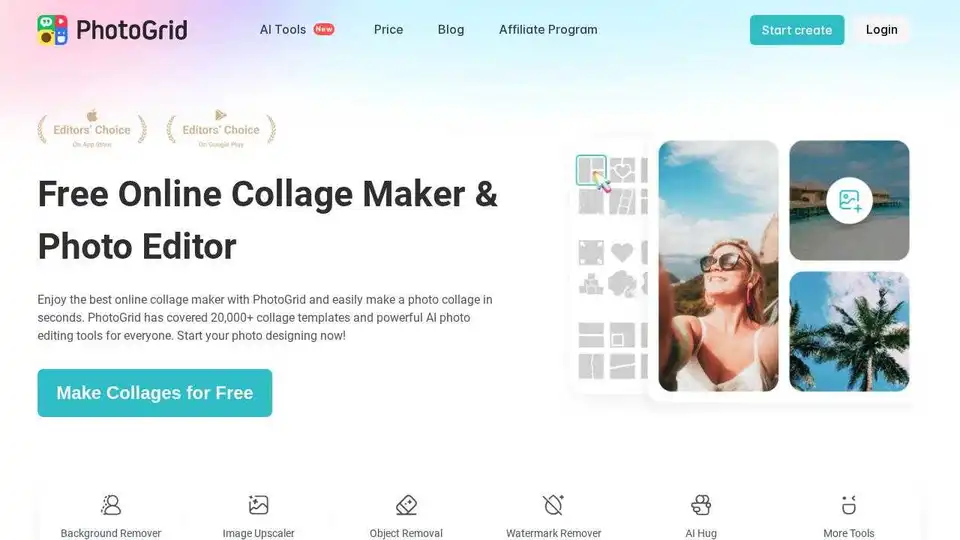
Overview of PhotoGrid
PhotoGrid: Your Free Online Collage Maker & AI Photo Editor
What is PhotoGrid? PhotoGrid is a versatile online platform that allows users to create stunning photo collages and edit photos with ease. Offering a vast library of templates and powerful AI-driven tools, PhotoGrid empowers both beginners and professionals to enhance their images and create captivating visuals.
How does PhotoGrid work? PhotoGrid combines a user-friendly interface with advanced AI capabilities to simplify the photo editing process. Users can:
- Create Collages: Choose from 20,000+ collage templates to quickly combine multiple images.
- Edit Photos: Utilize a comprehensive photo editor to crop, resize, adjust brightness, and add creative elements like stickers, text, and effects.
- AI-Powered Enhancements: Leverage AI tools for tasks like background removal, object removal, image upscaling, and AI filter application.
Key Features
- Extensive Template Library: Access over 20,000 collage layouts and templates for various occasions, including holidays, birthdays, and e-commerce.
- AI Photo Editing Tools:
- AI Image Generation: Generate unique images and videos with AI.
- Background Remover: Automatically remove image backgrounds with one click.
- Object Removal: Effortlessly remove unwanted objects from photos.
- Image Upscaler: Enhance image resolution and clarity.
- AI Filters: Explore 75+ creative AI filters, including Disney characters, yearbook styles, and art painting effects.
- AI Expand: Extend image boundaries and add interesting elements.
- AI Headshot: Generate professional AI headshots for business profiles.
- Rich Design Resources: Enhance photos with 10,000+ stickers, backgrounds, and text effects.
Why is PhotoGrid important?
PhotoGrid simplifies photo editing and collage creation, making it accessible to everyone. Its AI-powered tools streamline complex tasks, saving time and effort. Whether you're creating social media content, designing business cards, or preserving memories, PhotoGrid provides the tools you need to create visually appealing content.
How to use PhotoGrid?
- Visit the PhotoGrid website.
- Select a collage template or upload your own photos.
- Use the photo editor to adjust images, add effects, and incorporate design resources.
- Utilize AI tools to enhance images and remove unwanted elements.
- Save and share your creations.
Where can I use PhotoGrid?
- Social Media: Create eye-catching posts for platforms like Instagram, Facebook, and TikTok.
- Business: Design marketing materials, business cards, and product showcases.
- Personal Projects: Create photo collages, scrapbooks, and personalized gifts.
Trusted by Millions
- 20M+ creative collages and edits every month
- 100M+ total downloads
- 25M+ customers
- 30M+ 5-star reviews
PhotoGrid is more than just a photo editor; it's a comprehensive design tool that empowers users to create stunning visuals with ease. Its AI-powered features and extensive template library make it a valuable resource for anyone looking to enhance their photos and create compelling content. Start creating today and discover the power of PhotoGrid!
AI Generated Art Image Enhancement and Repair Image Style Transfer AI Background Removal and Replacement AI Avatar and Cartoonization 3D Modeling and Rendering Logo and UI Design
Best Alternative Tools to "PhotoGrid"
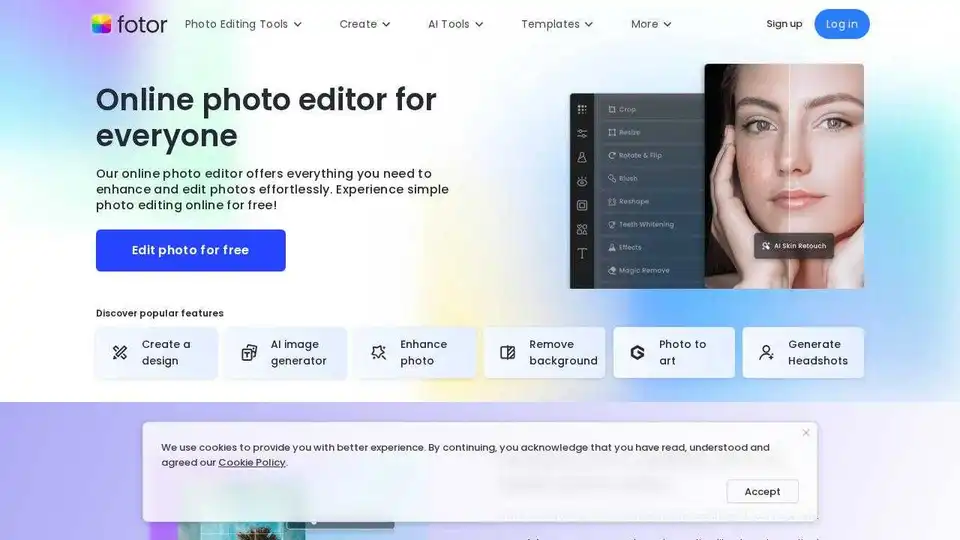
Enhance and edit photos with Fotor’s free online photo editor. Crop, add text & effects, retouch images, and more using powerful photo editing and AI tools.
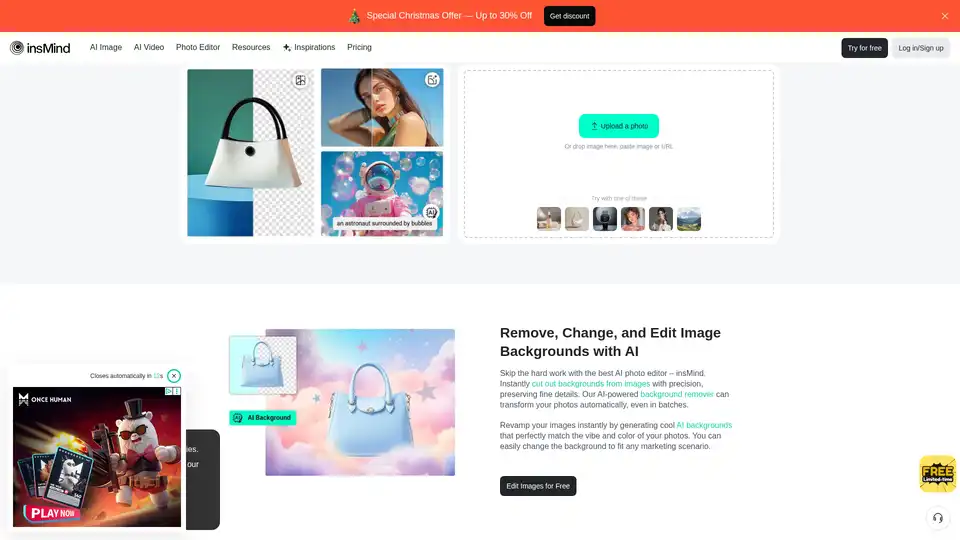
insMind is an AI-powered online photo editor with 30+ AI features for image enhancement, background removal, AI image generation, and more. Streamline your workflow across e-commerce, social media, and photography.
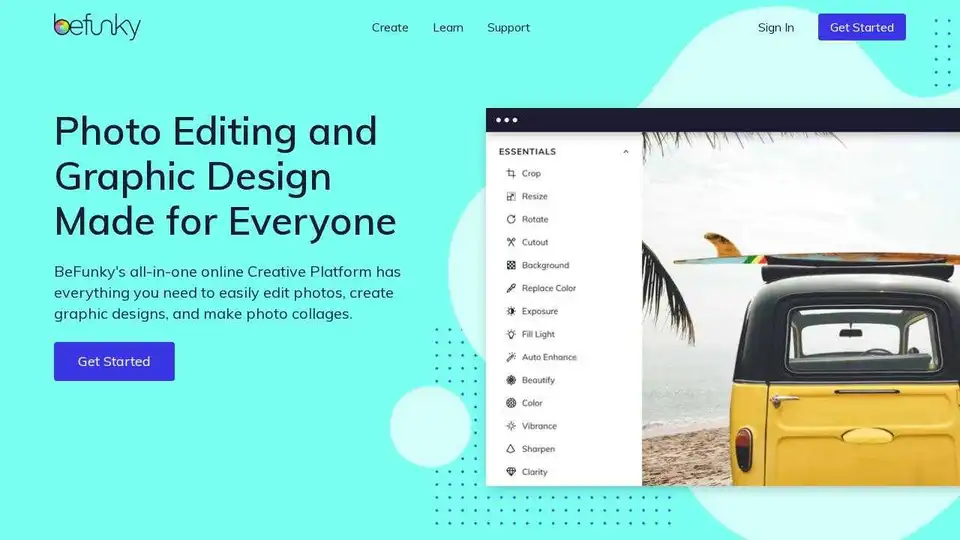
BeFunky is an all-in-one online platform for photo editing, collage making, and graphic design. Easily enhance photos, create stunning collages, and design custom graphics with user-friendly tools.
Photoleap is a creative & powerful AI photo editor app by Lightricks for amazing creations on your iPhone. Change backgrounds, remove objects, create collages, apply filters & effects. Try a 7-day free trial now.