
PhotoApp
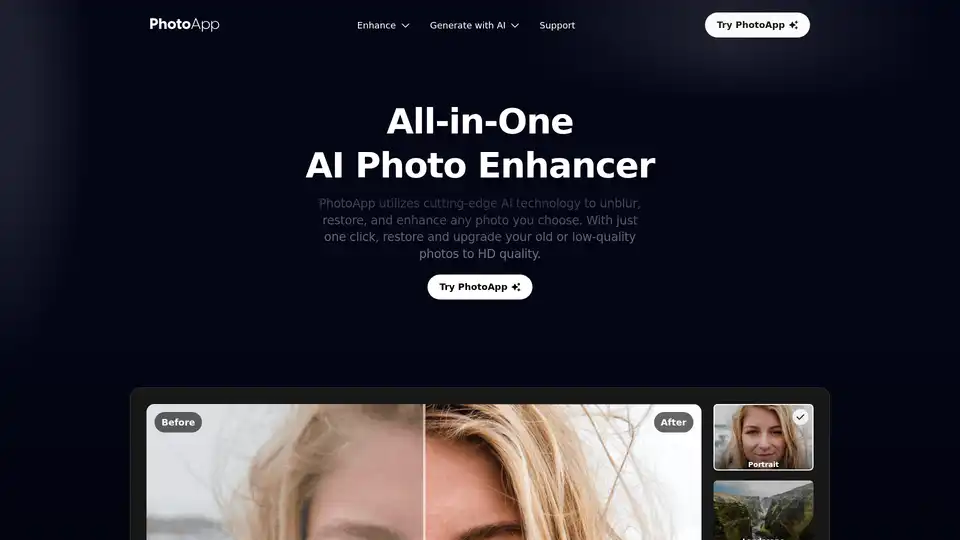
Overview of PhotoApp
PhotoApp: The All-In-One AI Photo Enhancer
What is PhotoApp?
PhotoApp is a cutting-edge AI photo editor designed to enhance, restore, and generate high-quality images. Available as a mobile app on both iOS and Android, PhotoApp makes it easy to improve your photos and videos anytime, anywhere. It leverages state-of-the-art artificial intelligence technology to elevate any visual to a higher quality version.
Key Features of PhotoApp:
- AI Photo Enhancement: Unblur, restore, and enhance any photo with just one click.
- AI Photos Generation: Generate lifelike, professional-quality photos of yourself using the power of AI.
- Mobile App Accessibility: Enhance photos and videos on the go with the iOS and Android app.
- Image Enlargement: Enlarge images up to 2x without compromising quality.
- Old Photo Restoration: Revive blurred, faded, and damaged photos to their original clarity.
- Noise Reduction: Eliminate grain and noise to create clear and sharp images.
- Face Enhancement: Improve facial details for natural and authentic portraits.
- Color Correction: Enrich tones and produce vivid, natural colors.
- Low-Quality Enhancement: Transform low-quality visuals into breathtaking HD images.
How does PhotoApp work?
PhotoApp employs advanced AI algorithms to analyze and enhance various aspects of your photos:
- Unblurring and Sharpening: The AI identifies and corrects blurry areas, sharpening details to make the image clearer.
- Restoration: For old or damaged photos, the AI fills in missing details, removes scratches, and corrects color fading.
- Enhancement: The AI adjusts colors, tones, and details to optimize the overall look of the photo.
- AI Generation: By analyzing your photos, the AI can generate new, professional-quality images of yourself.
How to use PhotoApp?
- Download and Install: Get the PhotoApp mobile app from the iOS App Store or Google Play Store.
- Upload Your Photo: Select the photo or video you want to enhance.
- Choose Enhancement Option: Select from options like "Enhance," "Restore," or "AI Photos."
- One-Click Enhancement: Let PhotoApp's AI do the work with a single tap.
- Save and Share: Save the enhanced photo or video to your device and share it on social media.
Why choose PhotoApp?
- All-in-One Solution: Combines multiple photo editing tools into a single, easy-to-use app.
- AI-Powered: Leverages cutting-edge AI technology for superior results.
- Mobile Convenience: Enhance photos and videos anytime, anywhere.
- Quick and Easy: Delivers impressive results with just one click.
- Versatile Use Cases: Ideal for social media, e-commerce, print, and more.
Who is PhotoApp for?
PhotoApp is perfect for:
- Social Media Users: Elevate your social media posts with high-quality visuals.
- E-commerce Businesses: Enhance product images to drive higher sales.
- Educators: Develop engaging learning materials with high-quality visuals.
- Photographers: Quickly enhance and restore photos on the go.
- Anyone with Old Photos: Revive and restore cherished memories.
PhotoApp Use Cases:
- Social Media: Transform your content into high-quality images that engage your community.
- Printed Images: Elevate and improve the quality of low-resolution images for stunning large-format prints.
- E-commerce: Elevate the quality of your product images to drive higher e-commerce sales.
- Learning Content: Develop educational materials that will grab students' attention and enhance the learning experience.
- Magazine Pictures: Produce crisp, high-resolution photographs that will make your articles stand out.
Customer Feedback:
People across the planet love using PhotoApp to transform their visual content. It’s fast, it’s easy, and it delivers a “Wow, that’s amazing!” result with every single enhancement.
Conclusion:
PhotoApp is an innovative AI photo editor that provides a range of powerful features to enhance, restore, and generate high-quality images. With its user-friendly interface and mobile accessibility, PhotoApp is the perfect tool for anyone looking to elevate their visual content.
AI Generated Art Image Enhancement and Repair Image Style Transfer AI Background Removal and Replacement AI Avatar and Cartoonization 3D Modeling and Rendering Logo and UI Design
Best Alternative Tools to "PhotoApp"
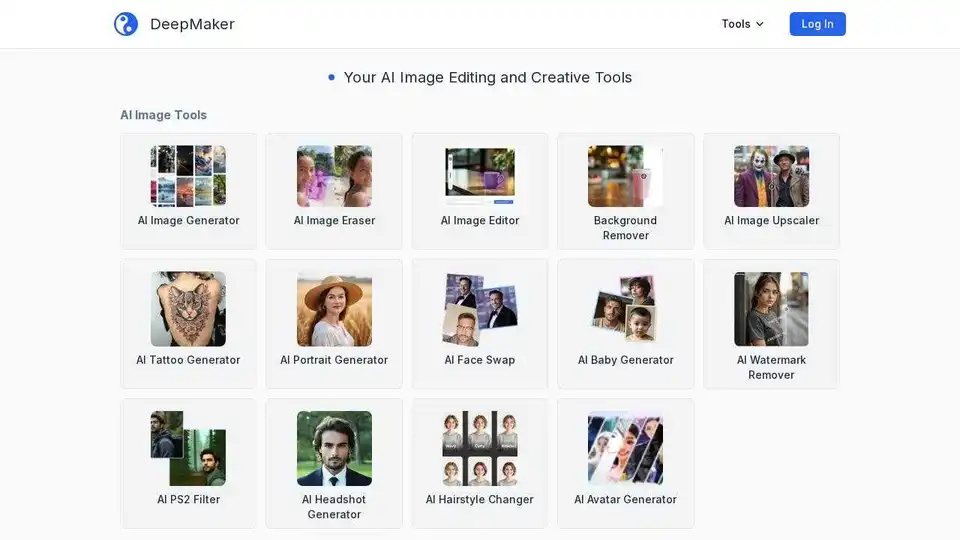
DeepMaker offers advanced AI image tools: background remover, image enhancer, object eraser, image editor, image generator, avatar creator, face swapper, and more. Pay as you go, no subscription required.
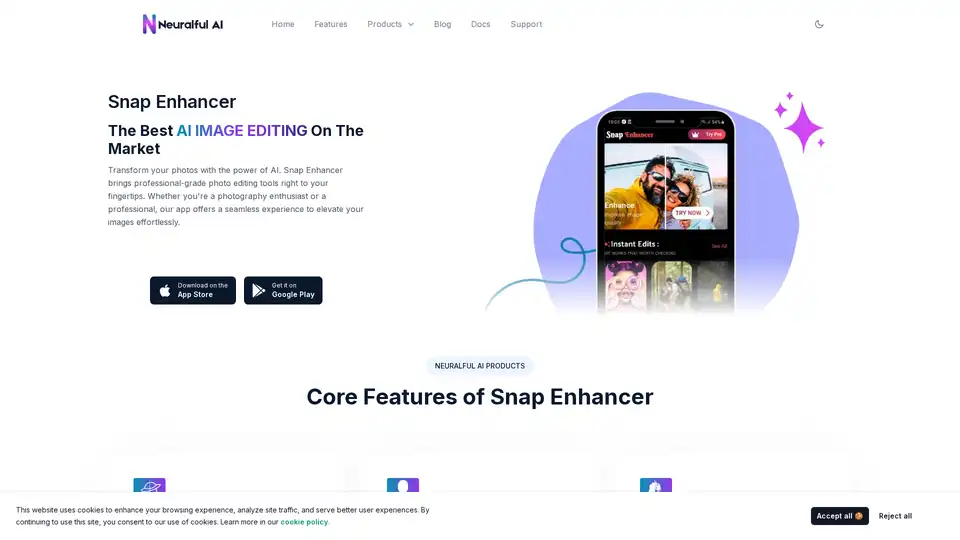
Transform your photos with Snap Enhancer's AI-powered tools for portraits, background changes, cartoonization, and more. Elevate your images effortlessly.
Nero AI is a top online tool brand offering AI image upscaling, photo colorization, restoration, and AI-generated avatars. Free to use on web and mobile. Enhance your images with AI.
ImageGPT is an all-in-one AI platform for image generation, editing, and enhancement using models like Flux AI, GPT-4o, and Stable Diffusion. Features include text-to-image, unblurring, face swaps, and more for professional results.