
Paxo
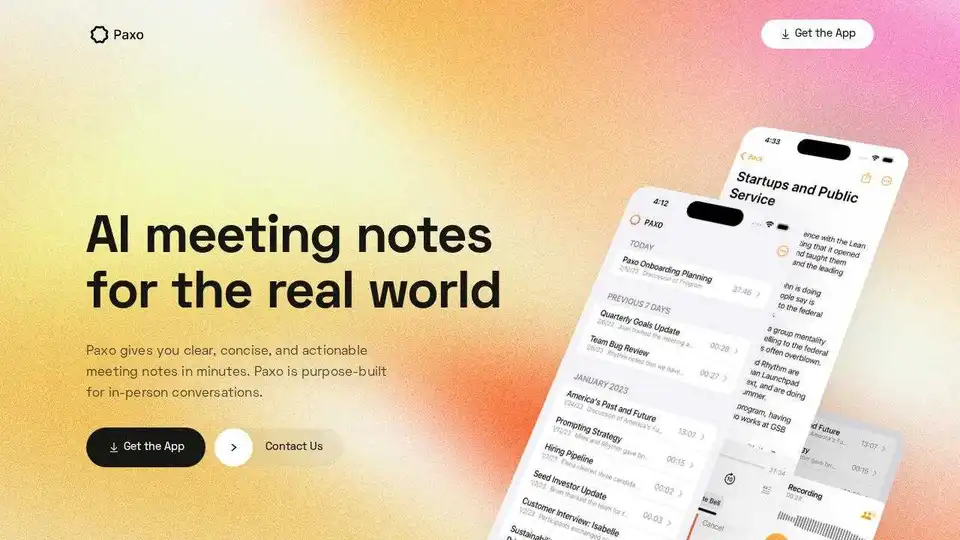
Overview of Paxo
Paxo: AI Meeting Notes for the Real World
What is Paxo? Paxo is an AI-powered iOS application designed to provide clear, concise, and actionable meeting notes in minutes. It's specifically built for in-person conversations, ensuring you never miss key decisions or action items.
How does Paxo work?
Paxo utilizes advanced voice identification technology to determine who said what during meetings. Simply hit record, and Paxo handles the rest. After a meeting, you can conveniently assign speakers using your contacts. The application learns the voices of your team members, recommending speaker assignments for future recordings.
Key Features and Benefits:
- Automatic Meeting Notes: Never miss a beat with automatic meeting notes.
- Voice Identification: Paxo accurately identifies speakers, making note-taking more efficient.
- Privacy-First Architecture: Recordings are stored on your device, not in the cloud, ensuring confidentiality. Recordings are deleted from Paxo's servers once processing is complete.
- Accessibility: Paxo is an app that can be used anywhere, whether in face-to-face meetings or Zoom calls.
- Easy Import and Export: Avoid lock-in with simple import and export options for your notes and recordings.
- iCloud Sync: Paxo syncs recordings across all your devices using iCloud, ensuring data safety.
- Organization and Search: Recordings are organized and searchable, preventing repetitive conversations.
- Integration: Easily import and export Paxo data to and from apps like Notion, Obsidian, and Google Docs.
- Constant Improvement: Paxo is continually updated with new features and improvements.
- Unconditional Support: The Paxo team offers support via text message for any issues.
Why is Paxo important?
Paxo helps you stay organized and on top of your game. It eliminates messy handwriting, misheard words, and forgotten action items. Its privacy-focused design ensures that your sensitive meeting information remains confidential.
Where can I use Paxo?
Paxo can be used in various meeting scenarios, including face-to-face meetings, Zoom calls (just leave Paxo on your desk), and even on-the-go conversations.
How to get started with Paxo?
Download Paxo today for iOS and start capturing your meetings efficiently. Paxo puts privacy first, minimizing access to your personal information.
Paxo's Commitment to Privacy
Paxo's architecture is designed for privacy. It stores your recordings on your device, not in the cloud, and deletes them from its servers after processing. This ensures your meetings remain confidential and secure.
Integration with Other Apps
Paxo offers seamless integration with popular productivity tools like Notion, Obsidian, and Google Docs, making it easy to share and manage your meeting notes.
Benefits of Using Paxo:
- Improved meeting productivity
- Reduced note-taking effort
- Enhanced organization and searchability
- Increased data privacy
Conclusion:
Paxo is a powerful AI meeting note-taking app that provides numerous benefits for users. With its advanced features, privacy-focused design, and seamless integration with other apps, Paxo can help you stay organized, improve meeting productivity, and protect your sensitive meeting information. Download Paxo today and transform the way you take meeting notes.
AI Task and Project Management AI Document Summarization and Reading AI Smart Search AI Data Analysis Automated Workflow
Best Alternative Tools to "Paxo"
Speech to Note converts your spoken words or voice notes into accurate, shareable speech to text notes in seconds. Fast, reliable, and hands-free note-taking with AI-powered transcription.
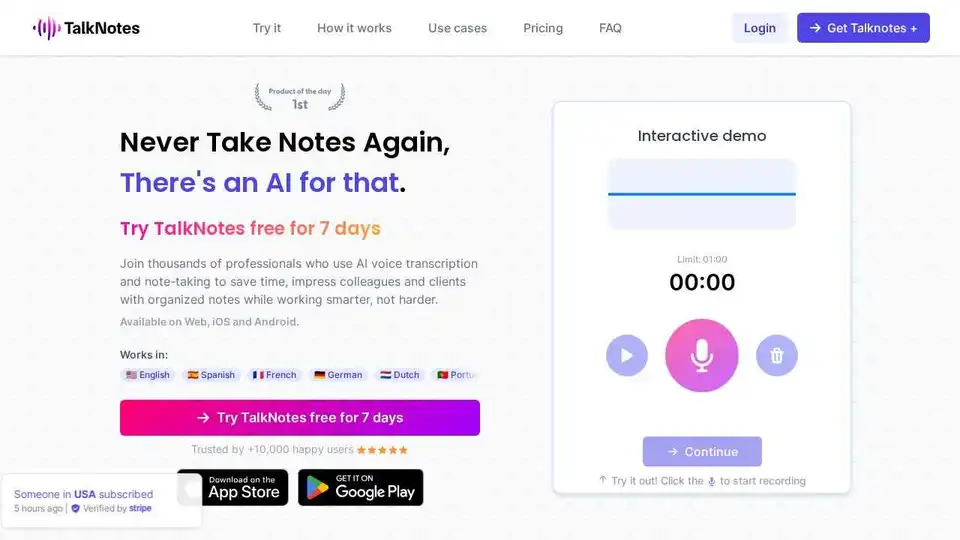
Talknotes is an AI voice note app that transcribes and structures voice notes into actionable text. Create task lists, transcripts, blog posts in seconds. Available on Web, iOS, and Android.
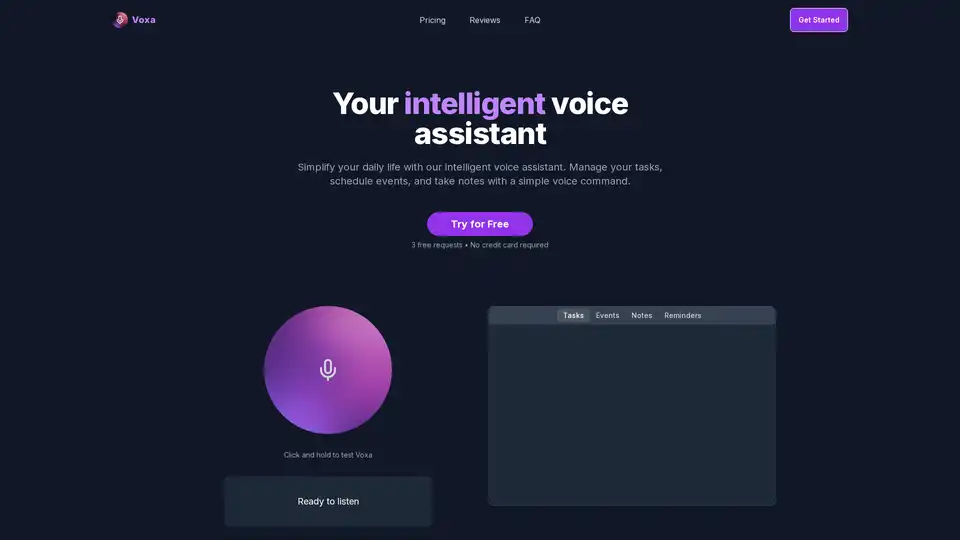
Voxa is an AI-powered voice assistant that integrates with Google Tasks, Calendar, and Notion to streamline task management, event planning, and note-taking, boosting daily productivity with simple voice commands.

Origlio is an AI-powered audio message transcription service for WhatsApp and Telegram. Transcribe voice messages to text quickly and easily. Perfect for when you can't listen!