
PaletteMaker
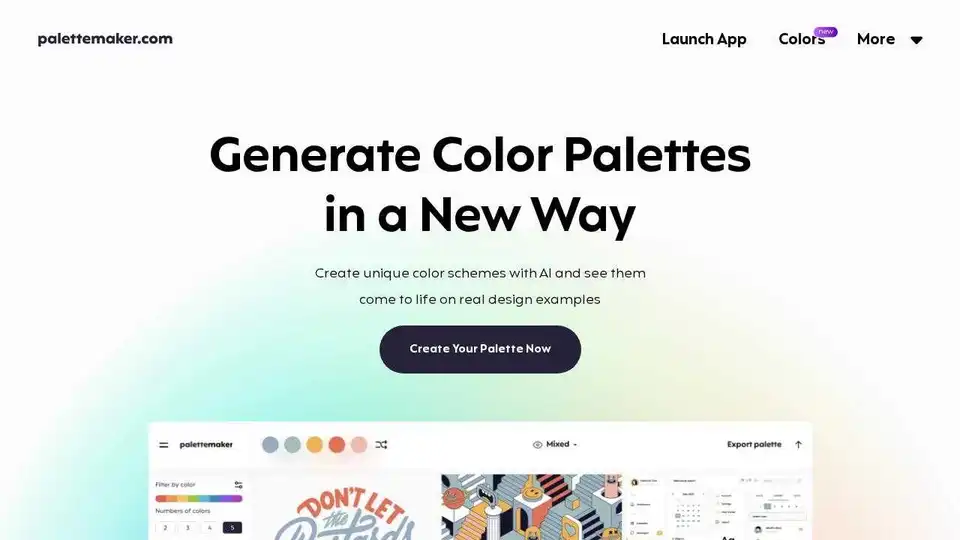
Overview of PaletteMaker
PaletteMaker: Unleash Your Creativity with AI-Powered Color Palettes
What is PaletteMaker?
PaletteMaker is a free and unique AI-powered color palette generator designed for creative professionals and color enthusiasts. It allows users to create unique color schemes and preview them in real-world design examples across various creative fields.
How does PaletteMaker work?
PaletteMaker leverages AI to help you generate harmonious color palettes. It goes beyond simply generating colors by allowing you to see how these colors work together in practical design scenarios. The tool provides design examples from common creative fields, such as logo design, UI/UX, patterns, posters, illustrations, and more.
Key Features:
- AI Color Palettes: Filter palettes based on different color tones and the number of colors to find the perfect match for your project.
- Diverse Creative Fields: Preview your chosen color palettes on various design examples, including logos, UI designs, posters, and illustrations, ensuring they work across different mediums.
- Powerful Export: Export your palettes in multiple formats, including Procreate, Adobe ASE, image files, and even code snippets, making it easy to integrate them into your workflow.
- Totally Free: PaletteMaker is completely free to use and will remain so in the future, as it is created by professional designers for the creative community.
How to create a Color Palette in 10 seconds:
PaletteMaker provides a fast and intuitive way to create handcrafted color palettes:
- Launch the app.
- Explore generated palettes and refine them.
- Test color combinations on design examples.
- Export the palette in your preferred format.
Color Theory Basics:
PaletteMaker can help you understand the power of color theory. By understanding how different colors interact with each other, you can craft designs that are not only visually appealing but also more impactful and meaningful.
Use Cases:
- Logo Design: See how your colors translate into a brand identity.
- UI/UX Design: Ensure color consistency and accessibility in your user interfaces.
- Poster Design: Create eye-catching visuals that convey the right message.
- Illustrations: Bring your artwork to life with carefully selected color palettes.
Who is PaletteMaker for?
PaletteMaker is ideal for:
- Graphic designers: To streamline their color selection process and find inspiration.
- UI/UX designers: To ensure visual harmony and accessibility in their designs.
- Illustrators: To create vibrant and impactful artwork.
- Marketing professionals: To develop visually consistent branding materials.
- Anyone who loves color: To explore and experiment with different color combinations.
FAQ:
- How to use PaletteMaker? Simply launch the app and start exploring!
- Is it really free to use? Yes, PaletteMaker is completely free and always will be.
- Is it suitable for non-designers? Yes, its intuitive interface makes it easy for anyone to create beautiful color palettes.
- How to create color palette in PaletteMaker? Launch the app, browse color combinations and preview your palette on ready made design templates.
PaletteMaker empowers you to create beautiful and functional color palettes with ease. Whether you're a seasoned professional or just starting out, this AI-powered tool is an invaluable asset for your creative workflow. Create visually stunning designs with the perfect color palette using PaletteMaker. Try it today and see the difference it makes!
AI Generated Art Image Enhancement and Repair Image Style Transfer AI Background Removal and Replacement AI Avatar and Cartoonization 3D Modeling and Rendering Logo and UI Design
Best Alternative Tools to "PaletteMaker"
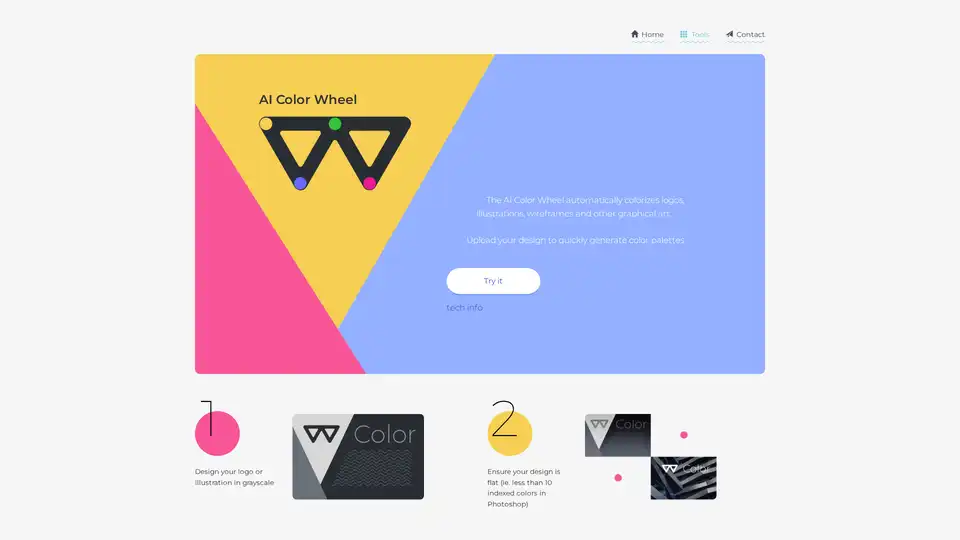
Quickly get color inspiration with our AI color palette generator.
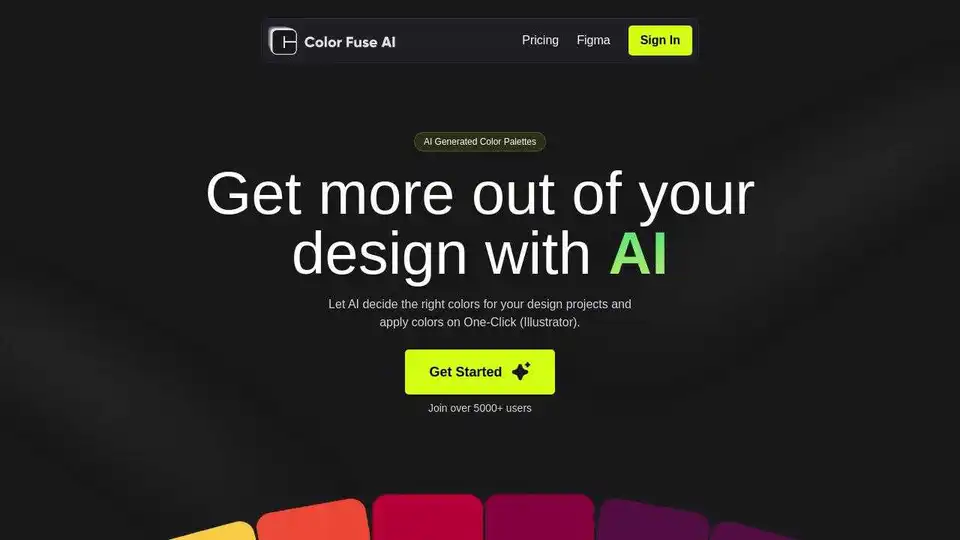
Generate stunning color palettes for your design projects with Color Fuse AI. Chat with AI and create the perfect color schemes effortlessly. Free and Pro plans available for web, Illustrator, Photoshop, and Figma.
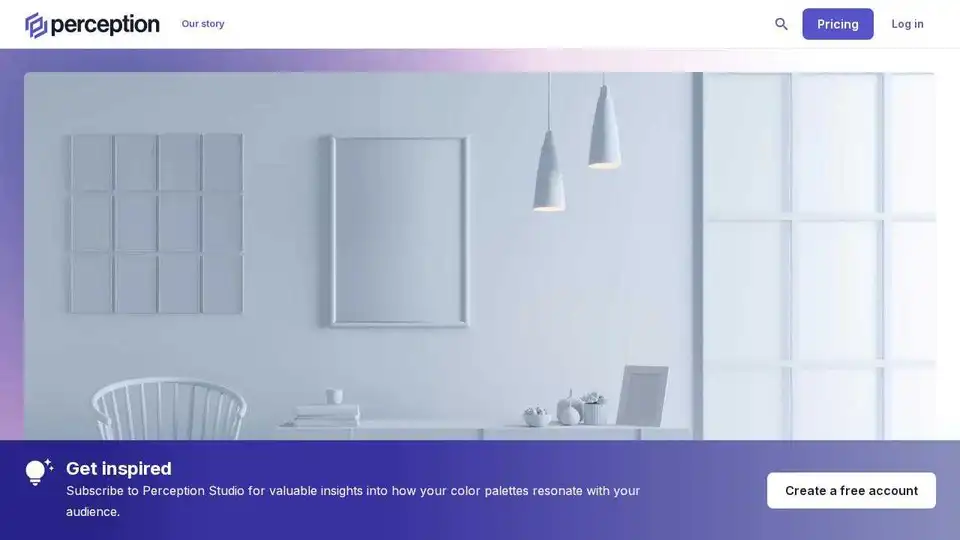
Perception is an AI-powered color palette generator for creative professionals. Build custom color schemes instantly with color psychology research and AI recommendations.

Khroma is the fastest way to discover, search, and save color combos and palettes you'll love. Discover a personalized AI-powered color tool for designers to find the perfect color scheme.