
OpenCat
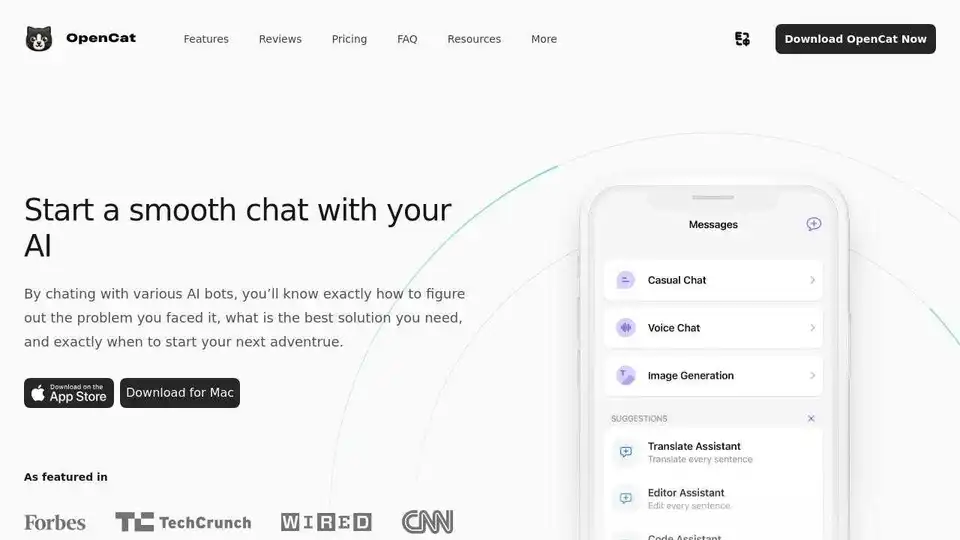
Overview of OpenCat
OpenCat: Your Native AI Chat Client
What is OpenCat? OpenCat is a native AI client designed for Mac, iOS, and iPad, offering a superior chat experience compared to web-based interfaces. It provides a smoother, faster, and more integrated way to interact with various AI bots.
Key Features:
- Voice Chat: Engage in voice conversations with AI bots for hands-free communication.
- Text to Image: Transform text into visually appealing images using advanced AI technology.
- Image Chat: Use images and emojis in chat for a more interactive experience.
- Translation: Translate text effortlessly between languages.
- Keyboard Input: Integrate AI into all your apps, including Messages, Notes, Mail, and more.
- Siri Integration: Access AI chat quickly through Siri Shortcuts.
- Markdown Rendering: Format your AI chats with bold text, italics, links, and more using Markdown.
- Prompt Library: Access a library of prompts to help you get started with AI chats.
- Multiple Models: Chat with different AI bots using various AI models.
How does OpenCat work?
OpenCat works by connecting you to various AI models and providing a seamless interface to interact with them. It leverages the native capabilities of macOS and iOS to offer features like keyboard extension, Siri integration, and iCloud sync.
Pricing:
OpenCat offers a free tier with basic features, as well as paid plans for more advanced functionality.
- OpenCat (Free): Includes prompt library, Markdown rendering, and multiple models.
- OpenCat Pro ($9.99/month): Adds keyboard extension, iCloud sync, Siri integration, text to speech, and team access.
- Cloud AI ($2.99/month or $19.99/year): Provides GPT access, voice chat, vision chat, text to image, and more.
Use Cases:
- Personal Assistant: Build your own AI assistant for various tasks.
- Learning and Development: Learn faster and become stronger with smart AI responses.
- Creative Content Generation: Transform text into visually appealing images.
- Multilingual Communication: Break down language barriers with effortless translation.
Why is OpenCat important?
OpenCat simplifies AI interaction by providing a native app experience with enhanced features and integrations. It enables users to seamlessly integrate AI into their daily workflows and unlock new levels of productivity.
How to Download:
You can download OpenCat for Mac directly from the website. For iOS and iPad, download it from the App Store by scanning the QR code provided on the website.
Customer Testimonials:
Thousands of users have discovered the fun of using OpenCat, making it an essential tool for both personal and professional use.
FAQ:
- Is OpenCat available for iOS and macOS? Yes, it's available for both.
- How secure is OpenCat? OpenCat uses advanced encryption techniques to protect your data.
- Can I use OpenCat for business purposes? Yes, it's suitable for both personal and business use.
- Is there a free trial for OpenCat Pro? Yes, a 3-day free trial is available for OpenCat Pro.
- What makes OpenCat different from other AI chat apps? Native integration with iOS and macOS, offering features like keyboard extension, Siri integration, and iCloud sync.
Conclusion:
OpenCat offers a streamlined and powerful way to integrate AI into your daily life. Whether you need a personal assistant, creative tool, or multilingual translator, OpenCat has you covered. Download OpenCat today and experience the future of AI chat.
AI Article Generation AI Text Polishing AI Writing Assistance Paper and Report Generation News and Blog Generation Email and Business Writing
Best Alternative Tools to "OpenCat"
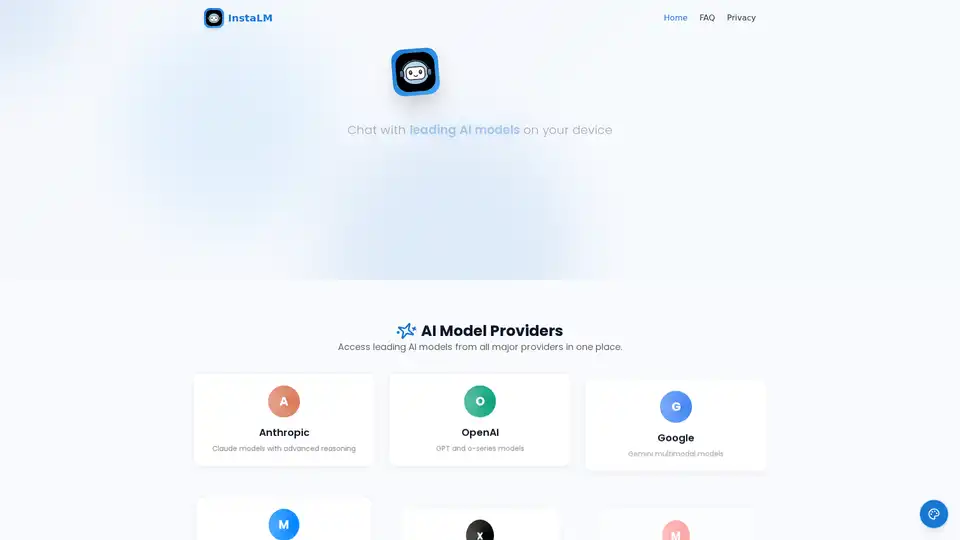
InstaLM: Chat with Claude, GPT, Gemini & more directly on your macOS & iOS device. Enjoy voice interaction, file attachments & custom assistants with a privacy-first design.
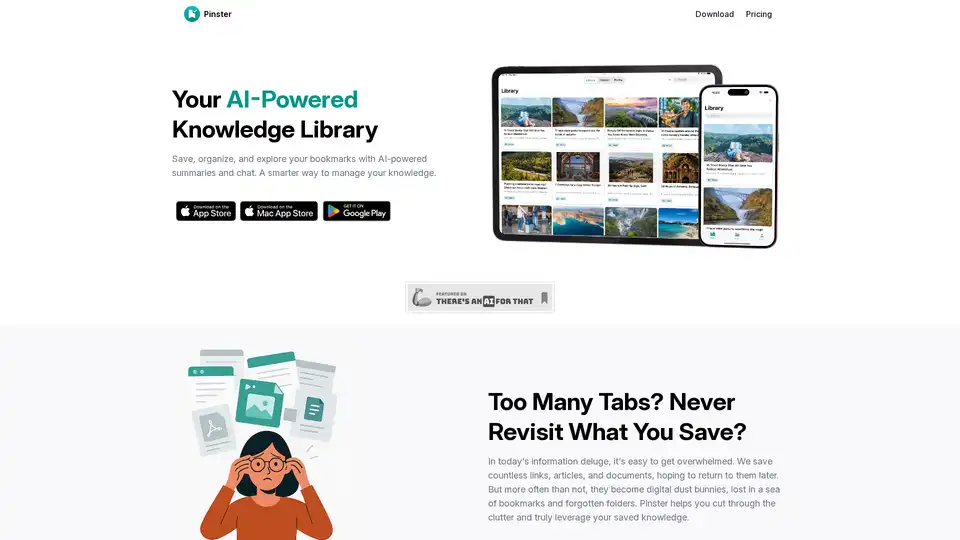
Pinster is an AI-powered knowledge manager for macOS and iOS that helps you save, organize, and explore bookmarks with AI summaries and chat. It transforms information chaos into clarity.
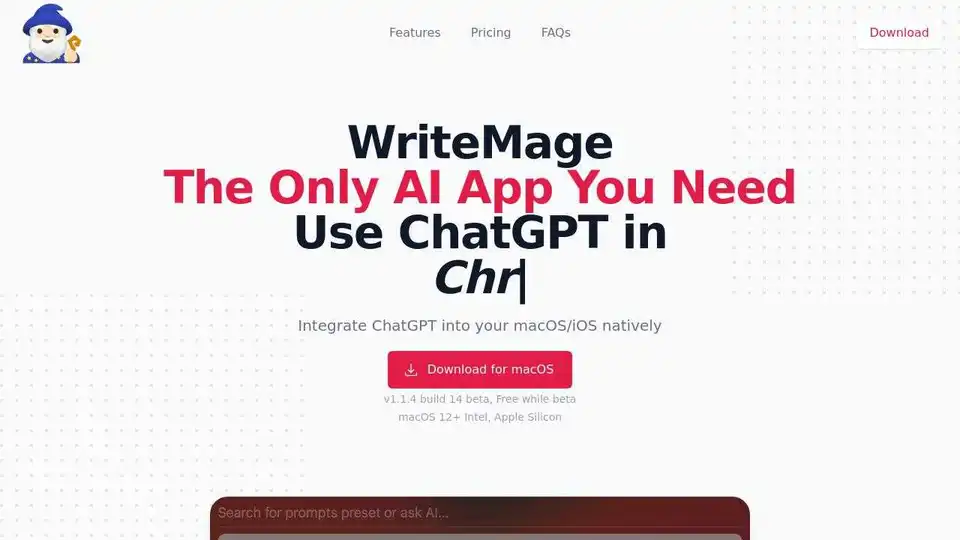
WriteMage integrates ChatGPT into macOS/iOS, boosting productivity in any app with context-aware AI.
Spellar AI - Bot-free macOS & iOS meeting assistant, supporting 100+ languages. Export to Notion, Google Docs, Linear, Jira & Confluence.