
Scene One
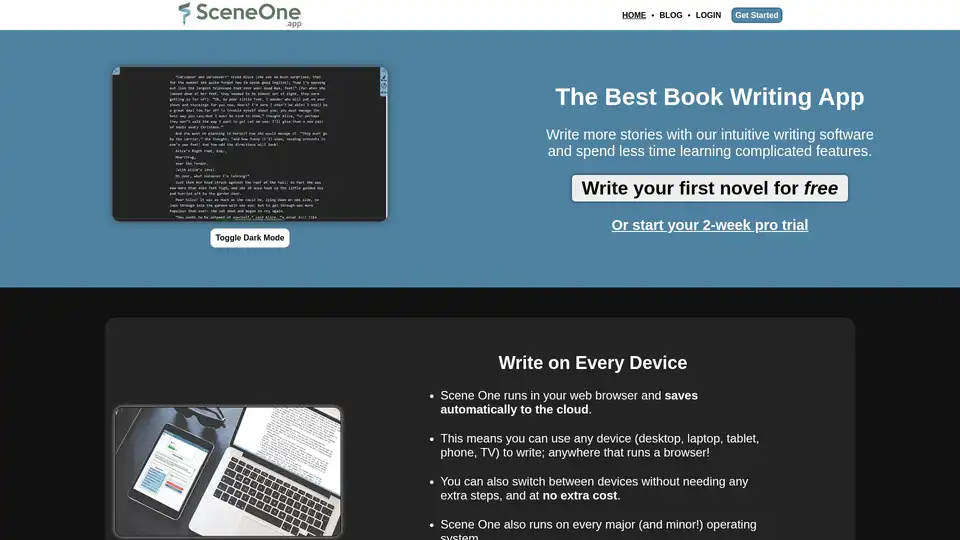
Overview of Scene One
Scene One: Your AI-Powered Book Writing Assistant
Scene One is an online book writing software designed to help authors write and organize their novels efficiently. It offers a user-friendly interface and several features that support the writing process on any device, including desktops, laptops, tablets, and phones.
What is Scene One?
Scene One is a web-based application that helps writers create and manage their manuscripts. It includes features for:
- Organizing scenes and chapters with drag-and-drop functionality.
- Tracking characters, locations, and items with a built-in wiki.
- Setting reminders and revisions.
- Exporting manuscripts to PDF and Word DocX formats.
- Planning your story with our beat sheet manager.
How to Use Scene One?
- Sign up for free: You can start writing your first novel for free or begin a 2-week pro trial.
- Write on any device: Scene One runs in your web browser, allowing you to write on desktops, laptops, tablets, and phones.
- Organize your manuscript: Write your stories as scenes, snippets, or chapters and organize them with drag-and-drop functionality.
- Track your characters: Build a wiki to track every character and item in your story.
- Keep Granular Reminders: Attach multiple notes and reminders to both individual scenes and to projects/manuscripts as a whole.
- Revise with Ease: The Revision Board conveniently lists every reminder by scene, and for the project as a whole.
Why is Scene One Important?
Scene One simplifies the writing process by providing a comprehensive set of tools in one platform. It eliminates the need for multiple applications to manage different aspects of writing, from outlining to revision.
Where Can I Use Scene One?
You can use Scene One anywhere with a web browser. It supports all major operating systems and devices, making it accessible for writers on the go.
Best Way to Write a Novel with Scene One?
Start by outlining your story using the beat sheet manager. Then, create individual scenes or chapters and populate them with content. Use the wiki feature to track characters and locations, and set reminders for future revisions. Finally, export your manuscript to your preferred format for editing and publishing.
AI Article Generation AI Text Polishing AI Writing Assistance Paper and Report Generation News and Blog Generation Email and Business Writing
Best Alternative Tools to "Scene One"
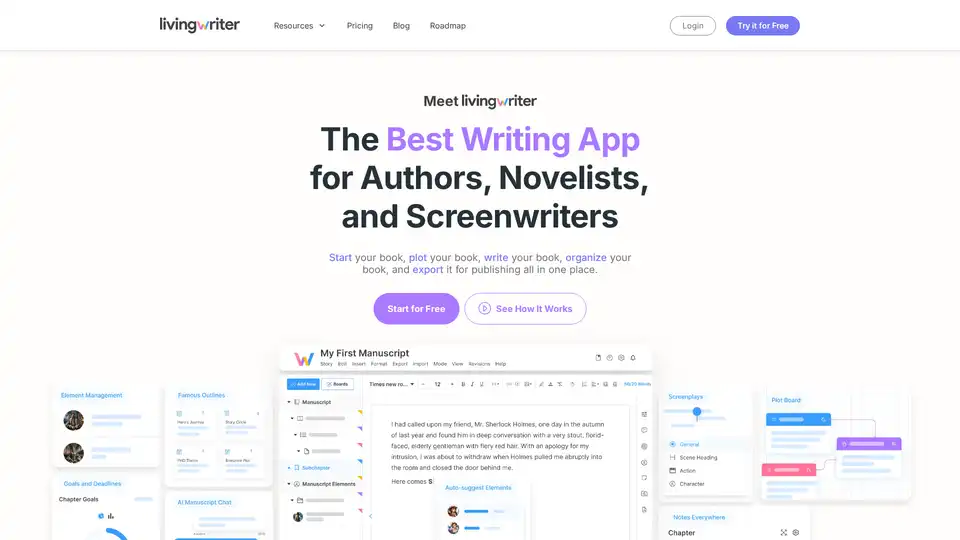
LivingWriter is a writing app designed for authors, novelists, and screenwriters. It helps organize, plot, write, and export books. Features include drag-and-drop organization, sidebar notes, and AI assistance.
Create an outstanding resume effortlessly using Resumonk's AI. Get personalized AI rewrites and suggestions for a standout application.
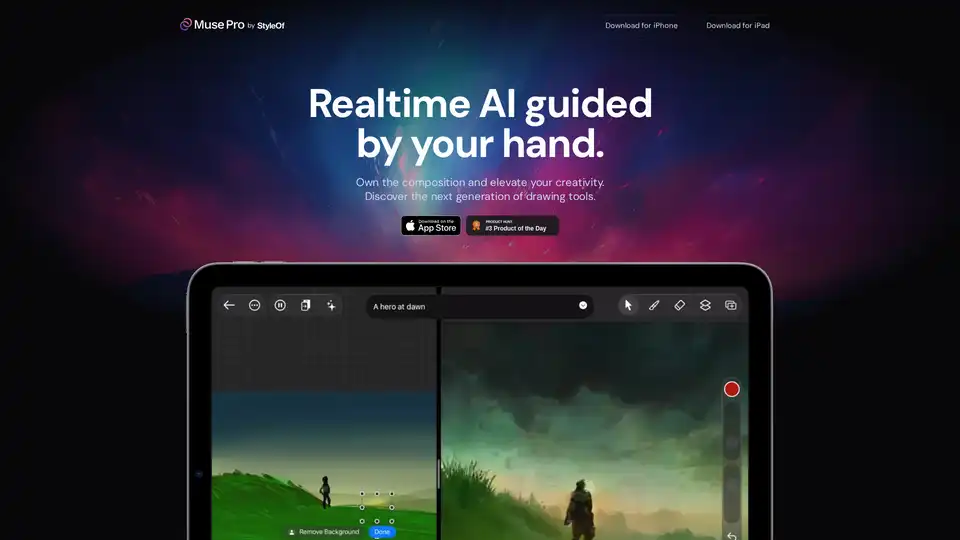
Muse Pro is a revolutionary iOS app for artists, offering real-time AI guidance with hand-drawn strokes. Powered by GPT-4 Vision, it enhances creativity with tools like prompting, upscaling, and layers for print-ready art.
AI Book Creator is an AI-powered platform to write and publish books. It provides AI assistance for planning, writing, and exporting books in Amazon KDP-ready PDF format. Offers free and paid plans.