
OneAudio
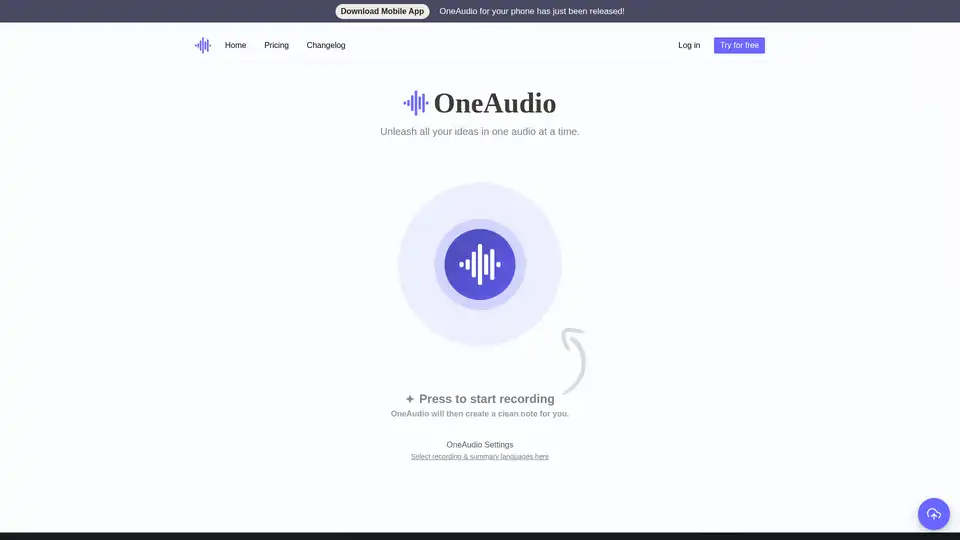
Overview of OneAudio
What is OneAudio?
OneAudio is an innovative AI-driven platform designed to transform your spoken ideas and audio recordings into clean, well-structured notes. Whether you're brainstorming during a walk, capturing meeting insights, or digitizing old voice memos, OneAudio simplifies the process by automatically transcribing and summarizing audio content. Powered by advanced models like OpenAI GPT-4, it ensures high accuracy in speech recognition and intelligent summarization, making it a go-to tool for professionals, students, and creators who value efficiency in note-taking.
Unlike traditional transcription services that deliver raw text dumps, OneAudio goes further by organizing your content into readable, shareable formats. It auto-detects topics, crafts engaging hooks, and allows easy editing, turning chaotic recordings into polished documents ready for Notion, emails, or presentations.
How Does OneAudio Work?
The workflow in OneAudio is straightforward and user-friendly, catering to both quick sessions and longer recordings. Here's a step-by-step breakdown:
Recording or Uploading Audio: Start by pressing the record button on the web interface to capture thoughts in real-time, or upload existing audio files from your device. The tool supports various formats and detects languages automatically for transcription.
AI Processing: Once your audio is submitted, OneAudio leverages OpenAI's GPT-4 model to transcribe the speech with impressive accuracy—even handling accents and background noise better than competitors like Amazon Transcribe or Google Speech-to-Text, as noted by users. It then analyzes the content to generate summaries, identifying key passages, themes, and actionable insights.
Summary Generation and Editing: The AI creates a structured note with sections, bullet points, and topic-based hooks. You can rewrite sections using built-in AI prompts, bookmark important parts, or download the original audio for reference. Language selection for recording and summarization is customizable in settings.
Sharing and Export: Export notes in multiple formats, integrate with tools like Notion, or share directly via links. Premium plans unlock unlimited processing and advanced features like longer recording limits.
This seamless integration of transcription and summarization saves hours, especially for those who prefer verbal brainstorming over typing.
Core Features of OneAudio
OneAudio stands out with a suite of features tailored for modern productivity:
- High-Accuracy Transcription: Boasts excellent word recognition, outperforming many established services in efficiency and cleanliness.
- Intelligent Summarization: Automatically structures notes with topic detection, hooks, and concise overviews—ideal for turning podcasts, lectures, or interviews into digestible summaries.
- Multi-Language Support: Select languages for both input and output, making it accessible for global users.
- Editing and Customization: Use AI to refine summaries, add bookmarks, or modify text on the fly.
- Mobile Accessibility: Recently launched mobile app for on-the-go recording, complementing the web version.
- Secure and Private: All processing respects user privacy, with options to download originals and manage saved notes.
Users praise the clean UX and instant value, as highlighted in testimonials from educators like Isabel Galeano, who uses it for university presentations, and professionals like Jake Harrison for meeting notes.
Pricing Plans and Value
OneAudio offers flexible plans to suit different needs, all backed by a 7-day money-back guarantee:
| Plan | Price | Key Limits & Features |
|---|---|---|
| Free | $0/month | Up to 5 saved notes, 10 min/month audio, 5 min/recording. Basic GPT-4 access. |
| Plus | $6/month | Unlimited notes, 1,200 min/month, 30 min/recording. Upload/download, bookmarks, AI rewrites. |
| Amplify | $24/month | Unlimited everything, 40 min/recording. All Plus features plus advanced tools. |
For starters, the free tier provides ample testing, while paid plans unlock scalability for heavy users like podcasters or business teams. Compared to piecemeal tools from big tech, OneAudio's all-in-one approach delivers better ROI through time savings and superior output quality.
Who is OneAudio For?
This tool shines for a diverse audience:
- Students and Academics: Quickly summarize lectures or study sessions, as Isabel Galeano does for presentations.
- Professionals and Managers: Automate meeting notes to focus on decisions, not documentation—perfect for Jake Harrison's user meetings.
- Content Creators and Podcasters: Convert episodes into blog-ready summaries or social media snippets, with Bari Hamelson noting its edge in recognition accuracy.
- Idea Generators: Freelancers, writers, or entrepreneurs who think aloud, like Zainab Nisa, who loves the topic detection for fresh hooks.
- Anyone Overwhelmed by Audio: If typing notes feels tedious, OneAudio bridges the gap between voice and text efficiently.
It's particularly valuable in remote work eras, where virtual calls generate tons of audio but little actionable output.
Why Choose OneAudio Over Alternatives?
In a crowded market, OneAudio differentiates with its focus on end-to-end note creation rather than just transcription. User reviews emphasize the 'genius' auto-detection and clean results, absent in bulkier options from Microsoft or Google. The instant try-on-landing-page feature, as Dave O'Callaghan appreciates, lowers barriers to adoption. Plus, community trust is evident from launch congrats by Sekou Drame and endorsements from tech news outlets.
For SEO-conscious users, integrating OneAudio into workflows can boost content production—think optimized blog posts from voice ideas or keyword-rich summaries for marketing.
How to Get Started with OneAudio
Getting up and running is effortless:
- Visit oneaudio.ai and sign up for free.
- Record a test audio or upload a sample file.
- Review the generated note and tweak as needed.
- Upgrade if you hit limits for unlimited potential.
Support is available at support@oneaudio.ai, with a changelog for updates. As Joginder Tanikella notes, the UX is refreshingly clean, ensuring quick mastery.
In summary, OneAudio isn't just a transcriber—it's a productivity booster that captures your voice and amplifies your ideas into professional notes. Whether for personal organization or team collaboration, it delivers tangible value in an AI-enhanced world.
AI Voice Synthesis AI Voice Changer AI Music Creation Speech to Text AI Voice Customer Service and Assistant Podcast and Video Dubbing
Best Alternative Tools to "OneAudio"
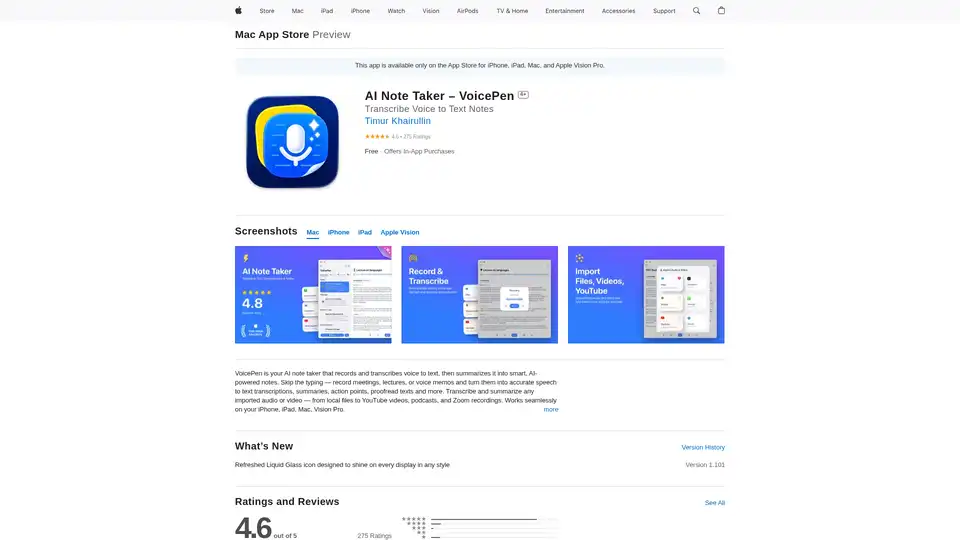
VoicePen is an AI-powered note taker that transcribes voice to text, summarizes meetings, lectures, and memos into smart notes. Record offline, export to PDF/DOC, and integrate with Notion for efficient productivity.
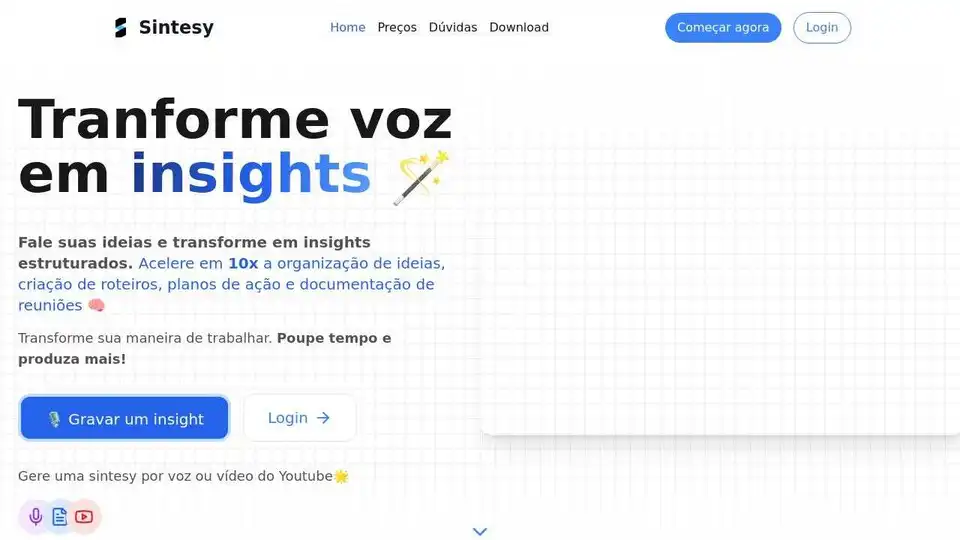
Sintesy transcribes and summarizes audio & video using AI, saving time and boosting productivity. Perfect for notes, lectures, meetings, and more.
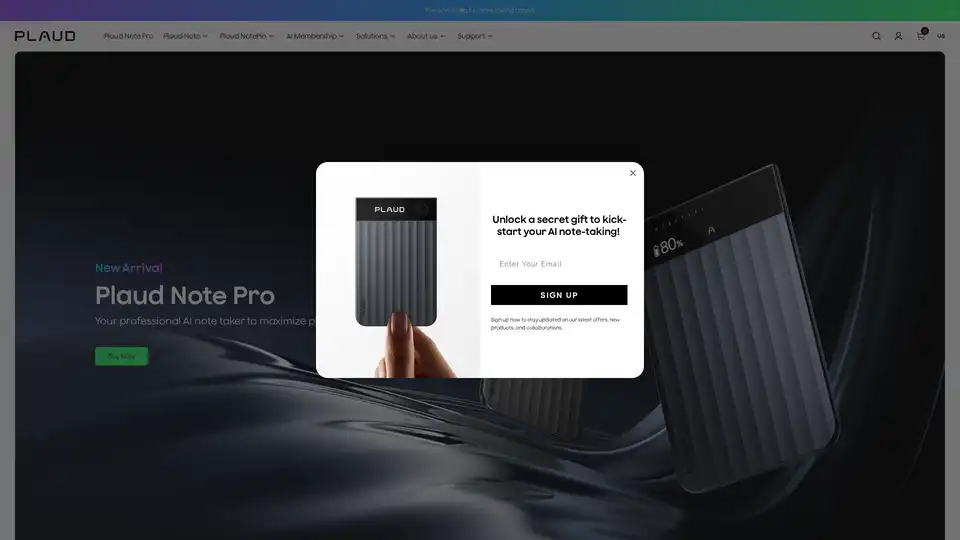
Plaud Note Pro is a versatile AI note taker trusted by 1M+ users, designed for conversations, in-person & online meetings. Capture, extract, and utilize audio with AI-powered transcription and summarization in 112 languages.

AI note taking app that transforms voice recordings, text, images, audio files and videos into clear, summarized notes for meetings, lectures, journals, and more.