
OLOCR
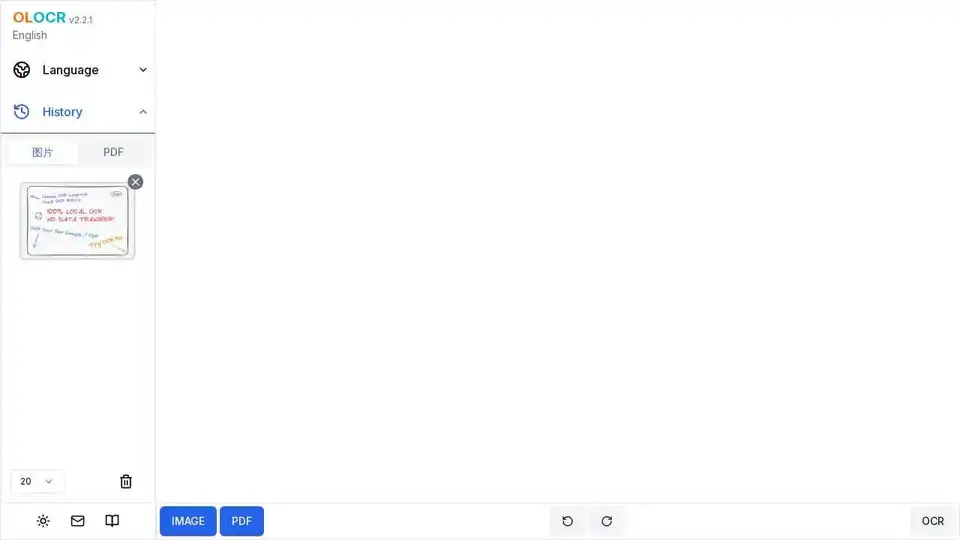
Overview of OLOCR
OLOCR: Free Online OCR Tool
What is OLOCR? OLOCR is a free online Optical Character Recognition (OCR) tool that allows users to convert images and PDF documents into editable and searchable text. It offers a convenient and accessible way to extract text from scanned documents, images, and other sources.
Key Features:
- Free and Unlimited Usage: OLOCR provides free and unlimited online image OCR and PDF OCR services.
- AI-Powered OCR: Uses leading AI technology for accurate and fast text recognition.
- Multi-language Support: Supports Chinese, English, Japanese, Korean, Arabic, and 70+ other languages.
- Privacy Protection: Processes data locally, ensuring no data is uploaded and protecting user privacy.
- Easy Export: Allows users to export recognition results as TXT or JSON format for easy use.
How Does OLOCR Work?
OLOCR leverages advanced AI algorithms to analyze images and identify text characters. The process involves:
- Image Upload: Users upload an image or PDF document to the OLOCR website.
- Text Recognition: The AI-powered OCR engine analyzes the image and identifies text characters.
- Text Extraction: The tool extracts the recognized text from the image.
- Result Export: Users can export the extracted text as a TXT or JSON file.
Why Choose OLOCR?
OLOCR stands out due to its combination of accuracy, speed, and privacy. Its AI-driven technology ensures high recognition accuracy, while local processing guarantees data security. The tool's multi-language support makes it versatile for various document processing needs. User reviews highlight significant improvements in document processing efficiency, with some users experiencing a 10x increase.
User Reviews:
- John Smith (Business Manager): "This OCR tool is amazing! It increased our document processing efficiency by 10x, and the accuracy is very high."
- Sarah Johnson (Student): "Very convenient for organizing study materials, especially scanned textbooks and notes."
- Michael Chen (Freelancer): "The multi-language support is very practical, no problem processing documents in various languages."
- Emily Wang (Librarian): "The batch processing feature is very powerful and greatly improves work efficiency."
- David Lee (Researcher): "Perfect for digitizing research papers and academic documents. The accuracy is impressive."
- Lisa Brown (Content Creator): "Saves me hours of manual typing. The interface is intuitive and easy to use."
- Robert Wilson (Archivist): "Excellent for preserving historical documents. The quality of text extraction is outstanding."
- Maria Garcia (Translator): "Multi-language support is fantastic. Helps me work with documents in different languages efficiently."
Frequently Asked Questions:
- Is my data safe and private? OLOCR processes data locally, ensuring user privacy and security.
- How to use the OCR tool to recognize text in images? Simply upload the image, and OLOCR will automatically recognize and extract the text.
- What languages does the OCR tool support? OLOCR supports Chinese, English, Japanese, Korean, Arabic, and 70+ other languages.
- What is the recognition accuracy? OLOCR boasts a recognition accuracy of up to 99%.
- Does it support batch processing? Yes, OLOCR supports batch processing for increased efficiency.
OLOCR Use Cases:
- Document Digitization: Convert scanned documents into editable digital formats.
- Academic Research: Extract text from research papers and academic documents.
- Language Translation: Process documents in multiple languages with accurate text recognition.
- Content Creation: Quickly extract text from images for use in content creation.
OLOCR offers a practical solution for anyone needing to extract text from images or PDF documents. Its user-friendly interface, combined with powerful AI technology, makes it a valuable tool for both personal and professional use. Whether you're a student organizing study materials, a business manager streamlining document processing, or a researcher digitizing academic papers, OLOCR provides a reliable and efficient OCR solution. How to convert a PDF to searchable? Just upload and let OLOCR work!
AI Task and Project Management AI Document Summarization and Reading AI Smart Search AI Data Analysis Automated Workflow
Best Alternative Tools to "OLOCR"
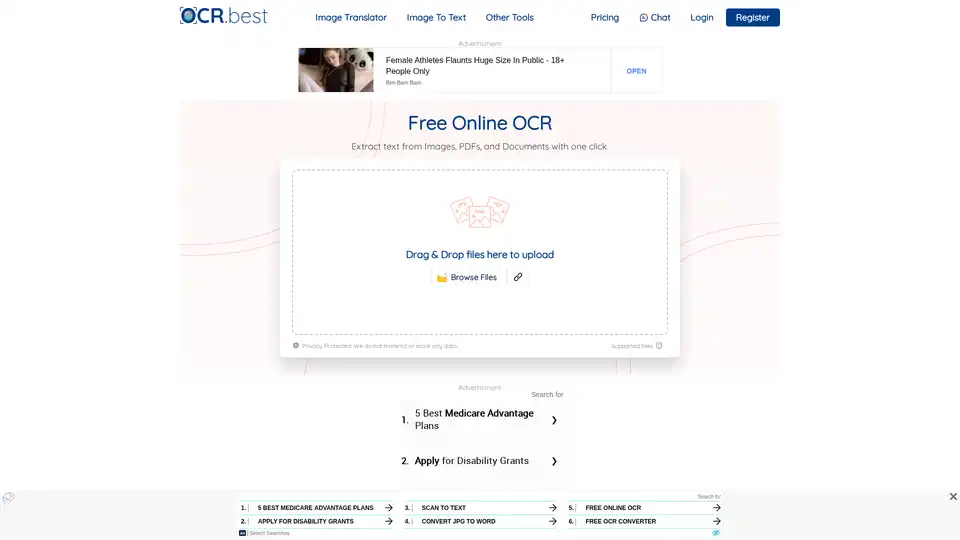
OCR.best is a free online OCR converter that uses AI to extract text from images, PDFs, and scanned documents. Convert any picture to text with high accuracy and no daily limits. Download as .txt or .docx with just one click.
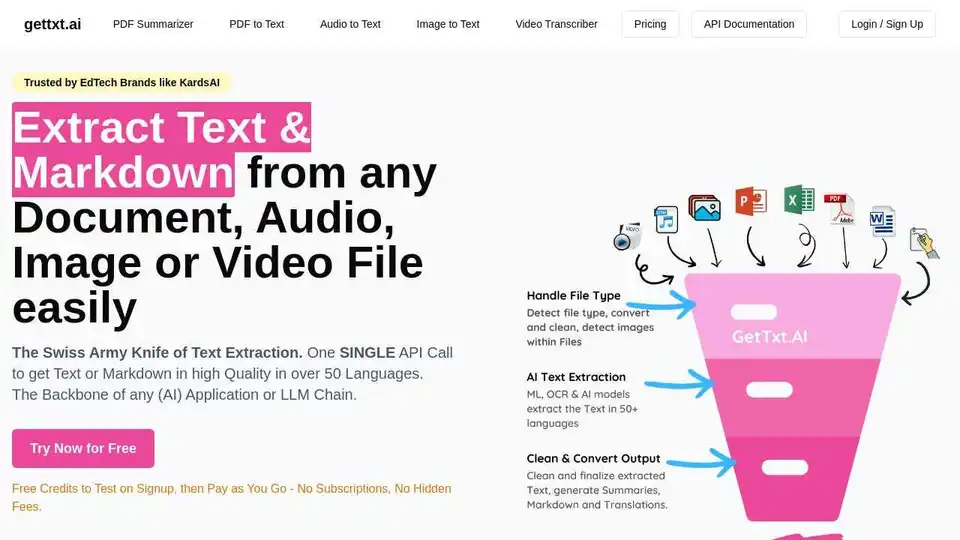
Extract text & Markdown from any document, audio, image or video file easily with gettxt.AI. A single API call for text extraction, summarization, and translation.
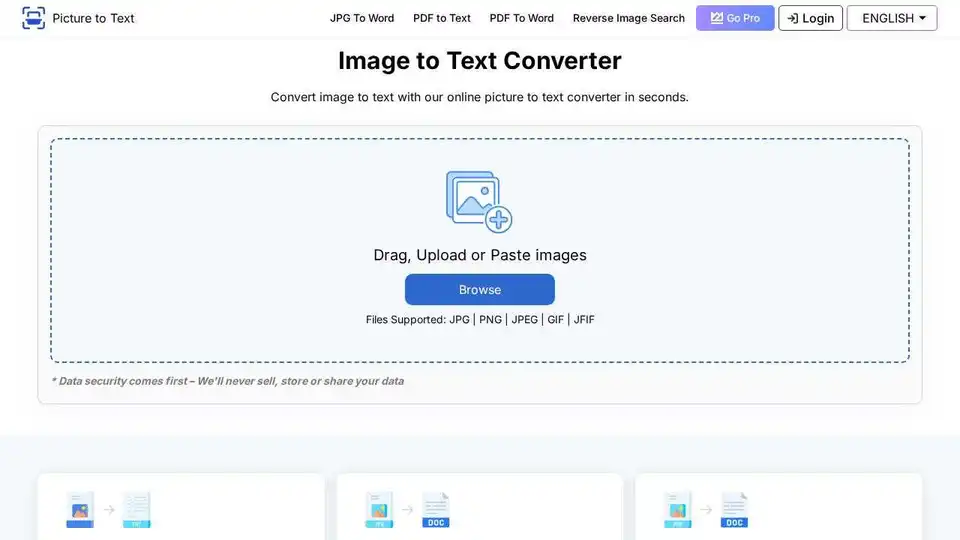
Free online OCR tool that extracts text from images with a few clicks. Fast and accurate picture to text conversion.
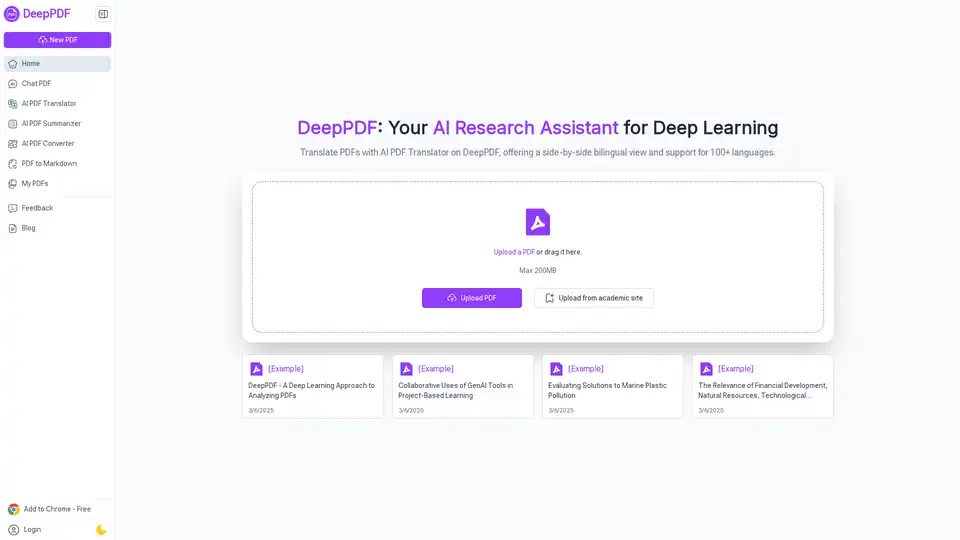
DeepPDF is an AI-powered research assistant for PDFs, featuring chat interactions, summaries, translations, and analysis of key terms, images, and formulas to streamline deep learning and document handling.