
Nyota.ai
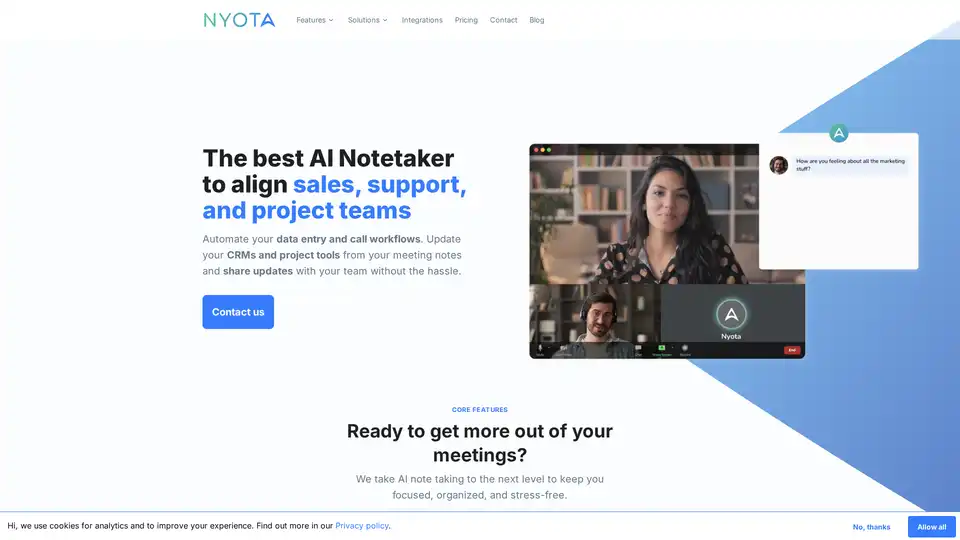
Overview of Nyota.ai
Nyota.ai: The AI Notetaker for Streamlined Team Alignment
What is Nyota.ai?
Nyota.ai is an innovative AI-powered notetaker designed to align sales, support, and project teams by automating data entry and call workflows. This tool helps update CRMs and project tools directly from meeting notes, enabling seamless information sharing and enhanced team collaboration.
How does Nyota.ai work?
Nyota.ai leverages advanced AI to capture comprehensive, high-quality notes during meetings conducted on Zoom, Google Meet, and Microsoft Teams. It ensures that every detail is accurately recorded, allowing users to remain fully engaged in the conversation without the stress of manual note-taking.
Key Features:
- Meeting Notes: Nyota joins your meetings to take detailed notes in over 90 languages.
- Automated Data Entry: Automatically syncs meeting notes and tasks to CRMs, project management tools, and internal systems.
- AI Agent (Ask Nyota): Interact with meeting content to get quick answers, summaries, and specific outputs directly from discussions. Use it within the app or through Slack and MS Teams.
- Custom Reporting: Access 20+ built-in report templates (BANT, SPICED, MEDDICC, etc.) or create custom workflows to save time and ensure consistent updates.
Why choose Nyota.ai?
- Enhanced Productivity: Automate time-consuming tasks, allowing teams to focus on critical discussions and decision-making.
- Better Preparation: Nyota provides the necessary information in a clear, concise format, ensuring everyone is well-informed and ready to engage.
- Improved Visibility: Gain deeper insights into conversations, identify trends, and make well-informed decisions.
- Effective Communication: Ensure everyone is on the same page with real-time updates and clear action items.
- Strategic Balance: Achieve business goals while maintaining focus on both execution and strategic planning.
How to Use Nyota.ai:
- Sign Up: Create an account and connect your Google Calendar or Microsoft Calendar.
- Invite Nyota: Add Nyota to your meeting from the dashboard or by inviting
meet@nyota.ai. - Engage: Participate fully in the meeting while Nyota captures all important details.
- Review: Access full transcripts and distilled notes shortly after the meeting.
Who is Nyota.ai for?
Nyota.ai is beneficial for various teams and roles, including:
- Sales Teams: Capture customer requirements and feedback, keeping CRMs updated with meeting summaries.
- Sales Engineering: Document technical requirements accurately and share solution designs with implementation teams.
- Project Management: Convert discussions into actionable tickets and keep stakeholders aligned with automated updates.
- Recruiting: Document candidate interviews consistently and share feedback with hiring managers effectively.
- Engineering: Document technical decisions and track action items from planning meetings.
- Marketing: Capture customer insights and testimonials, and document campaign planning and reviews.
Real-World Use Cases:
- Magic’s CEO: Utilized Nyota to engage with customers more effectively, even with a busy schedule.
- Silver Creek: Streamlined client management and operations by integrating Nyota into daily processes.
Nyota.ai Integrations:
Nyota seamlessly integrates with several platforms:
- Slack
- Hubspot
- Salesforce
- Close
- OneDrive
- Notion
- Google Drive
Benefits of using Nyota.ai
- Save Time: Streamline tasks and get strategic insights.
- Reduce Stress: Feel more prepared for meetings and get more enjoyment out of your work.
- Collaboration: Communicate better with your team and clients and drive business forward.
How Nyota.ai ensures Privacy
Nyota.ai prioritizes privacy with built-in controls for all meeting participants. Users retain ownership of their data and decide what gets stored, accessed, and processed. Voice recordings are not stored, and tools are available to delete and redact transcripts. All data is encrypted at rest.
Conclusion:
Nyota.ai streamlines meetings by providing teams with automation and AI-driven insights during meetings, while ensuring data privacy and compliance. With its ability to integrate with popular CRMs and project management platforms, it is a valuable tool for project teams and sales and support teams alike. Nyota.ai empowers businesses to improve productivity, enhance collaboration, and achieve strategic goals.
AI Voice Synthesis AI Voice Changer AI Music Creation Speech to Text AI Voice Customer Service and Assistant Podcast and Video Dubbing
Best Alternative Tools to "Nyota.ai"
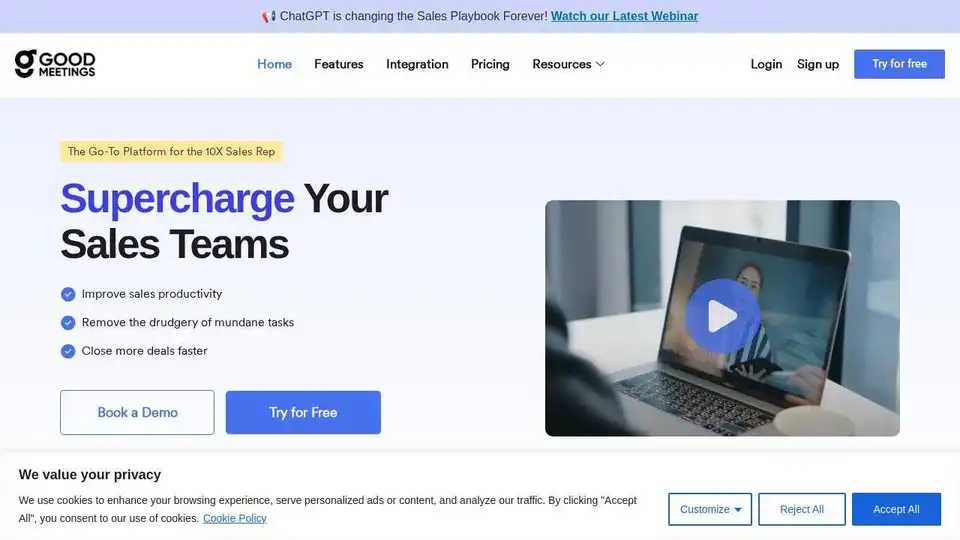
Transform sales teams with Goodmeetings. Record, review AI-curated meeting moments, and get human-level summaries for coaching and collaboration.
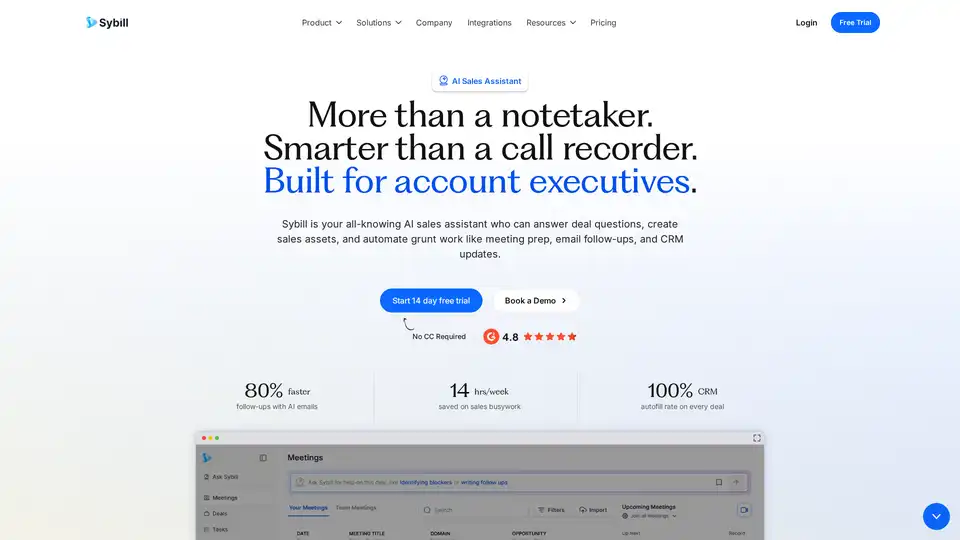
Sybill is an AI sales assistant that automates CRM updates, generates meeting summaries, and creates personalized email follow-ups to save sales teams 14 hours per week.
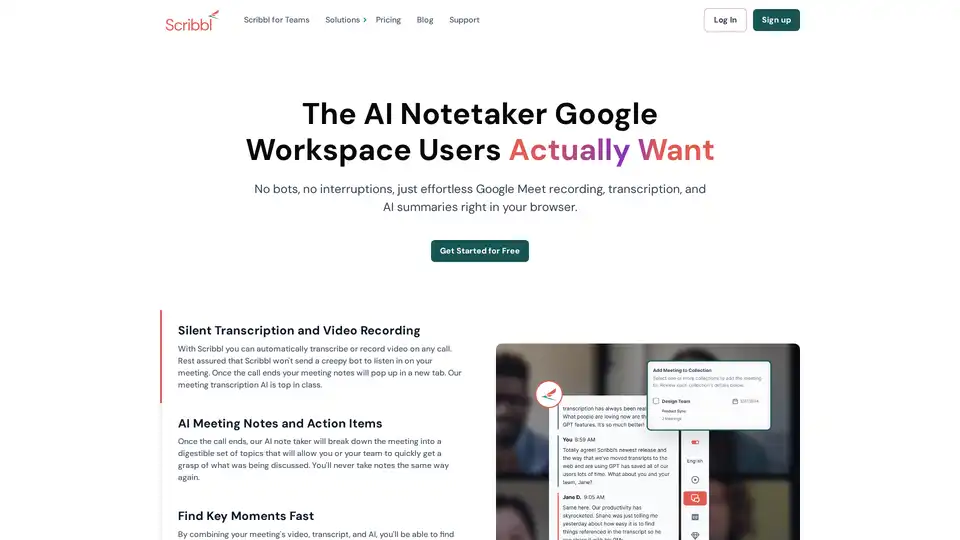
Scribbl is an AI-powered Chrome extension for Google Meet that automatically transcribes, records, and summarizes meetings. It provides instant, accurate notes without bots, enhancing team productivity.
Clarity uses AI to transcribe meetings, generate notes, automate follow-up emails, and provide insights. Focus on your meetings, not note-taking.