
Notion Mail
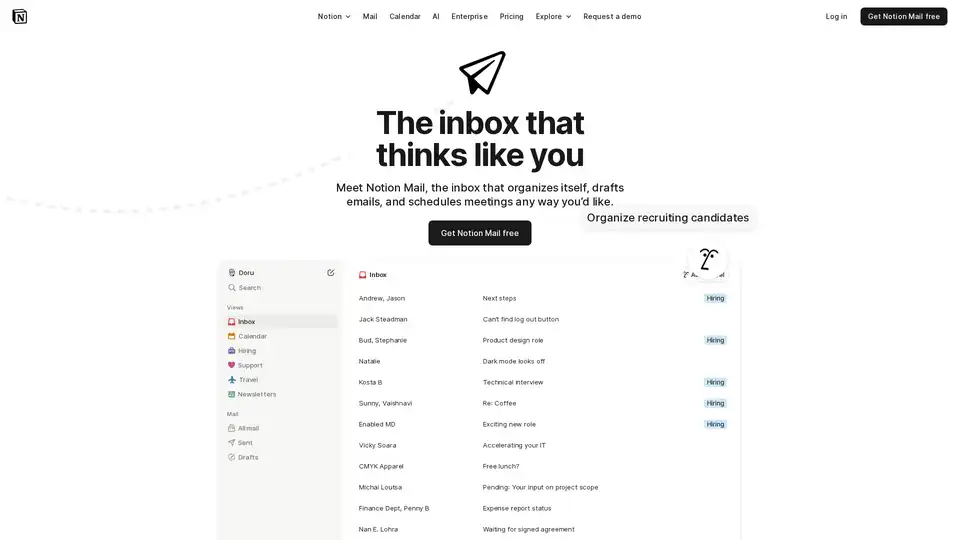
Overview of Notion Mail
Notion Mail: The AI-Powered Inbox That Thinks Like You
Notion Mail is designed to bring innovation to email, offering an inbox that organizes itself, drafts emails, and schedules meetings according to your preferences. It's more than just an email client; it's an AI-driven productivity tool that integrates seamlessly with your workflow.
What is Notion Mail?
Notion Mail is an AI-powered email management system designed to streamline your inbox and make email handling more efficient. It introduces smart features like auto-labeling, custom views, and AI-assisted drafting to help users achieve inbox zero and maintain better control over their communications.
How Does Notion Mail Work?
Notion Mail leverages AI to understand the content and context of your emails. Here's a breakdown of its key features:
- AI Auto-Labeling: Automatically sorts and labels emails based on predefined criteria, such as job offers, documents requiring signatures, customer feedback, and travel bookings.
- Custom Views: Allows users to split their inbox into custom views, filtering emails by domain, calendar events, labels, or specific people.
- Email Snippets: Enables the creation and reuse of email templates for quick and consistent responses.
- AI-Assisted Writing: Helps users compose emails faster with AI suggestions and improvements.
Key Features and Benefits
- Intelligent Organization: Notion Mail automatically organizes emails with AI, ensuring important messages are easily accessible.
- Customizable Views: Tailor your inbox to match your focus areas, grouping and filtering emails by topic, sender, or label.
- Time-Saving Templates: Reuse email templates with a single click, saving time and ensuring consistency.
- AI-Powered Writing Assistance: Improve your writing with AI suggestions, making it easier to compose professional emails.
- Seamless Integration: Connects with Gmail, offering a smooth transition for existing users.
- Accessibility: Available on iOS and macOS, ensuring you can manage your email on the go or from your desktop.
How to Use Notion Mail?
- Connect Your Gmail Account: Integrate your existing Gmail account with Notion Mail to start using its features.
- Customize Views: Create custom views to organize your inbox based on your specific needs.
- Utilize Auto-Labeling: Let AI automatically sort and label your emails as they arrive.
- Create and Use Templates: Save time by creating and reusing email templates for common responses.
- Leverage AI Writing Assistance: Use AI to improve your writing and compose emails more efficiently.
Why Choose Notion Mail?
Notion Mail stands out due to its seamless integration with AI, offering a personalized and efficient email experience. Users report significant improvements in inbox organization and time management, making it an ideal choice for those seeking to streamline their email workflow.
Who is Notion Mail For?
Notion Mail is perfect for:
- Professionals: Managing a high volume of emails and needing efficient organization.
- Teams: Collaborating and sharing email templates for consistent communication.
- Anyone Seeking Inbox Zero: Aiming to reduce email anxiety and maintain a clean, organized inbox.
User Testimonials
- Deniz Birlikci: "Notion Mail let me create a system so customized to the way I work, my relationships, and my tone of voice that there’s no way I could go back."
- Camille Ricketts: "OK: Notion Mail is pretty sick."
- Arian: "Using @NotionMail is like building filtered views for your databases, but the properties are elements from your emails. So excited to set this up."
Data Security and Compliance
Notion Mail is built with data security in mind, compliant with GDPR and CCPA, ensuring your data is protected. It is also HIPAA and SOC 2 (Type 1) certified.
Pricing
Notion Mail offers a free version to get started. For more advanced features, refer to the pricing page on the official website.
Best Way to Achieve Inbox Zero?
The best way to achieve inbox zero with Notion Mail is to leverage its AI auto-labeling and custom views. By setting up filters for different types of emails and creating templates for common responses, you can quickly process and organize your inbox, reducing email anxiety and maintaining a clean, efficient workflow.
In conclusion, Notion Mail is a powerful tool for anyone looking to revolutionize their email management. Its AI-driven features, customizable views, and seamless integration make it an excellent choice for achieving inbox zero and maintaining better control over your communications. By leveraging its intelligent organization and time-saving templates, users can significantly improve their productivity and reduce email-related stress.
AI Article Generation AI Text Polishing AI Writing Assistance Paper and Report Generation News and Blog Generation Email and Business Writing
Best Alternative Tools to "Notion Mail"

MailMaestro: AI email assistant works in Outlook & Gmail. Draft replies, summarize threads, and manage your inbox faster. Try it for free!
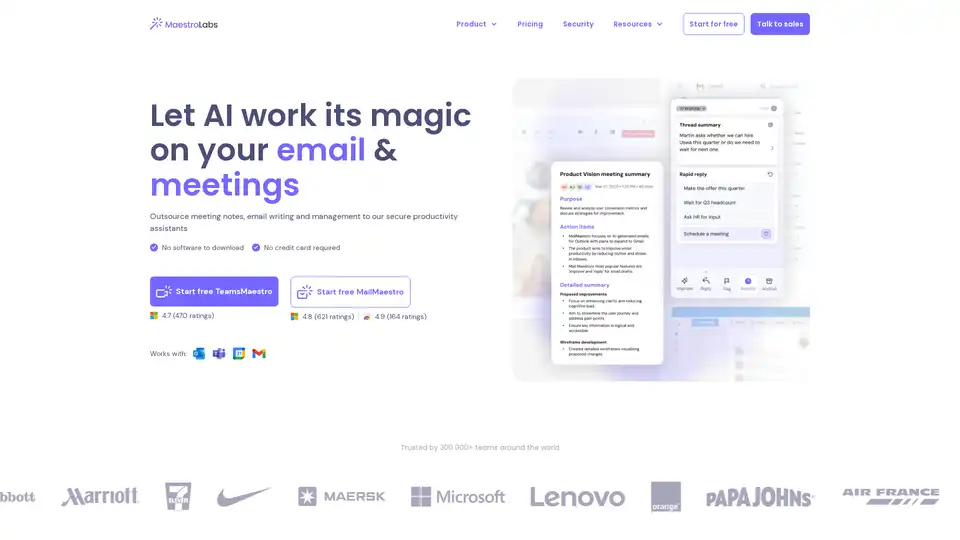
MailMaestro is an AI-powered email assistant that drafts replies, summarizes threads, manages inboxes, and integrates seamlessly with Outlook and Gmail. Save hours weekly with multilingual support and enterprise-grade security.
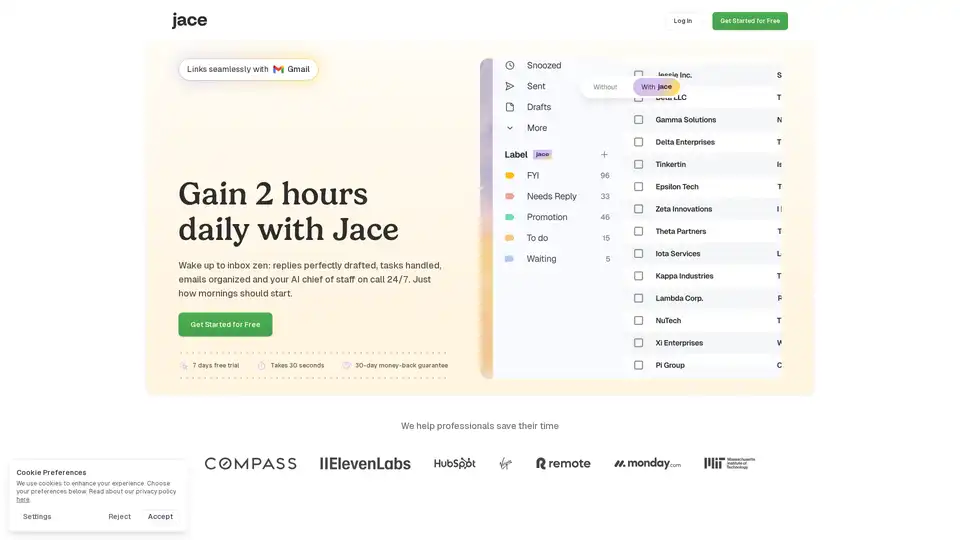
Jace AI is your intelligent 24/7 email assistant that drafts replies in your voice, organizes your inbox, schedules meetings, and automates tasks to reclaim hours of your day with seamless Gmail integration.
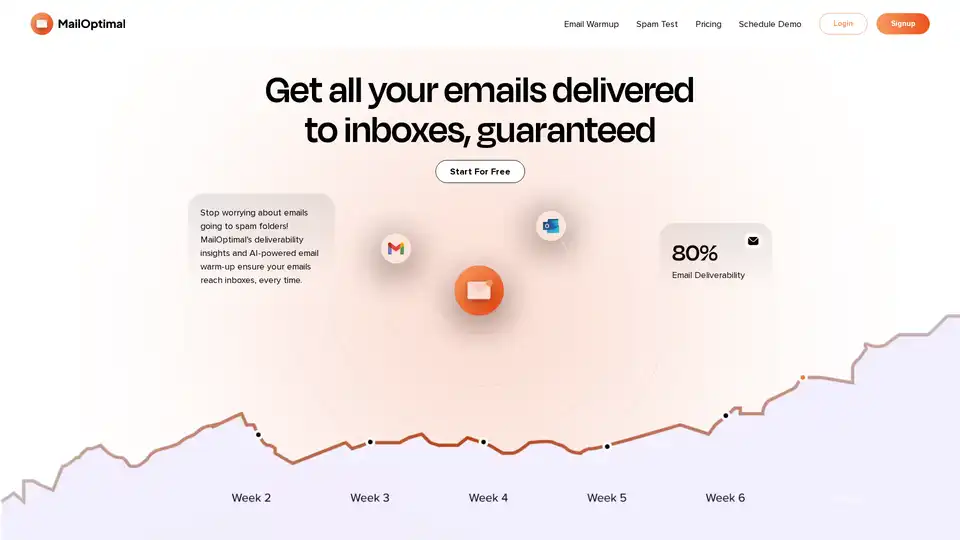
MailOptimal is an AI-powered email deliverability tool designed to ensure your emails consistently land in inboxes, not spam folders. It offers advanced email warm-up, deliverability insights, spam testing, blacklist monitoring, and domain health checks for effective cold outreach and marketing campaigns.