
New Profile Pic App
Overview of New Profile Pic App
New Profile Pic App: Transform Your Photos with AI
Tired of your old profile picture? The New Profile Pic App is an AI-powered photo enhancer that lets you quickly and easily create stunning new profile pictures. Using the latest AI technology, it offers a wide range of options to edit your photos and make them stand out.
What is New Profile Pic App?
The New Profile Pic app is designed to enhance your profile pictures with AI. It provides various editing options, including filters, background changes, and customization settings, allowing you to give your photos a fresh and unique look.
How does New Profile Pic App work?
The app leverages AI technology to provide a variety of photo editing features. Here’s how it works:
- Filters: Offers over 100+ filters to edit photos in countless ways.
- Background Editing: Allows you to change the background of photos with realistic-looking results.
- Customization Options: Provides contrast adjustment, color alteration, and other customization features.
Key Features
- Various Filters: With over 100 filters, you have plenty of options to find the perfect look for your photos.
- Edit Photos’ Background: The app’s background-changing feature is highly realistic, making your edits look professional.
- Inbuilt Share Option: Share your edited photos directly from the app.
- Premium Subscription: Upgrading to the premium version unlocks more editing features and filters.
- Regular App Updates: The app receives regular updates with new features and bug fixes.
How to Download and Install
- Click on the Download APK button.
- Wait for the download to complete.
- Open your file manager and click on the downloaded APK file.
- Tap on install.
- If prompted, allow installation from unknown sources in your settings.
How to Use the App
- Open the app after installing.
- Grant storage permission to access your photos.
- Select a photo to edit.
- Choose from various styles or edit manually.
- Explore tutorials on YouTube for advanced editing techniques.
Free vs. Premium Version
The New Profile Pic App offers both a free and a premium version. Here’s a comparison:
| Feature | Free Version | Premium Version |
|---|---|---|
| Number of filters | 20 | 100+ |
| Number of editing styles | 10 | 50+ |
| Background changing | Limited options | Unlimited options |
| Bulk editing | Limited with mark | Unlimited photos |
| Ad Removal | Ads present | No ads |
| Customer support | N/A | Priority email, chat |
| Cloud storage | None | 100GB storage |
| Subscription price | Free | $4.99/month |
| Export resolution | 720p | 4K |
| Watermark on edits | Yes | No |
| Premium styles access | No | Yes |
| AI photo enhancer | Limited use | Unlimited use |
Why is New Profile Pic App important?
The New Profile Pic App is important because it allows you to quickly and easily enhance your photos with AI technology, making them stand out on social media and beyond. Whether you want to create a new profile picture, add a unique touch to your photos, or simply have fun experimenting with AI editing, this app has something to offer.
Who is New Profile Pic App for?
This app is perfect for anyone who wants to:
- Enhance their profile pictures.
- Experiment with AI photo editing.
- Make their photos stand out on social media.
- Quickly create stunning visuals without extensive editing knowledge.
How to use New Profile Pic App for best results?
- Explore different filters and styles: Don't be afraid to try out different options to find the perfect look for your photos.
- Utilize background editing: Use the background editing feature to create unique and eye-catching visuals.
- Consider the premium version: If you want more features and editing options, consider upgrading to the premium version.
Is the New Profile Pic App safe?
The New Profile Pic App is generally considered safe to use. Claims about data leaks and unauthorized use of user pictures have been found to be baseless. The app doesn't run in the background, and user data is stored securely.
Conclusion
The New Profile Pic App is a powerful AI photo editor that offers a wide range of features to enhance your profile pictures and make them stand out. Whether you're looking to experiment with AI editing or simply create a stunning new profile picture, this app is worth trying. Download it now and dive into the world of AI photos!
AI Generated Art Image Enhancement and Repair Image Style Transfer AI Background Removal and Replacement AI Avatar and Cartoonization 3D Modeling and Rendering Logo and UI Design
Best Alternative Tools to "New Profile Pic App"
Pho.to provides smart photo editing tools and AI-powered cartoonization. With over 1000 effects and filters, it allows users to create unique photos and profile pictures easily.
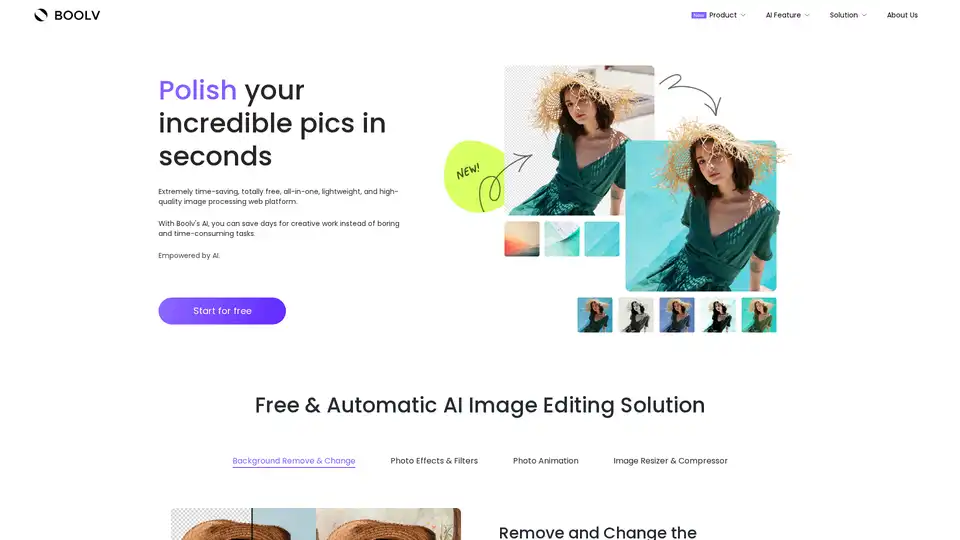
Boolv.Toolkit is a free AI-powered image editing platform offering background removal, photo effects, animation, and compression tools for instant professional photo editing.

Photoroom is an AI photo editor to remove background, change background and create product pictures. Perfect for individuals, brands, and enterprises.
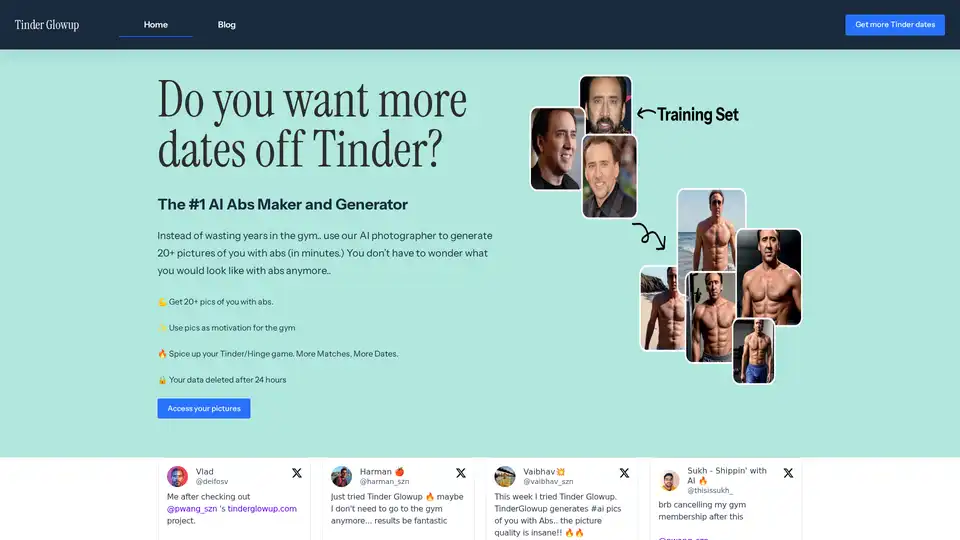
Tinder Glowup is the leading AI abs maker that generates 20+ custom photos of you with realistic abs in minutes. Perfect for boosting Tinder and Hinge matches, gym motivation, and secure image editing without subscriptions.