
Nano Banana AI
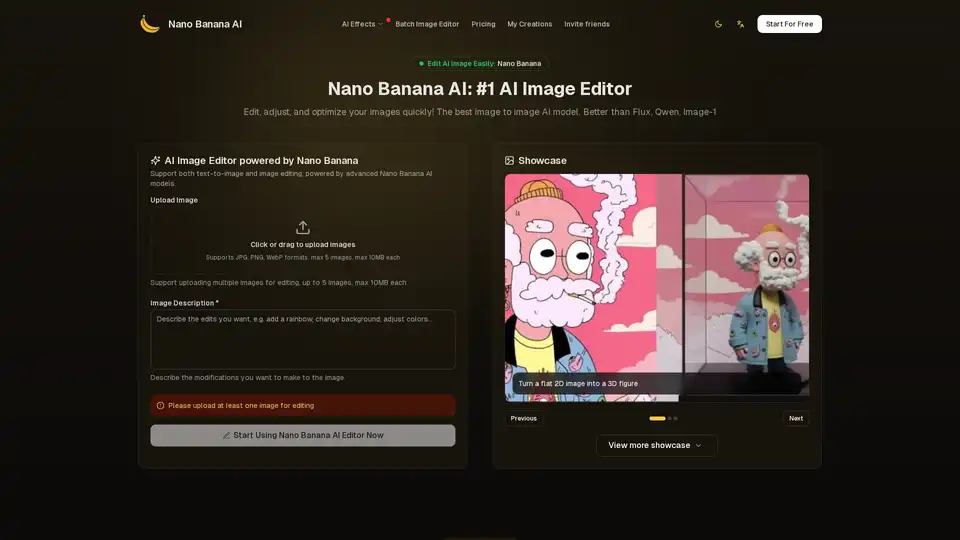
Overview of Nano Banana AI
Nano Banana AI: The #1 AI Image Editor
What is Nano Banana AI?
Nano Banana AI is an innovative AI-powered image editor designed to help you edit, adjust, and optimize your images quickly and easily. It's positioned as a superior alternative to other AI image editing tools like Flux, Qwen, and Image-1.
How does Nano Banana AI work?
Nano Banana AI supports both text-to-image and image editing, leveraging advanced AI models to deliver high-quality results. You simply upload an image, describe the modifications you want to make using a text prompt, and the AI instantly processes your request to create the perfect edited result.
Key Features:
- AI-Powered Image Editing: Uses advanced AI models to perform a variety of image editing tasks.
- Text-to-Image Support: Allows you to generate images from text prompts.
- Batch Image Editing: Supports uploading and editing multiple images simultaneously (up to 5 images, max 10MB each).
- User-Friendly Interface: Offers a simple and intuitive interface, making it easy for anyone to edit images.
- Showcase Gallery: Provides a gallery of edited images to showcase the power and capabilities of Nano Banana AI.
How to use Nano Banana AI?
- Upload an Image: Click the upload button to select the image you want to edit.
- Add Your Editing Prompt: Describe the changes you want to make in the prompt box (e.g., "enhance colors", "change to cartoon style", or "remove background").
- Generate: Click the Generate button, and the AI will instantly analyze your image and prompt to create the edited result.
- Download and Share: Preview the edited image and download it if you're satisfied with the result.
What Kinds of Images Suit For Nano Banana to Edit?
Nano Banana AI is versatile and can be used to edit various types of images, including:
- Portrait Photos: Enhance skin tone, lighting, and overall beauty.
- Cartoons: Transform 2D cartoons into stunning 3D models.
- Product Photos: Enhance colors, adjust lighting, and create visually appealing images for e-commerce.
- Brand Logos: Modify brand logos, colors, and positions with accuracy.
- Outfit Changes: Change outfits while preserving everything else in the image.
Why choose Nano Banana AI?
- Lightning Fast Processing: Edits images in seconds, not minutes.
- Stable & Reliable Results: Provides consistent, high-quality edits every time.
- Perfect Prompt Following: Accurately interprets and executes your editing requests.
- Professional Quality Output: Transforms images into professional-grade content.
Pricing:
Nano Banana AI offers several pricing plans, including a free plan with limited features:
- Free: 10 credits free, limited support, doesn't support batch image editor.
- Starter: $5.99/month (billed annually at $71.93), 1000 credits per month, supports batch image editor, limited features.
- Professional: $11.99/month (billed annually at $143.93), 3000 credits per month, supports batch image editor, commercial usage rights.
- Business: $23.99/month (billed annually at $287.93), 8000 credits per month, supports batch image editor, 24/7 priority mail support, commercial usage rights.
FAQ:
- How do I edit an image with Nano Banana? Upload, describe changes in the prompt box, and click Generate.
- What types of edits can I make? Enhance colors, change styles, remove backgrounds, and more.
- Can I edit images for free? Yes, Nano Banana offers a free plan with limited credits.
- How does Nano Banana AI image editing work? It uses advanced AI to process images based on your prompts.
Who is Nano Banana AI for?
Nano Banana AI is suitable for:
- Individuals: Who want to quickly and easily enhance their personal photos.
- Professionals: Such as marketers and social media managers who need high-quality visuals for their campaigns.
- Businesses: That want to improve their product photos and create visually appealing content for their websites and marketing materials.
AI Generated Art Image Enhancement and Repair Image Style Transfer AI Background Removal and Replacement AI Avatar and Cartoonization 3D Modeling and Rendering Logo and UI Design
Best Alternative Tools to "Nano Banana AI"
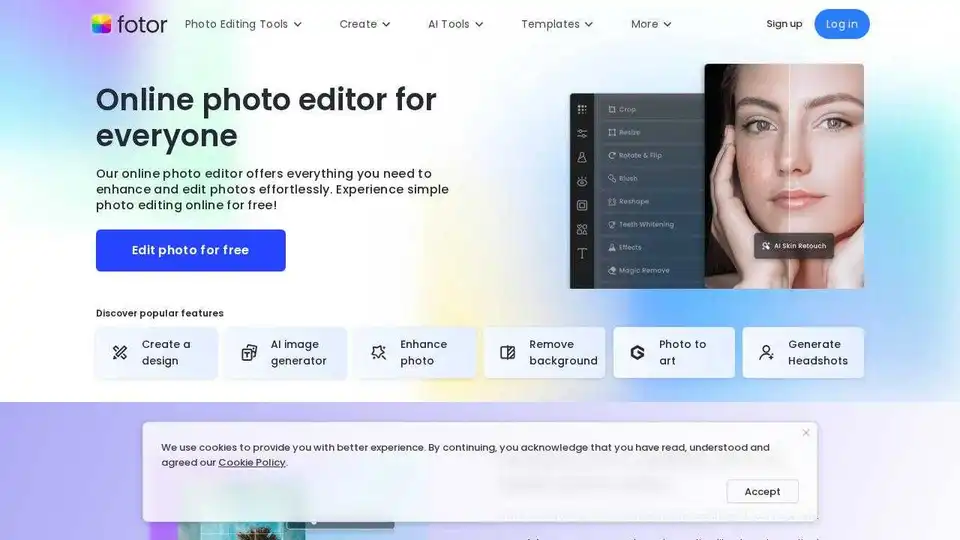
Enhance and edit photos with Fotor’s free online photo editor. Crop, add text & effects, retouch images, and more using powerful photo editing and AI tools.
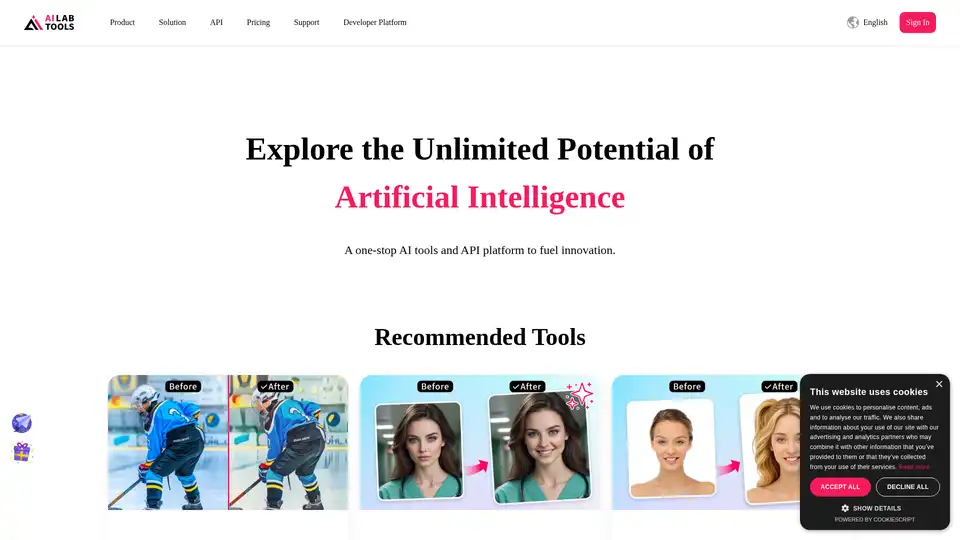
AILab Tools provides powerful AI-driven online image editing tools for photo enhancement, cartooning, background removal, and more. Explore AI portrait and image solutions.
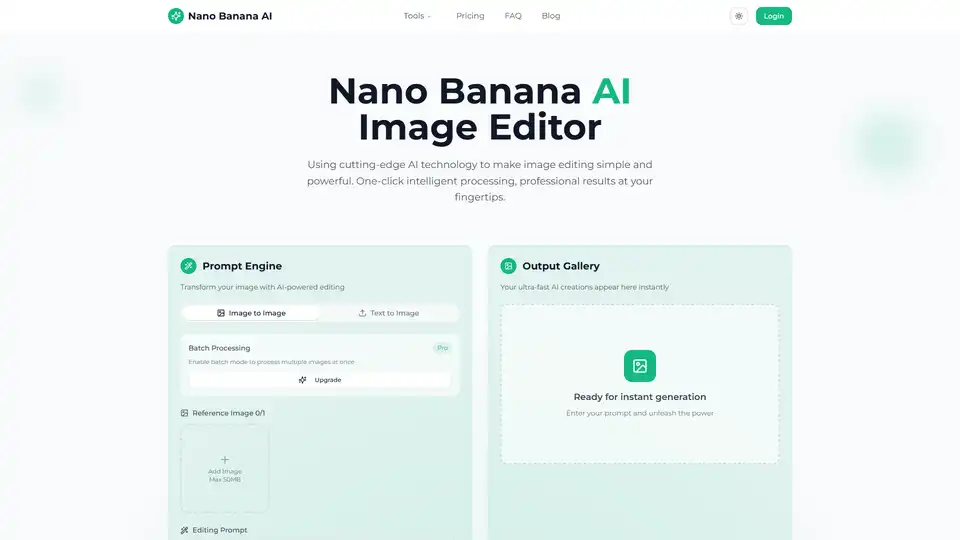
Transform your photos with Nano Banana AI Image Editor. Free AI-powered background removal, smart enhancement, style conversion, and batch processing.
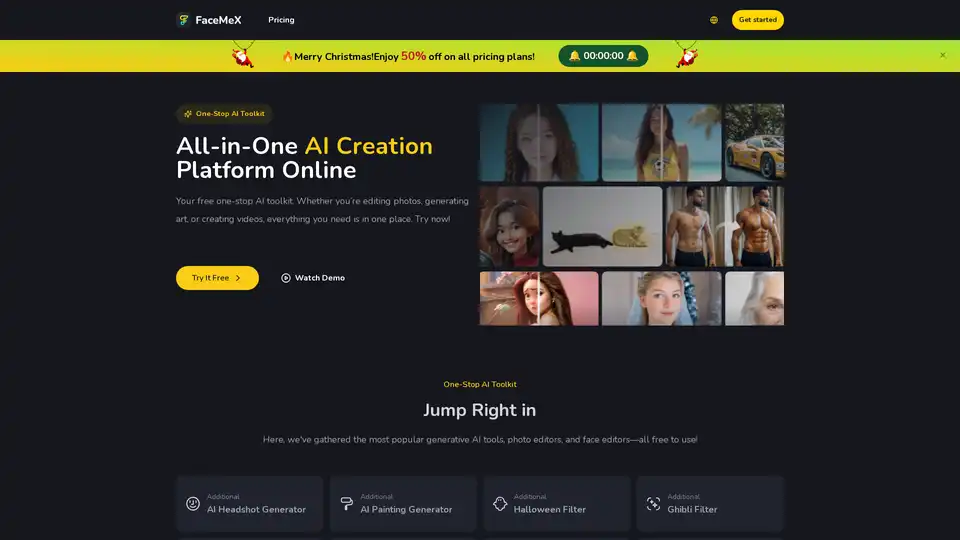
Access a variety of AI tools on FaceMex platform. Easily edit faces in photos, GIFs, and videos, create stunning AI art, and enhance photos with ease. Free to try now for fun and creative projects.