
MyRoomDesigner.AI
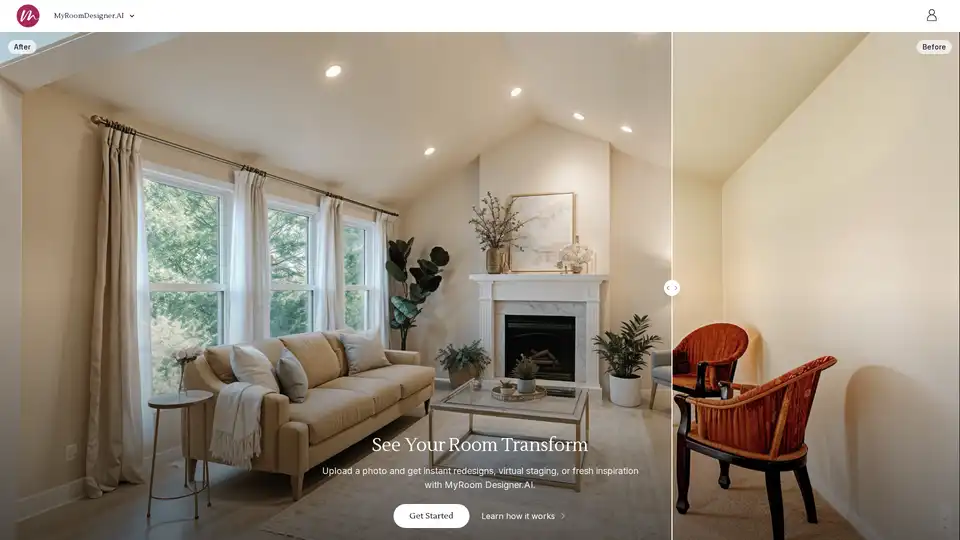
Overview of MyRoomDesigner.AI
What is MyRoomDesigner.AI?
MyRoomDesigner.AI is an innovative AI-powered interior design platform that enables users to redesign their living spaces effortlessly. By uploading a photo of any room, the platform's advanced AI algorithms analyze the layout, furniture placement, and key features to generate multiple design options in seconds.
How Does MyRoomDesigner.AI Work?
The process is straightforward and user-friendly:
- Upload a Photo: Users start by uploading a clear image of their room.
- AI Analysis: The AI instantly scans the photo to assess layout, materials, and overall structure.
- Style Selection: Choose from curated design styles such as Contemporary, Modern, Rustic, or even emulate top designers like Magnolia or Studio McGee.
- Interactive Refinement: Use the chat feature to request specific changes—for example, "paint the walls sage green" or "swap the furniture." The AI adjusts the design in real-time based on these inputs.
- High-Resolution Output: Final designs can be upscaled to high resolution, and unwanted items can be removed for a polished look.
Core Features and Functionality
- Room Layout Preservation: Unlike many tools, MyRoomDesigner.AI maintains the original room layout, including walls and doors, ensuring realistic and feasible designs.
- Speed and Efficiency: Generates designs in under 4 seconds, significantly faster than competitors like ChatGPT.
- Interactive AI Chat: Allows users to refine designs through natural language commands, making customization intuitive.
- Mood Board Integration: Designs can be imported into the Mood Board Editor for further customization, including creating shopping lists, removing backgrounds, and finding similar products.
- Multi-Style Support: Supports various design aesthetics beyond Contemporary, including Modern, Industrial, and Traditional styles.
Practical Applications and Use Cases
- Homeowners: Ideal for anyone looking to redecorate or renovate without the cost of hiring an interior designer.
- Interior Design Professionals: Streamlines workflow by generating multiple concepts quickly, creating client presentations, and building mood boards with integrated shopping lists.
- Real Estate Agents: Use virtual staging to enhance property listings, making spaces more appealing to potential buyers.
- Renters: Perfect for those who want to personalize their space without making permanent changes.
Why Choose MyRoomDesigner.AI?
- Accuracy and Detail: The AI meticulously analyzes room photos to produce designs that closely match the existing structure and style.
- Cost-Effectiveness: Offers affordable subscription plans, including a Personal plan for casual users and Professional options for designers.
- Time Savings: Reduces hours of research and planning into seconds, as demonstrated by user Judith who saved over 15 hours redecorating her bedroom.
- User-Friendly Interface: Designed for ease of use, requiring no technical skills or design experience.
Who is MyRoomDesigner.AI For?
This tool is tailored for:
- Home Decor Enthusiasts seeking fresh ideas and quick transformations.
- Interior Designers needing efficient tools for client projects and presentations.
- Real Estate Professionals aiming to stage properties virtually.
- Renters and Homeowners wanting to visualize changes before committing.
Additional Tools in the Suite
MyRoomDesigner.AI is part of a broader toolkit that includes:
- MoodBoard AI: Generates stunning mood boards and color palettes for various purposes, including interior design and fashion.
- Board Editor: Offers advanced editing features like shopping list creation, background removal, and product matching.
Security and Privacy
User data is encrypted and kept private. Photos and designs are not shared with third parties, and users can delete their data anytime via account settings.
Getting Started
Users can begin by uploading a room photo on the MyRoomDesigner.AI website. Subscription plans are flexible, with monthly and annual options available. There is no free trial, but the Personal plan allows low-risk experimentation with cancel-anytime terms.
For those eager to transform their spaces with cutting-edge AI technology, MyRoomDesigner.AI provides a powerful, accessible, and efficient solution that brings professional-grade interior design to everyone.
AI Generated Art Image Enhancement and Repair Image Style Transfer AI Background Removal and Replacement AI Avatar and Cartoonization 3D Modeling and Rendering Logo and UI Design
Best Alternative Tools to "MyRoomDesigner.AI"
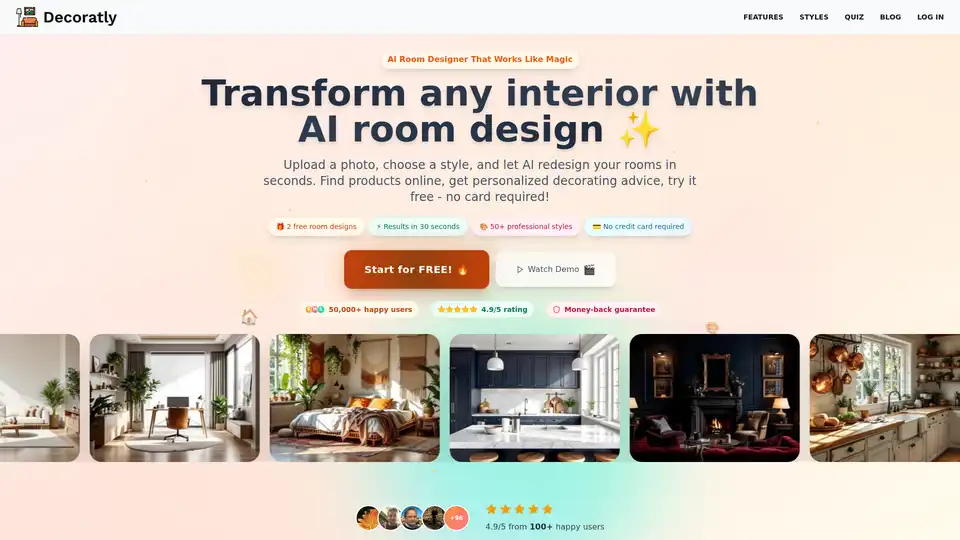
Decoratly AI Room Designer transforms your room with AI in seconds. Upload a photo, choose a style, and let AI redesign your rooms. Get personalized decorating advice and find products online. No credit card required!
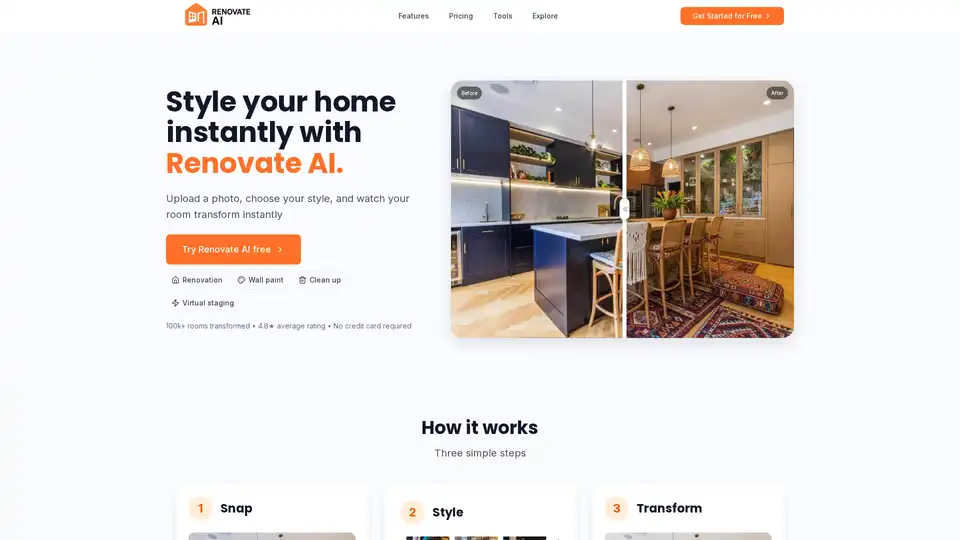
Redesign your home instantly with Renovate AI. Upload a photo, choose your style, and watch your room transform in seconds. Virtual staging, wall paint, and clean up clutter with AI.
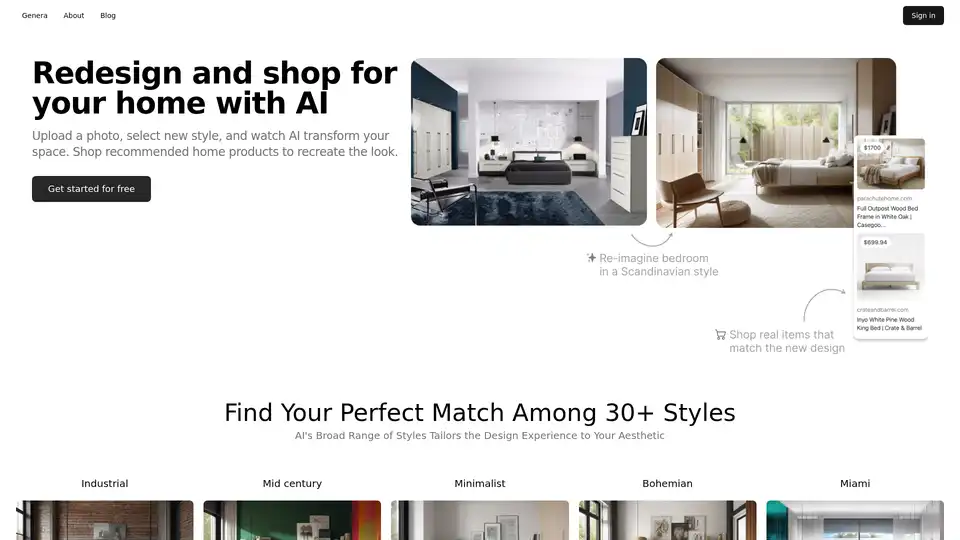
Genera.so uses AI to redesign your home's interior. Upload a photo, select from 30+ styles, and shop curated home decor to bring your AI-generated vision to life. Start your free trial today!
HomeDecor AI is an AI-powered tool that helps you reimagine your home's interior and exterior design. It offers cost-effective design solutions, unlimited workspaces, and features like object replacement and image enhancement.