
MyMap AI
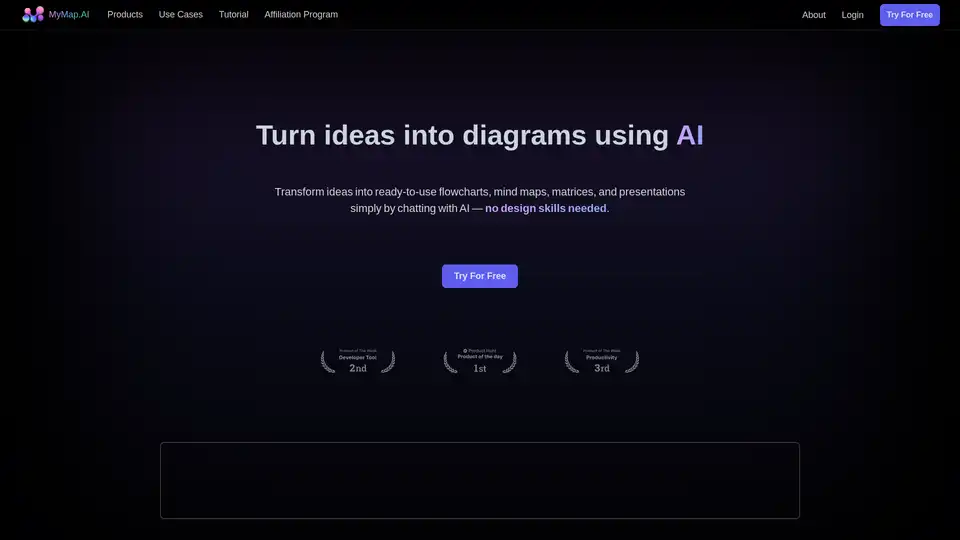
Overview of MyMap AI
MyMap AI: Transform Ideas into Visual Diagrams with AI
What is MyMap AI? MyMap AI is an innovative tool designed to convert your ideas into visual diagrams effortlessly. By simply chatting with AI, you can create professional-level flowcharts, mind maps, matrices, and presentations without needing any design skills. It's a visual, non-linear way to structure information, making it an ideal alternative to traditional linear text-based tools like ChatGPT.
How does MyMap AI work?
MyMap AI uses a unique AI-native approach. Instead of manually working with design tools, users chat with the AI, describing their concepts and objectives. The AI then interprets the input and automatically generates visual diagrams. Here are some key features that enable this:
- AI-Native Interaction: Chat with AI to instantly create diagrams without manual tool manipulation.
- Multiple Format Support: Upload various file types or enter topics, and the AI uses the context to generate relevant diagrams.
- Web Search Integration: Create context-rich diagrams by leveraging live Google or Bing search results.
- Internet Access: Paste any URL, and the AI extracts relevant information to incorporate into your maps.
- Collaboration Features: Team up with coworkers on the same map in real-time for collaborative brainstorming and planning.
- Share & Export: Save your maps as images or PDFs, or share them via a public URL.
Key Features and Benefits
MyMap AI stands out due to its ability to streamline the diagram creation process. Its main features include:
- AI-Driven Diagram Generation: Automatically generate diagrams from simple text prompts or uploaded files.
- Real-time Collaboration: Work together with team members on diagrams in real-time.
- Integration with Search Engines: Incorporate up-to-date information from Google or Bing searches directly into your diagrams.
- Easy Sharing and Export: Share your diagrams easily via URL or export them in common image or PDF formats.
Use Cases
MyMap AI is used by a wide range of professionals. Here are some of the most popular use cases:
Students & Researchers: MyMap assists students and researchers by analyzing lecture notes and research papers. The AI creates visual mind maps that connect key concepts, expanding these visuals as more information is added.
Professionals: MyMap helps professionals create visual project maps and process flowcharts based on their project goals. It transforms team conversations into clear, actionable visual plans.
Content Creators: MyMap enables content creators to generate visual outlines and storyboards. The AI creates flowcharts for scripts and designs visual content calendars, and it can produce engaging infographics from input data.
Why choose MyMap AI?
- Efficiency: MyMap AI significantly speeds up the diagram creation process, saving users time and effort.
- Accessibility: It is user-friendly and requires no design skills, making it accessible to a broad audience.
- Visual Clarity: The tool transforms complex information into clear, visual diagrams that are easy to understand.
- Collaboration: Real-time collaboration features facilitate teamwork and knowledge sharing.
- Versatility: With support for multiple formats and integration with web search, MyMap AI is suitable for a wide range of applications.
How to use MyMap AI?
- Input Ideas: Start by inputting your lecture notes, research papers, or project goals into MyMap.
- Chat with AI: Describe your content ideas or project requirements by chatting with MyMap.
- Generate Diagrams: Let the AI analyze the input and create visual mind maps, flowcharts, or project maps.
- Collaborate: Invite team members to collaborate on the diagrams in real-time.
- Share or Export: Save your maps as images or PDFs, or share them via a public URL.
Common Questions about MyMap AI
What's the difference between MyMap & ChatGPT? MyMap creates diagrams and visual content, while ChatGPT outputs linear text. MyMap is built for visual thinkers and transforms ideas into flowcharts, mind maps, and other visual formats.
Can I use MyMap for presentations? Yes, MyMap includes a presentation mode similar to PowerPoint. You can easily present your ideas using a 2D map-based format, allowing for dynamic and visually engaging presentations.
How can I access real-time search in MyMap? The AI automatically detects when a query requires up-to-date information, performs a Google search, retrieves relevant content, and uses this as context to create diagrams.
Can I export my diagrams? Yes, you can export your mind maps to PNG or other image formats.
How do I share my content with others? You can share your mind maps through a public URL.
MyMap AI simplifies the process of creating diagrams and visual content, making it accessible to everyone. Its AI-driven approach, real-time collaboration features, and integration with web search make it an invaluable tool for students, professionals, and content creators alike.
AI Article Generation AI Text Polishing AI Writing Assistance Paper and Report Generation News and Blog Generation Email and Business Writing
Best Alternative Tools to "MyMap AI"
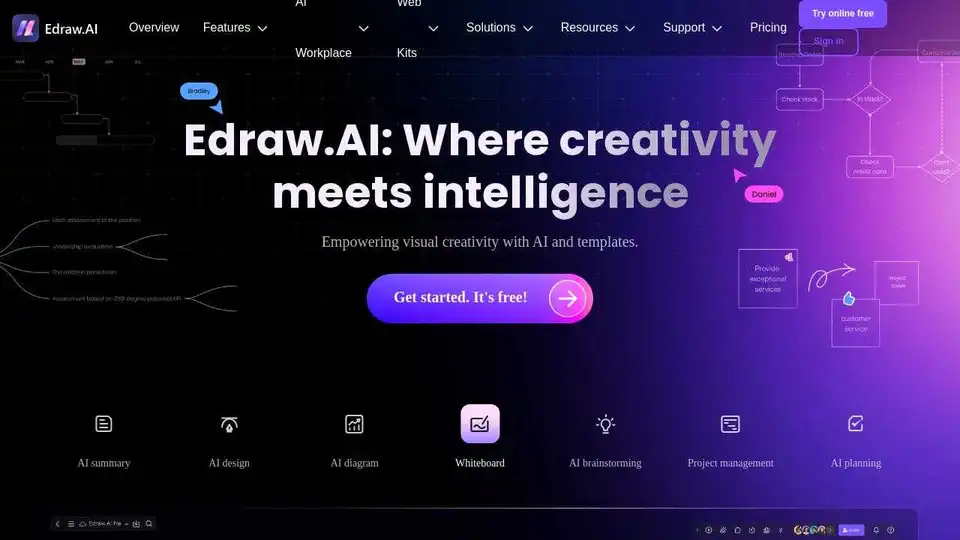
Edraw.AI is an AI-powered visual collaboration platform with 40+ AI tools and templates. Generate flowcharts, mind maps, and more in minutes. Streamline your workflow with AI diagramming.
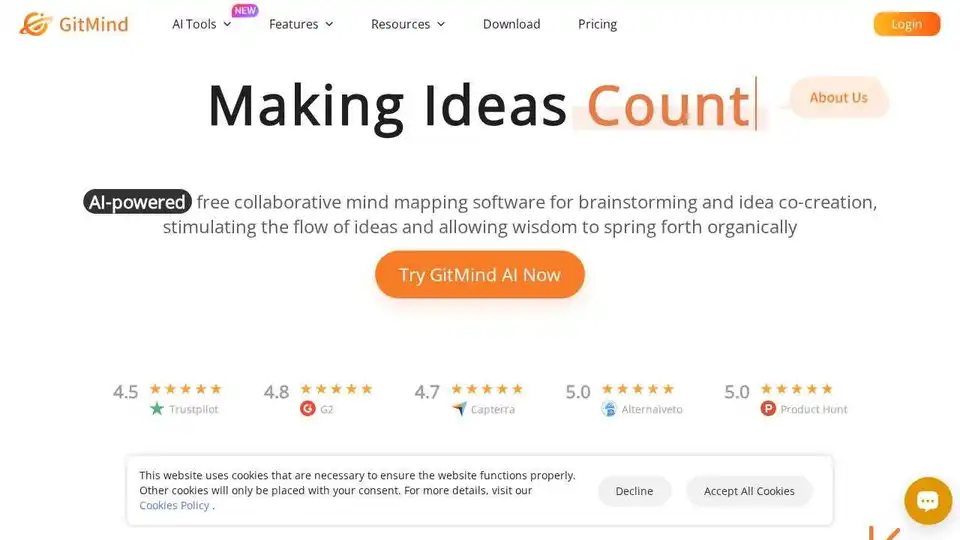
GitMind is a free AI-powered mind mapping & brainstorming app. Create and collaborate on mind maps online in real-time.
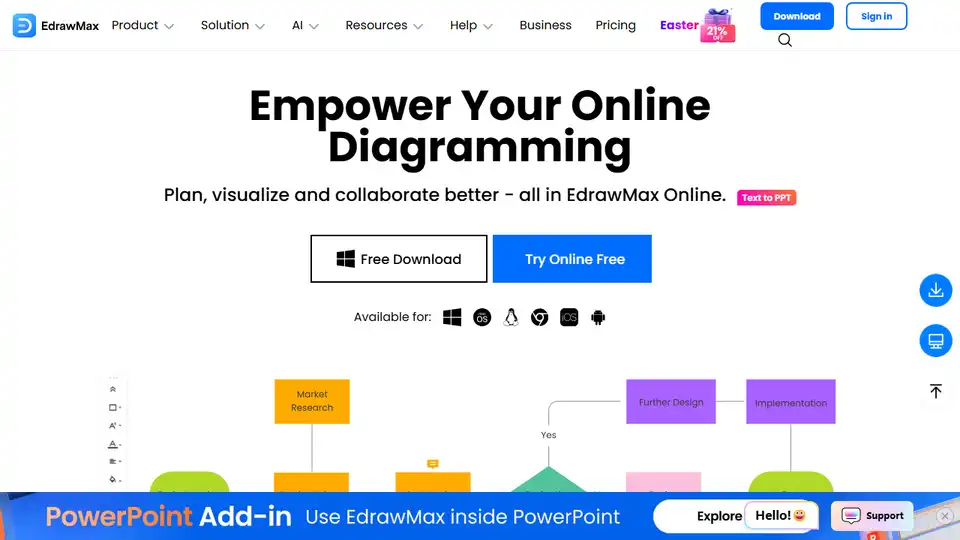
EdrawMax Online is an AI-powered, all-in-one diagramming tool for creating flowcharts, mind maps, floor plans, and 280+ diagram types. Visualize and collaborate effectively online.
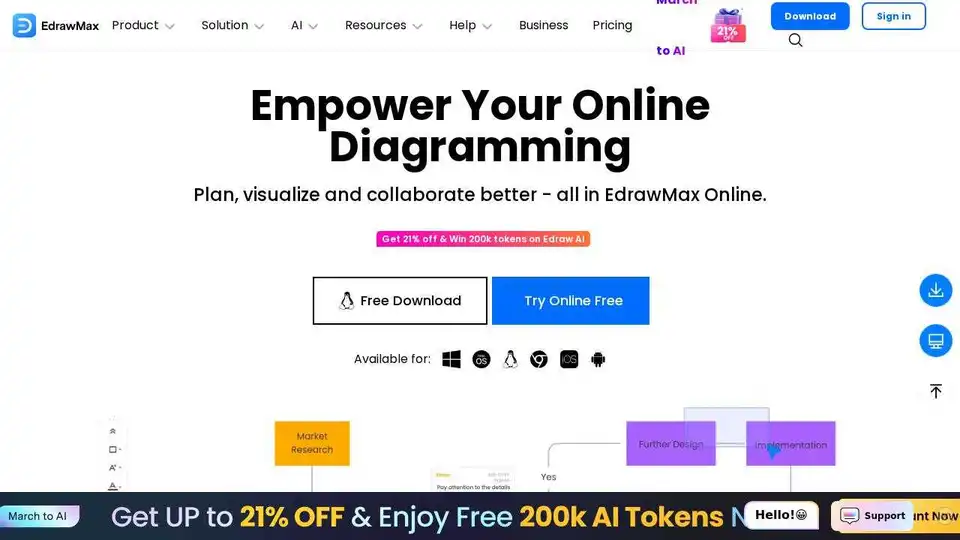
EdrawMax Online is a powerful online diagramming tool with AI features. Create flowcharts, mind maps, and more using templates and AI-powered assistance.