
Morse Translator
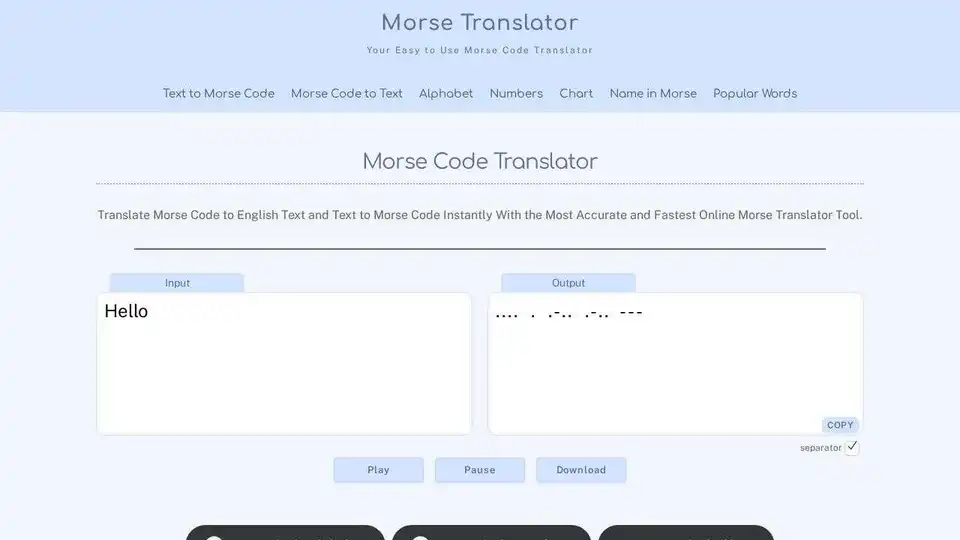
Overview of Morse Translator
What is Morse Translator?
Morse Translator is a free online tool designed to convert text to Morse code and Morse code back to text. It is a versatile tool that supports audio playback, copying, and downloading, making it perfect for learning Morse code, decoding messages, or simply having fun.
Key Features of Morse Translator
- Text to Morse Code Conversion: Instantly convert any text into Morse code.
- Morse Code to Text Conversion: Decode Morse code back into readable text.
- Audio Playback: Listen to the Morse code to help with learning and recognition.
- Copy and Download: Easily copy or download your translations for future use.
- User-Friendly Interface: Simple and intuitive design for easy navigation.
How Does Morse Translator Work?
Morse Translator uses a straightforward algorithm to convert text to Morse code and vice versa. The tool follows the standard Morse code alphabet and numbers, ensuring accurate translations. Users can input text or Morse code, and the tool will instantly provide the corresponding output.
How to Use Morse Translator
- Input Text or Morse Code: Enter the text or Morse code you want to translate in the input field.
- Convert: Click the convert button to get the translation.
- Play Audio: Use the audio playback feature to listen to the Morse code.
- Copy or Download: Copy the translation to your clipboard or download it for later use.
Why Choose Morse Translator?
- Accuracy: Ensures precise conversions between text and Morse code.
- Ease of Use: Simple interface makes it accessible for everyone.
- Versatility: Suitable for learning, decoding, and recreational purposes.
- Free: No cost to use the tool, making it accessible to all.
Who is Morse Translator For?
- Hobbyists: Individuals interested in learning Morse code as a hobby.
- Students: Those studying Morse code for educational purposes.
- Radio Enthusiasts: Ham radio operators and other radio enthusiasts.
- Emergency Communicators: People who need to use Morse code in emergency situations.
Best Way to Learn Morse Code
- Memorize Patterns: Start by memorizing the dot and dash patterns for each letter.
- Use Flashcards: Utilize flashcards or the Morse code alphabet page to get familiar with the patterns.
- Practice with Audio: Use the audio playback feature to train your ear to recognize Morse code at different speeds.
- Set Small Goals: Learn a few letters a day and gradually build up your knowledge.
- Join Communities: Join online groups or ham radio clubs to practice and improve your skills.
Morse Code FAQs
When was Morse code invented?
Morse code was invented in the 1830s by Samuel Morse and Alfred Vail. The first telegraph message was sent in 1844: "What hath God wrought."
What is the Morse code for SOS?
The Morse code for SOS is ... --- .... It is the most famous distress signal, still recognized worldwide.
Is Morse code still used today?
Yes, Morse code is still used today in ham radio, aviation, maritime safety, and emergency communications.
How do I write or tap Morse code?
Use short signals (dots) and long signals (dashes), with spaces between letters and words. You can tap, flash, or beep Morse code.
Does the tool support international characters?
The tool works with the standard Latin alphabet (A–Z) and numbers (0–9).
Conclusion
Morse Translator is an essential tool for anyone interested in Morse code. Whether you are a hobbyist, student, or professional, this tool provides a simple and effective way to convert text to Morse code and vice versa. With its user-friendly interface and versatile features, Morse Translator is the perfect companion for learning and using Morse code.
Best Alternative Tools to "Morse Translator"
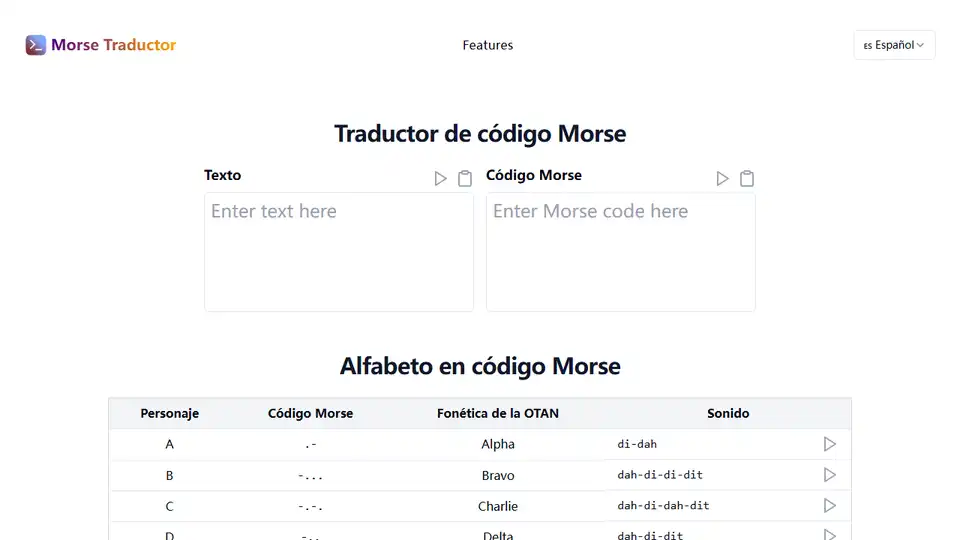
Unlock the power of Morse code with our translator! Convert text, listen to audio, & learn interactively. Ideal for enthusiasts & professionals.
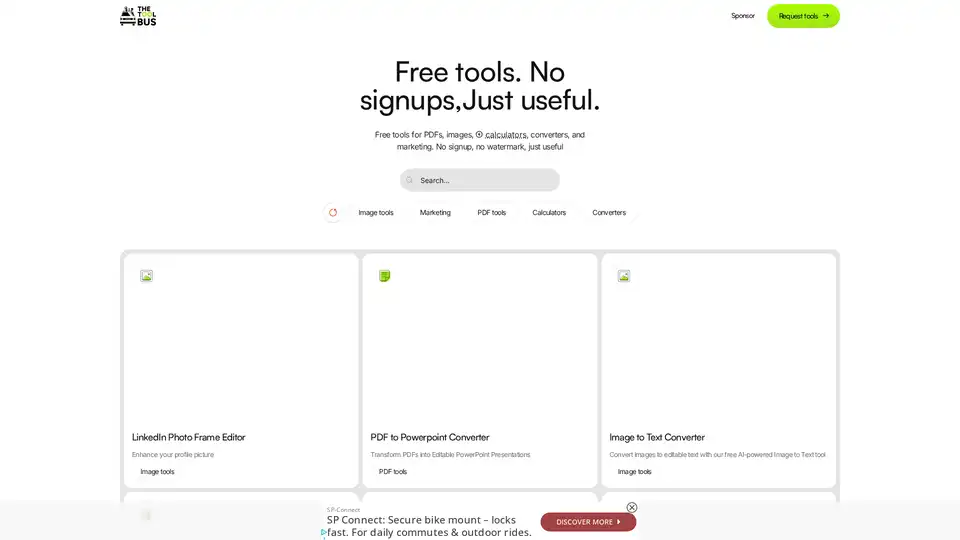
Discover TheToolBus.ai: Free online tools for PDFs, images, calculators, converters, and marketing. AI-powered features like image to text and background removal. No signup, fast, and efficient for everyday tasks.

Content Render is an all-in-one AI content generator for text, images, code, audio, and videos. Perfect for marketing, social media, and creative projects.
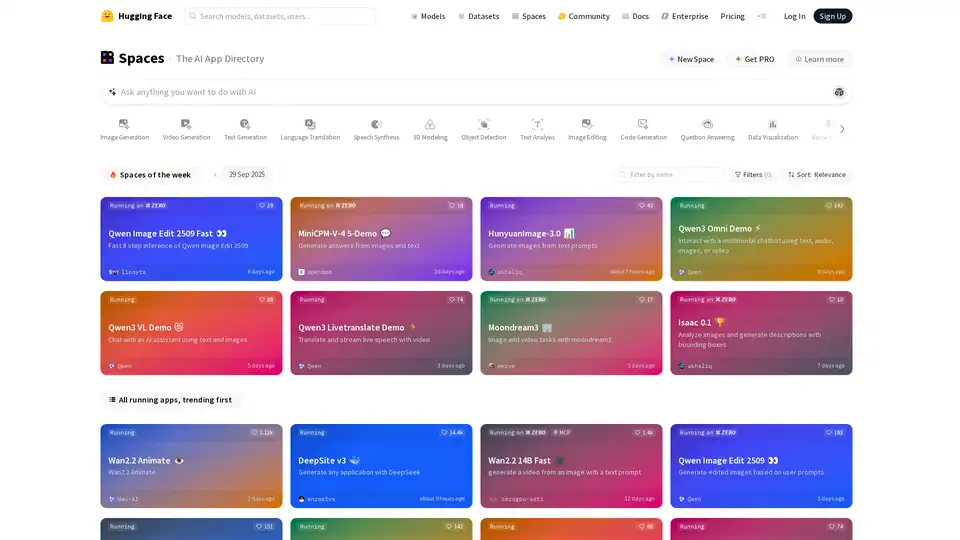
Explore Hugging Face Spaces, a directory of amazing AI and machine learning applications built by the community. Discover, build, and share innovative AI apps.