
Menu Explain
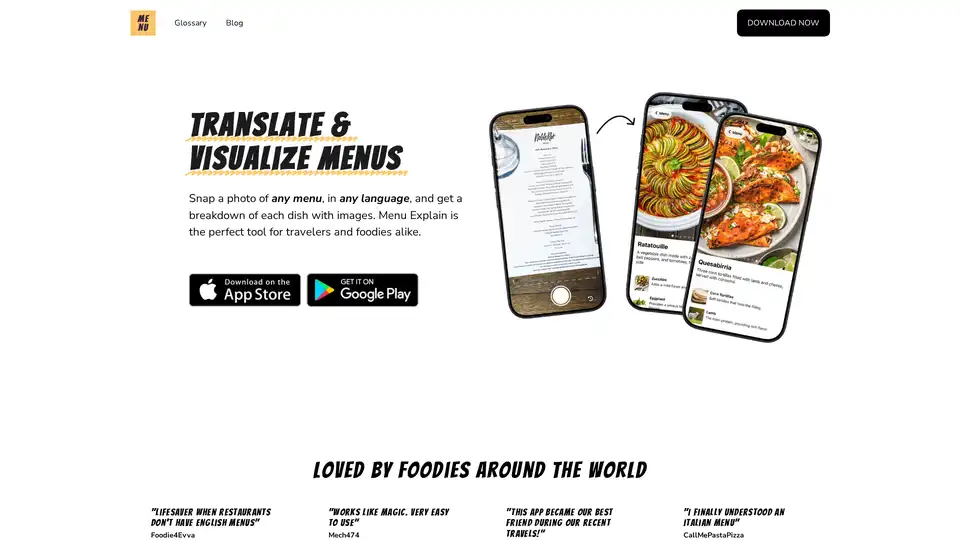
Overview of Menu Explain
Menu Explain: Your Culinary Companion
What is Menu Explain?
Menu Explain is a mobile application designed to instantly translate and visualize menus. It allows users to understand menu items in different languages by simply taking a photo. This tool is particularly useful for travelers and food enthusiasts who want to explore diverse cuisines without language barriers.
How does Menu Explain work?
- Take a Photo: Users start by taking a photo of the menu using their smartphone's camera.
- Automatic Translation: The app automatically translates the menu into the user's preferred language. It supports translation from over 30 languages.
- Dish Visualization: Menu Explain provides detailed descriptions and images of each dish, helping users understand what they are ordering.
Key Features:
- Instant Translation: Accurately translates menus from more than 30 languages.
- Visual Breakdown: Provides images and detailed explanations of each dish and ingredient.
- User-Friendly Interface: Simple and easy to use, making it accessible for everyone.
Why choose Menu Explain?
- Breaks Language Barriers: Navigate menus of different cultures with ease.
- Enhances Dining Experience: Understand what you're ordering, leading to more informed choices.
- Time-Saving: No more guessing or relying on potentially inaccurate translations.
Who is Menu Explain for?
- Travelers: Perfect for those exploring new countries and cuisines.
- Foodies: Ideal for anyone interested in understanding the ingredients and preparation of different dishes.
- Anyone with Language Barriers: Useful for individuals dining in restaurants with menus in unfamiliar languages.
User Testimonials:
- Foodie4Evva: "Lifesaver when restaurants don't have English menus."
- Mech474: "Works like magic. Very easy to use."
- Yayayaya20: "This app became our best friend during our recent travels!"
- CallMePastaPizza: "I finally understood an Italian menu."
How to use Menu Explain?
- Download the app from the App Store or Google Play Store.
- Open the app and allow camera access.
- Take a photo of the menu you want to translate.
- Review the translated menu with dish descriptions and images.
Is Menu Explain Free?
The information provided does not explicitly state whether Menu Explain is free, but it encourages users to try the app. There may be a free version with limited features or a trial period.
Best Alternative Tools to "Menu Explain"
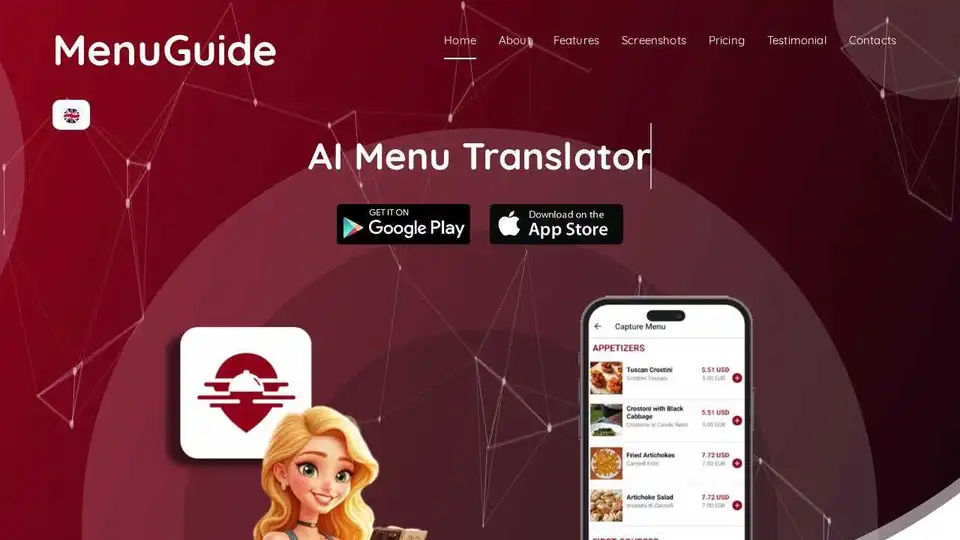
MenuGuide is an AI-powered travel app that translates menus, identifies allergens, shows dish images, and converts prices, making global dining effortless.
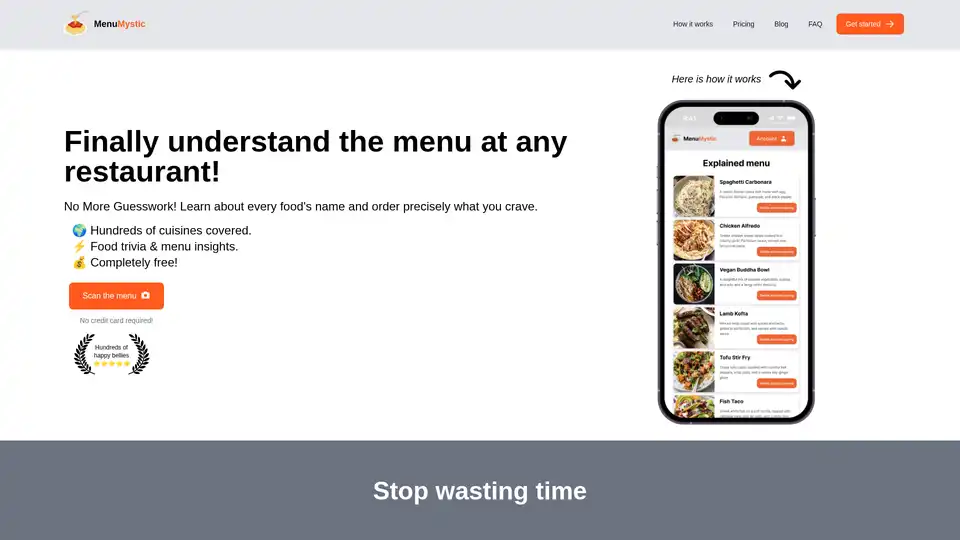
MenuMystic is an AI-powered tool that helps you understand restaurant menus. Simply scan the menu to get dish explanations, wine pairings, and dessert recommendations. Available for free with paid plans for expanded use.
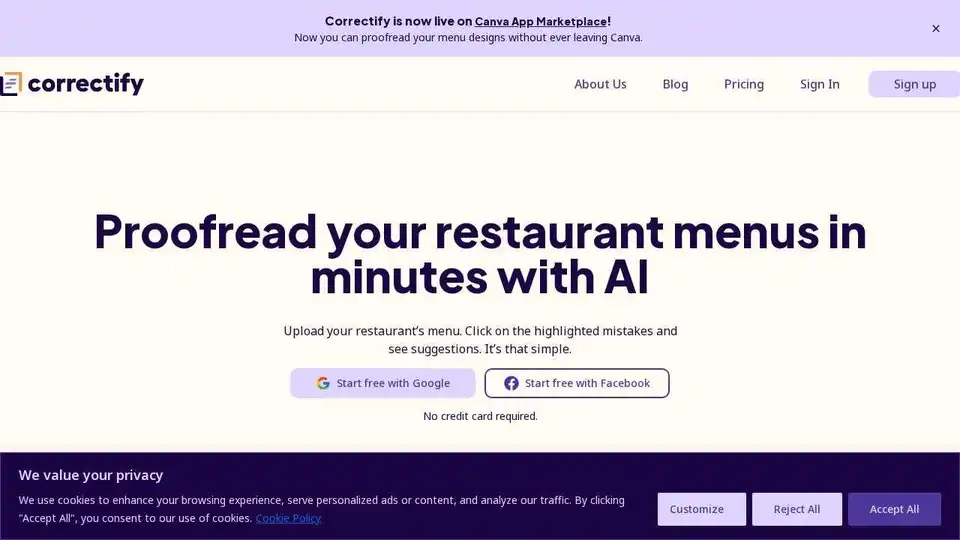
Correctify uses AI to proofread restaurant menus quickly, identifying typos and grammatical errors. Edit menus effortlessly with culinary-specific AI, team collaboration and AI translation.
Fork Wise: AI-powered app to scan menus/food, translate, and suggest choices based on dietary needs, track macros, and filter allergens.