
Melhorar Imagem
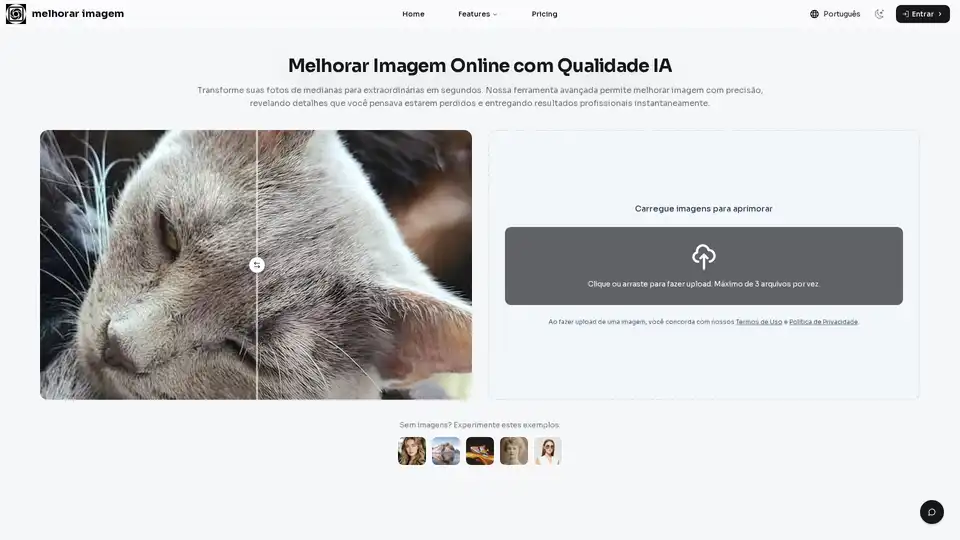
Overview of Melhorar Imagem
Melhorar Imagem: Enhance Your Photos with AI
What is Melhorar Imagem?
Melhorar Imagem is an AI-powered online tool designed to enhance the quality of your photos. Whether you need to increase resolution, reduce noise, correct colors, or sharpen details, this tool provides a one-click solution to transform your images.
How does Melhorar Imagem work?
This tool uses advanced artificial intelligence algorithms to analyze and improve your images automatically. It corrects lighting, contrast, and color vibrations to make your photos look sharper and more appealing. The AI enhances each pixel to add realistic details, resulting in impressive clarity. Additionally, it reduces noise and graininess, especially in low-light photos, while preserving essential details.
Key Features
- Improve Image Quality: Automatically correct lighting, contrast, and color vibrations for a sharper, more attractive look.
- AI Enhancement: Analyze each pixel to add realistic details, resulting in impressive clarity.
- Resolution Upscaling: Increase the size of your images without losing quality, perfect for prints or high-definition displays.
- Noise Reduction: Clean up grainy photos by intelligently removing digital noise (ISO) while preserving essential details.
- Automatic Color Correction: Adjust white balance and saturation for vibrant and natural-looking photos.
- Smart Sharpening: Enhance definition precisely where needed without creating artifacts.
How to Use Melhorar Imagem
- Upload Your Photo: Drag and drop your image onto the platform or select a file from your device. Supported formats include JPEG, PNG, and WebP.
- AI Processing: Once uploaded, the AI automatically analyzes and processes the photo, applying improvements to sharpness, color, resolution, and noise reduction.
- Download Enhanced Image: Preview the before-and-after comparison. If satisfied, click the download button to save your high-quality photo.
Who is Melhorar Imagem for?
Melhorar Imagem is perfect for:
- E-commerce Professionals: Ensure product images are sharp and detailed, increasing customer confidence and conversion rates.
- Social Media Enthusiasts: Enhance photos for a crisp and vibrant look that drives engagement.
- Real Estate Agents: Improve property photos to attract more potential buyers.
- Amateur Photographers: Easily achieve studio-quality results without complex editing software.
Practical Applications
- Restoring Old Photos: Reduce scanner noise and improve facial definition for faded or damaged family photos.
- Preparing for Large Format Printing: Upscale images for clear and crisp wall art.
- Enhancing Product Images: Ensure product details are visible, aiding customer purchase decisions.
- Optimizing Photos for Blogs: Improve the reader experience with professional-looking images.
- Correcting Selfies: Smooth skin noise while sharpening important details for polished portraits.
- Improving Graphics and Logos: Smooth edges and make text more legible for presentations or websites.
User Testimonials
- Maria S. (E-commerce Manager): "This tool changed our workflow. We can process hundreds of product photos in a day. The clarity is impressive, and our sales have increased."
- João P. (Amateur Photographer): "I used to struggle with grainy night photos. Now, I just run them through this AI tool, and the quality improves dramatically."
Why Choose Melhorar Imagem?
- Superior AI Results: Trained on millions of images to understand context and apply realistic enhancements.
- Incredible Speed: Optimized infrastructure ensures nearly instantaneous processing.
- Intuitive Interface: Designed to be easy to use, even for beginners.
- Online Accessibility: Works directly in your browser, no software download required.
- User Privacy: Images are processed and deleted from servers automatically after a short period.
- Continuous Improvement: Constantly updating AI models to provide the latest advancements in image enhancement.
Conclusion
Melhorar Imagem offers a seamless and effective way to enhance your photos with the power of AI. Whether you're looking to improve image quality, increase resolution, or restore old memories, this tool provides the features and ease of use to achieve stunning results.
How to use Melhorar Imagem?
Simply upload your image to the website, let the AI process it, and download the enhanced version. The tool supports JPEG, PNG, and WebP formats.
Why choose Melhorar Imagem?
Because it offers superior AI results, incredible speed, an intuitive interface, and a focus on user privacy. It's the perfect solution for anyone looking to improve their images quickly and easily.
AI Generated Art Image Enhancement and Repair Image Style Transfer AI Background Removal and Replacement AI Avatar and Cartoonization 3D Modeling and Rendering Logo and UI Design
Best Alternative Tools to "Melhorar Imagem"
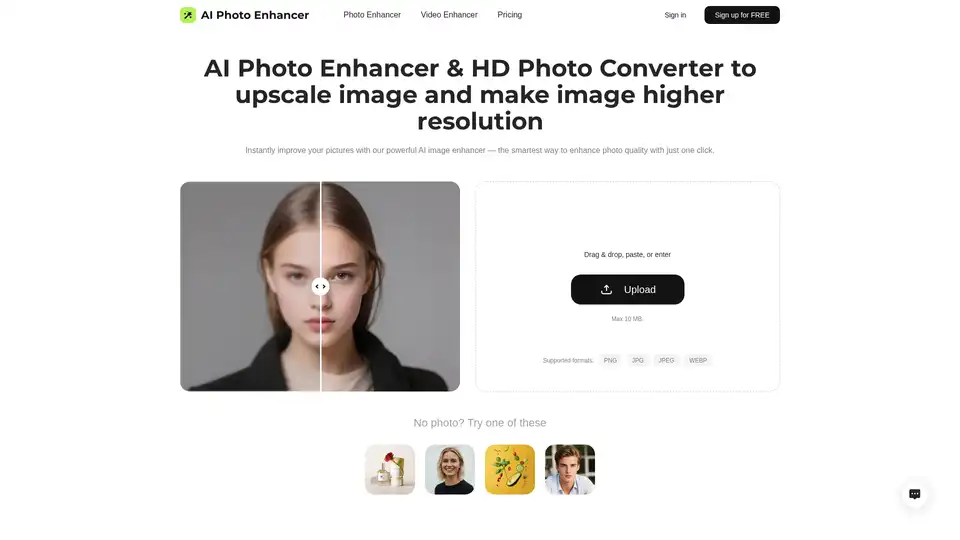
Enhance photo quality with AI Photo Enhancer! Free AI image upscaler to 4K resolution. Fix blurry pictures online and convert pics to HD. Improve resolution of image now!
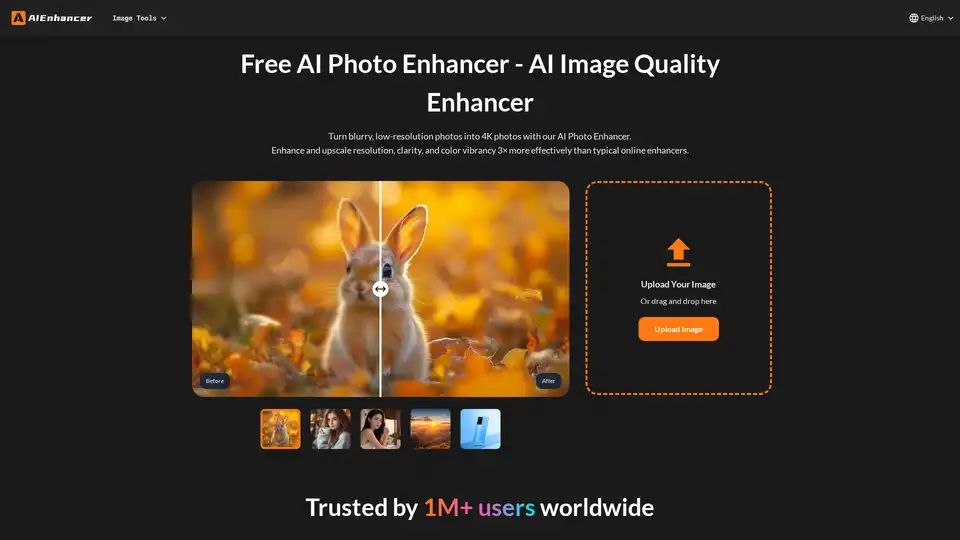
Enhance your photos with our AI Photo Enhancer. Restore colors, sharpen details, remove noise, and upscale low-resolution images to stunning 4K quality.
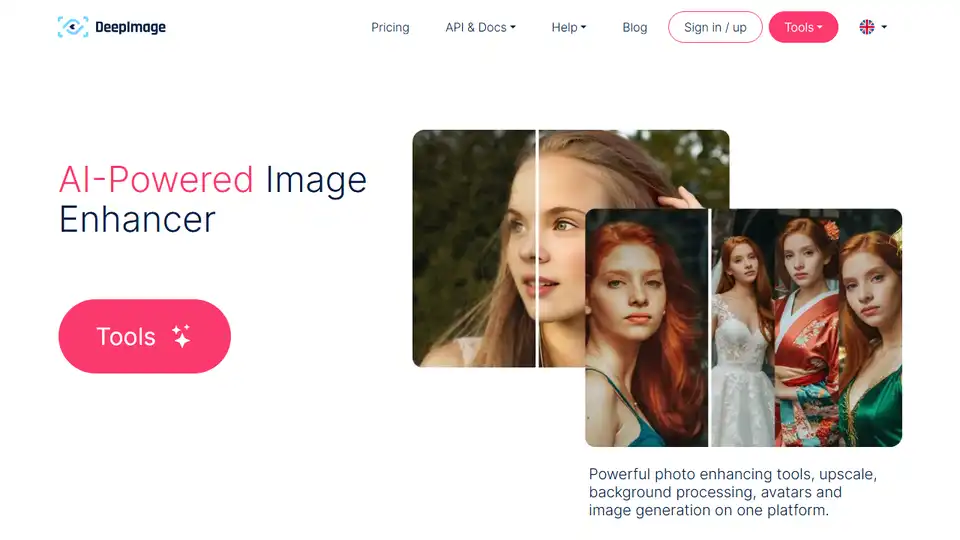
Deep-Image.ai enhances photo quality using AI. Upscale, generate backgrounds, create AI avatars for eCommerce. Try it for free!
Topaz Photo is AI-powered image enhancement software to sharpen details, restore focus, remove noise, and upscale images. Perfect for photographers seeking high-quality results.