
MakeMyAnime
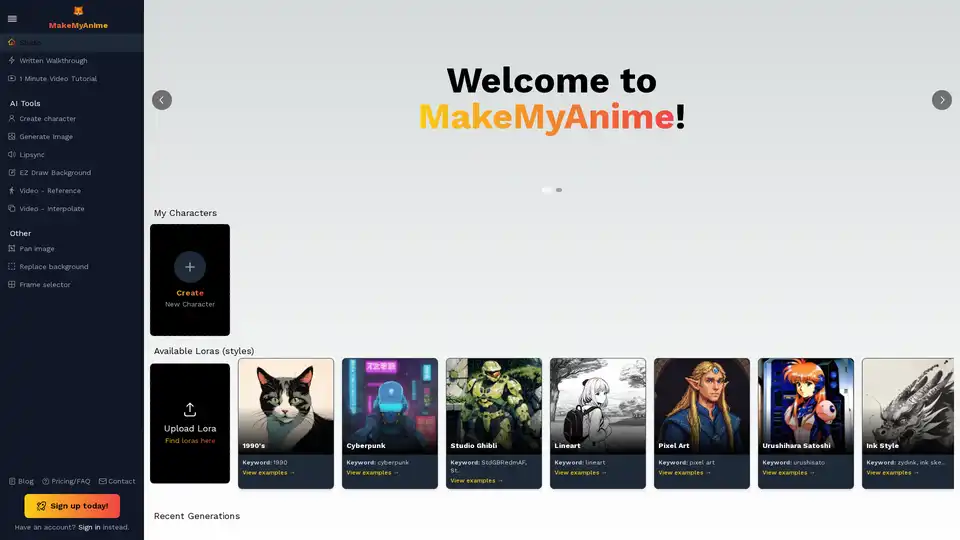
Overview of MakeMyAnime
What is MakeMyAnime?
MakeMyAnime is an innovative, AI-powered platform designed to empower creators to produce high-quality anime animations quickly and efficiently. Leveraging advanced artificial intelligence tools, MakeMyAnime simplifies the complex process of animation, making it accessible for both seasoned professionals and aspiring artists who wish to bring their anime visions to life without extensive traditional animation skills. From character design to video generation and stylistic enhancements, MakeMyAnime streamlines every step, accelerating your creative workflow.
Key Features and AI Tools of MakeMyAnime
MakeMyAnime is packed with a comprehensive suite of AI-driven features that cater to various aspects of animation production. These tools are meticulously crafted to provide flexibility and creative control:
Core Animation Tools
- Create Character: Easily design and generate unique anime characters tailored to your project's needs. This feature likely uses AI to interpret prompts or parameters, generating diverse character designs.
- Generate Image: Produce high-quality images that can be used as assets for your animation, including backgrounds, props, or individual frames.
- Lipsync: Automate the challenging process of synchronizing character lip movements with audio dialogue. This AI-powered feature significantly reduces manual labor and ensures natural-looking speech.
- EZ Draw Background: Simplify background creation with intuitive tools, possibly leveraging AI to generate or enhance scenic backdrops that complement your animated scenes.
- Video - Reference: Utilize existing video footage as a reference for your animation, allowing for consistency in motion or style.
- Video - Interpolate: A crucial feature for smooth animation, interpolation allows the AI to generate intermediate frames between keyframes, creating fluid movement and saving countless hours of manual drawing. This method enables users to create animations in "6 Simple Steps."
Other Utility Tools
Beyond the core animation process, MakeMyAnime offers additional functionalities to refine and enhance your work:
- Pan Image: Dynamically move and pan across static images to create a sense of motion or emphasize specific details within your scenes.
- Replace Background: Effortlessly swap out backgrounds in your images or video frames, providing flexibility for different settings and moods.
- Frame Selector: Precisely select and manage individual frames within your animation sequence for detailed editing and control.
How Does MakeMyAnime Work? The 6 Simple Steps to Animation
MakeMyAnime is designed for a user-friendly experience, particularly highlighting its "Via Interpolation" method for creating animations. Here’s a breakdown of the typical workflow:
- Create Character: Begin by designing your protagonist or supporting cast using the AI character creation tool. This is often the first step in bringing your story to life.
- Get External Image (Optional but useful): While not explicitly detailed, this step likely involves importing reference images or existing artwork to guide the AI or serve as a base for generation.
- Generate Image: Use the AI to generate specific images needed for your scenes, whether they are props, environment elements, or key poses for your characters.
- Video - Interpolate: This is where the magic happens for smooth motion. Feed your generated keyframes or character poses into the interpolation engine, and the AI will automatically fill in the transitional frames, producing seamless animation.
- EZ Draw Background: Add captivating backgrounds to your animated scenes, using the AI-assisted drawing tools to create or enhance the visual environment.
- Refine and Export: While not explicitly listed as a step but implied by the other tools, users would then refine details, apply lipsync, pan images, or replace backgrounds as needed before exporting their final animated masterpiece.
(PS: The platform advises starting by making a character, emphasizing the importance of foundational design.)
Unleashing Creativity with AI Styles: Available Loras
MakeMyAnime significantly enhances creative possibilities through its "Available Loras" feature. Loras (Low-Rank Adaptation) are a type of fine-tuning for AI models that allow users to apply distinct artistic styles to their generated images and animations. This means you’re not limited to a single aesthetic; you can truly customize the look and feel of your anime.
Some of the exciting Lora styles mentioned include:
- 1990's: Recreate the nostalgic look of classic anime from the 90s.
- Cyberpunk: Dive into futuristic, high-tech, and often dystopian aesthetics.
- Studio Ghibli: Capture the enchanting and distinctive art style reminiscent of the renowned Japanese animation studio.
- Lineart: Focus on clean, expressive line drawings, often a base for traditional animation.
- Pixel Art: Emulate the retro charm of pixelated graphics.
- Urushihara Satoshi: Adopt the distinctive style of the famous Japanese animator and character designer.
- Ink Style: Achieve a look that mimics traditional ink drawings, often with dynamic brushstrokes.
- Traditional Chinese (Guofeng): Explore the elegant and rich aesthetics of traditional Chinese art and culture.
Users also have the option to "Upload Lora," indicating a potential for custom style integration, allowing for even greater artistic freedom and personalization.
Who is MakeMyAnime For?
MakeMyAnime is an ideal tool for a diverse range of users:
- Aspiring Animators: Individuals without extensive animation software experience can quickly learn and produce animations.
- Content Creators: YouTubers, social media influencers, and bloggers looking to add unique animated segments to their content.
- Artists & Illustrators: Those seeking to explore AI's potential in bringing static art to life or experimenting with different animation styles.
- Game Developers (Indie): For prototyping animations for characters or cutscenes without a large animation team.
- Marketing Professionals: Creating engaging animated advertisements or explainer videos.
- Educators: Developing animated educational content to make learning more interactive.
- Anime Enthusiasts: Anyone passionate about anime who wants to try their hand at creating their own stories and characters in this beloved art style.
Why Choose MakeMyAnime? Practical Value and Benefits
Choosing MakeMyAnime offers several compelling advantages for creators:
- Speed and Efficiency: Significantly reduces the time and effort traditionally required for animation. AI automates tedious tasks like frame interpolation and lip-syncing.
- Accessibility: Lowers the barrier to entry for animation. Users don't need years of training in drawing or complex software.
- Creative Freedom: Offers a wide array of AI tools and stylistic Loras, allowing for diverse creative expressions and unique visual storytelling. The ability to upload custom Loras further enhances this.
- Cost-Effectiveness: For individual creators or small teams, AI tools can be a more economical alternative to hiring multiple animators or investing in expensive traditional animation pipelines.
- User-Friendly Workflow: The structured "6 Simple Steps" guide users through the animation process, ensuring a smooth and intuitive experience.
- Innovation: Stay at the forefront of animation technology by utilizing cutting-edge AI for creative endeavors.
Getting Started with MakeMyAnime
MakeMyAnime encourages new users to "Sign up today!" for free, suggesting a free tier or trial period to explore its capabilities. The platform also offers a "Written Walkthrough" and a "1 Minute Video Tutorial," indicating strong support for user onboarding. These resources are invaluable for new users to quickly grasp the platform's functionalities and begin their animation journey.
Conclusion: Your AI-Powered Anime Studio
MakeMyAnime stands out as a powerful and accessible AI animation platform. By integrating advanced AI tools for character creation, image generation, video interpolation, and stylistic control via Loras, it transforms the often-daunting task of animation into an enjoyable and efficient creative process. Whether you're aiming to produce a short anime clip, develop a full animated series, or simply experiment with AI-generated art, MakeMyAnime provides the resources and framework to achieve your animation goals. Embrace the future of animation and make your anime dreams a reality with MakeMyAnime.
AI Generated Art Image Enhancement and Repair Image Style Transfer AI Background Removal and Replacement AI Avatar and Cartoonization 3D Modeling and Rendering Logo and UI Design
Best Alternative Tools to "MakeMyAnime"
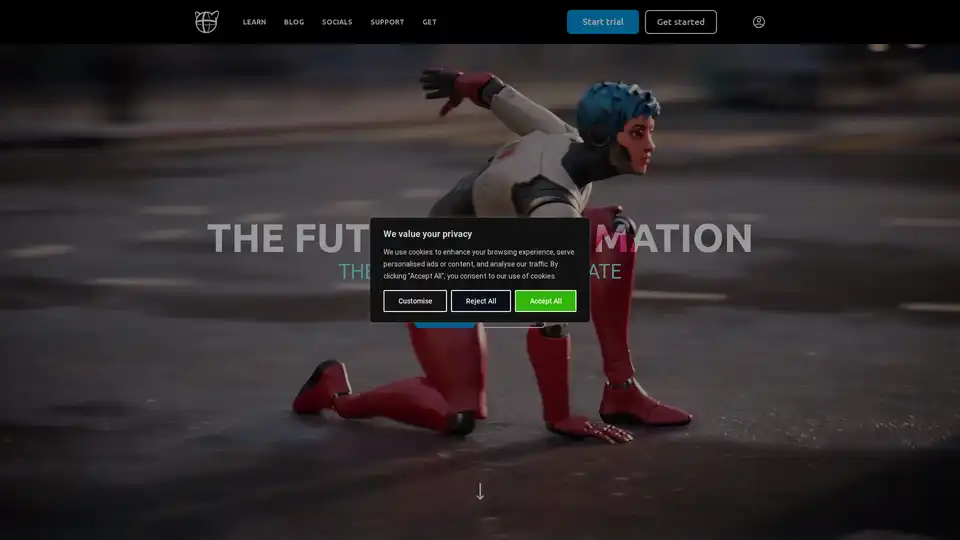
Cascadeur is a standalone 3D animation software that uses AI to assist in keyframe animation. It offers features like AutoPosing, AutoPhysics, and easy character rigging to speed up the animation process and produce high-quality results.
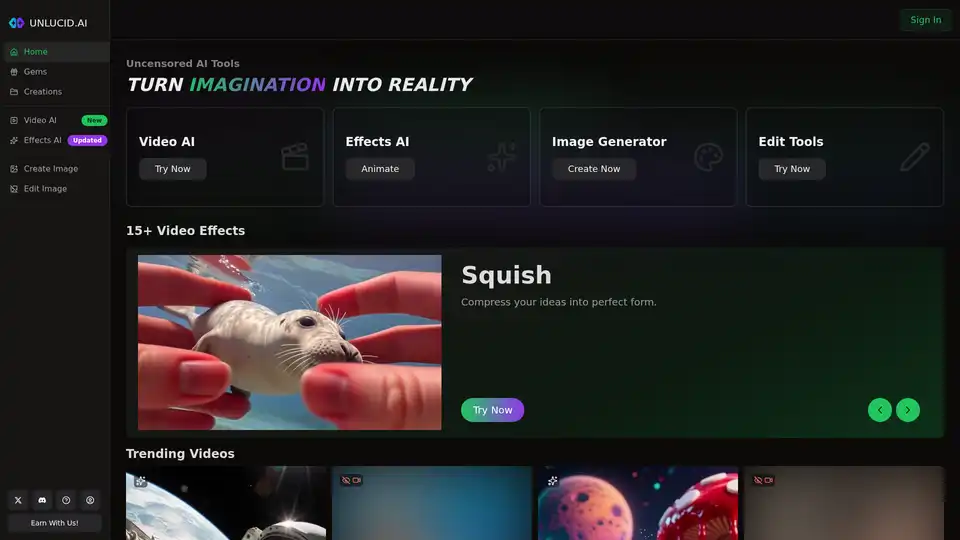
Free uncensored AI tools for dreamers. Create, edit, and animate videos with the power of AI. Unleash your imagination through free unrestricted AI technology.
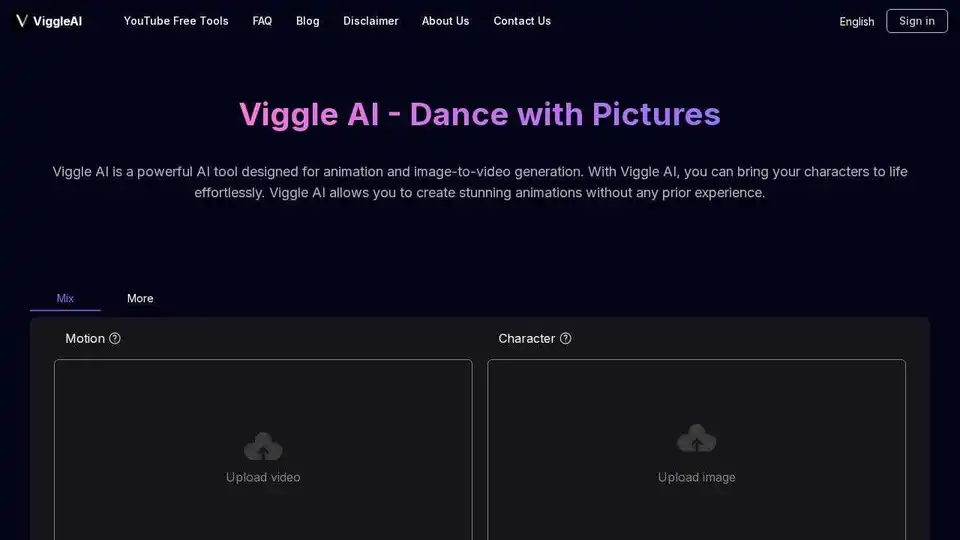
Viggle AI is a powerful AI animation tool and image-to-video generator. Easily animate characters and create stunning videos with Viggle AI. Start animating for free!
Transform static images into lifelike animated videos with LivePortrait, an AI-powered live portrait creator. Try it for free to create high-quality, customizable animations.