
Mailzen.ai
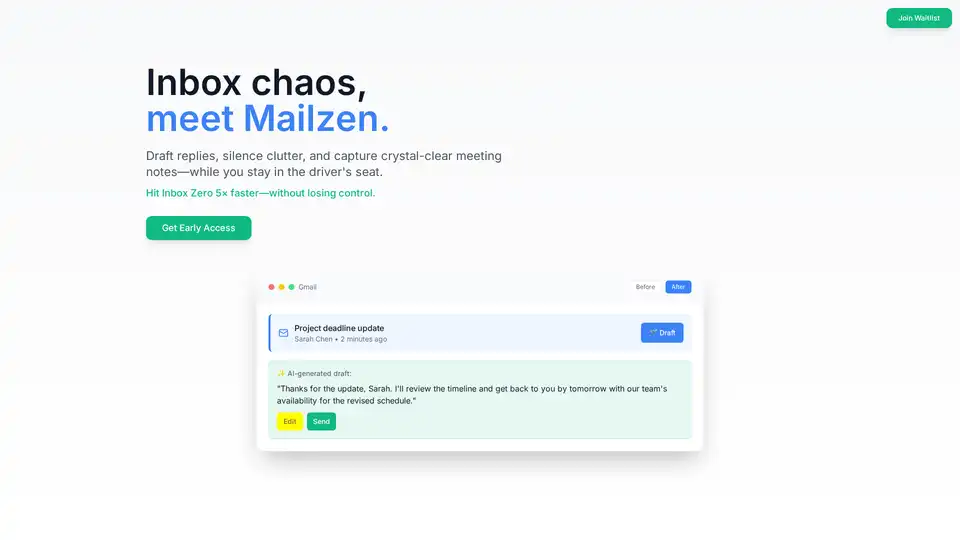
Overview of Mailzen.ai
Mailzen.ai: The AI Email Management Co-pilot for Achieving Inbox Zero
What is Mailzen.ai?
Mailzen.ai is an AI-powered email assistant designed to help users manage their Gmail inboxes more efficiently. It acts as a co-pilot, assisting with drafting replies, silencing clutter, and capturing meeting notes. The primary goal is to help users achieve "Inbox Zero" faster and more effectively, all while maintaining control over their email communications.
How does Mailzen.ai work?
Mailzen.ai operates through a three-step process:
- Connect Gmail: Mailzen.ai connects to your Gmail account using OAuth read-only access, ensuring data security.
- AI Proposes Drafts & Tidies Inbox: The AI suggests responses and organizes emails based on priority.
- Review & Send: Users review, tweak, and manually send the emails, retaining full control over every action.
Key Features of Mailzen.ai
- Draft Assist: AI-generated replies in your own tone, eliminating blank-page panic.
- Declutter & Unsubscribe: Prioritizes important emails and mutes low-value threads like newsletters.
- Meeting Notes: Automatically captures decisions and action items during meetings.
- Personal Tone Memory: The AI learns and adapts to your unique writing style.
- Scheduling Reply: Suggests smart time slots for scheduling replies based on your calendar.
Why Choose Mailzen.ai?
- Save Time: Users can achieve inbox zero up to 5x faster.
- Stay in Control: You always have the final say, as Mailzen.ai never sends emails without your explicit approval.
- Improve Productivity: By automating mundane tasks and organizing your inbox, Mailzen.ai helps you focus on what matters most.
Who is Mailzen.ai For?
Mailzen.ai is suitable for professionals and anyone struggling with email overload, including:
- Product managers
- Startup founders
- Entrepreneurs
- Anyone looking to improve their email productivity
Mailzen.ai Pricing
Mailzen.ai offers both free and pro plans:
- Free Plan:
- Smart email categorization
- Basic reply drafts
- Limited meeting notes\
- Pro Plan:
- Advanced reply drafting with tone memory
- Complete meeting notes with action items
- Unlimited email categorization
- Priority support
The Pro plan is under $20/month, with special launch pricing available for early adopters.
Customer testimonials
- Alex Chen, Product Manager: "Finally, an AI that drafts emails but lets me stay in control. Game changer for my inbox."
- Sarah Kim, Startup Founder: "Mailzen saved me 2 hours daily. The meeting notes feature alone is worth it."
FAQ
- Will Mailzen ever send emails on my behalf? No, you always stay in control and must manually send emails.
- How does Mailzen protect my privacy? Mailzen.ai uses OAuth read-only access and ensures data security.
- Which email platforms are supported? Currently, Mailzen.ai supports Gmail.
In conclusion, Mailzen.ai offers a promising solution for managing email overload and achieving inbox zero. By leveraging AI to automate routine tasks, it can significantly improve productivity and help users stay in control of their communications. Whether you are a busy professional or a startup founder, Mailzen.ai could be the key to taming your inbox.
AI Article Generation AI Text Polishing AI Writing Assistance Paper and Report Generation News and Blog Generation Email and Business Writing
Best Alternative Tools to "Mailzen.ai"
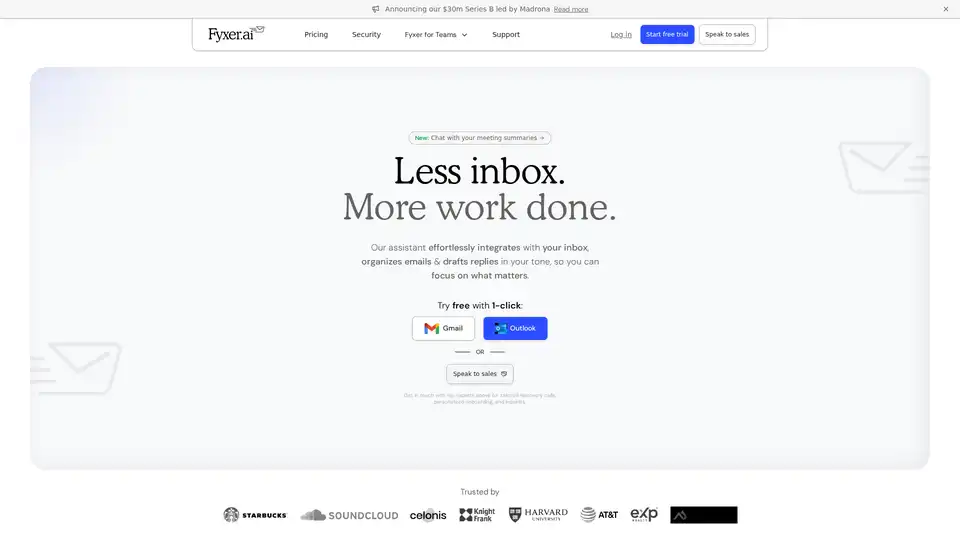
Fyxer AI is an AI email assistant that organizes your inbox, drafts replies in your tone, and manages meeting notes. Reclaim your time with Fyxer AI!
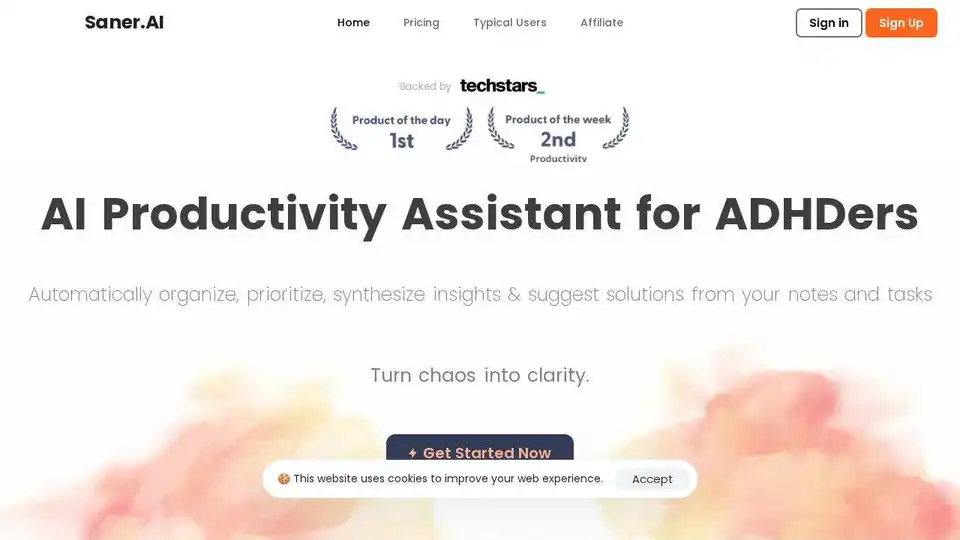
Saner.AI is an AI personal assistant designed for individuals with ADHD, helping with notes, email, and calendar management. It proactively plans your day and keeps you on track.
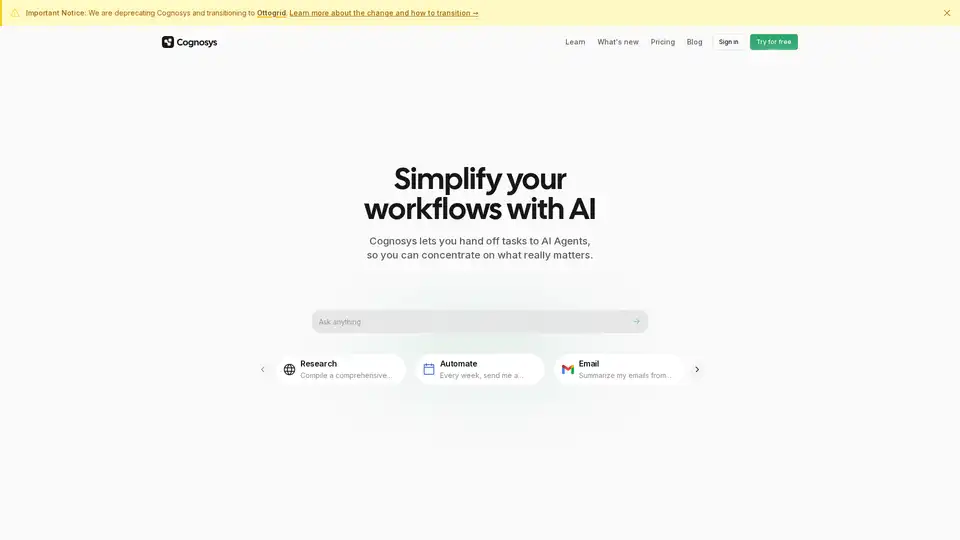
Cognosys is an AI agent that simplifies workflows by automating tasks like research, email summarization, and app integrations, helping users focus on high-value work for faster productivity gains.
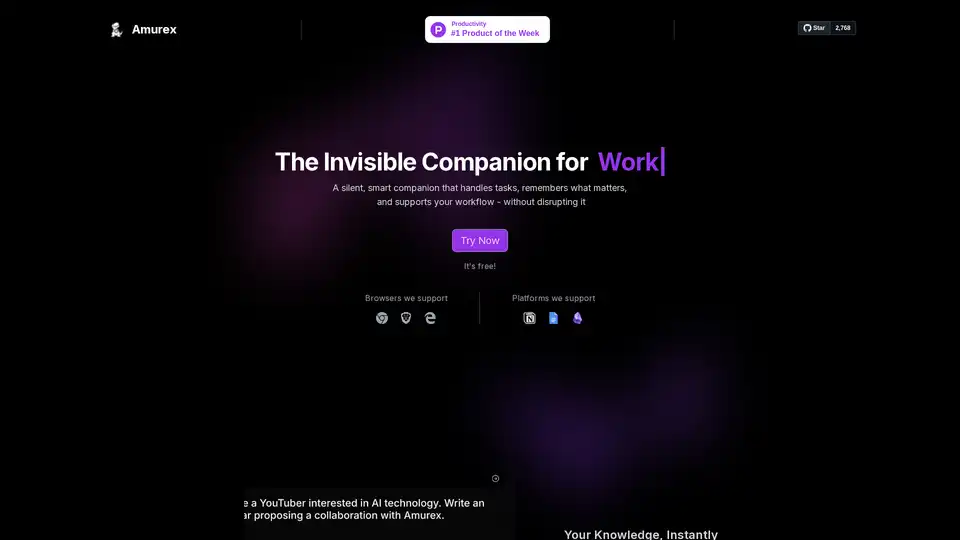
Amurex is a free, open-source AI invisible companion that silently boosts productivity by enabling instant knowledge search across Notion, Google Drive, Obsidian; automating meeting recordings, transcriptions, summaries, and action items; and categorizing emails. Works as a browser layer without extra apps.