
Mailbutler
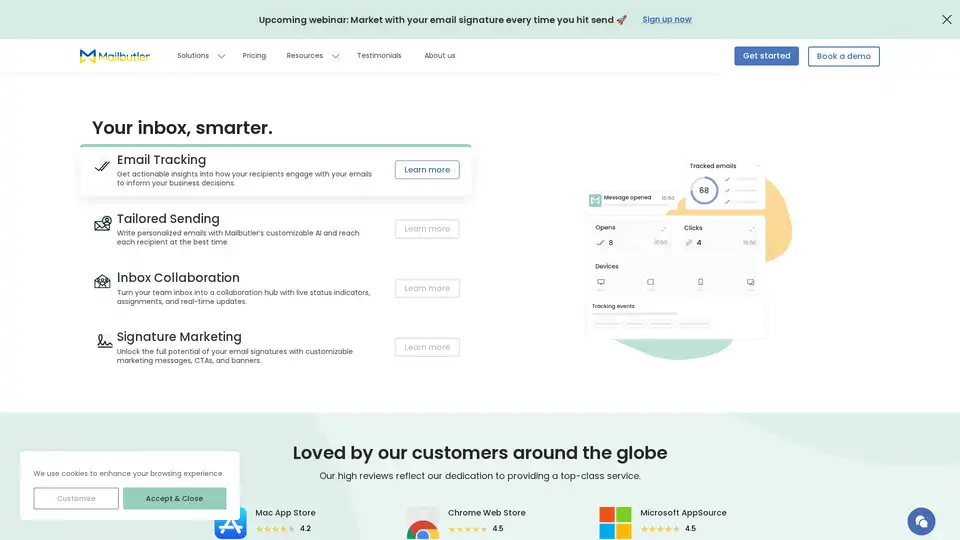
Overview of Mailbutler
Mailbutler: Enhance Your Inbox with Powerful Features
Mailbutler is an email extension designed to supercharge your existing email clients like Apple Mail, Gmail, and Outlook. It adds a suite of powerful features that help you work smarter, collaborate more effectively, and gain valuable insights from your email communications.
What is Mailbutler?
Mailbutler is a productivity tool that integrates directly into your email inbox, providing features that go beyond basic email functionality. It's designed to help professionals and teams streamline their email workflows, improve communication, and boost overall productivity.
How does Mailbutler work?
Mailbutler works as a plugin or extension for popular email clients. Once installed, it adds a range of features directly into your inbox interface. These features include email tracking, scheduled sending, collaboration tools, and signature marketing capabilities.
Key Features of Mailbutler
- Email Tracking: Get actionable insights into how recipients engage with your emails. Know when your emails are opened, how many times they are opened, and which links are clicked. This feature helps you understand the effectiveness of your communications and make informed business decisions.
- Tailored Sending: Write personalized emails with Mailbutler’s customizable AI and reach each recipient at the best time. Ensure your message is delivered when it's most likely to be seen and engaged with.
- Inbox Collaboration: Transform your team inbox into a collaboration hub with live status indicators, assignments, and real-time updates. This helps teams stay on the same page and manage shared inboxes efficiently.
- Signature Marketing: Unlock the full potential of your email signatures with customizable marketing messages, CTAs, and banners. Turn every email you send into a marketing opportunity.
Why Choose Mailbutler?
- Improved Productivity: Mailbutler helps you streamline your email workflows, saving you time and effort.
- Enhanced Collaboration: Collaboration features make it easier for teams to manage shared inboxes and communicate effectively.
- Actionable Insights: Email tracking provides valuable data that helps you improve your communications and marketing efforts.
- Customizable AI: Tailor your email sending with customizable AI for personalized messaging and optimal timing.
Who is Mailbutler For?
Mailbutler is ideal for:
- Professionals: Who want to enhance their email productivity and communication.
- Teams: That need to collaborate on shared inboxes and manage email workflows efficiently.
- Businesses: Looking to leverage email as a marketing channel through signature marketing.
How to Use Mailbutler?
- Install the Extension: Download and install the Mailbutler extension for your preferred email client (Apple Mail, Gmail, or Outlook).
- Configure Your Settings: Customize Mailbutler to fit your specific needs and preferences.
- Start Using the Features: Take advantage of the email tracking, scheduled sending, collaboration tools, and signature marketing features.
Mailbutler Customer Testimonials
Mailbutler is loved by customers around the globe. Here are a few testimonials:
- Nick Kyriakides, Founder of NK Films: "Using an incredible tool like Mailbutler has really enabled me to enhance my workflow and connect with my clients much more effectively. I would highly recommend it for anyone who, like me, works with international clients or has a flexible schedule."
- Hollie Barac, Accountability and productivity partner: "Mailbutler allows me to glance over my inbox and see which emails need actioning, what’s still waiting to be opened by the recipient, and so much more. Without a doubt, I recommend Mailbutler. It’s revolutionized my inbox."
- Liviu Tanase, CEO of ZeroBounce: "I love the fact that Mailbutler integrates with so many platforms. Whatever app you use to stay productive and organized, you can easily add Mailbutler to your workflow."
- Craig Bowman, President of Common Ground Consulting: "I am often a beta user of Mailbutler and I have found Mailbutler’s support team to be really helpful when I, for example, install the latest Mac beta. Mailbutler’s support feels personal and it’s what sets them apart from so many other companies."
Mailbutler Security and Privacy
Mailbutler takes your privacy and security seriously. It is ISO/IEC 27001 certified, ensuring that its processes, systems, and controls are independently audited to keep your data safe. Mailbutler is also 100% GDPR compliant, never sharing your data with third parties. The servers are located in Frankfurt, Germany, ensuring your data is handled in line with the strictest privacy and security regulations.
Mailbutler Pricing
Mailbutler offers various pricing plans to suit different needs. These plans include:
- Free Plan
- Professional Plan
- Business Plan
Mailbutler FAQs
- What is Mailbutler?
- Mailbutler is an email extension that adds powerful features to your Apple Mail, Gmail, or Outlook inbox.
- Can I try out Mailbutler for free?
- Yes, Mailbutler offers a free trial.
- Which email clients does Mailbutler support?
- Mailbutler supports Apple Mail, Gmail, and Outlook.
- Is it easy to use Mailbutler?
- Yes, Mailbutler is designed to be user-friendly and easy to integrate into your existing email workflow.
- Is Mailbutler secure?
- Yes, Mailbutler is ISO/IEC 27001 certified and 100% GDPR compliant, ensuring your data is safe and protected.
- How can I get customer support?
- Mailbutler offers customer support through its support center and by contacting their support team.
- Can I make suggestions for improvements to Mailbutler?
- Yes, Mailbutler welcomes suggestions for improvements through its feature requests page.
- Where is Mailbutler located?
- Mailbutler's servers are located in Frankfurt, Germany.
Conclusion
Mailbutler is a comprehensive email extension that significantly enhances the functionality of your inbox. With features like email tracking, tailored sending, inbox collaboration, and signature marketing, Mailbutler is a valuable tool for professionals, teams, and businesses looking to optimize their email communications and boost productivity. Its commitment to security and privacy, along with its ease of use and integration, makes it a top choice for anyone looking to take their email experience to the next level. If you are seeking an email extension to streamline your workflow, improve collaboration, and gain insights from your communications, Mailbutler is an excellent solution to consider.
AI Article Generation AI Text Polishing AI Writing Assistance Paper and Report Generation News and Blog Generation Email and Business Writing
Best Alternative Tools to "Mailbutler"
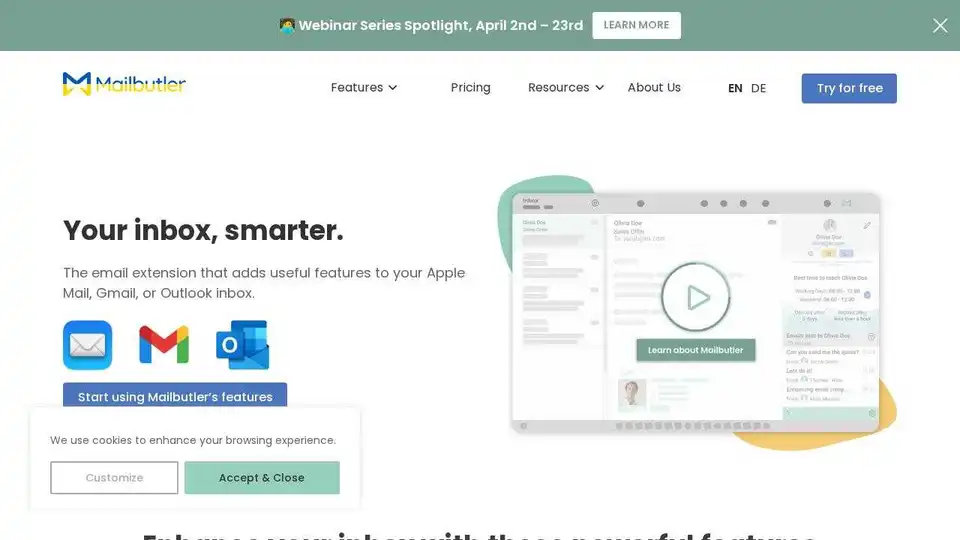
Mailbutler is an email extension for Apple Mail, Gmail, and Outlook that adds powerful features like email tracking, tailored sending with AI, and inbox collaboration to boost your email productivity.

Optimize your sales process with Sendout.AI - Sales Automation System. Streamline LinkedIn prospecting efforts and secure more deals effortlessly.
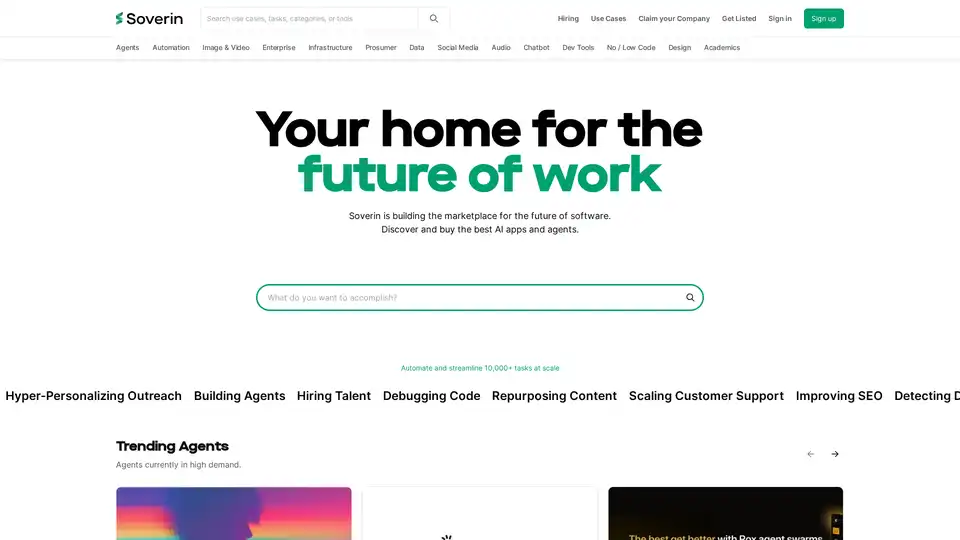
Soverin is the ultimate AI marketplace for discovering, buying, and leveraging top AI apps and agents. Automate over 10,000 tasks, from building agents to scaling customer support, and boost productivity with trending automation tools.
SummyMonkey revolutionizes productivity by summarizing audio recordings and emails into actionable insights. Features like NoteTaker, Summariser, and Compiler save time on meetings and inboxes, turning hours into minutes with AI-powered efficiency.