
LlamaChat
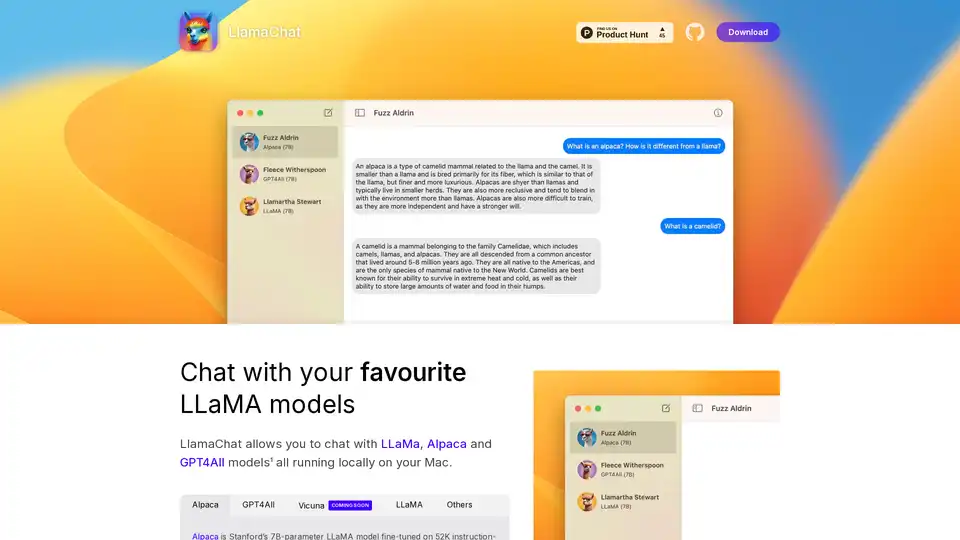
Overview of LlamaChat
LlamaChat: Chat with Local LLaMA Models on Your Mac
What is LlamaChat? LlamaChat is a macOS application that enables users to interact with various Large Language Models (LLMs) such as LLaMA, Alpaca, and GPT4All directly on their Mac, without relying on cloud-based services. This means the models run locally, offering enhanced privacy and control.
Key Features and Functionality
- Local LLM Support: LlamaChat supports multiple LLMs including LLaMA, Alpaca, and GPT4All, all running locally on your Mac.
- Model Conversion: LlamaChat can import raw PyTorch model checkpoints or pre-converted .ggml model files for ease of use.
- Open-Source: Powered by open-source libraries such as llama.cpp and llama.swift, ensuring transparency and community-driven development.
- Free and Open-Source: LlamaChat is completely free and open-source, ensuring accessibility and community contribution.
Supported Models
- Alpaca: Stanford’s 7B-parameter LLaMA model fine-tuned on 52K instruction-following demonstrations generated from OpenAI’s text-davinci-003.
- GPT4All: An open-source LLM.
- Vicuna: An open-source LLM.
- LLaMA: Meta's foundational LLM.
How does LlamaChat work?
LlamaChat leverages open-source libraries to run LLMs directly on your machine. It is built using llama.cpp and llama.swift. This allows you to convert and import raw PyTorch model checkpoints or pre-converted .ggml model files.
How to use LlamaChat?
- Download: Download LlamaChat from the official website or using
brew install --cask llamachat. - Install: Install the application on your macOS 13 or later.
- Import Models: Import your LLaMA, Alpaca, or GPT4All models into the application.
- Chat: Start chatting with your favorite LLM models locally.
Why choose LlamaChat?
- Privacy: Run models locally without sending data to external servers.
- Control: Full control over the models and data used.
- Cost-Effective: No subscription fees or usage charges.
- Open-Source: Benefit from community-driven improvements and transparency.
Who is LlamaChat for?
LlamaChat is ideal for:
- Developers: Experimenting with LLMs on local machines.
- Researchers: Conducting research without relying on external services.
- Privacy-Conscious Users: Users who want to keep their data local and private.
Installation
LlamaChat can be installed via:
- Download: Directly from the project’s GitHub page or Product Hunt.
- Homebrew: Using the command
brew install --cask llamachat.
Open Source Libraries
LlamaChat is built on:
- llama.cpp: For efficient inference of LLMs on CPU.
- llama.swift: Providing a native macOS interface for LLMs.
Disclaimer
LlamaChat is not affiliated with Meta Platforms, Inc., Leland Stanford Junior University, or Nomic AI, Inc. Users are responsible for obtaining and integrating the appropriate model files in accordance with the respective terms and conditions set forth by their providers.
AI Research and Paper Tools Machine Learning and Deep Learning Tools AI Datasets and APIs AI Model Training and Deployment
Best Alternative Tools to "LlamaChat"
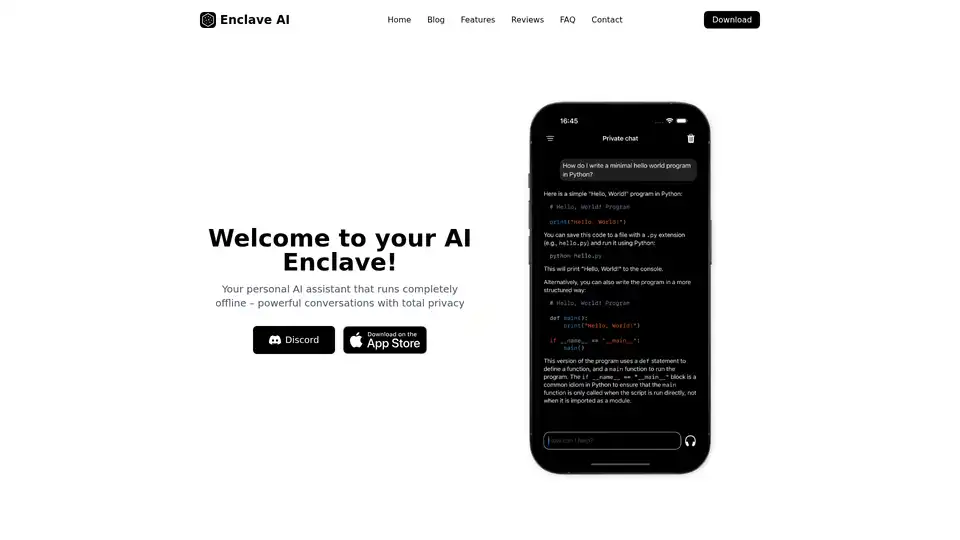
Enclave AI is a privacy-focused AI assistant for iOS and macOS that runs completely offline. It offers local LLM processing, secure conversations, voice chat, and document interaction without needing an internet connection.
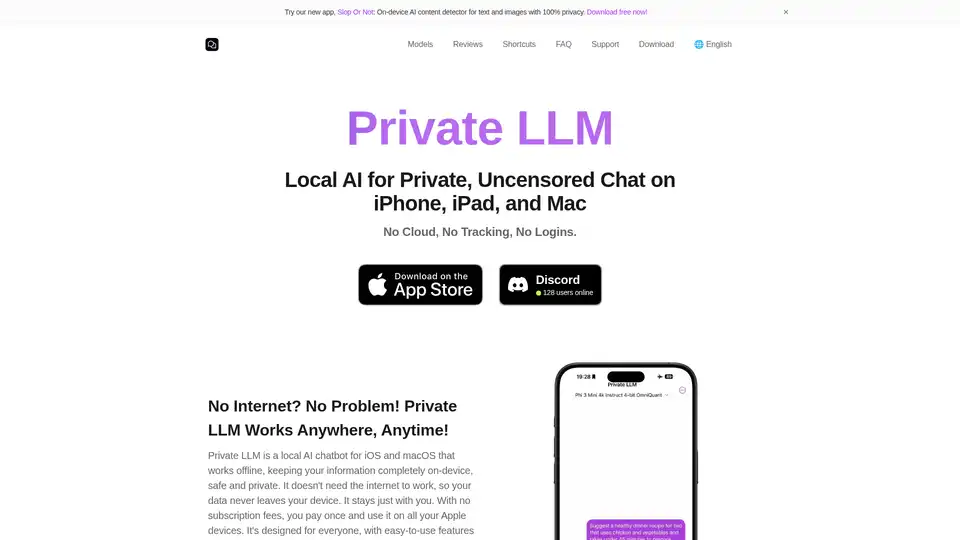
Private LLM is a local AI chatbot for iOS and macOS that works offline, keeping your information completely on-device, safe and private. Enjoy uncensored chat on your iPhone, iPad, and Mac.
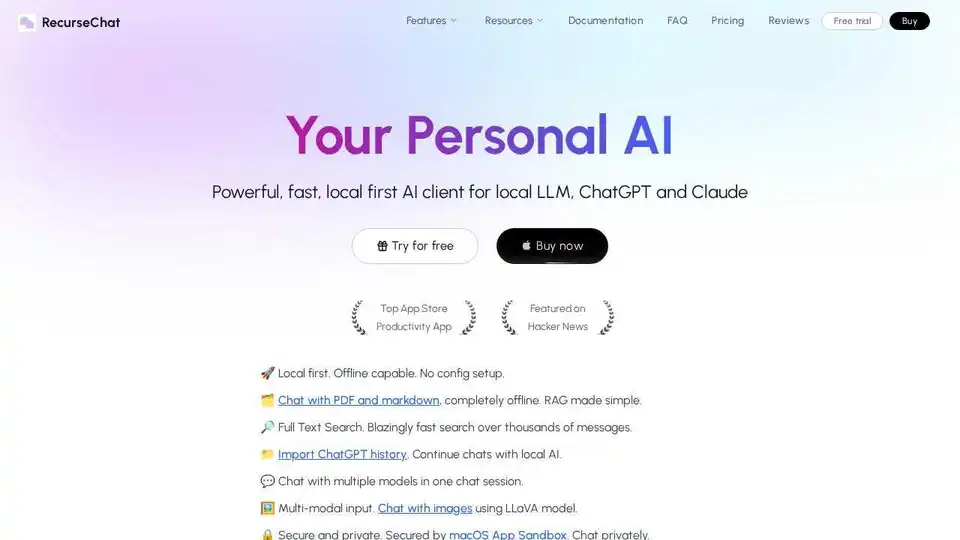
RecurseChat: A personal AI app that lets you talk with local AI, offline capable, and chats with PDF & markdown files.
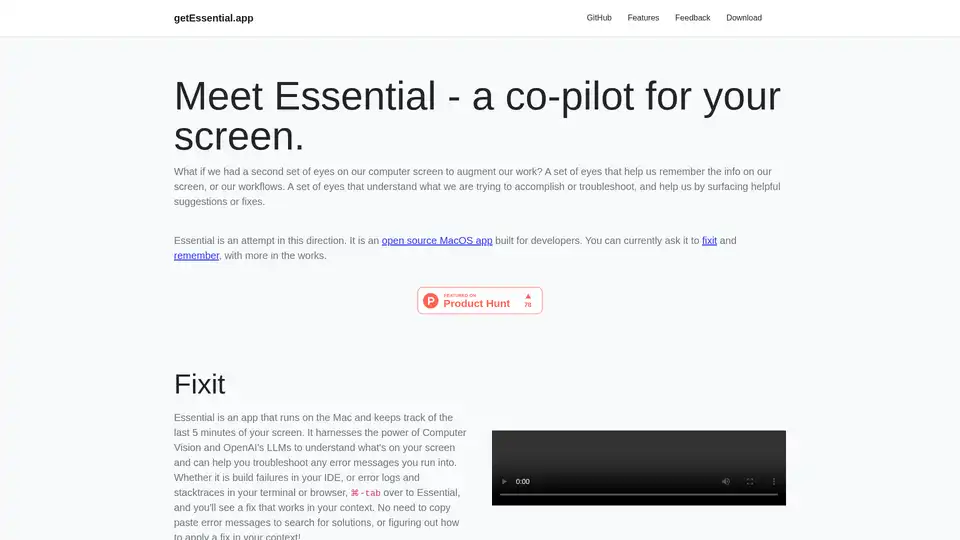
Essential is an open-source MacOS app that acts as an AI co-pilot for your screen, helping developers fix errors instantly and remember key workflows with summaries and screenshots—no data leaves your device.