
Little Bro
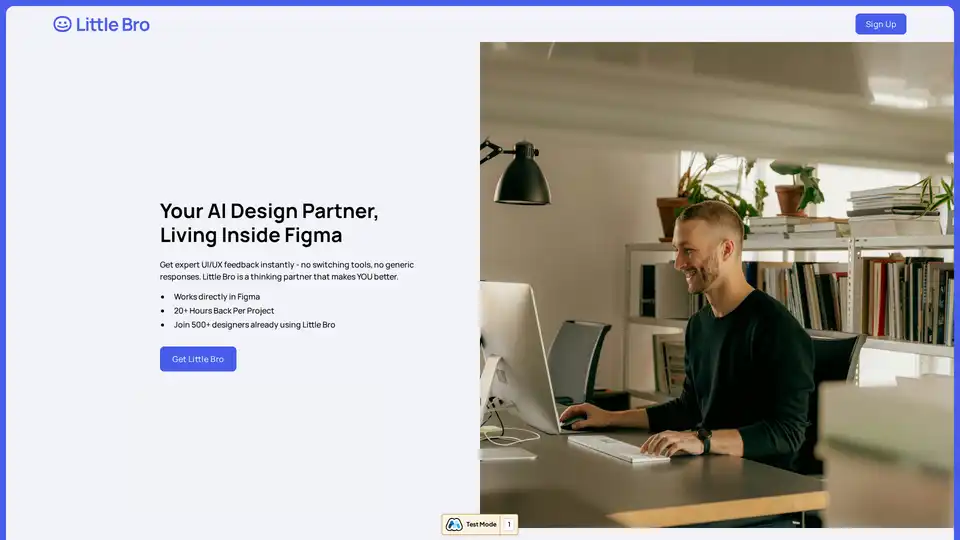
Overview of Little Bro
Little Bro: Your AI Design Partner Inside Figma
What is Little Bro? Little Bro is an AI-powered design partner that integrates directly into Figma, offering instant UI/UX feedback and simulating user behavior to help designers create better products. It's designed to help you think like your users, catch issues like a researcher, and grow like you have a senior mentor. This innovative plugin empowers designers to break through creative blocks, catch usability issues early, and ship with confidence.
How does Little Bro work? Little Bro works by analyzing your designs within Figma and providing context-aware feedback. Unlike generic AI tools, Little Bro simulates actual user behavior patterns and psychology to offer insights specific to your target audience.
Key Features and Benefits:
- Instant UI/UX Feedback: Get expert feedback without switching tools or receiving generic responses.
- User Behavior Simulation: Simulates user behavior patterns and psychology to provide relevant feedback.
- Persona Generation: Instantly create personas for different user groups (elderly users, mobile-first users, accessibility needs, etc.).
- Scenario Testing: Test designs under various conditions (distraction, slow connection, one-handed use).
- Usability Issue Detection: Catches major usability issues before presenting to clients.
- Breakthrough Design Blocks: Turns 2-hour brainstorms into 10-minute breakthroughs.
- Save Time: Recoup 20+ hours per project.
How to Use Little Bro?
- Install the Little Bro plugin from the Figma Marketplace.
- Open your design in Figma.
- Activate the plugin and start receiving AI-powered feedback and suggestions.
Why is Little Bro Important? Little Bro is important because it addresses the common challenges designers face, such as creative blocks, usability issues, and the need for user insights. It provides designers with a powerful tool to enhance their workflow, improve the quality of their designs, and ultimately create better user experiences.
Who is Little Bro for? Little Bro is for any designer who wants to:
- Improve their UI/UX design skills.
- Gain deeper insights into user behavior.
- Streamline their design process.
- Catch usability issues early on.
- Break through creative blocks.
Little Bro is particularly useful for:
- UI/UX Designers
- Product Designers
- Web Designers
- Mobile App Designers
Customer Testimonials:
- "Turned 2-hour brainstorm into 10-minute breakthrough"
- "Caught 3 major usability issues before presenting to client"
- "Caught a few user experience issues before any testing"
Best way to improve your design workflow?
Install Little Bro and turn every design into a learning opportunity. Your next breakthrough is one question away.
Get started with Little Bro today. Install the free Figma plugin now!
AI Generated Art Image Enhancement and Repair Image Style Transfer AI Background Removal and Replacement AI Avatar and Cartoonization 3D Modeling and Rendering Logo and UI Design
Best Alternative Tools to "Little Bro"
UI Faces offers a free library of AI-generated avatars for design mockups and creative projects. Download high-quality UI avatars, random profile pictures, and placeholder images.
Figma is a collaborative interface design tool that allows teams to brainstorm, design, and build products together. It offers features like design systems, templates, and AI capabilities to streamline the design process.
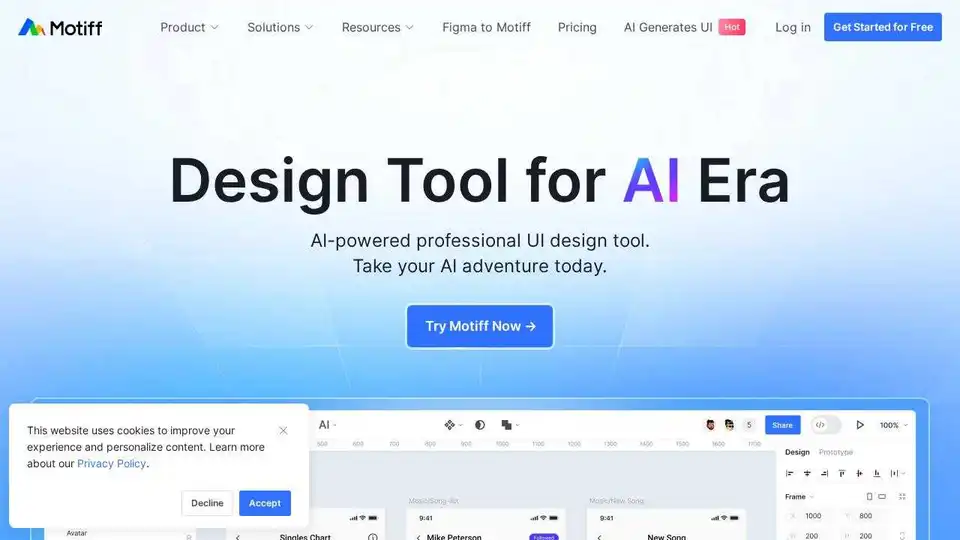
Motiff is an AI-powered interface design tool integrating AI into UI/UX workflows. It generates UIs from text/images, iterates designs, offers styling presets, and converts websites to editable designs. Currently under development as a Figma plugin.
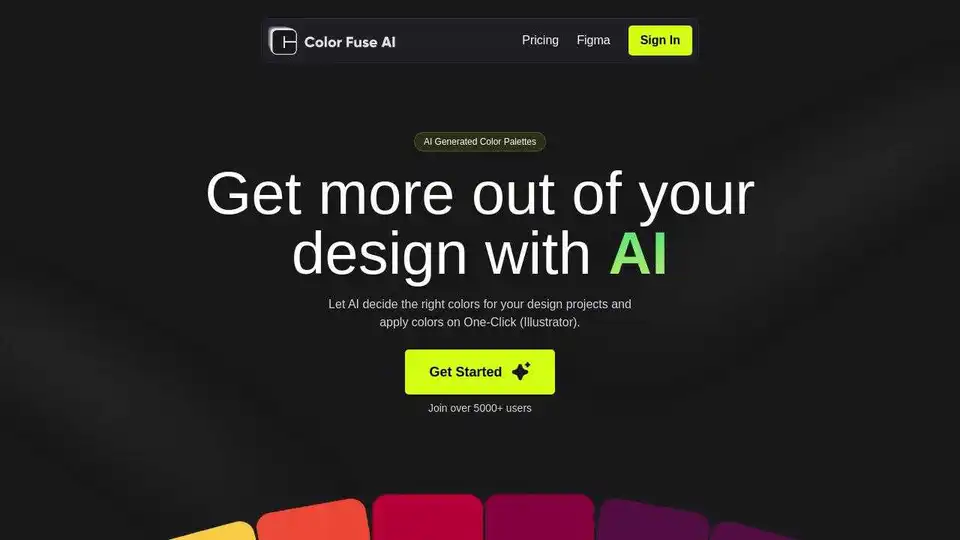
Generate stunning color palettes for your design projects with Color Fuse AI. Chat with AI and create the perfect color schemes effortlessly. Free and Pro plans available for web, Illustrator, Photoshop, and Figma.