
LanguageTool
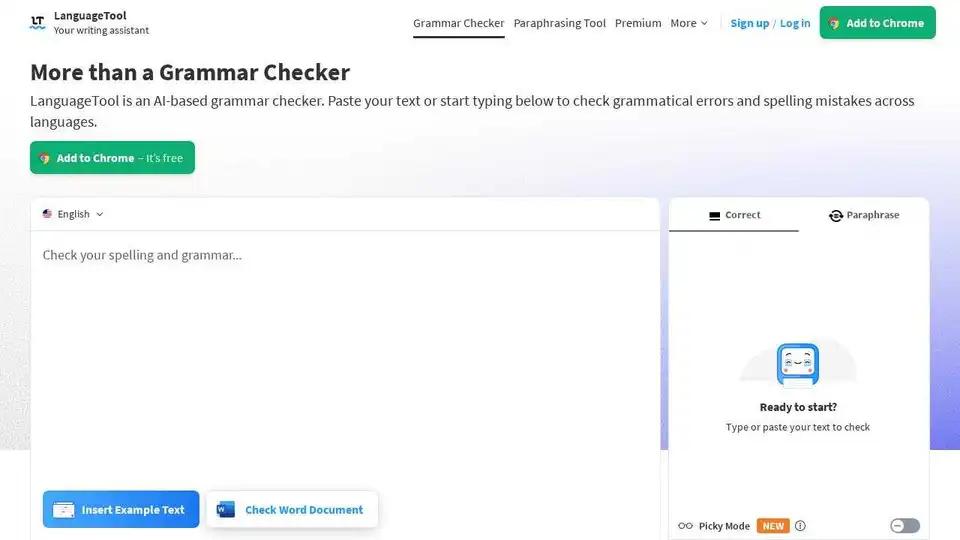
Overview of LanguageTool
LanguageTool: Your AI-Powered Writing Assistant
What is LanguageTool? LanguageTool is a versatile, AI-driven grammar and spell checker designed to enhance your writing across multiple languages. More than just a simple proofreading tool, it helps you identify grammatical errors, improve your style, and refine your tone. Whether you're composing emails, crafting blog posts, or working on important documents, LanguageTool ensures your writing is clear, concise, and error-free.
How does LanguageTool work? LanguageTool uses artificial intelligence to analyze your text for a wide range of issues, including:
- Grammar: Identifies and corrects grammatical errors such as incorrect subject-verb agreement, wrong plural forms, and misuse of grammatical forms.
- Spelling: Finds typos and misspellings, underlining them in red for easy correction.
- Punctuation: Ensures proper use of commas, dashes, hyphens, and other punctuation marks.
- Casing: Corrects incorrect capitalization, whether in names, months, places, or national identities.
- Style: Detects overused phrases, foreign terms, redundant words, and improper word choice, offering suggestions for improvement.
How to use LanguageTool? Using LanguageTool is simple and intuitive. You can:
- Paste your text: Copy and paste your text directly into the LanguageTool editor.
- Type directly: Start typing in the editor, and LanguageTool will analyze your text in real-time.
Once you've entered your text, LanguageTool will highlight any errors or areas for improvement. Simply click on the highlighted text to see suggestions and explanations. You can then accept or reject the suggestions as needed.
Why is LanguageTool important? In today's fast-paced world, clear and effective communication is more important than ever. LanguageTool helps you:
- Improve your professional image: Ensure your writing is error-free and professional, helping you make a positive impression.
- Save time: Quickly identify and correct errors, freeing up time to focus on other tasks.
- Enhance your writing skills: Learn from the suggestions provided, improving your overall writing abilities.
- Communicate effectively: Ensure your message is clear and easy to understand.
Where can I use LanguageTool? LanguageTool offers a variety of integrations to suit your needs:
- Browser Add-ons: Available for Chrome, Firefox, Edge, Safari, and Opera, allowing you to check your writing anywhere on the web.
- E-Mail Add-ons: Integrates with Gmail, Outlook, Apple Mail, and Thunderbird.
- Office Plugins: Works with Google Docs, Microsoft Word, Apple Pages, and LibreOffice.
- Apps: Available for macOS, Windows, and iOS.
Key Features and Benefits
- Multilingual Support: Supports over 30 languages and dialects, making it an ideal tool for international communication.
- Paraphrasing Tool: Rephrases sentences to be more formal, fluent, simple, or concise.
- Personal Dictionary: Allows you to add words to your personal dictionary, ensuring they are not flagged as errors.
- Statistics: Tracks your productivity, languages used, errors made, and suggestions applied, providing insights into your writing habits.
- Picky Mode: Offers even more suggestions for advanced punctuation, style, and typography.
- Integrations: Seamlessly integrates with your favorite apps and browsers.
Customer Reviews & Testimonials Numerous organizations and individuals trust LanguageTool to improve their writing. Some notable users include:
- BMW Group
- European Union
- Spiegel Magazine
- Deutsche Presse-Agentur (dpa)
- Blinkist
- Schweizer Radio und Fernsehen (SRF)
- JetBrains
- IP Australia
These organizations rely on LanguageTool to ensure error-free communication and a consistent brand voice.
Pricing Plans LanguageTool offers both free and premium plans. The free plan includes basic grammar and spell checking, while the premium plan offers unlimited paraphrasing, advanced suggestions, and more. LanguageTool also offers Business solutions to ensure error-free communication and a consistent brand voice.
Elevate your writing and communicate with confidence using LanguageTool, the AI-powered grammar and spell checker trusted by professionals worldwide.
How to correct grammar in Word documents with LanguageTool? LanguageTool integrates directly into Microsoft Word through an add-in, allowing you to check your grammar and spelling as you write. This ensures that your documents are error-free and professional.
Unleash your professional writing potential with LanguageTool Premium. Go beyond basic grammar and spell checking. Impress with clear, precise, and stylistically correct writing.
AI Article Generation AI Text Polishing AI Writing Assistance Paper and Report Generation News and Blog Generation Email and Business Writing
Best Alternative Tools to "LanguageTool"

Linguix is an AI-powered writing assistant that helps you create grammatically correct, clear, and effective texts on any website. Improve your writing with AI-based grammar and spell check, rewriter, and style guide features.
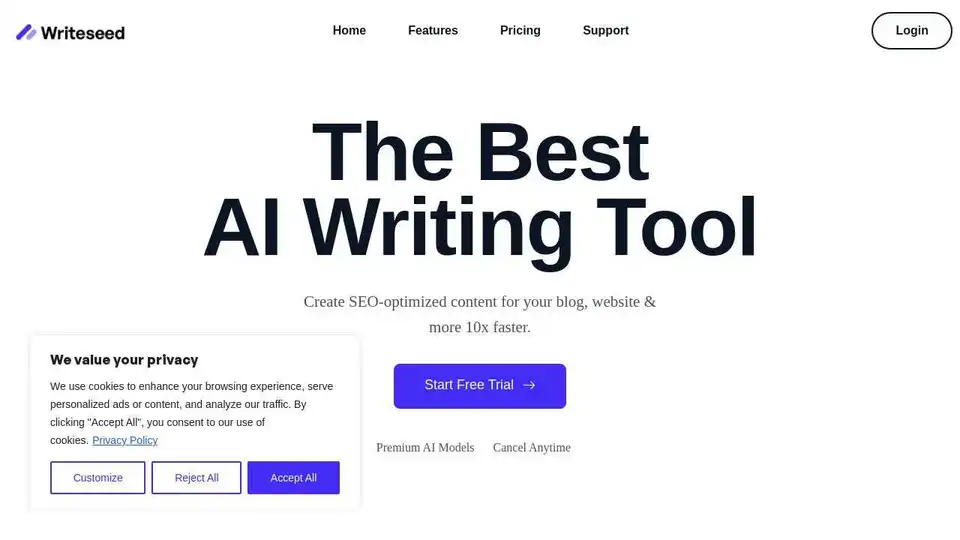
Writeseed is an AI writing assistant leveraging GPT-5 & Claude 4 to generate SEO-optimized articles, marketing copy, and AI images 10x faster. It features 70+ templates, 35 languages, and a Chrome extension to boost organic traffic and productivity.
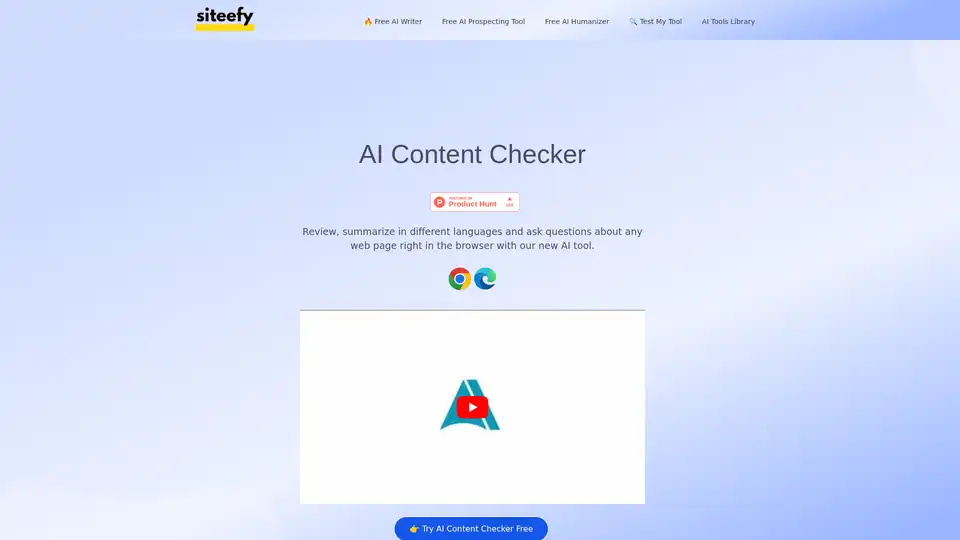
Discover AI Content Checker, a free browser extension that reviews web pages instantly for errors, structure, and quality. Boost publishing speed with AI-powered analysis and insights.
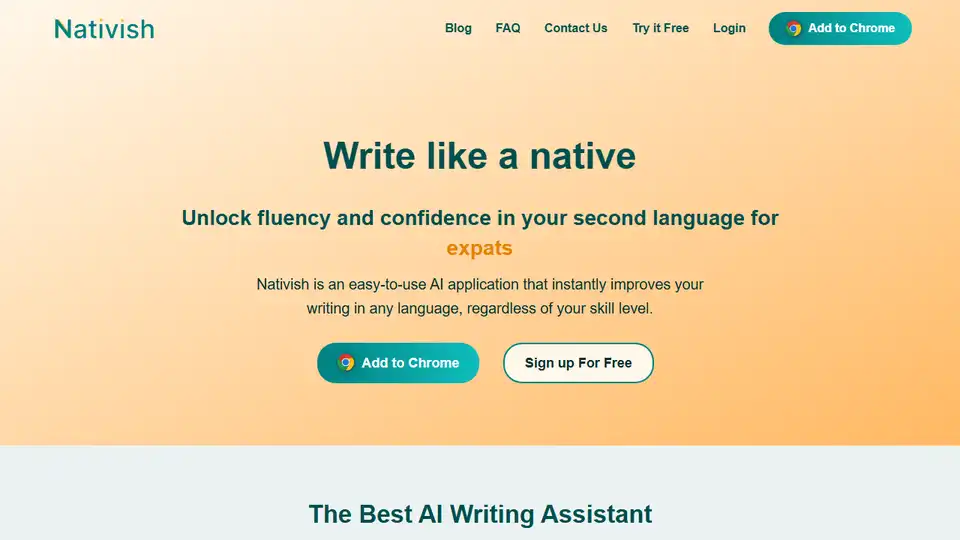
Nativish: AI-powered writing assistant for instant text enhancements in any language, perfect for learners and native speakers.