
LanguageGUI
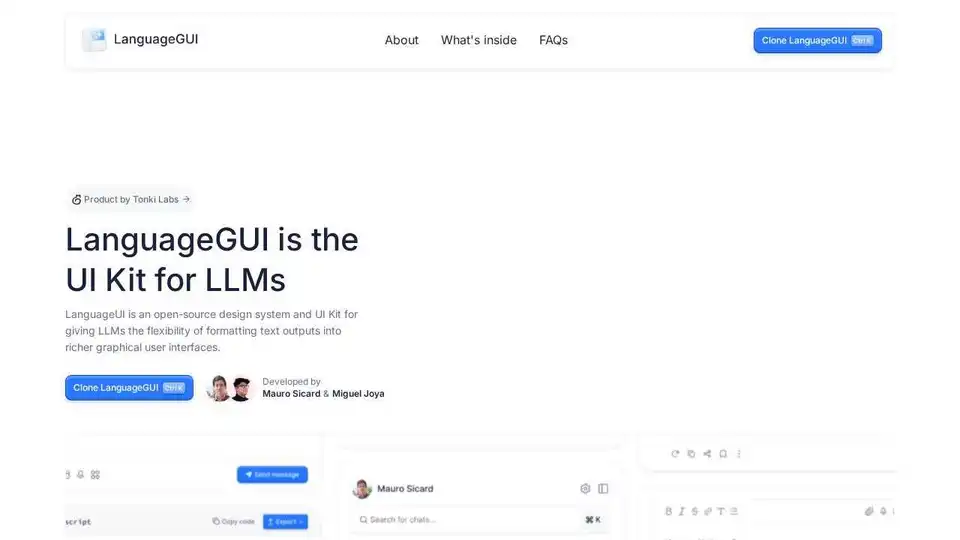
Overview of LanguageGUI
LanguageGUI: Open-Source UI Kit for LLMs
What is LanguageGUI?
LanguageGUI is an open-source design system and UI Kit designed to provide Large Language Models (LLMs) with the capability to format text outputs into richer graphical user interfaces. It's a project by Tonki Labs, ideated, designed, and developed by Mauro Sicard and Miguel Joya.
Key Features:
- 100+ UI Components: Includes a wide range of unique UI elements for diverse conversational user interface use cases.
- Conversational UI Widgets: Features 10+ conversational UI widgets.
- Chat Bubbles: Provides 20+ different chat bubble designs.
- Pre-built Screens: Offers 30+ pre-built screens to accelerate your design process.
- Customizable Chat Sidebars: Includes 5+ chat sidebars with customizable settings.
- Multi-Prompt Workflow: Offers screen designs for multi-prompt workflows.
- Prompt Boxes: Features 8+ prompt box designs.
- Dark Mode: Includes dark mode compatibility.
- Figma Auto Layout: Designed with Figma Auto Layout and variables and styles.
How to use LanguageGUI?
LanguageGUI is a Figma UI Kit. You can clone it directly on Figma and start customizing the components to fit your specific needs. It is designed to be easily adaptable and extendable, allowing you to create sophisticated conversational AI interfaces.
Why is LanguageGUI important?
LanguageGUI is an essential tool for designers and developers looking to enhance conversational AI experiences. By providing a comprehensive set of UI components and design elements, LanguageGUI helps to create more engaging and user-friendly interfaces for LLM-powered applications.
Where can I find LanguageGUI?
LanguageGUI is available as a Figma UI Kit. You can clone it from the official Figma page of Tonki Labs.
Best way to get started with LanguageGUI?
Clone the LanguageGUI Figma file from the Tonki Labs Figma page. Explore the various components and pre-built screens. Customize the components and integrate them into your conversational AI interface designs.
AI Article Generation AI Text Polishing AI Writing Assistance Paper and Report Generation News and Blog Generation Email and Business Writing
Best Alternative Tools to "LanguageGUI"
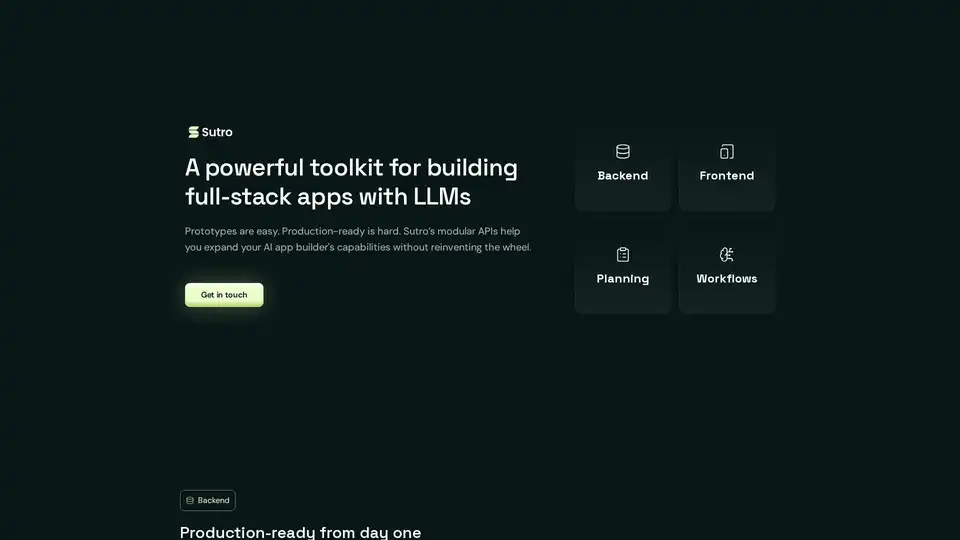
Sutro is a toolkit for building full-stack AI apps using LLMs. It provides modular APIs for backend, frontend, planning, and workflows, enabling the creation of enterprise-grade AI applications with ease.
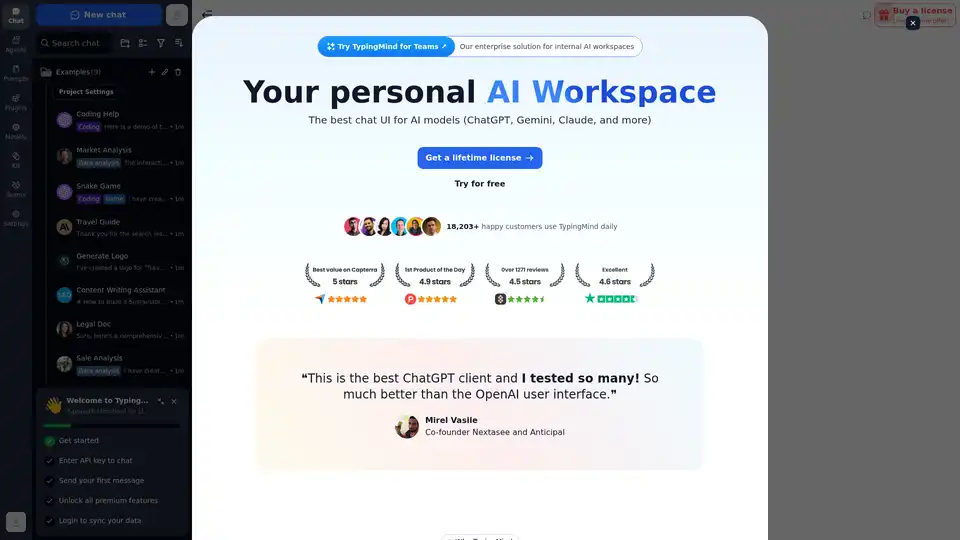
Chat with AI using your API keys. Pay only for what you use. GPT-4, Gemini, Claude, and other LLMs supported. The best chat LLM frontend UI for all AI models.
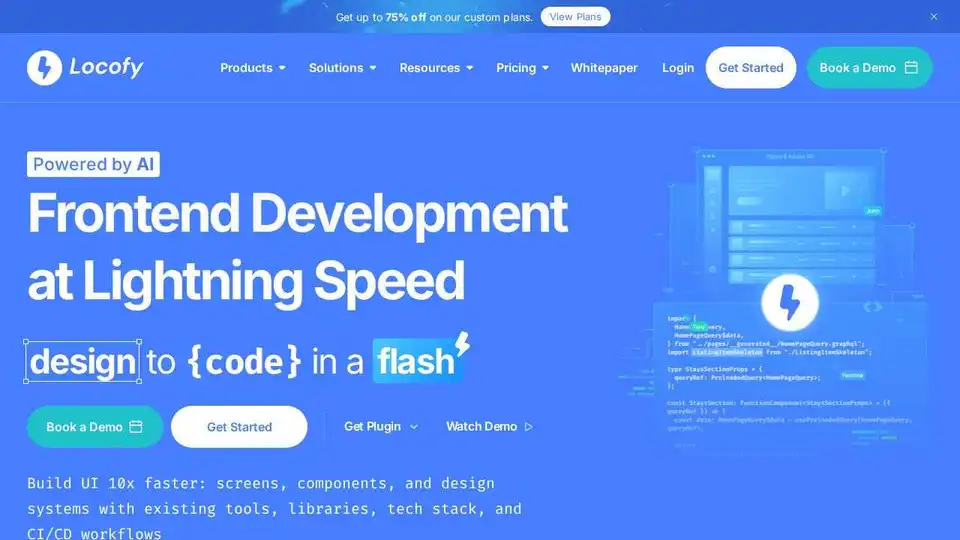
Locofy.ai converts Figma & Penpot designs into developer-friendly code for React, React Native, HTML-CSS, Flutter, and more. Build UIs 10x faster with AI. Trusted by 500,000+ developers.
Codia AI speeds up design and development with AI-powered tools. Convert screenshots, PDFs, and webpages to Figma designs and code effortlessly. Boost creativity and efficiency.