
KeyTrans
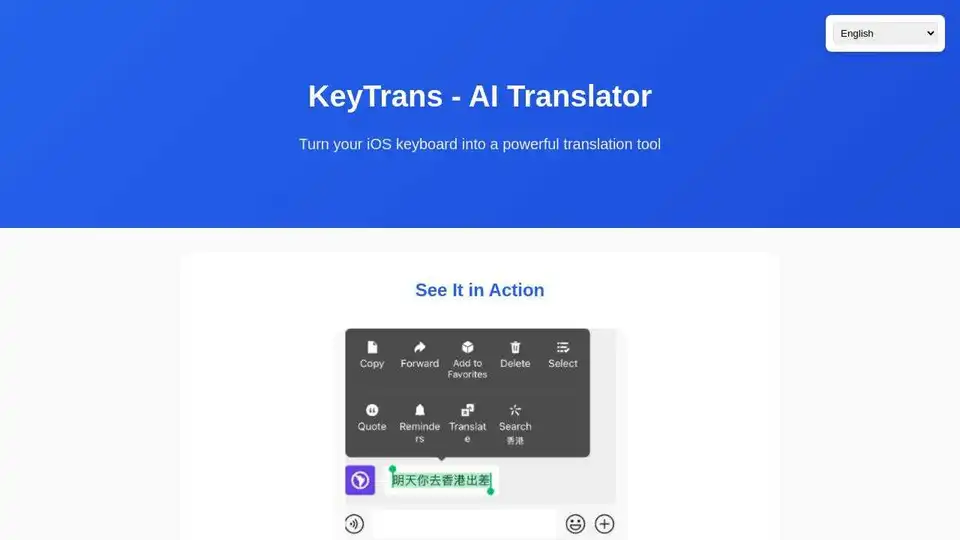
Overview of KeyTrans
KeyTrans: The Ultimate AI Translation Suite for iOS
What is KeyTrans? KeyTrans is a powerful AI-driven translation suite designed to enhance your communication experience on iOS devices. It offers four core features: AI Keyboard Translation, System Default Translation, Photo Translation, and Voice Translation. KeyTrans aims to break down language barriers and empower users to communicate effectively across different languages. It's your personal AI translation assistant, deeply integrated into your iOS ecosystem.
Key Features:
- AI Keyboard Translation: Translate instantly while typing within any app. Say goodbye to switching between apps for translations. Supports bidirectional translation for seamless and natural conversations.
- System Default Translation: Set KeyTrans as your default translation app on iOS 18.4+ for deep system integration. This allows for translation across various system-level functions.
- Photo Translation: (Experimental) Utilize advanced text recognition technology to translate text from images. Perfect for menus, signs, documents, and other real-world scenarios.
- Voice Translation: (Experimental) Powered by OpenAI's Whisper technology, KeyTrans offers high-precision voice recognition and translation for real-time conversations.
How does KeyTrans work?
KeyTrans leverages AI large language models to provide accurate and intelligent translations. Here's a breakdown of how each feature works:
- AI Keyboard Translation: As you type, the AI engine analyzes the text and provides real-time translations in your desired language. The bidirectional support ensures both you and the recipient can understand each other seamlessly.
- System Default Translation: KeyTrans integrates deeply with the iOS system, allowing it to be set as the default translation app. This means that when you encounter text in a foreign language within any app, KeyTrans can quickly and easily translate it.
- Photo Translation: The app uses advanced Optical Character Recognition (OCR) to extract text from images. Once the text is extracted, it's translated using the AI engine.
- Voice Translation: KeyTrans utilizes OpenAI's Whisper technology to accurately transcribe spoken language. Once the speech is converted to text, it's translated into your desired language.
How to use KeyTrans?
Getting started with KeyTrans is quick and easy:
- Download and install KeyTrans from the App Store.
- Follow the on-screen instructions to grant the necessary permissions.
- For Keyboard Translation, enable KeyTrans in your keyboard settings.
- For System Default Translation, set KeyTrans as the default translation app in your iOS settings (iOS 18.4+).
- Start translating!
Why is KeyTrans important?
In today's globalized world, communication across languages is more important than ever. KeyTrans simplifies the translation process, making it easier to connect with people from different cultures and backgrounds. Its intuitive interface and powerful AI engine make it a valuable tool for both personal and professional use.
Who is KeyTrans for?
KeyTrans is for anyone who needs to communicate across languages, including:
- Travelers
- Students
- Business professionals
- Anyone who interacts with people from different cultures
Best way to enhance your communication?
KeyTrans empowers your iOS keyboard with advanced translation capabilities. This means you can translate instantly, no matter what app you're using. Whether you're sending a text message, writing an email, or posting on social media, KeyTrans is always there to help you communicate effectively. The combination of Keyboard Translation, Photo Translation, Voice Translation and System Default Translation means that KeyTrans covers 99% of iOS translation scenarios.
Additional Information:
- Contact: kakahu@kakahu.org
- Join the KeyTrans Discord community.
- Available in multiple languages including English, French, Spanish, Chinese, Japanese, Korean, and more.
KeyTrans is the future of AI translation on iOS. Download it today and experience the power of seamless communication!
Keytrans is especially useful for scenarios like translating restaurant menus while travelling, quick and easy communication with international clients, or understanding text in foreign language images.
AI Intelligent Tutoring AI Translation and Language Learning AI Test Generation and Grading AI Teaching Assistance
Best Alternative Tools to "KeyTrans"
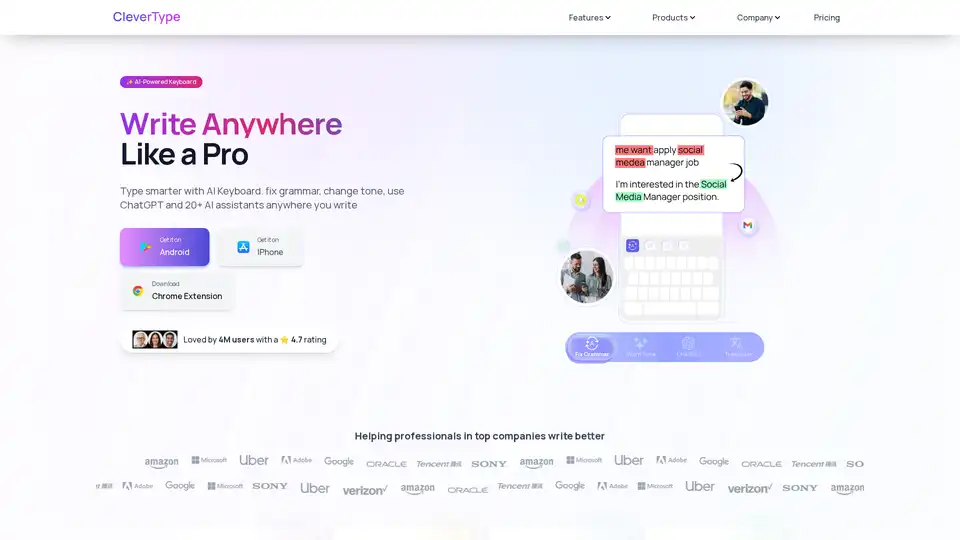
CleverType is an AI-powered keyboard that helps you write better anywhere. It offers grammar correction, tone adjustment, AI replies, and translation features. Available on Android, iOS, and as a Chrome extension.
SAiY™ AI keyboard for iOS & Android enables secure, native-level communication with AI-powered translation & refinement.
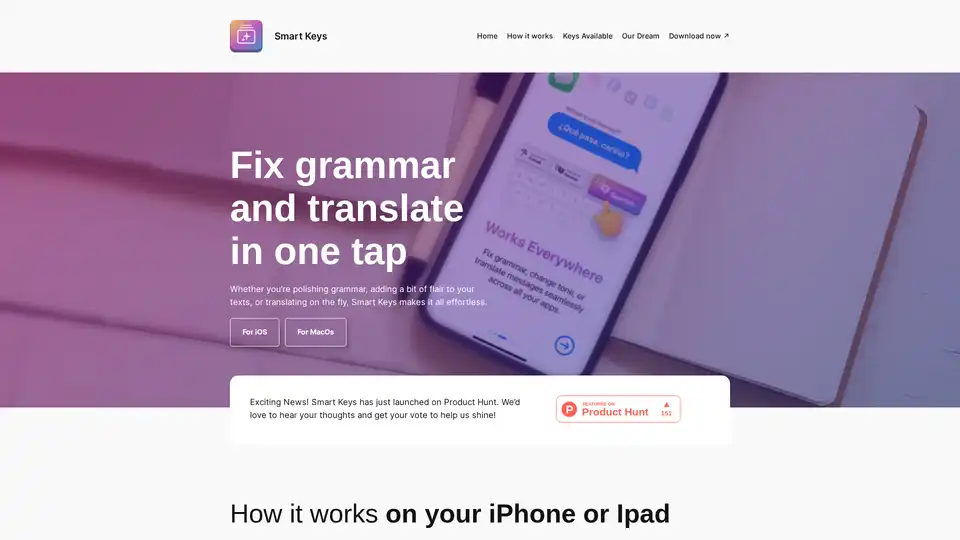
Smart Keys is an AI-powered keyboard app for iOS, iPad, and macOS. It offers one-tap keys for grammar fixes, translations to multiple languages, code optimization, summarization, and more. Seamlessly integrates into any app for effortless writing and productivity.
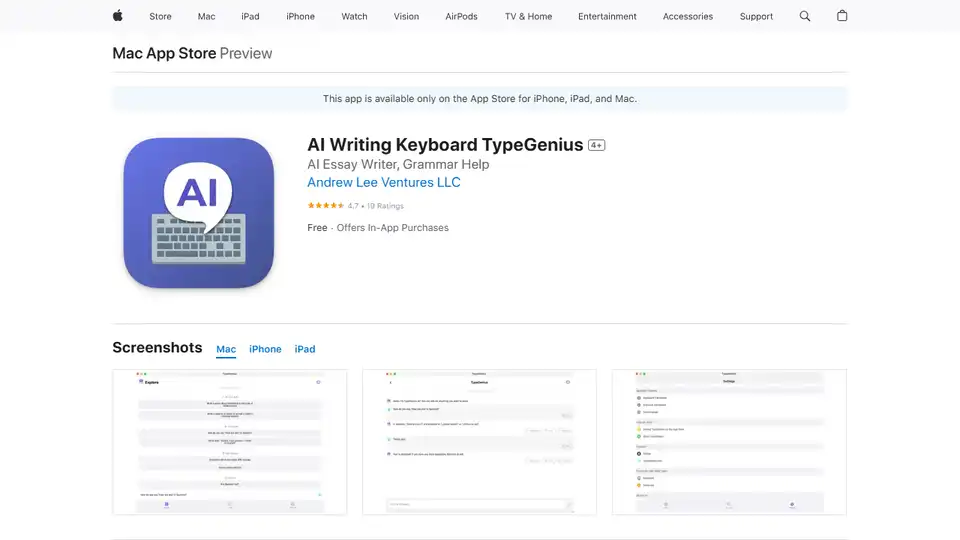
TypeGenius is an AI writing keyboard for iPhone, iPad, and Mac. Fix grammar, translate languages, paraphrase text, and improve your writing in any app.