
Kerlig™
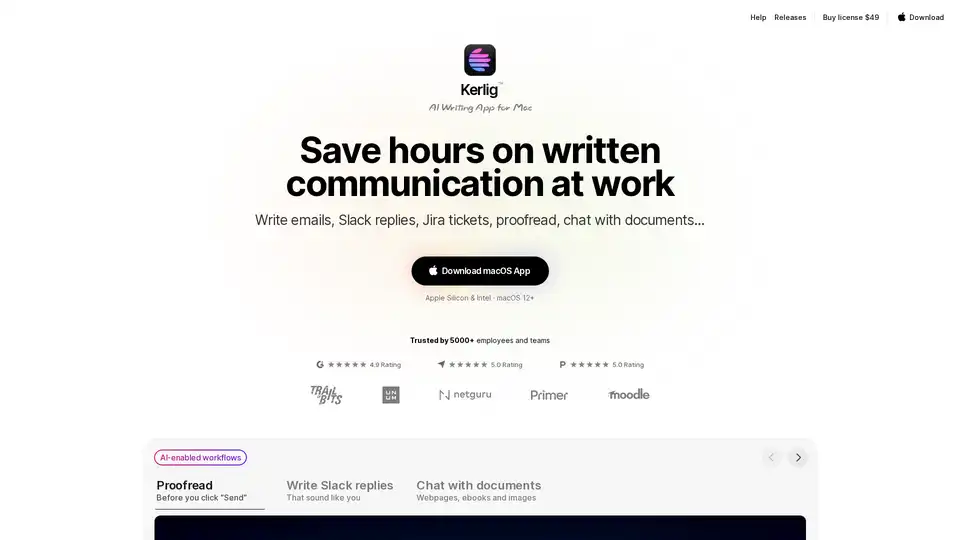
Overview of Kerlig™
What is Kerlig™?
Kerlig™ is an AI-powered writing assistant designed exclusively for Mac users. It integrates seamlessly with macOS workflows to help professionals and teams save hours on written communication. Whether you need to draft emails, respond to Slack messages, or create Jira tickets, Kerlig™ ensures your writing reflects your unique tone of voice while offering advanced proofreading and grammar correction features.
Key Features of Kerlig™
- Personalized Writing: Tailor your writing style for different situations, ensuring consistency across all communications.
- Built-in & Custom Actions: Use predefined actions like "Fix spelling," "Improve writing," or "Summarize," or create custom actions to fit your workflow.
- Document Analysis: Chat with documents, webpages, ebooks, and images to extract key insights and information.
- Multi-Model Support: Access over 350 AI models, including OpenAI, Anthropic, Google, and local models like Ollama and LM Studio.
- Privacy-Focused: Your messages are encrypted and stored locally on your Mac, ensuring data security.
- Shortcuts & Hotkeys: Speed up your workflow with customizable keyboard shortcuts and global hotkeys.
- Team Deployment: Deploy Kerlig™ across remote teams using CLI commands for seamless collaboration.
How Does Kerlig™ Work?
- Download & Install: Get the Kerlig™ app from the official website and install it on your Mac (compatible with macOS 12+).
- Set Up API Keys: Integrate your preferred AI providers by adding API keys or use local models like Apple Foundation Models.
- Select & Act: Highlight text in any app, press your defined hotkey, and choose an action (e.g., "Fix spelling" or "Summarize").
- Paste & Use: The corrected or enhanced text is ready to be pasted back into your original app.
Why Choose Kerlig™?
- Efficiency: Reduce the time spent on written communication by automating repetitive tasks.
- Consistency: Maintain a professional and personalized tone across all your messages.
- Versatility: Works with emails, Slack, Jira, and other platforms, making it a versatile tool for professionals.
- Privacy: Your data remains secure with local encryption and direct API calls to AI providers.
Who is Kerlig™ For?
Kerlig™ is ideal for:
- Product Designers & Developers: Streamline communication with clients and colleagues.
- Business Owners: Enhance professionalism in emails and business documents.
- Students & Researchers: Summarize academic papers and draft research reports efficiently.
- Teams: Collaborate seamlessly with remote team deployment and shared workflows.
Pricing & Licensing
Kerlig™ offers flexible licensing options:
- Basic License ($49): Lifetime updates, 1 Mac seat, and access to 350+ AI models.
- Pro License ($79): Includes 2 Mac seats and priority support.
- Team License ($297): Supports 10 Mac seats with remote deployment and priority Zoom support.
All licenses come with a 14-day money-back guarantee.
User Testimonials
Users praise Kerlig™ for its seamless integration with macOS, time-saving features, and intuitive design. Testimonials highlight its effectiveness in improving writing efficiency and reducing context switching.
Conclusion
Kerlig™ is a powerful AI writing tool for Mac users, combining advanced AI capabilities with a user-friendly interface. Whether you're a professional, student, or business owner, Kerlig™ can transform your written communication workflow.
AI Article Generation AI Text Polishing AI Writing Assistance Paper and Report Generation News and Blog Generation Email and Business Writing
Best Alternative Tools to "Kerlig™"
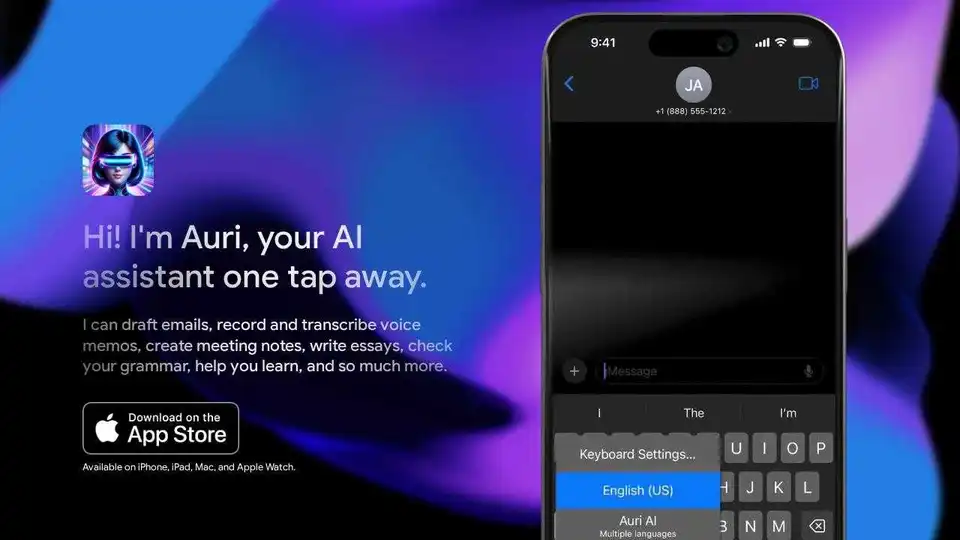
Auri.AI is an AI-powered keyboard app that provides AI chat, smart notes, and transcription. Write, translate, paraphrase, reply to emails, and check grammar in any app and language.
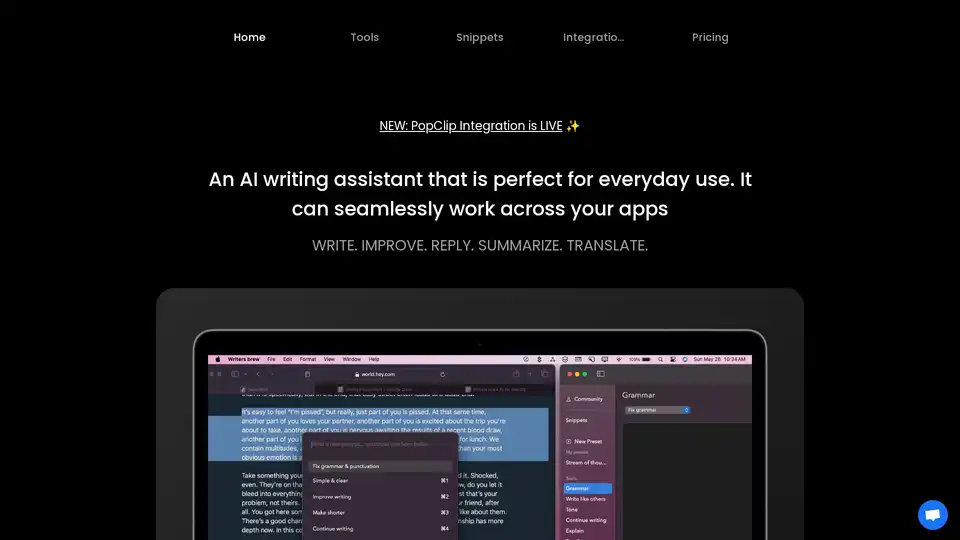
Writers Brew is a versatile AI writing assistant for macOS, seamlessly integrating across browsers, native apps, and Electron apps to help you write, improve, reply, summarize, and translate text effortlessly for boosted productivity.
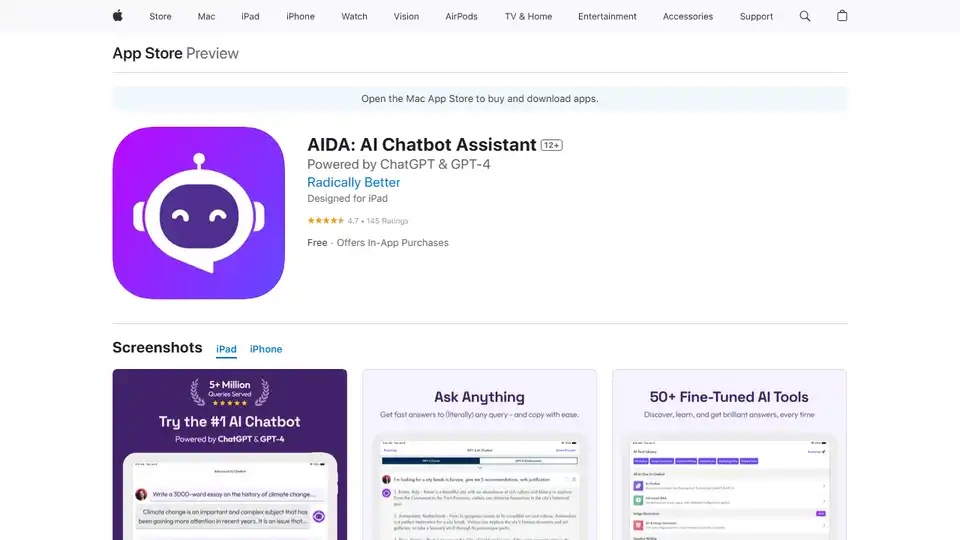
AIDA is a GPT-4 AI chatbot assistant app that generates unique, human-like content for social media, emails, blogs, and more. It offers 40+ templates and AI image generation.
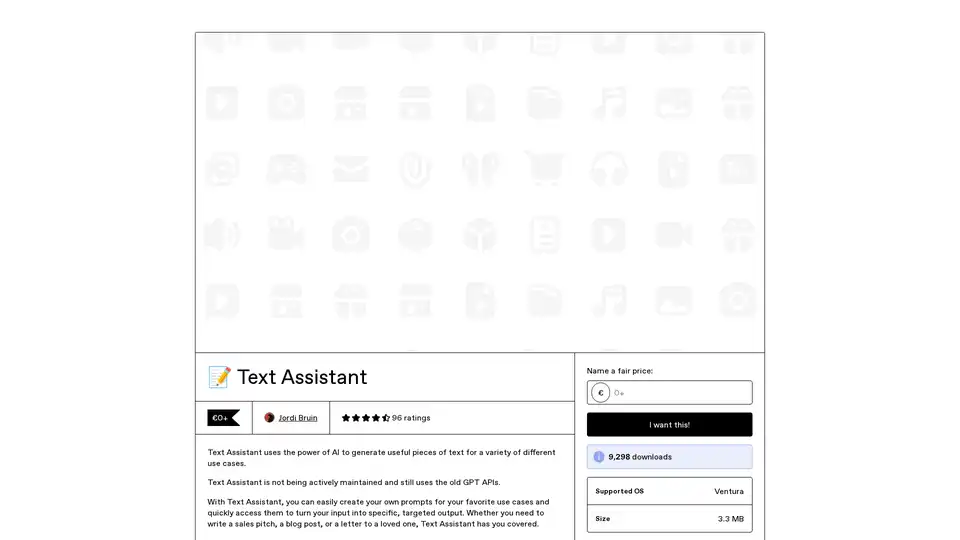
Text Assistant is an AI-powered app that lets you create and reuse custom prompts for generating targeted text outputs, like sales pitches or blog posts. Connect directly to OpenAI for cost-effective use, with features for easy sharing and Safari integration.