
Jestor
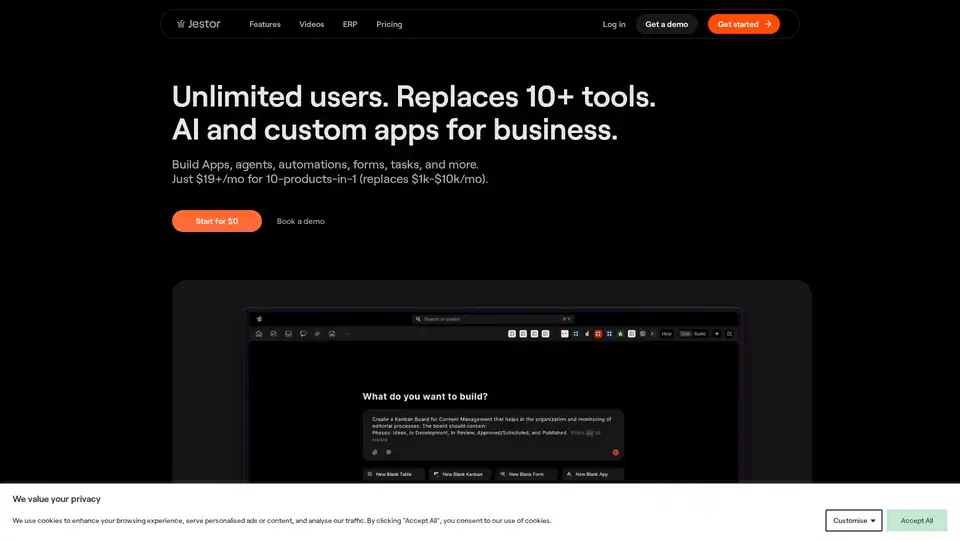
Overview of Jestor
Jestor: AI-Powered Platform for Business Process Automation
What is Jestor? Jestor is a comprehensive platform designed to manage and automate various business processes. It allows users to build custom applications, tables, forms, dashboards, and automations, effectively replacing multiple tools and reducing the need for extensive engineering time.
Key Features and Benefits
- AI Agents: Jestor offers AI agents that can automate tasks such as responding to email tickets, assisting sales teams, and providing chatbot support. These agents are designed to solve specific business challenges without requiring extensive coding.
- No-Code App Creation: Users can create applications in seconds using text-based commands, eliminating the need for developers. This feature enables business teams to create and iterate on applications faster.
- OCR and Data Extraction: Jestor includes native Optical Character Recognition (OCR) capabilities, allowing users to extract and organize data from images and PDFs instantly. This eliminates the need for manual data entry and streamlines data management.
- Process Management: Jestor supports various process management methodologies, including Kanban, SLA, Table, Form, and Dashboard views. It offers over 25 app blocks and 50 custom fields to manage any internal process, adapting to the evolving needs of the business.
- Automation and Integrations: The platform provides over 370 native automations and integrations, enabling users to automate repetitive tasks and connect Jestor with other business tools.
- White Label Option: Jestor offers a white-label option that allows users to customize the platform with their own branding, colors, and logos. This feature is available for both public and internal use, providing a seamless user experience.
How does Jestor work?
Jestor operates as a no-code/low-code platform, allowing users to build and customize applications and workflows without extensive coding knowledge. Users can leverage AI agents to automate tasks, extract data from documents using OCR, and manage processes using various app blocks and custom fields.
Main Components:
- App Blocks: Pre-built components that can be used to construct custom applications.
- Custom Fields: Customizable fields that can be added to app blocks to capture specific data.
- Automations: Automated workflows that can be triggered by various events or conditions.
- AI Agents: AI-powered agents that can automate tasks and provide intelligent assistance.
- Integrations: Connectors that allow Jestor to integrate with other business tools and platforms.
Why choose Jestor?
- Cost-Effective: Jestor offers a cost-effective solution by replacing multiple tools with a single platform. Its pricing starts at $19 per month and includes unlimited users and applications.
- User-Friendly: The platform is designed to be user-friendly, with a drag-and-drop interface and text-based app creation. This makes it easy for non-technical users to build and customize applications and workflows.
- Highly Customizable: Jestor offers a high degree of customization, allowing users to tailor the platform to their specific needs. This includes the ability to create custom fields, automations, and integrations.
- Time-Saving: By automating repetitive tasks and streamlining workflows, Jestor helps users save time and improve productivity.
- Replaces Multiple Tools: Jestor can replace spreadsheets, project management tools, CRM systems, and other business applications.
Who is Jestor for?
Jestor is suitable for businesses of all sizes, particularly those looking to:
- Automate business processes
- Reduce software costs
- Improve productivity
- Empower non-technical users to build and customize applications
- Replace multiple tools with a single platform
Best way to automate business processes
To effectively automate business processes using Jestor, follow these steps:
- Identify Key Processes: Determine which processes are time-consuming, repetitive, and prone to errors.
- Map Workflows: Visualize the steps involved in each process and identify opportunities for automation.
- Build Custom Applications: Use Jestor's app blocks and custom fields to build applications that support the process.
- Create Automations: Set up automated workflows to trigger actions based on specific events or conditions.
- Integrate with Other Tools: Connect Jestor with other business tools and platforms to streamline data flow.
- Test and Refine: Test the automated processes and make adjustments as needed to optimize performance.
Customer Cases
Jestor has been successfully used by businesses in various industries to automate processes such as:
- Customer support
- Sales management
- Project management
- Data entry
- Document management
By automating these processes, businesses have been able to reduce costs, improve efficiency, and focus on more strategic initiatives.
Conclusion
Jestor is a powerful AI-driven platform that enables businesses to automate their processes, reduce costs, and improve efficiency. Its no-code/low-code interface, AI-powered agents, and extensive customization options make it a valuable tool for businesses of all sizes. By replacing multiple tools with a single platform, Jestor simplifies business operations and empowers users to focus on driving growth.
AI Task and Project Management AI Document Summarization and Reading AI Smart Search AI Data Analysis Automated Workflow
Best Alternative Tools to "Jestor"
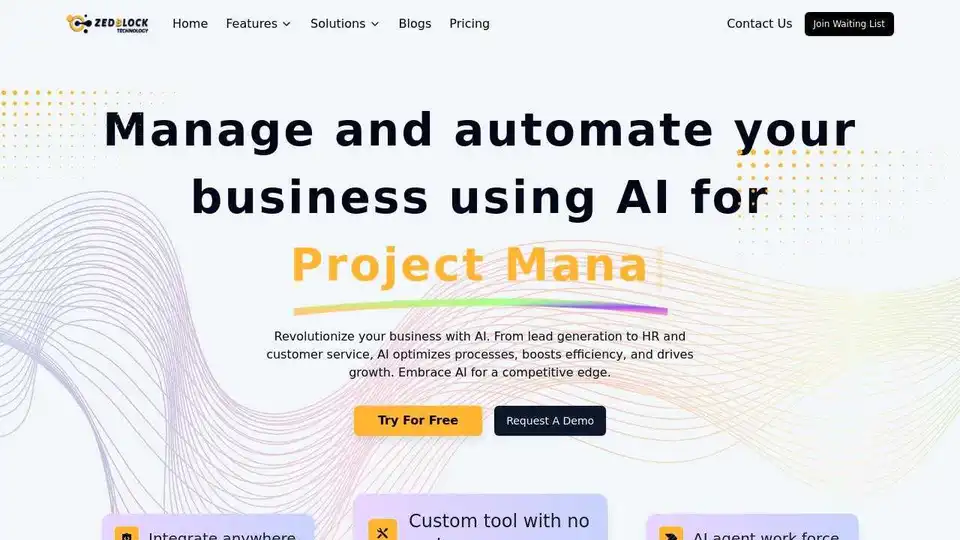
Zedblock AI builds and manages end-to-end AI automation workflows for law firms, accounting practices, consultancies, and professional services. Streamline operations, reduce costs, and accelerate growth with custom AI solutions.
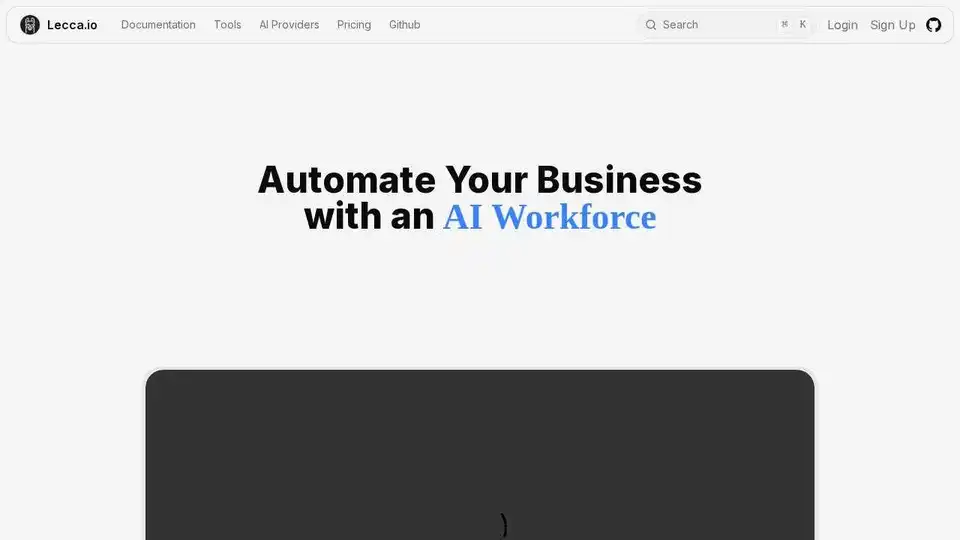
Lecca.io is a no-code AI agent and automation platform that allows businesses to automate tasks like customer support, sales prospecting, and email management with AI agents. Start free!
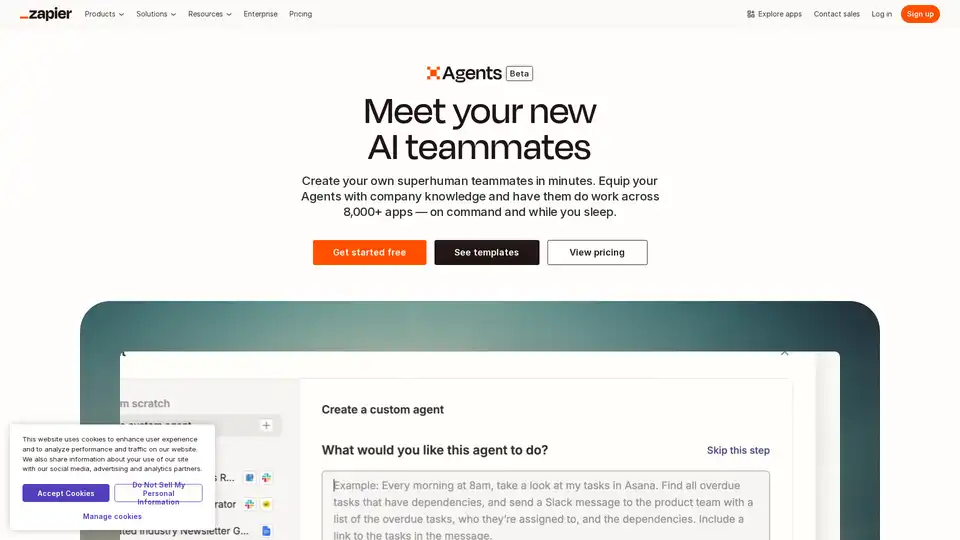
Create your custom AI agent in minutes. Equip your agents with live business data and have them do work across 8,000+ apps — on command and while you sleep.
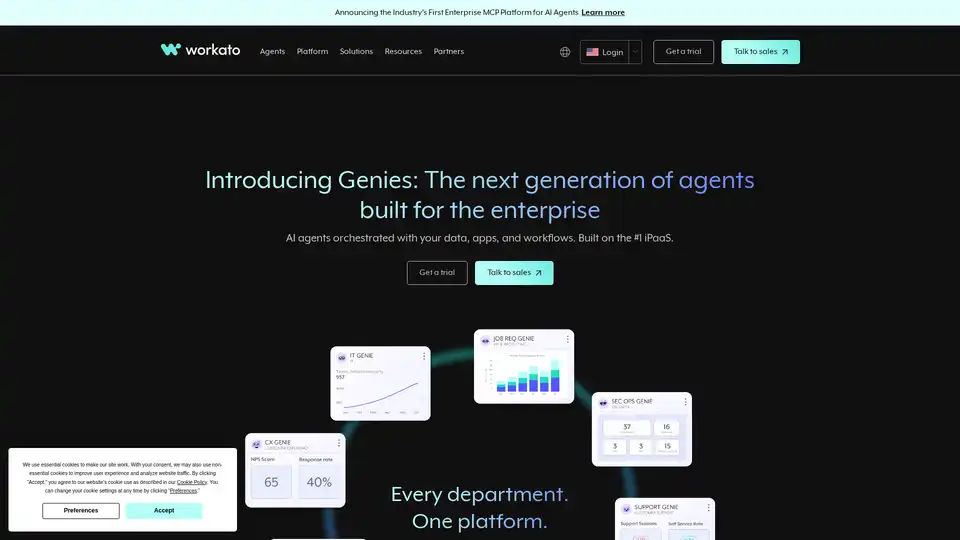
Workato is the #1 iPaaS platform for the AI and agentic era, unifying AI agents, data, apps, and workflows. It enables enterprises to build, govern, and scale AI-powered automation across departments.