
Jan
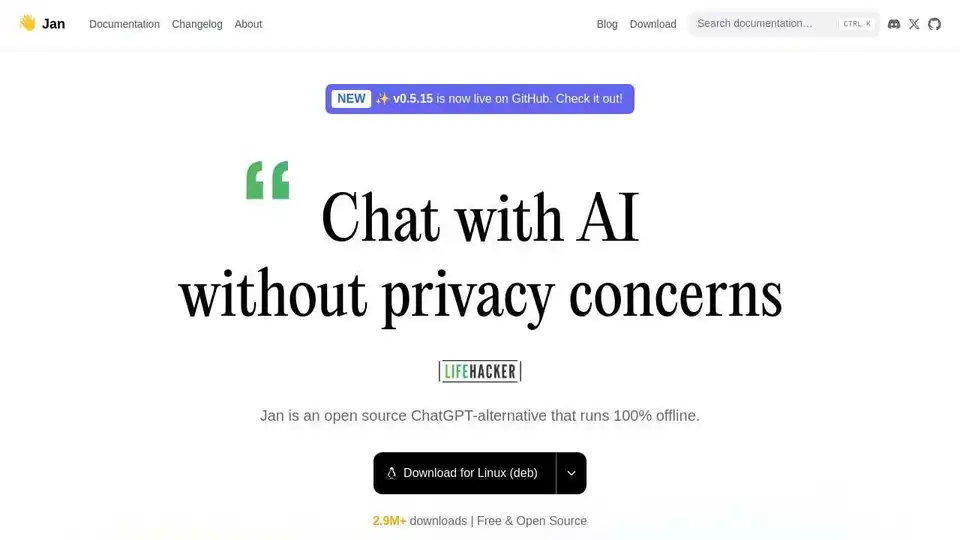
Overview of Jan
Jan: Your Open Source, Offline AI Companion
Jan is an open-source AI client designed to bring the power of Large Language Models (LLMs) to your local machine. It emphasizes privacy, control, and the freedom of open-source, allowing you to run AI models without relying on external APIs or cloud services.
What is Jan?
Jan is more than just an app; it's a comprehensive platform for interacting with AI models. It allows you to:
- Run AI models locally, ensuring your data stays private.
- Connect to various open-source models, including Llama, Mistral, and more.
- Integrate with your favorite services like Gmail, Google Drive, and Notion.
- Customize your AI experience with connectors and memory features.
How does Jan work?
Jan works by providing a user-friendly interface to manage and run LLMs on your computer. Here's a simplified breakdown:
- Model Selection: Choose from a wide range of open-source models available on platforms like Hugging Face.
- Local Execution: Jan runs the selected model on your local hardware, leveraging resources like your CPU or GPU for faster processing.
- Connector Integration: Connect Jan to your existing apps and services to bring AI into your workflows.
- Contextual Memory: Jan remembers previous interactions, allowing for more coherent and personalized conversations.
Key Features of Jan:
- Offline Functionality: Run AI models even without an internet connection.
- Privacy-Focused: Your data never leaves your machine, ensuring complete privacy.
- Open Source: Built in public, encouraging community contributions and transparency.
- Extensible: Connectors and memory features allow you to customize your AI experience.
Why Choose Jan?
- Privacy: Keep your data safe and secure.
- Cost-Effective: No API bills or subscription fees.
- Customization: Tailor your AI experience to your specific needs.
- Community-Driven: Benefit from the collective knowledge of the open-source community.
Who is Jan for?
Jan is designed for:
- Developers: Experiment with different AI models and build custom applications.
- Researchers: Conduct AI research without relying on external services.
- Privacy-Conscious Users: Keep your data private and secure.
- AI Enthusiasts: Explore the world of AI and customize your experience.
How to Use Jan?
- Download Jan: Get the app from the official Jan website or GitHub repository.
- Install the App: Follow the installation instructions for your operating system.
- Select a Model: Choose an open-source model from the available options.
- Start Chatting: Begin interacting with the AI model and explore its capabilities.
What problems does Jan solve?
- Privacy concerns: Jan addresses concerns about data privacy by allowing users to run AI models locally.
- API costs: Jan eliminates the need for expensive API subscriptions.
- Limited customization: Jan provides extensibility through connectors and memory features.
- Vendor lock-in: Jan allows users to switch between different AI models and services.
Community Support
Jan has a strong and active community. Get involved by joining the Discord server, contributing to the GitHub repository, or sharing your creations on Hugging Face. The community is a valuable resource for learning, troubleshooting, and staying up-to-date on the latest developments.
Jan is not just an app; it's a movement towards open, accessible, and private AI. By empowering users to run AI models locally and connect to their favorite services, Jan is paving the way for a future where AI is truly democratized.
AI Research and Paper Tools Machine Learning and Deep Learning Tools AI Datasets and APIs AI Model Training and Deployment
Best Alternative Tools to "Jan"
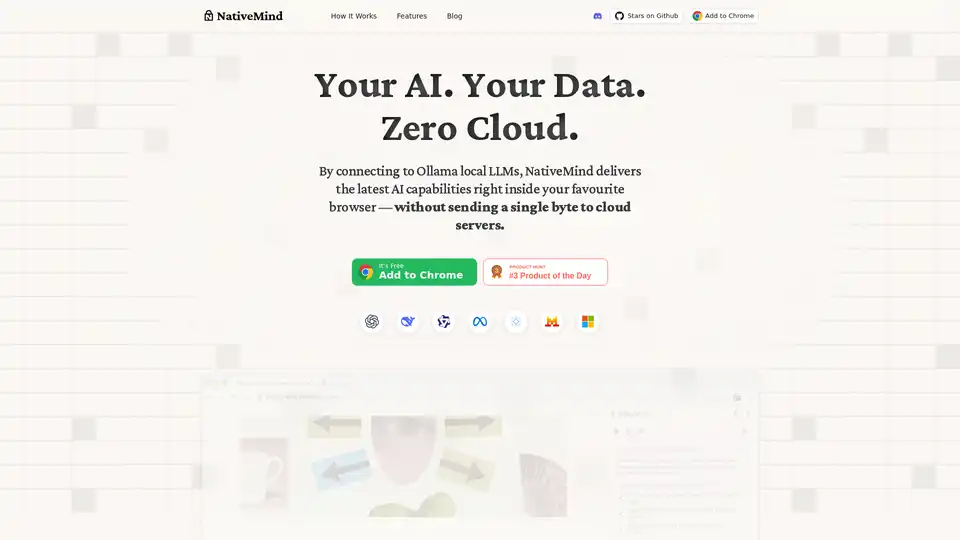
NativeMind is an open-source Chrome extension that runs local LLMs like Ollama for a fully offline, private ChatGPT alternative. Features include context-aware chat, agent mode, PDF analysis, writing tools, and translation—all 100% on-device with no cloud dependency.
GPT4All enables private, local execution of large language models (LLMs) on everyday desktops without API calls or GPUs. Accessible and efficient LLM usage with extended functionality.
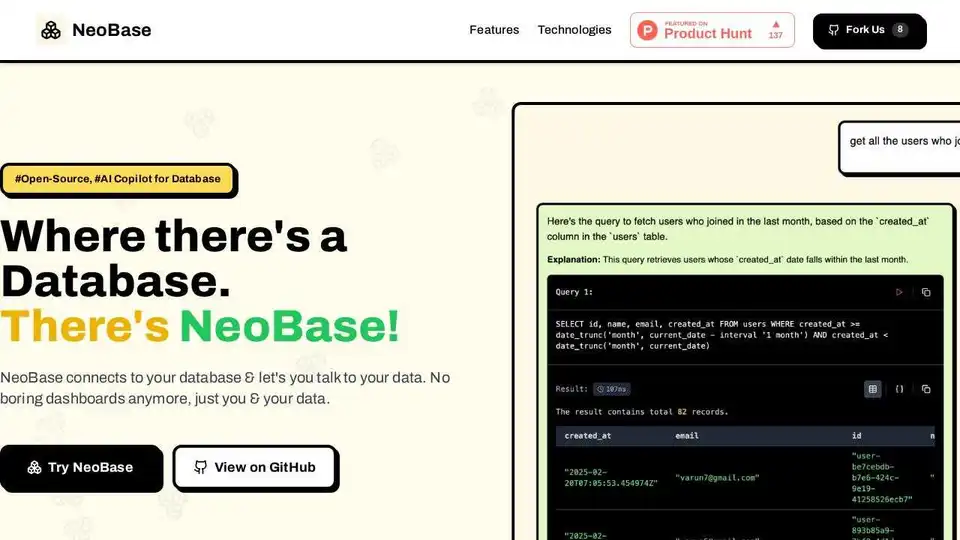
NeoBase is an AI Copilot for Database that lets you query, analyze, and manage databases with natural language. Supports PostgreSQL, MySQL, MongoDB, and more. Open-source and self-hosted.
Chat2DB is an AI-powered SQL client that transforms natural language into SQL queries. Supports MySQL, Redis, MongoDB, and enhances database management with Text2SQL and BI features.