
iTextMaster
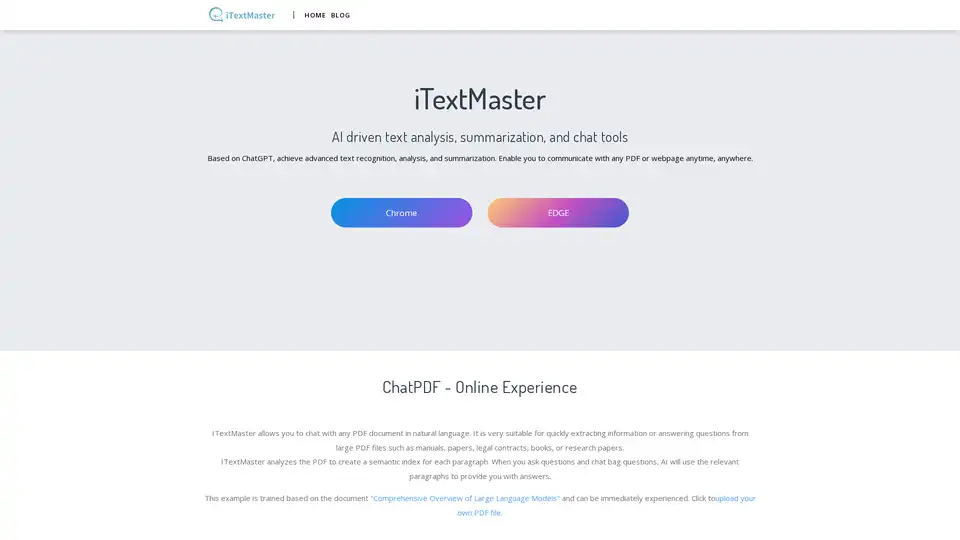
Overview of iTextMaster
iTextMaster: AI-Powered Text Analysis and Document Chat
What is iTextMaster? iTextMaster is an AI-driven text analysis and summarization tool designed to enhance your interaction with PDF documents and web pages. Leveraging the power of ChatGPT, iTextMaster allows you to extract information, summarize content, and engage in natural language conversations with your documents, all in one place. It serves as your personal document assistant, providing reliable and intelligent support for all your document-related needs.
Key Features:
- Document Chat: Interact with PDF documents using natural language. Upload local PDFs or enter online PDF addresses to start chatting.
- Web Chat: Analyze and interact with web pages by simply entering the URL. Extract key information, summarize content, and ask specific questions.
- Smart Chat: Quickly obtain information through frequently asked questions generated by AI, or delve deeper with specific inquiries.
- Intelligent Browsing Assistant: Summarizes web content with a single click, allowing you to quickly grasp key points and ask follow-up questions.
How does iTextMaster work?
iTextMaster analyzes PDF documents to create a semantic index for each paragraph. When you ask questions, the AI uses these indexes to locate relevant paragraphs and provide accurate answers. This process leverages ChatGPT technology to understand user questions and deliver intelligent responses.
How to use iTextMaster?
- Upload Files: Upload PDF documents from your local device or from a website.
- Intelligent Processing: AI instantly extracts key information and provides intelligent answers.
- Contextual Interaction: Every answer includes the original content of the document, ensuring accuracy.
Why choose iTextMaster?
- Time-Saving: Eliminates the need for time-consuming manual analysis, saving time and improving work and learning efficiency.
- User-Friendly Interface: Designed for ease of use, allowing users to get started immediately.
- ChatGPT-Powered: Provides intelligent and accurate answers based on powerful ChatGPT technology.
- Multi-Language Support: Supports multiple languages, enabling users worldwide to interact with documents in their preferred language.
Who is iTextMaster for?
iTextMaster is suitable for a wide range of users, including:
- Researchers: Quickly extract data from research papers and identify key trends.
- Legal Experts: Interpret complex legal documents with accuracy.
- Professionals: Improve productivity and optimize workflows by streamlining document analysis.
- Students: Enhance learning efficiency by summarizing and interacting with study materials.
Testimonials
Here's what users are saying about iTextMaster:
- Hugh Hansom: "I am deeply impressed by this artificial intelligence driven PDF document analysis tool! It effortlessly extracts important data from complex documents, simplifying my workflow. The accuracy in recognizing text, tables, and graphics is significant."
- Anna Wong: "A groundbreaking PDF analysis tool! For researchers like me, this saves time. The ability of artificial intelligence to identify keywords, structures, and even historical trends in documents is astonishing."
- Jane Adventures: "As a legal expert, I rely on this artificial intelligence tool to interpret complex legal documents. The accuracy in identifying terms and legal terminology is impressive. It greatly reduces physical labor and allows me to focus on interpreting research results."
Benefits of Using iTextMaster
- Quickly extract required information from complex documents.
- Simplify the process of finding specific answers in large PDF files.
- Save valuable time and energy.
- Improve efficiency and depth of document understanding.
iTextMaster Features Summary:
| Feature | Description |
|---|---|
| Document Chat | Interact with PDF documents in natural language. |
| Web Chat | Analyze and interact with web pages by simply entering the URL. |
| Smart Chat | Quickly obtain information through AI-generated FAQs or ask specific questions. |
| Intelligent Browsing Assistant | Provides a one-click summary of web content, allowing you to quickly grasp key points. |
| ChatGPT-Powered | Provides intelligent and accurate answers using advanced natural language processing. |
| Multi-Language Support | Supports multiple languages, enabling users worldwide to interact with documents in their preferred language. |
With its intuitive interface, powerful features, and ChatGPT integration, iTextMaster is the perfect tool for anyone looking to enhance their document interaction and unlock the potential of their documents.
AI Task and Project Management AI Document Summarization and Reading AI Smart Search AI Data Analysis Automated Workflow
Best Alternative Tools to "iTextMaster"
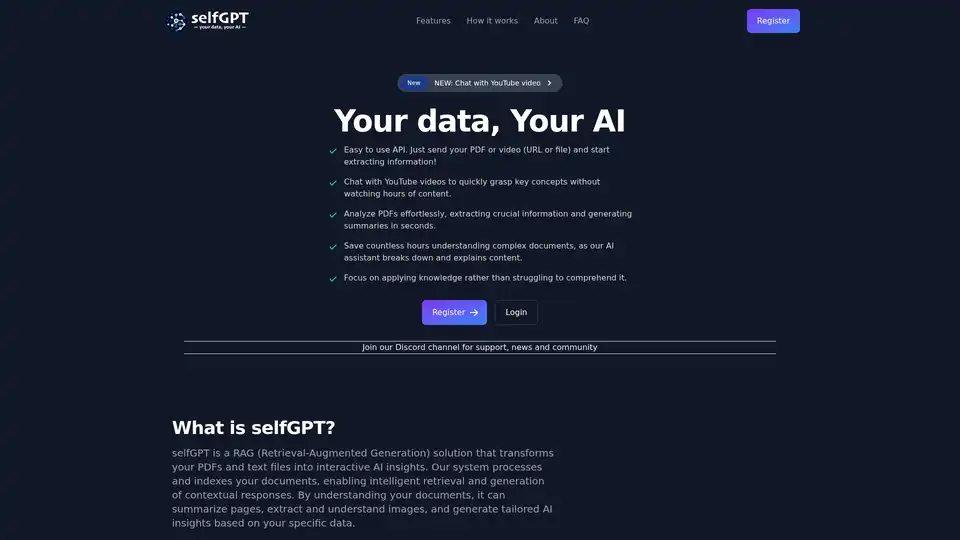
Transform your files into AI insights with selfGPT. Analyze PDFs, extract key info from text and images, and chat with YouTube videos for quick summaries and tailored responses.
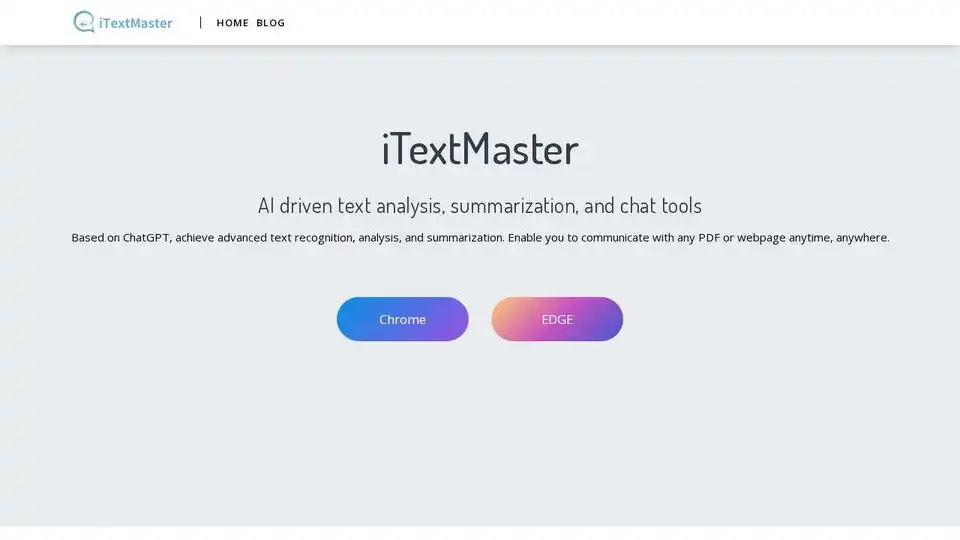
iTextMaster: AI-driven tool for advanced text analysis, summarization, and chat with PDFs and webpages using ChatGPT. Enhance document interaction and save time.
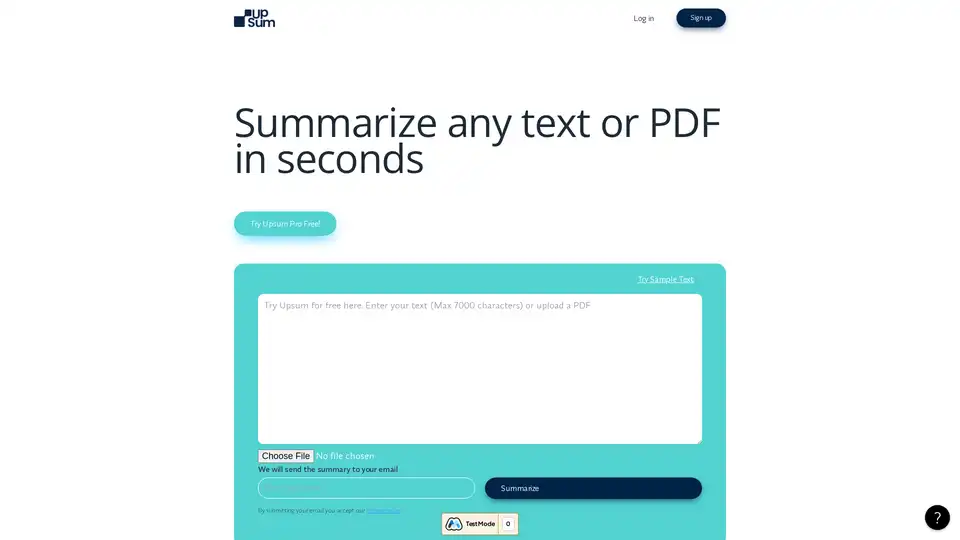
UpSum is an AI tool that summarizes long texts and PDFs in seconds, saving time on research and reports. Chat with documents for quick insights. Try free.
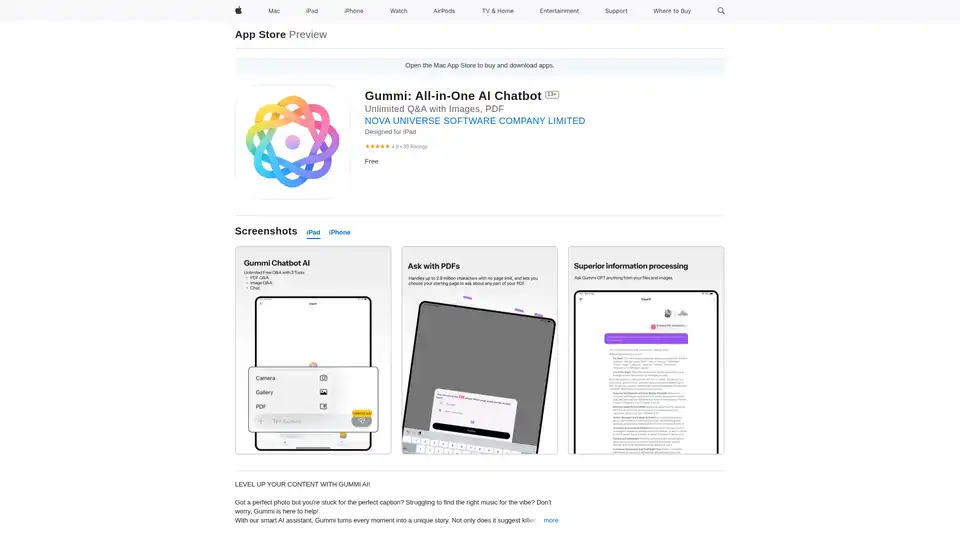
Gummi is an all-in-one AI chatbot app for iOS and Mac, offering unlimited chats, image analysis for captions, music suggestions, optimal posting times, and massive PDF processing up to 2.9M characters to enhance your content creation.