
Iris
Overview of Iris
What is Iris?
Iris is an innovative AI assistant designed to facilitate seamless communication and workflow automation directly from your screen. Imagine being able to discuss anything you see on your monitor with an AI, getting instant feedback, and automating tasks without switching applications. Iris makes this possible. It's your invisible yet powerful companion, ready to assist whenever you need it.
How does Iris work?
Iris operates by allowing you to capture any part of your screen and instantly share it with the AI. This could be a snippet of code, a design mockup, a document, or any other visual element. Once the image is captured, you can chat with Iris about it, ask questions, and receive intelligent responses powered by the latest AI models. The platform supports switching between different AI models mid-conversation, giving you flexibility and control over the AI's capabilities.
Key Features:
- Screen Capture and Discussion: Quickly snap an image of anything on your screen and discuss it with Iris.
- Workflow Automation: Automate repetitive tasks and streamline your workflow with AI assistance.
- Model Switching: Switch between different AI models, even mid-conversation, to get the best results.
- No Rate Limits: Message Iris as much as you want, without worrying about rate limits.
- Natural Gestures: Open, close, and “sling” Iris with simple swipe gestures.
- Keyboard Shortcuts: Use keyboard shortcuts for quick access: double-tap ⌥ to open/close, ⌥ + Tab to sling, and ⌘+⇧+1 to capture your screen.
- Interject: Send new messages immediately without waiting for a complete response.
- Markdown and Code Support: Iris can display bold text, bulleted lists, and code with syntax highlighting.
Why choose Iris?
- Instant Communication: No more endless email threads or confusing explanations. Just capture, chat, and get things done.
- Seamless Integration: Iris works alongside your existing applications, without disrupting your workflow.
- Powered by AI: Leverage the latest AI models for intelligent assistance and automation.
- User-Friendly Design: Simple gestures and keyboard shortcuts make Iris easy to use.
- Customization: Switch between different AI models to tailor Iris to your specific needs.
Who is Iris for?
Iris is ideal for a wide range of users, including:
- Developers: Discuss code snippets, debug issues, and collaborate more effectively.
- Designers: Share mockups, get feedback, and iterate on designs faster.
- Project Managers: Capture project plans, track progress, and keep everyone on the same page.
- Support Teams: Capture customer issues, provide instant solutions, and improve customer satisfaction.
- Anyone who wants to streamline their workflow and get things done faster.
How to use Iris?
- Download the app: Get the Iris app from the official website.
- Install and run: Follow the installation instructions to set up Iris on your device.
- Capture your screen: Use the keyboard shortcut (⌘+⇧+1) or the built-in screen capture tool to take a screenshot of anything on your screen.
- Chat with Iris: Start a conversation with Iris about the captured image. Ask questions, provide context, and get intelligent responses.
- Automate your workflow: Use Iris to automate repetitive tasks, such as generating code, creating documentation, or summarizing meeting notes.
In conclusion, Iris stands out as a powerful AI assistant designed to revolutionize how we interact with our screens and automate our workflows. Its intuitive interface, seamless integration with existing applications, and access to the latest AI models make it an indispensable tool for anyone seeking to boost productivity and simplify their digital life. Whether you're a developer, designer, project manager, or just someone who wants to get things done faster, Iris is the perfect companion to help you achieve your goals. Try Iris today and experience the future of AI-powered productivity.
AI Task and Project Management AI Document Summarization and Reading AI Smart Search AI Data Analysis Automated Workflow
Best Alternative Tools to "Iris"
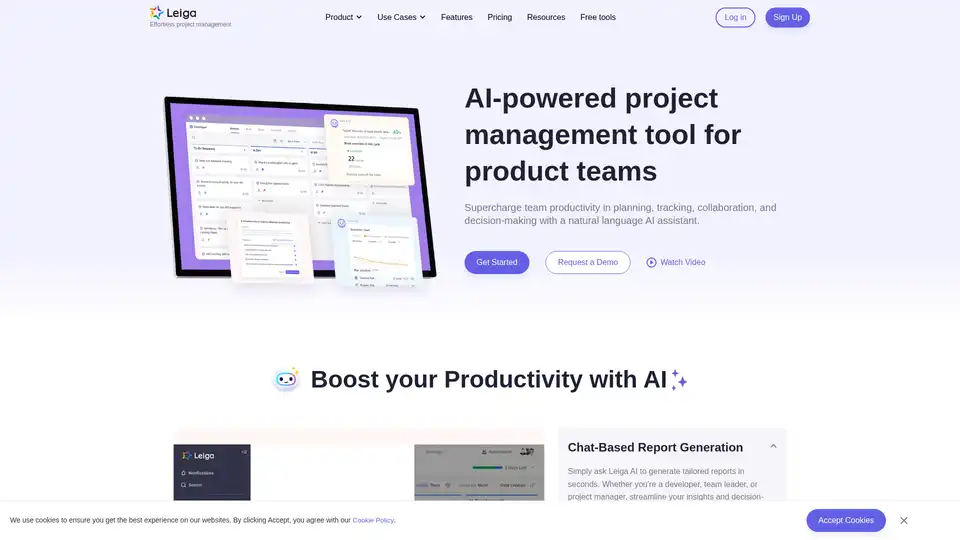
Leiga is an AI-powered project management tool that automates updates, enhances team collaboration, and ensures projects stay on track. Ideal for product teams, it offers chat-based reports, sprint tracking, and workflow automation. Start with 50 free AI credits.
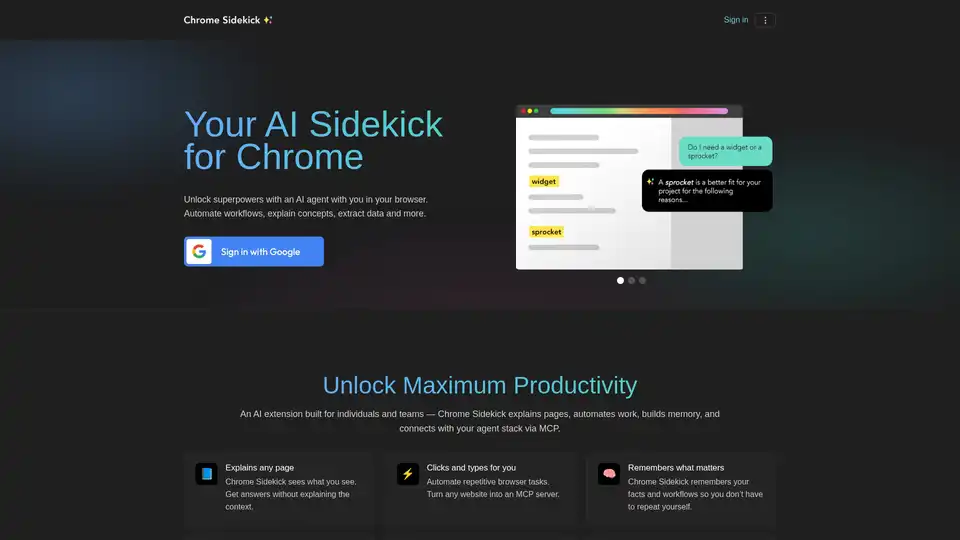
Chrome Sidekick is an AI-powered Chrome extension that automates browser tasks, explains web pages, and remembers important information. Built for individuals and teams to boost productivity.
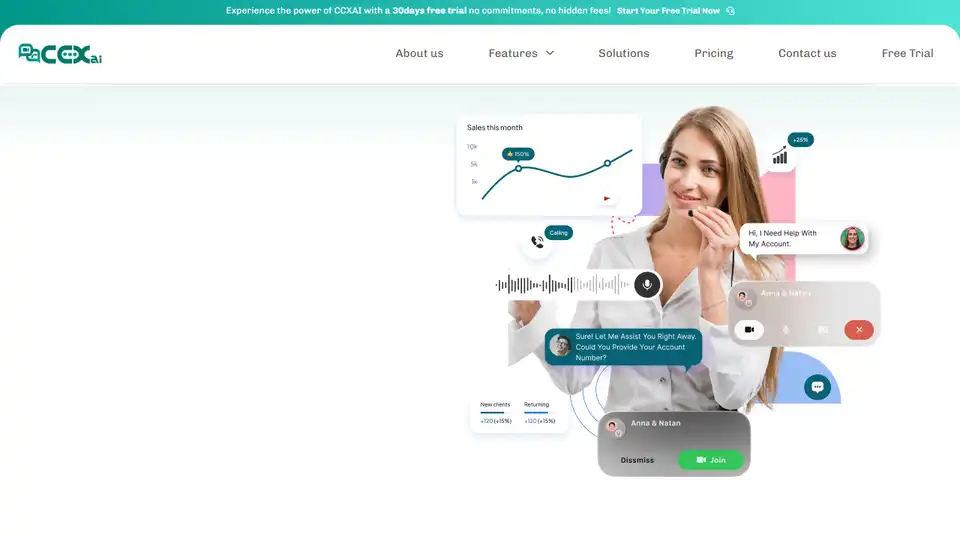
CCXai is an AI-powered customer communication platform transforming customer engagement with AI-driven insights, multi-channel support, and real-time analytics. Try it free for 30 days!
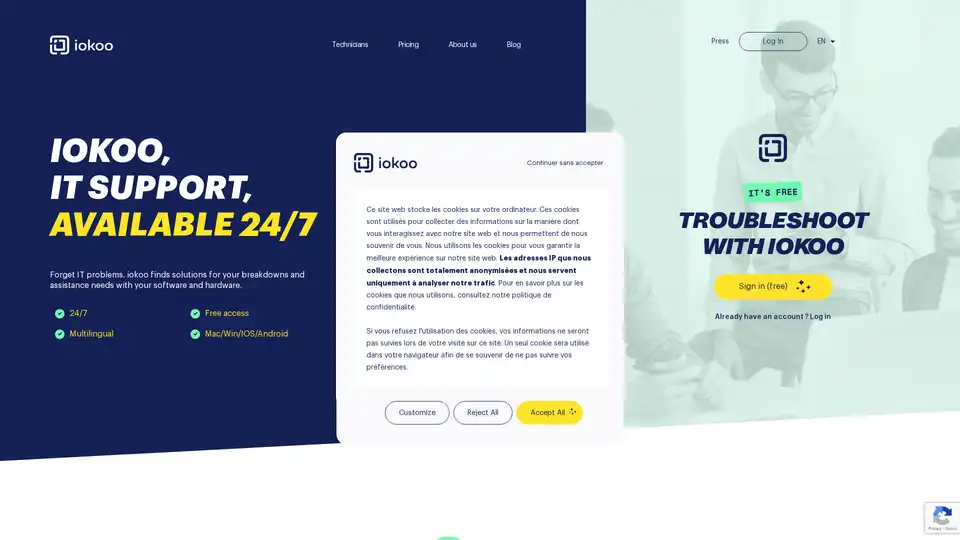
Iokoo is an AI-powered IT support tool that instantly resolves hardware and software issues for businesses and remote workers. Available 24/7 in 26 languages, with optional human technician support starting at €10/month.