
IOPaint
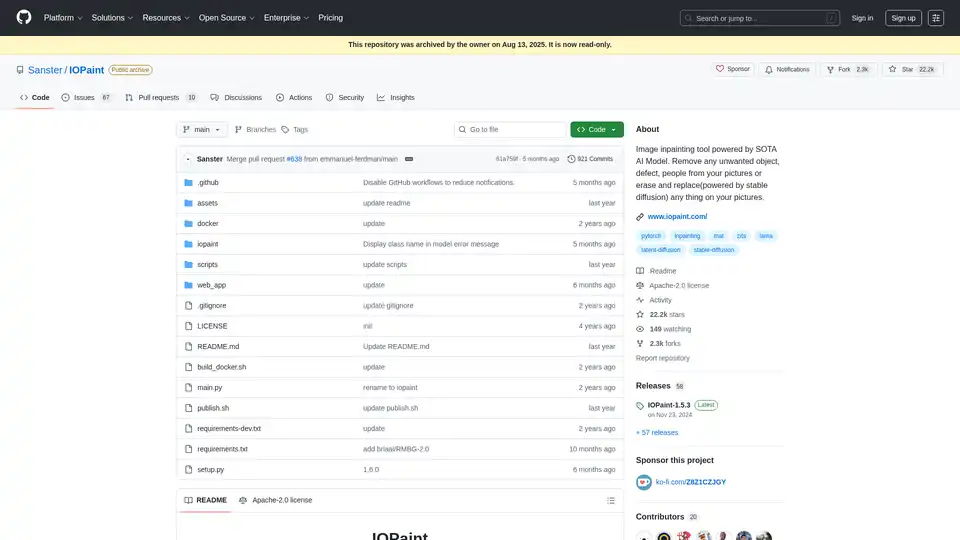
Overview of IOPaint
IOPaint: AI-Powered Image Inpainting & Object Removal Tool
What is IOPaint?
IOPaint is a free and open-source image inpainting and outpainting tool powered by state-of-the-art (SOTA) AI models. It allows users to effortlessly remove unwanted objects, defects, people, watermarks, or any other distractions from their images. Furthermore, it enables users to replace objects or expand their images using powerful diffusion models like Stable Diffusion.
How does IOPaint work?
IOPaint offers a user-friendly web interface that simplifies the process of image editing. Here's a general overview:
- Upload Image: Upload the image you want to edit.
- Masking: Use the provided tools to create a mask around the object or region you want to remove or replace. IOPaint also supports plugins like Segment Anything for accurate and fast interactive object segmentation.
- Model Selection: Choose the appropriate AI model for the task. IOPaint supports a variety of models, including those for erasing unwanted objects (LaMa, BrushNet) and diffusion models for replacing objects or outpainting (Stable Diffusion).
- Run: Initiate the inpainting or outpainting process.
- Download: Download the edited image.
Key Features:
- Free and Open-Source: Fully self-hosted with CPU, GPU, and Apple Silicon support.
- Versatile AI Models: Supports various AI models for different tasks, including:
- Erase Models: Remove unwanted objects, defects, and watermarks.
- LaMa
- BrushNet
- Diffusion Models: Replace objects and perform outpainting.
- runwayml/stable-diffusion-inpainting
- diffusers/stable-diffusion-xl-1.0-inpainting-0.1
- andregn/Realistic_Vision_V3.0-inpainting
- Lykon/dreamshaper-8-inpainting
- Sanster/anything-4.0-inpainting
- PowerPaintV2
- Sanster/AnyText
- Fantasy-Studio/Paint-by-Example
- Erase Models: Remove unwanted objects, defects, and watermarks.
- Plugins: Extend functionality with plugins like:
- Segment Anything: Accurate and fast interactive object segmentation.
- RemoveBG: Remove image background or generate masks for foreground objects.
- Anime Segmentation: Specifically trained for anime images.
- RealESRGAN: Super-resolution.
- GFPGAN/RestoreFormer: Face restoration.
- File Manager: Browse and save images conveniently.
- Batch Processing: Process multiple images using the command line.
How to Use IOPaint?
Installation:
pip3 install iopaintStart WebUI:
iopaint start --model=lama --device=cpu --port=8080Visit
http://localhost:8080in your web browser.
Who is IOPaint for?
IOPaint is for anyone who needs to edit images. It is suitable for:
- Photographers: Remove unwanted objects from photos.
- Designers: Create clean and polished visuals.
- Content Creators: Enhance images for social media or marketing materials.
- Researchers: Remove artifacts or distractions from scientific images.
- Anyone who wants to easily edit images with AI.
Why Choose IOPaint?
- Free and Open-Source: No subscription fees or licensing costs.
- Powerful AI Models: Achieve professional-quality results with advanced AI algorithms.
- User-Friendly Interface: Easy to use, even for beginners.
- Extensible: Customizable with plugins.
- Privacy-Focused: Self-hosted, so your data stays on your machine.
Getting Started:
To explore the full potential of IOPaint, refer to the official documentation for detailed instructions, advanced usage tips, and troubleshooting guides.
IOPaint simplifies image editing, making it accessible to a broad audience. Whether you're removing blemishes or creatively altering your images, IOPaint provides the tools you need.
AI Generated Art Image Enhancement and Repair Image Style Transfer AI Background Removal and Replacement AI Avatar and Cartoonization 3D Modeling and Rendering Logo and UI Design
Best Alternative Tools to "IOPaint"
Visuali.io is an all-in-one AI image suite that allows users to generate, edit, and enhance images online. It offers features like AI image generation, inpainting, outpainting, and sketch-to-image conversion on an infinite canvas.
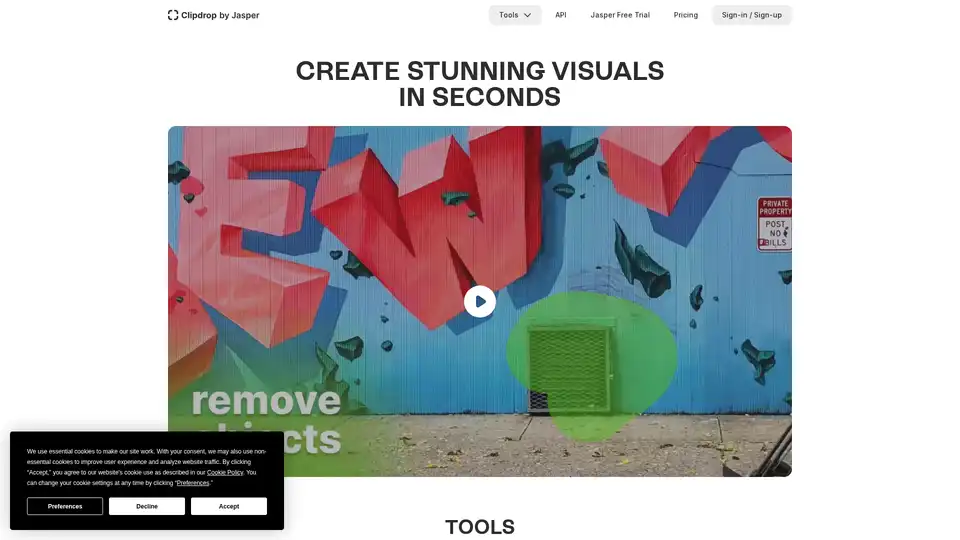
Clipdrop provides AI-powered tools for quick image editing: remove backgrounds, cleanup photos, upscale images, and generate visuals with Stable Diffusion integration for stunning results in seconds.
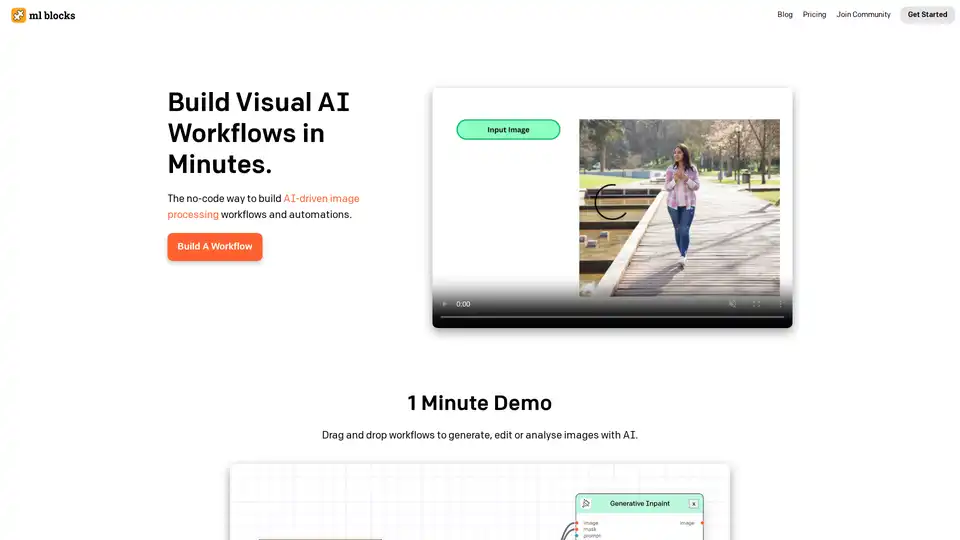
ML Blocks is a no-code platform that enables users to build AI-powered workflows for image generation, editing, and analysis. Drag-and-drop tools make it easy to create automations using models like Stable Diffusion, with transparent pay-per-use pricing.
ImageGPT is an all-in-one AI platform for image generation, editing, and enhancement using models like Flux AI, GPT-4o, and Stable Diffusion. Features include text-to-image, unblurring, face swaps, and more for professional results.