
inPixio

Overview of inPixio
inPixio: AI-Powered Photo Editing for Everyone
What is inPixio? inPixio is a comprehensive suite of AI-powered photo editing tools designed to make professional-quality photo enhancements accessible to everyone. Whether you're a small business owner, a photo enthusiast, or someone who simply wants to improve their personal photos, inPixio offers a range of features to help you achieve stunning results quickly and easily.
How does inPixio work? inPixio uses advanced artificial intelligence to automate complex editing tasks, such as background removal, object removal, and image enhancement. This allows users to achieve professional-looking results with minimal effort. The software is available both as an online editor and as a Windows application, providing flexibility for users who prefer to edit on the go or work offline.
Key Features and Benefits
- AI-Powered Background Removal: Instantly remove backgrounds from photos with a single click. The AI tool excels at handling intricate details, delivering clean and professional-looking images.
- AI-Generated Backgrounds: Replace dull or unwanted backgrounds with captivating AI-generated landscapes and scenes. Create dreamlike composites and transform your photos in seconds.
- Effortless Object Removal: Remove unwanted elements from your photos with the AI-powered magic eraser. The tool seamlessly reconstructs the area behind the erased object, preserving image quality.
- Comprehensive Editing Tools: Modify brightness, contrast, add image filters, enhance colors, sharpen details, and more. inPixio provides a complete set of tools for enhancing your photos.
- User-Friendly Interface: inPixio's intuitive interface makes it easy for beginners to get started. No prior experience is required to achieve professional-quality results.
Why Choose inPixio?
- Save Time and Money: inPixio offers affordable access to advanced photo editing features, helping you save time and money on professional photo editing services.
- Achieve Professional Results: The AI-powered tools and comprehensive editing features enable you to achieve professional-quality results with minimal effort.
- Flexible Editing Options: Edit photos online or via Windows software, providing flexibility to work on the go or offline.
- Ideal for Beginners: The user-friendly interface and automated features make inPixio ideal for beginners and those with limited photo editing experience.
User Testimonials
- Laura: "I absolutely love this website! I wanted to make the background of an image transparent, and ended up finding so many cool features! I even tried the paid version and it’s totally worth it."
- Bozena B: "As described you can do almost everything with your pictures. I loved all the features and used them frequently to enhance my pictures. I recommend this software to everyone."
- Gunter H.: "I absolutely love this program. It is an extremely useful tool for my small business. I cannot live without it."
- Emma: "inPixio not only met but exceeded my expectations. Both the online photo editor and the desktop version are intuitive, and the results are perfectly professional!"
- Ruth J.: "I run a small online business, and this transparent background tool has been a lifesaver. Now, I can remove backgrounds from my product photos super easily, and my website looks so clean and professional! Best no background tool I tried so far."
- Dan C: "After seeing an online demo of Photo Studio 12, I decided to get a lifetime license. I haven't regretted that decision at all! I use it even more than I thought I would. More often than not, it's good enough to erase objects and change skies etc for photos destined for print and television. Thank you for a great and useful tool!"
Who is inPixio for?
inPixio is designed for a wide range of users, including:
- Small Business Owners: Easily create professional-looking product photos for your website and marketing materials.
- Photo Enthusiasts: Enhance your personal photos and create stunning visual content for social media.
- Marketing Professionals: Quickly create eye-catching visuals for marketing campaigns and social media.
- Anyone Who Wants to Improve Their Photos: inPixio is easy to use and requires no prior experience, making it perfect for anyone who wants to enhance their photos quickly and easily.
How to use inPixio?
Using inPixio is straightforward:
- Choose Your Editing Experience: Select the online photo editor for instant editing or download the Windows software for offline access.
- Upload Your Photo: Upload the photo you want to edit.
- Use AI-Powered Tools: Use the AI-powered tools to remove backgrounds, remove objects, and enhance your image.
- Fine-Tune Your Edits: Use the comprehensive editing tools to adjust brightness, contrast, colors, and more.
- Save and Share: Save your edited photo and share it with the world.
Best way to enhance photos? inPixio simplifies photo editing with its AI-powered tools, making it the best way to enhance photos. Its user-friendly interface, comprehensive features, and affordable pricing make it an excellent choice for anyone who wants to improve their photos quickly and easily.
AI Generated Art Image Enhancement and Repair Image Style Transfer AI Background Removal and Replacement AI Avatar and Cartoonization 3D Modeling and Rendering Logo and UI Design
Best Alternative Tools to "inPixio"

Enhance your photos easily with ImgGood, a free online AI photo editor. Remove backgrounds, upscale images, clean up pictures, and more with AI-powered tools.
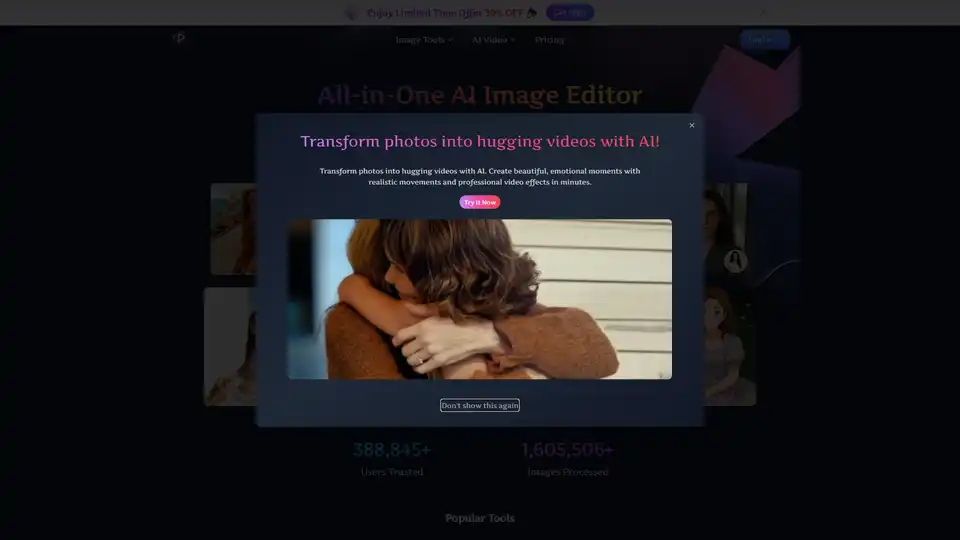
Pixfy AI is an all-in-one AI image editor to enhance photos, remove backgrounds, erase objects, swap faces, and more. Get professional results in seconds.
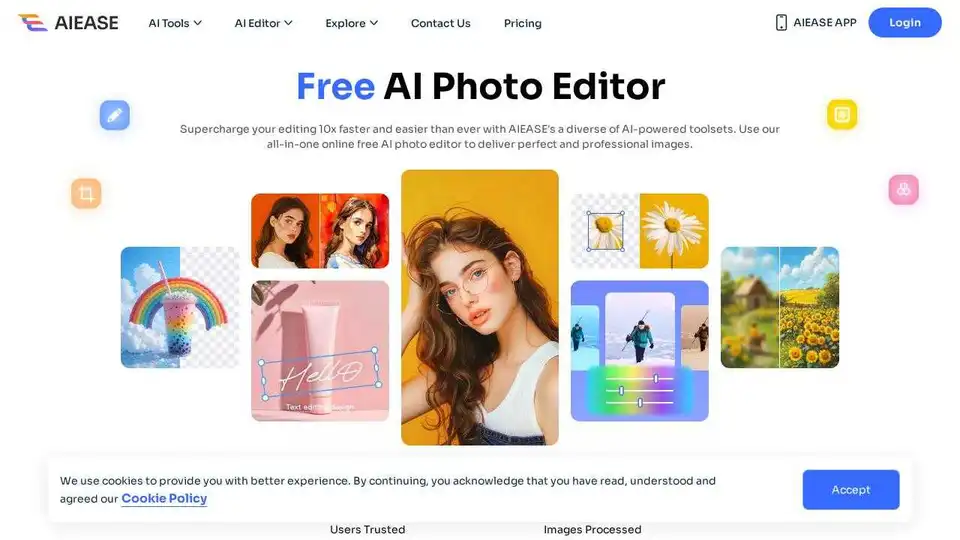
Simplify and automate your photo editing with AI Ease. Experience a wide range of AI photo editing tools to enhance every aspect of your images for free.
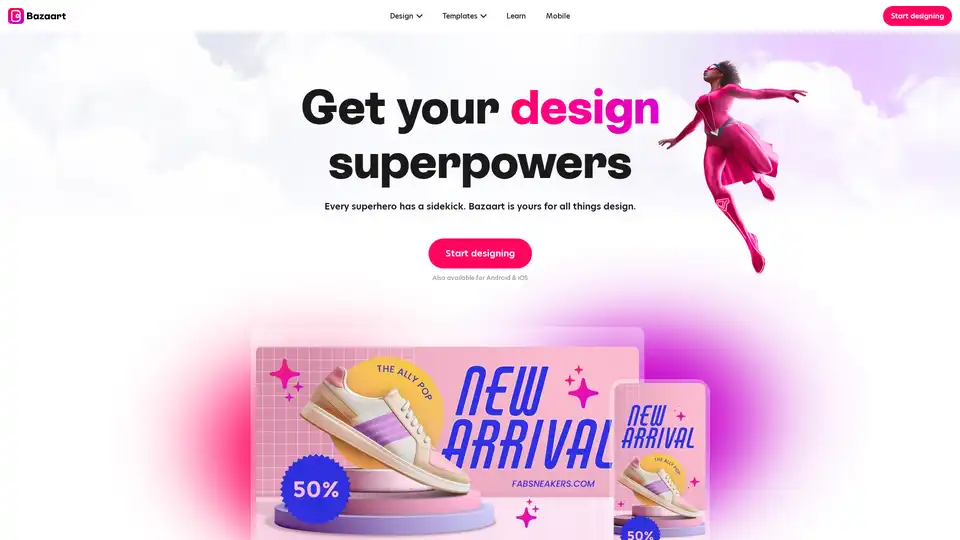
Bazaart is a free AI-powered design platform for creating professional-looking photos, social media posts, logos, and more. It features AI tools to edit, remove backgrounds, and enhance images easily.