
ImgUpscaler
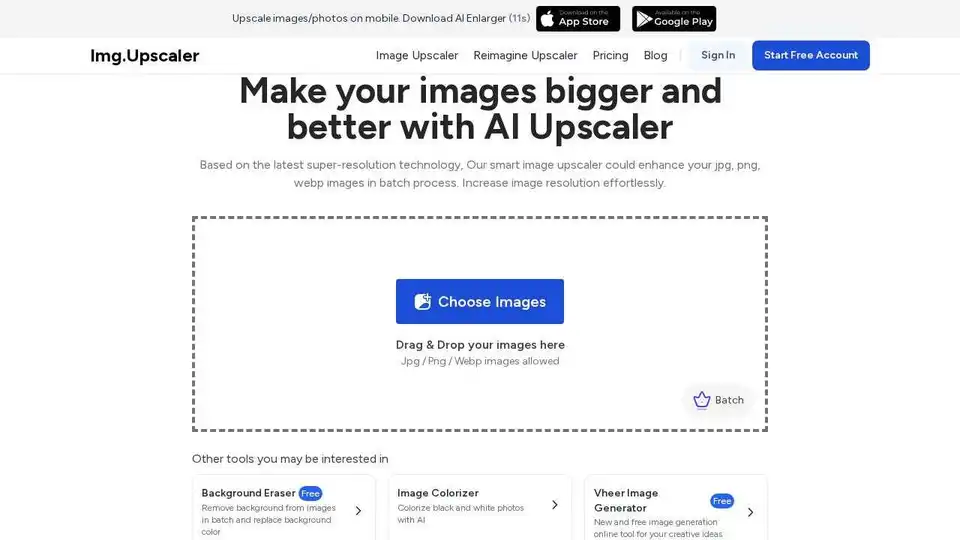
Overview of ImgUpscaler
ImgUpscaler: Enhance Your Images with AI
ImgUpscaler is a free online AI-powered image upscaling tool designed to enhance and enlarge images without compromising quality. Leveraging the latest super-resolution technology, ImgUpscaler allows users to increase image resolution effortlessly, making it ideal for various applications, from enhancing product photos to reviving old memories.
What is ImgUpscaler?
ImgUpscaler is a web-based application that uses artificial intelligence to increase the resolution of images. It's designed to add new pixels intelligently, delivering smoother and clearer results while preserving intricate details. This tool is particularly useful for those who need to enlarge images for commercial or personal use without losing quality.
How does ImgUpscaler work?
ImgUpscaler utilizes advanced AI and super-resolution technology to analyze and enhance images. Here’s a breakdown of how it works:
- Upload Image: Users upload a JPG, PNG, or WEBP image to the platform.
- Select Upscale Ratio: Choose either 200% or 400% to increase the size of the image.
- AI Enhancement: The AI algorithms analyze the image, adding new pixels intelligently to increase resolution and clarity.
- Preview and Download: Once the process is complete, users can preview the upscaled image and download it.
Key Features of ImgUpscaler
- AI-Powered Enhancement: Uses the latest AI and super-resolution technology to enhance images without losing quality.
- Batch Processing: Allows users to upscale multiple images at once (up to 5 images currently).
- Image Editor: Integrated with powerful image editor tools for cropping, filters, fine-tuning, annotation, stickers, and frames.
- Privacy Protection: All photos are cleared within 24 hours to protect user privacy.
- Free for Commercial Use: All upscaled images can be used for commercial purposes without any hidden payments.
How to Use ImgUpscaler
- Upload an Image: Drag and drop the image you want to upscale.
- Select the Ratio: Choose either '200%' or '400%' to increase the size of your image.
- Upload and Start: Click 'Upload and Start' to begin the upscaling process.
- Preview and Download: Once the image is upscaled, preview the result and download it.
Use Cases for ImgUpscaler
- E-commerce: Enhance product photos to attract more customers.
- Photography: Increase the resolution of photos for printing or sharing online.
- Graphic Design: Enlarge images for use in design projects without losing quality.
- Restoring Old Photos: Revive old, low-resolution photos with enhanced clarity.
Testimonials
- Éléonore Lefaix, Editor of Siecledigital.fr: "ImgUpscaler is exactly what you need for upscaling multiple images. Thanks to its batch processing feature, you can improve dozens of shots at a time."
- Eva Williams, Editor of Fixthephoto: "Upscaling images should be neither costly nor difficult. And that is what Img.Upscaler offers."
- Matic Broz, Editor: "ImgUpscaler can upscale all types of images, whether they are blurry landscapes, product photos, or old photos for Instagram. Once the scene has been captured, AI will automatically remove random noise and blur."
- Sravan, ProductHunt User: [No specific quote provided, but user feedback indicates positive experience.]
FAQ
- What is an AI Image Upscaler? An AI image upscaler is an advanced tool powered by artificial intelligence to increase the resolution of your images without sacrificing quality.
- How does an AI Image Upscaler work? It enhances images by adding new pixels intelligently, delivering smoother, clearer results while preserving intricate details.
Why is ImgUpscaler Important?
In today's digital age, high-resolution images are essential for various applications, from marketing to personal use. ImgUpscaler simplifies the process of enhancing image quality, making it accessible to everyone. Whether you're a professional photographer or a casual user, ImgUpscaler provides the tools you need to make your images bigger and better.
ImgUpscaler provides a valuable service by leveraging AI to enhance images quickly and effectively. Its user-friendly interface, batch processing capabilities, and commercial-use license make it a standout tool in the realm of online image enhancement.
AI Generated Art Image Enhancement and Repair Image Style Transfer AI Background Removal and Replacement AI Avatar and Cartoonization 3D Modeling and Rendering Logo and UI Design
Best Alternative Tools to "ImgUpscaler"
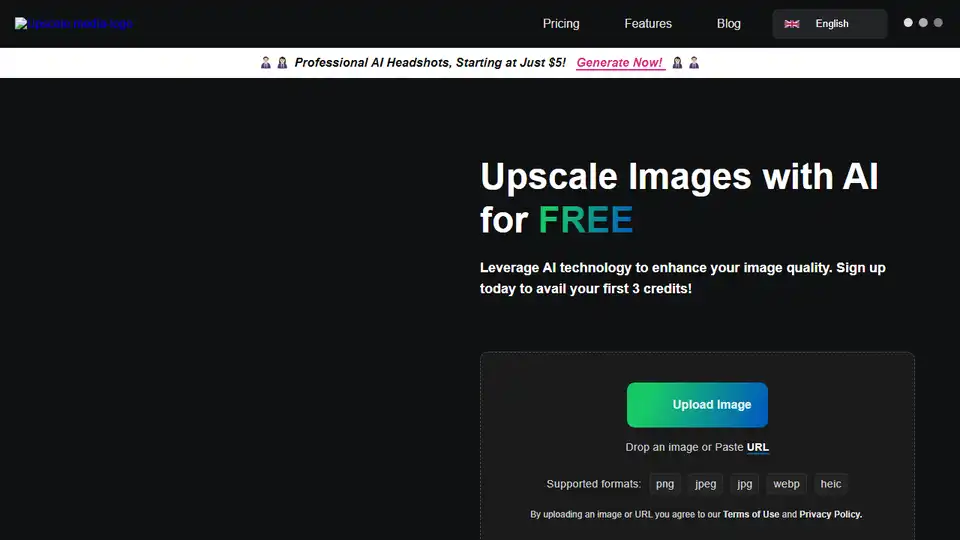
Upscale.media is a free AI image upscaler to increase image resolution by 2x, 4x, or 8x. Enhance image quality online while retaining sharpness and removing artifacts. Supports PNG, JPEG, JPG, WebP, HEIC files.
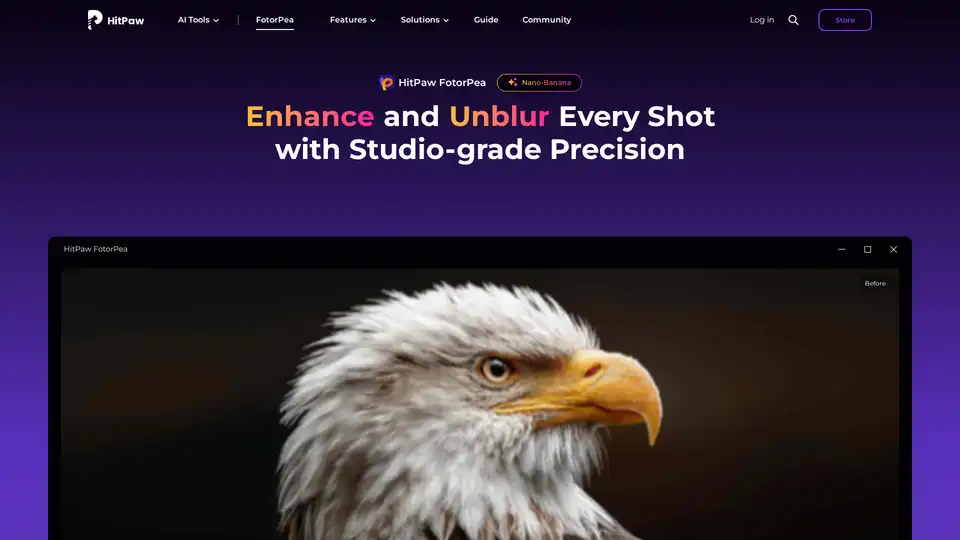
HitPaw FotorPea is an AI photo enhancer that enhances image quality, unblurs photos, and restores old pictures with one click. Try HitPaw FotorPea to bring your photos to life!
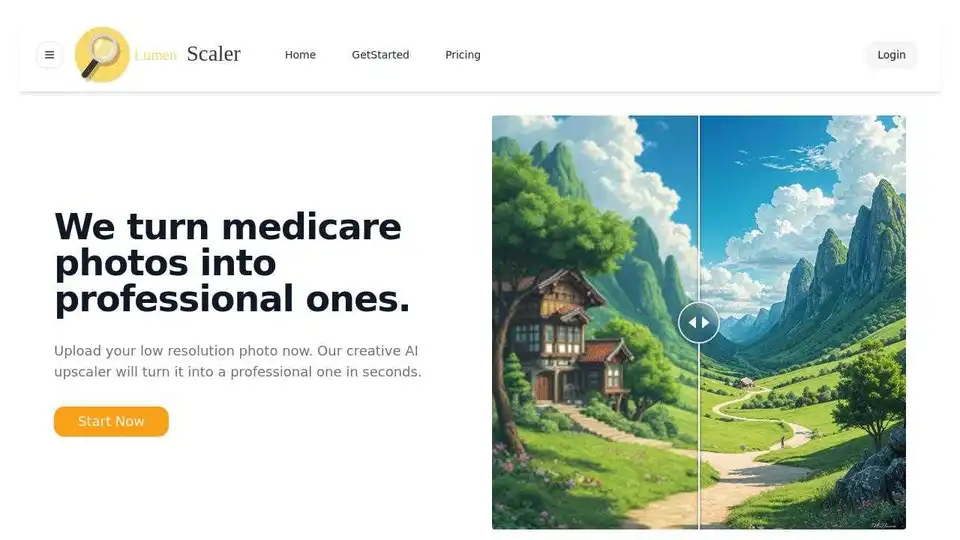
Enhance your images with Lumen Scaler's AI-powered upscaling, delivering professional quality with ease. Turn low-resolution photos into professional-grade images in seconds.
Enhance image quality and resolution up to 10x with this powerful AI image enhancer. The best tool to improve image quality and photos online for free.