
Image to Text Converter
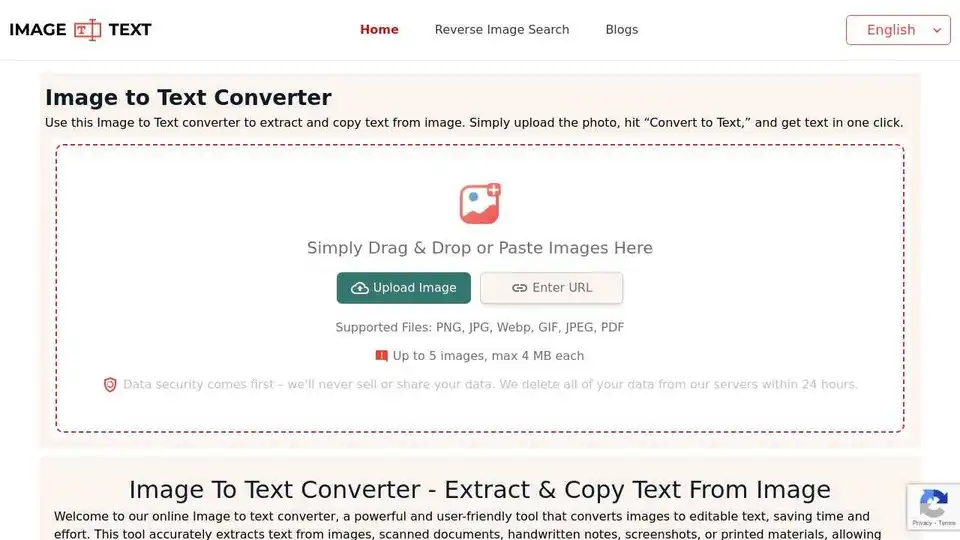
Overview of Image to Text Converter
Image to Text Converter: Extract Text From Images Effortlessly
What is Image to Text Converter?
Image to Text Converter is an online tool that utilizes Optical Character Recognition (OCR) technology to extract text from images. It allows you to convert various image formats like JPG, PNG, WEBP, etc., into editable text. This tool is designed to save time and effort by eliminating the need to manually type out text found in images, documents, screenshots, and more.
How does Image to Text Converter work?
This photo to text converter leverages OCR technology to identify and interpret words within an image. The process involves scanning the image, identifying patterns and shapes resembling letters and words, and then converting these patterns into text by cross-referencing them against a database. For instance, if the tool detects a pattern of two slanted lines joined at the bottom, it recognizes it as the letter 'V'.
Under the hood, the Image to Text Converter uses advanced OCR models, including Tesseract, along with Python libraries. These technologies enable accurate analysis and recognition of characters within the uploaded images.
Key Features
- User-Friendly Interface: The tool boasts a beginner-friendly interface, making it easy to navigate and use without special training.
- Image Cropping: Crop images before extraction to focus on specific areas, saving time on editing.
- Math Equation Detection: Accurately recognizes and extracts mathematical equations, beneficial for students and professionals.
- Quick Copy & Download: Copy extracted text to clipboard or download in TXT, PDF, or DOCX formats.
- Free Access: Use the tool for free without registration or paid plans.
- Safe and Secure: No data or files are saved or shared, ensuring user privacy.
- Multi-Format Support: Extracts text from JPG, JPEG, PNG, and WEBP images.
- Blurry Image Support: Extracts text even from blurred or low-resolution images.
- Multi-Language Support: Supports extraction from images containing text in multiple languages (English, French, Spanish, Indonesian, Russian, Portuguese, Korean, Turkish, Vietnamese, Japanese, Italian, Thai, German, Chinese, Polish, Czech, and Dutch).
- Multiple Image Uploads: Upload up to five images (max 4MB each) at once.
How to Convert Image to Text?
Here’s a step-by-step guide on how to use the Image to Text Converter:
- Upload Image: Drag and drop, paste via Ctrl+V, enter a URL, or import images from your device. Up to five images can be uploaded at once.
- Convert to Text: Click the "Convert to Text" button to start the extraction process.
- View and Download Results: Once complete, view the extracted text and download it in your preferred format (TXT, PDF, DOCX).
Use Cases
- Education: Students can digitize study materials and share them easily.
- Research and Data Collection: Extract text from images for research and data analysis purposes.
- Data Entry: Convert physical documents to digital text for easier data entry.
- Social Media: Extract and share textual information from images on social media platforms.
Who Can Use Image to Text Converter?
- Students: Increase productivity by converting lecture notes to editable text.
- Teachers: Convert student assignments to digital text for easier grading.
- Writers: Convert research material from physical sources to digital text.
- Office Professionals: Use it for data entry and securing data in digital format.
FAQs
- What is an image to text converter? An OCR-based tool that recognizes and extracts text from images.
- Can it recognize handwritten text? Yes, the tool can recognize handwritten text.
- How can I convert JPG to Text? Upload your JPG image, adjust it, and convert it to text.
- Is the extracted text accurate? The tool uses reliable OCR models for accurate extraction.
- Can I convert a screenshot to Text? Yes, the tool works as a screenshot to text converter.
- How can I get text out of a picture? Upload the picture to the tool and extract the text.
Related Tools
- JPG to Word: Converts JPG images to editable Word documents.
- Reverse Image Search: Find similar images online.
Our Image to Text converter utilizes advanced OCR technology to allow users to easily and efficiently extract text from images. Try it today for free!
Best way to convert images to text for free? Image to Text Converter provides a fast, accurate, and free solution for extracting text from any image.
What is [Image to Text Converter]? It is a web-based tool that lets you extract text from images using OCR technology.
How does [Image to Text Converter] work? It analyzes the shapes and patterns in images to identify characters and convert them to digital text.
How to [extract text from an image]? Simply upload an image, click 'Convert,' and the tool will extract the text for you.
Why is [Image to Text Converter] important? It saves time and effort by automating the process of typing text from images.
Where can I use [Image to Text Converter]? You can use it for education, research, data entry, and sharing text on social media.
Conclusion
The Image to Text Converter is a versatile and efficient tool for extracting text from images. Its user-friendly interface, multi-format support, and advanced OCR technology make it an invaluable resource for students, teachers, writers, and professionals alike. Whether you need to digitize handwritten notes, extract data from research materials, or share textual information on social media, this tool provides a fast, accurate, and free solution.
AI Generated Art Image Enhancement and Repair Image Style Transfer AI Background Removal and Replacement AI Avatar and Cartoonization 3D Modeling and Rendering Logo and UI Design
Best Alternative Tools to "Image to Text Converter"
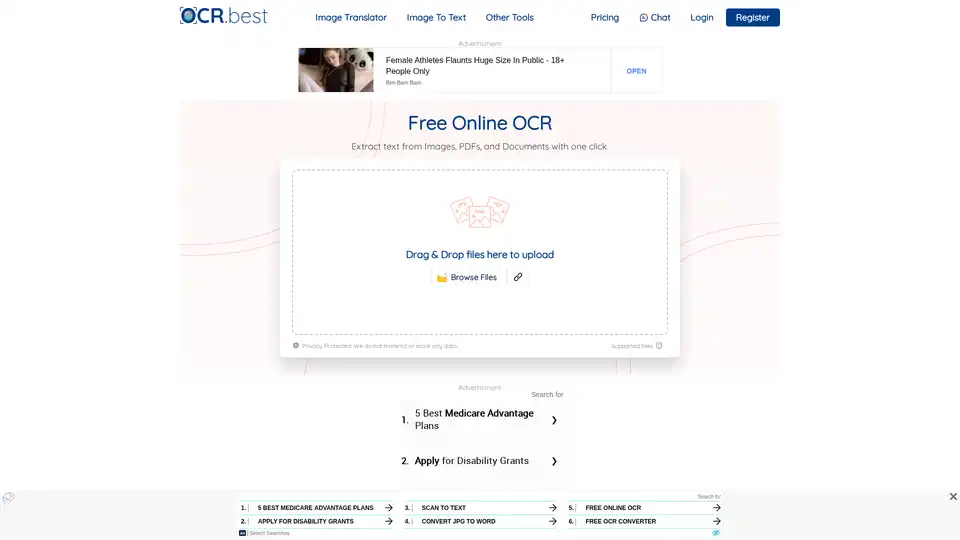
OCR.best is a free online OCR converter that uses AI to extract text from images, PDFs, and scanned documents. Convert any picture to text with high accuracy and no daily limits. Download as .txt or .docx with just one click.
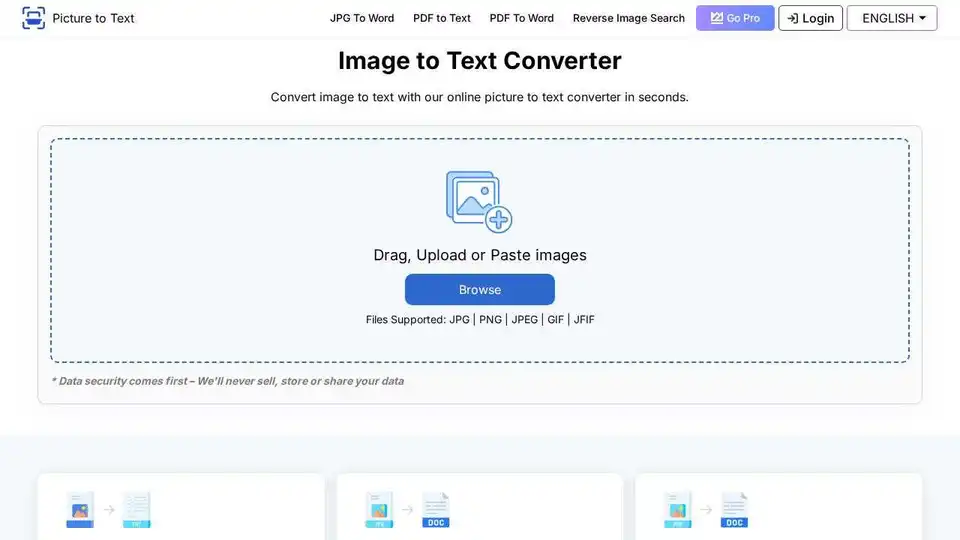
Free online OCR tool that extracts text from images with a few clicks. Fast and accurate picture to text conversion.
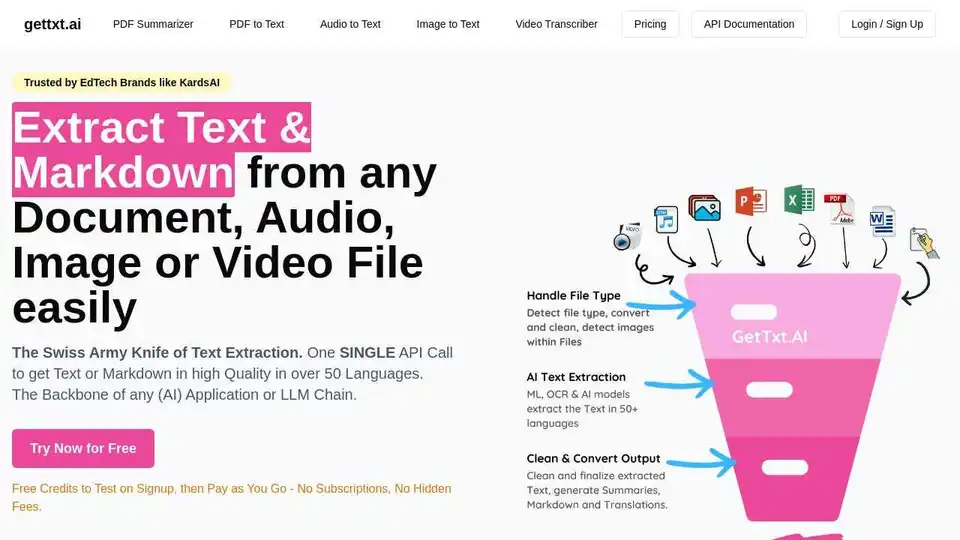
Extract text & Markdown from any document, audio, image or video file easily with gettxt.AI. A single API call for text extraction, summarization, and translation.
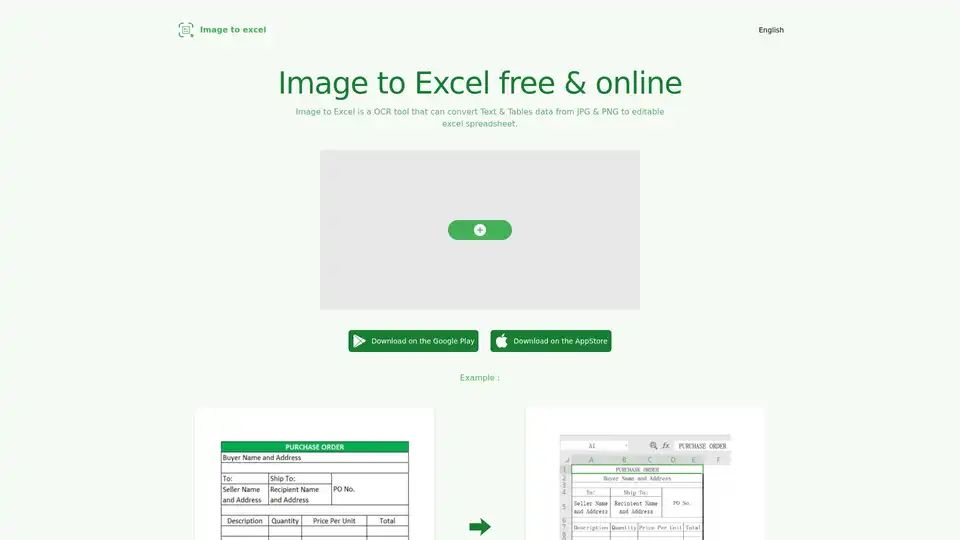
Convert images to Excel spreadsheets with Image to Excel, a free online OCR tool. Extract tables and text from JPG & PNG files. Supports web, iOS, and Android.