
HitPaw FotorPea
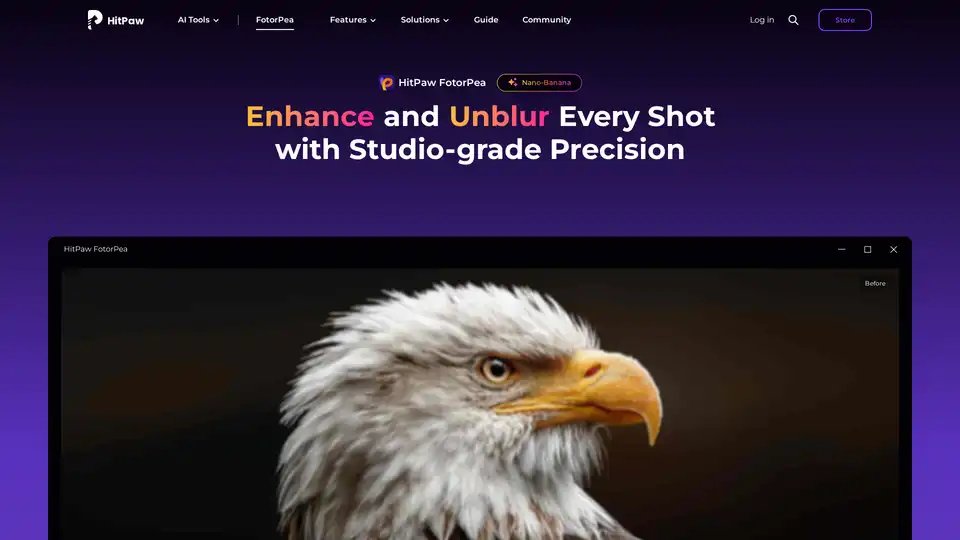
Overview of HitPaw FotorPea
HitPaw FotorPea: AI-Powered Image Enhancement for Perfection
What is HitPaw FotorPea? HitPaw FotorPea (formerly HitPaw Photo Enhancer) is a professional AI photo enhancement tool designed to automatically improve image quality and resolution. This AI-powered solution is ideal for restoring old photos, unblurring images, and upscaling photos without losing quality.
How does HitPaw FotorPea work? HitPaw FotorPea utilizes advanced AI technology with multiple AI models to enhance different aspects of images:
- General Model: Enhances overall image quality and clarity.
- Denoise Model: Reduces noise in images, especially useful for low-light photos.
- Face Model: Specifically designed to enhance facial features in portraits.
- Colorize Model: Revives old black-and-white photos by adding natural colors.
- Upscale Model: Enlarge product images.
- Sharpen Model: Sharpens edges and details in images, perfect for action shots or correcting focus issues.
This AI photo enhancer analyzes different blur types and intelligently reconstructs razor-sharp edges and details.
How to use HitPaw FotorPea? Enhancing photos with HitPaw FotorPea is simple:
- Launch and Upload: Open the software and upload the image(s) you want to enhance.
- Select AI Model: Choose the appropriate AI model based on the image type.
- Preview and Export: Preview the enhanced effect and export the upscaled image.
Why choose HitPaw FotorPea?
- AI-Powered Enhancement: Utilizes cutting-edge AI technology for professional-quality edits effortlessly.
- Multiple AI Models: Features 9 different AI models to enhance the quality of any photo on any occasion, making them crisp, clear, and bright.
- User-Friendly Design: Makes professional-quality edits effortless for everyone.
- Versatile Applications: Ideal for enhancing portraits, landscapes, product images, old photos, and more.
Who is HitPaw FotorPea for? HitPaw FotorPea is designed for:
- Photographers: Both professionals and amateurs looking to enhance their photos quickly.
- Online Store Owners: To enhance product images for better presentation.
- Family Historians: To restore and colorize old family photos.
- Content Creators: To generate high-quality visuals for various platforms.
User Stories
- Michael Jin, Family Photographer: "My grandfather’s old military portrait was so blurry that even his medals were indistinguishable. After processing with FotorPea, I could count the stitches on his collar and the stars on his cap badge!"
- Natalie Rowe, Documentary Photographer: "I shoot street portraits in low light, and many shots come out soft. With the Face Model, facial contours are brought back without losing mood or grain."
- Jake Simmons, Online Store Owner: "We use Upscale Model to enhance product images taken on older smartphones. Textures on clothing and jewelry now look crisp and professional—even on 4K monitors."
Best way to enhance photos? HitPaw FotorPea is highly recommended for its cutting-edge photo enhancement technology, powerful features, and user-friendly design that make professional-quality edits effortless for everyone. It enhances image quality and resolution in one click, making pictures less blurry and enlarging images without quality loss.
Technical Specifications:
- Supported OS: Windows 11/10 (64-bit) and macOS 10.15 or later.
- Input Formats: .png, .jpg, .jpeg, .webp, .tif, .tga, .bmp, .jfif
- Output Formats: .png, .jpg, .jpeg, .webp, .tif, .tga, .bmp, .jfif
FAQs about HitPaw FotorPea:
- Q: What is the best photo enhancer for PC?
- A: HitPaw FotorPea. With its AI Enhancer feature, you can easily enlarge and upscale images, denoise images, and correct the color. Old photos can be restored to perfect condition.
HitPaw FotorPea is an excellent AI photo enhancer that offers a range of models to enhance different aspects of your photos. Whether you need to restore old family photos, sharpen action shots, or reduce noise in low-light images, HitPaw FotorPea provides the tools to achieve professional-quality results with ease.
AI Generated Art Image Enhancement and Repair Image Style Transfer AI Background Removal and Replacement AI Avatar and Cartoonization 3D Modeling and Rendering Logo and UI Design
Best Alternative Tools to "HitPaw FotorPea"
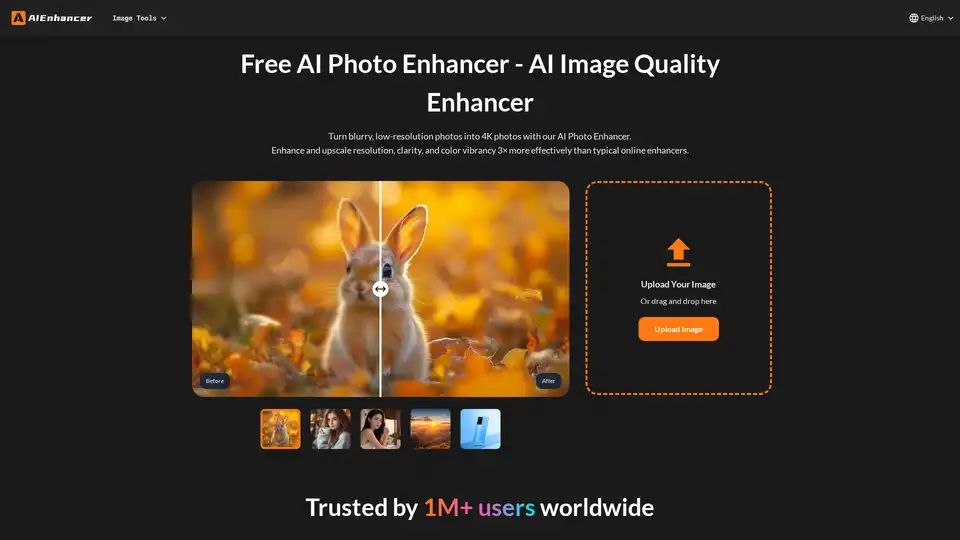
Enhance your photos with our AI Photo Enhancer. Restore colors, sharpen details, remove noise, and upscale low-resolution images to stunning 4K quality.

Enhance your photos to HD quality with HitPaw FotorPea, the AI photo enhancer. Unblur, upscale, and restore your images with AI-powered precision for professional-quality results.

Remini uses AI to transform old photos into HD masterpieces, enhancing details and colors for stunning results.
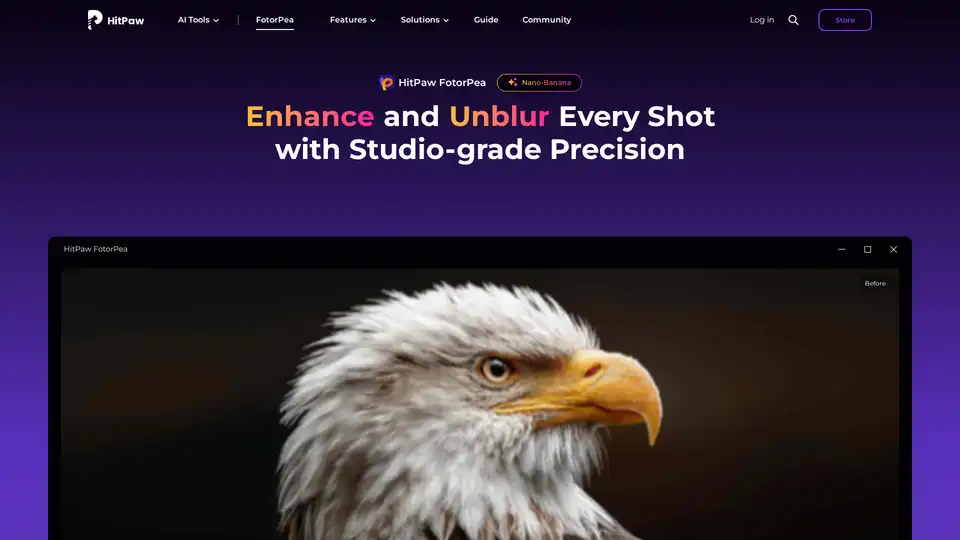
HitPaw FotorPea is an AI photo enhancer that enhances image quality, unblurs photos, and restores old pictures with one click. Try HitPaw FotorPea to bring your photos to life!