
grafychat
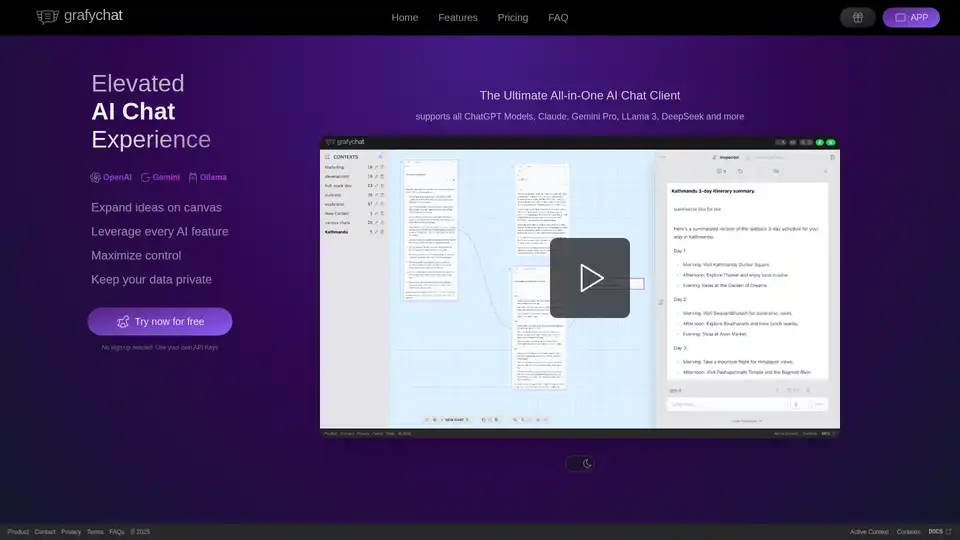
Overview of grafychat
Grafychat: The Ultimate AI Chat Client
Grafychat is an all-in-one AI chat client designed to elevate your AI chat experience. It supports a variety of AI models including ChatGPT, Gemini Pro, LLama 3, and DeepSeek, providing a versatile platform for users with diverse AI needs.
What is Grafychat?
Grafychat is a privacy-focused, canvas-based AI Chat Client designed to work seamlessly with ChatGPT and other conversational AI models. It allows users to bring their own API keys for OpenAI, Google AI, and Local Ollama models, ensuring data privacy and control.
How does Grafychat work?
Grafychat operates by allowing users to connect to various AI models using their own API keys. This ensures that all data remains on the user's device, enhancing privacy. The canvas-based interface allows for visual organization of chats, making it easier to manage and connect conversations.
Key Features
- Endless Canvas: Organize chats visually by connecting the dots to manage conversations, and create as many canvases as you need.
- Privacy Friendly: Data is stored on your device and only leaves for non-local LLM requests. It can be self-hosted and requires no sign-up.
- Control Your Results: Easily apply custom instructions, switch models on the fly, and adjust model parameters.
- Powerful Search: Conduct full-text searches across all data, filter with precision, and navigate to results easily.
- BYOAK (Bring Your Own API Keys): Supports OpenAI, Google AI, and Ollama with Llama 3.
- Customizable Prompt Library: Save, edit, and reuse prompts easily.
- Markdown Editor: Each chat is editable, allowing you to keep your data tidy and export to Markdown.
- Customizable Look and Feel: Add colors to your flow, show/hide specific parts, and label parts of the conversation.
How to use Grafychat?
- Obtain API Keys: Acquire API keys from your preferred AI providers such as OpenAI, Google AI, or set up Ollama locally.
- Connect to Grafychat: Enter your API keys into the Grafychat application.
- Start Chatting: Begin engaging with the AI models through the canvas-based interface.
- Customize and Organize: Utilize the canvas to organize your chats, create custom prompts, and adjust settings to your preference.
Why choose Grafychat?
- Privacy: Grafychat prioritizes user privacy by storing data locally and requiring users to bring their own API keys.
- Flexibility: It supports multiple AI providers, allowing users to switch between models easily.
- Organization: The canvas-based interface provides a unique way to visualize and manage conversations.
- Customization: Users can customize prompts, adjust model parameters, and personalize the look and feel of the application.
Who is Grafychat for?
Grafychat is ideal for:
- AI enthusiasts who want to experiment with different AI models.
- Professionals who need a versatile AI chat client for work.
- Researchers who require a tool to organize and manage conversations with AI models.
- Anyone who values privacy and control over their data.
Pricing
Grafychat offers a one-time purchase license with different tiers:
- Standard: $39 ($59 soon) - All limits and features unlocked.
- Extended: $59 ($79 soon) - Includes the Standard license plus a self-host package.
- Premium: $79 ($99 soon) - Includes the Extended license with priority support.
Free version limitations: maximum 3 contexts with 15 chats each.
User Reviews
Users have praised Grafychat for its non-linear LLM chat tool, ADHD-friendly interface, and compelling system. The pricing is also a highlight for many users.
- Andrew: "I'm excited to find a good LLM interface that is perfect for my ADHD."
- Rich: "Loving this for studying."
- John: "It is really compelling as a system and I'm not even using the way you show it in your demo."
- xucian: "Something I didn't know I needed."
- Nirav: "I love the pricing!"
- David: "Absolutely love the product. It was exactly what I've been looking for in regards to a non-linear LLM chat tool."
FAQ
- What is Grafychat? Grafychat is a privacy-friendly canvas-based AI Chat Client for ChatGPT and other conversational AI.
- Is Grafychat free? Grafychat has a free version with limitations.
- What chatbot providers does Grafychat support? OpenAI, Google AI, and Local Ollama Models.
- Do I need to sign up to use Grafychat? No, there is no sign-up required.
Best way to utilize Grafychat
To maximize the utility of Grafychat, consider the following:
- Experiment with different AI models: Utilize the flexibility to switch between various AI models to find the best fit for your needs.
- Organize your chats visually: Leverage the canvas-based interface to create a visual representation of your conversations.
- Customize prompts: Take advantage of the customizable prompt library to streamline your workflow.
Grafychat offers a unique and versatile AI chat experience, prioritizing privacy, flexibility, and customization.
AI Task and Project Management AI Document Summarization and Reading AI Smart Search AI Data Analysis Automated Workflow
Best Alternative Tools to "grafychat"
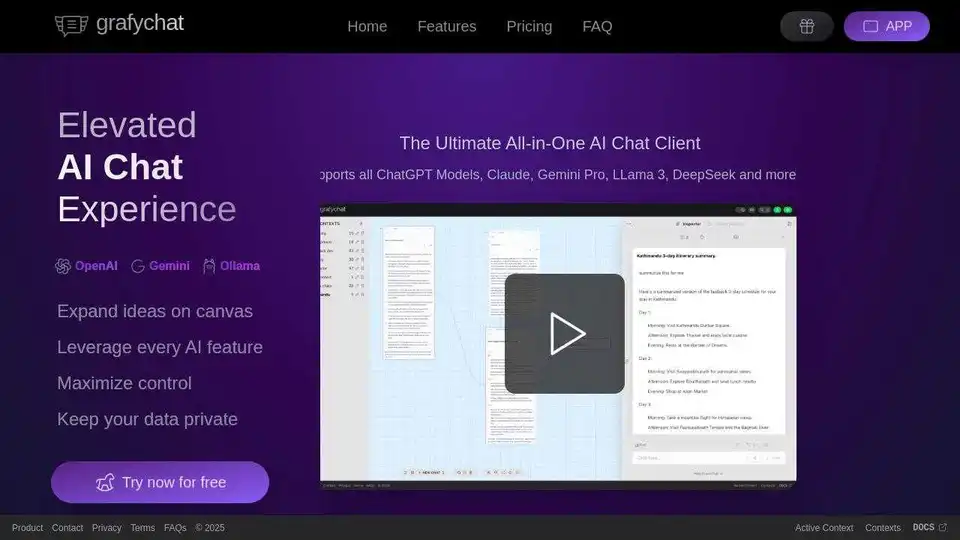
grafychat is an all-in-one, privacy-friendly AI chat client supporting ChatGPT, Gemini, Claude, Llama 3, and more. Organize chats visually on a canvas, leverage every AI feature, and control your data.
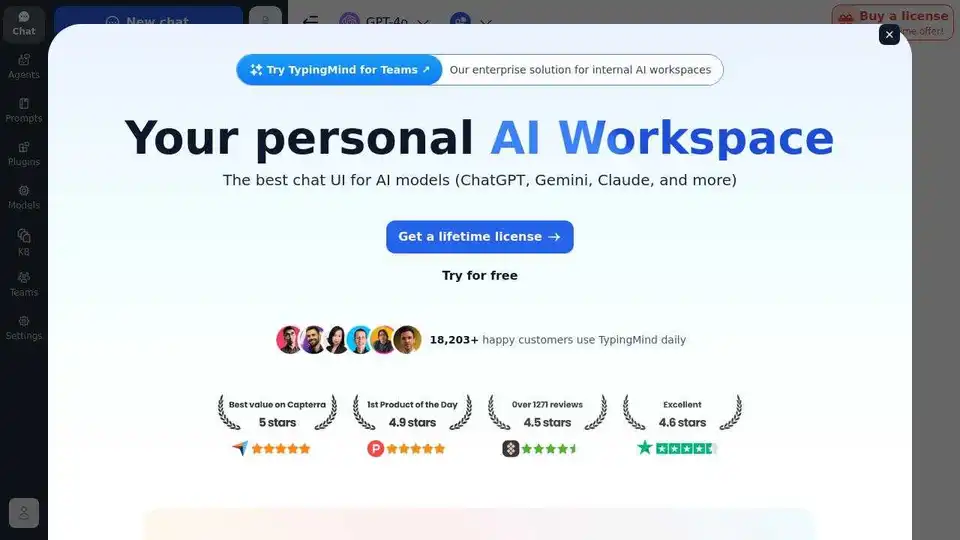
TypingMind is an AI chat UI that supports GPT-4, Gemini, Claude, and other LLMs. Use your API keys and pay only for what you use. Best chat LLM frontend UI for all AI models.
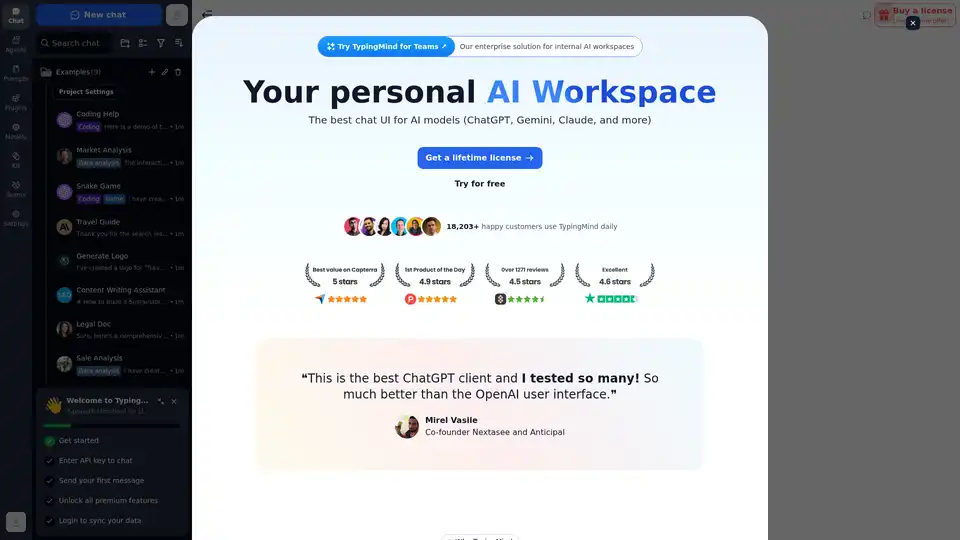
Chat with AI using your API keys. Pay only for what you use. GPT-4, Gemini, Claude, and other LLMs supported. The best chat LLM frontend UI for all AI models.
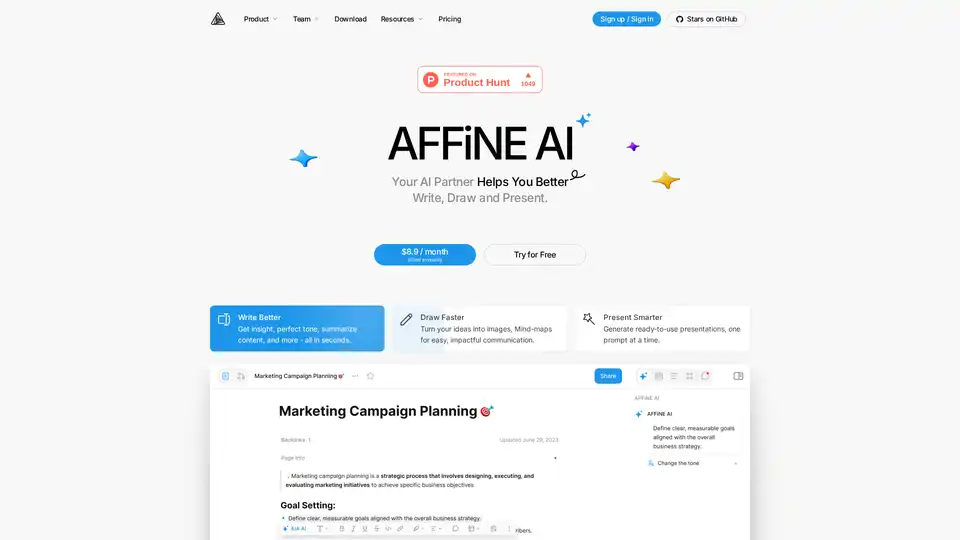
AFFiNE AI is a multimodal canvas AI tool that enhances note-taking, brainstorming, and team collaboration with AI-powered writing, drawing, and presentation features.