
GPTSidePanel
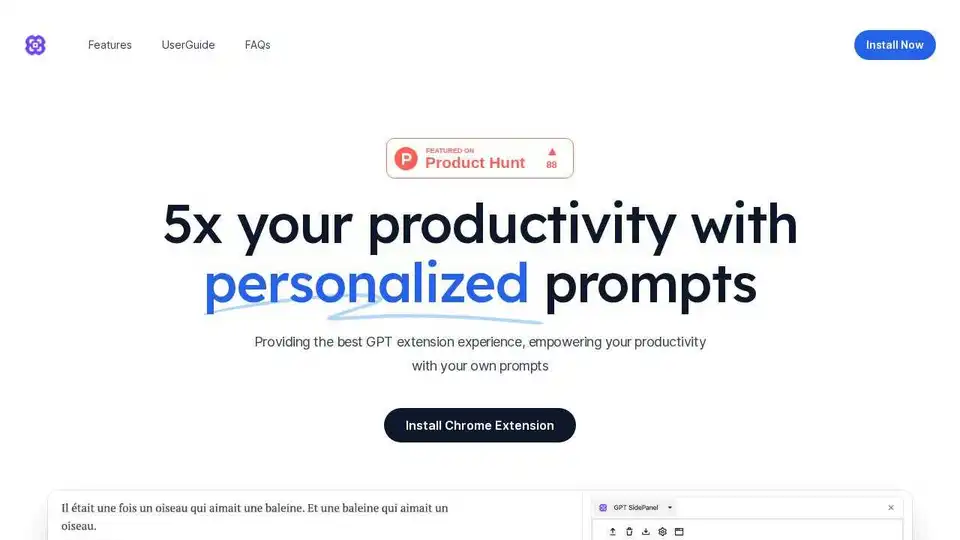
Overview of GPTSidePanel
GPTSidePanel: The Ultimate GPT Extension for Enhanced Productivity
What is GPTSidePanel? GPTSidePanel is a Chrome extension designed to enhance your productivity by providing quick access to GPT tools and personalized prompts. It allows you to interact with web pages through custom prompts and maintain chat history for each webpage, making it easier than ever to leverage the power of AI in your daily workflow.
Key Features:
- Personalized Prompts: Add and use your frequently used prompts with a single click on web pages.
- Sidepanel Access: Access GPTSidePanel on every webpage to visually see the chat context.
- Conversion: Each webpage has a separate chat window for focused conversations.
- Chat History: Retain and browse all your conversation history.
How to Use GPTSidePanel:
- Installation:
- Go to the [Chrome Web Store](link to chrome web store) and install GPTSidePanel.
- Settings:
- Use
Alt+G(orOption+Gon Mac) to open the sidepanel. - Choose your preferred API model and language.
- Use
- Personalizing:
- Define your own prompts with simple editing.
- Add infinite prompts as needed.
- Exploring:
- Interact with your webpage using the support translate, summary, explain, and polish commands.
Why is GPTSidePanel important?
GPTSidePanel streamlines your workflow by providing a convenient way to use GPT tools directly within your browser. It eliminates the need to switch between tabs or copy and paste content, saving you time and effort. The ability to personalize prompts and maintain chat history further enhances its utility for various tasks, from content creation to research and analysis.
Where can I use GPTSidePanel?
GPTSidePanel can be used on any webpage where you want to leverage the power of AI. Some common use cases include:
- Translating text on a foreign language website.
- Summarizing lengthy articles or documents.
- Explaining complex concepts or jargon.
- Polishing written content for clarity and style.
Best way to enhance your work efficiency with GPT:
GPTSidePanel is the best way to enhance your work efficiency with GPT because it provides a seamless and integrated experience. By allowing you to access GPT tools directly within your browser, it saves you time and effort. The ability to personalize prompts and maintain chat history further enhances its utility for various tasks.
FAQs:
- Is GPTSidePanel free?
- Yes, all features are currently free during the Beta testing phase.
- Do I need to sign up?
- No, you can have unlimited chats without signing in.
- Will you support more browsers?
- We are considering supporting more browsers in the future.
- Will there be more features?
- Yes, we will continue to introduce more features.
- Who is GPTSidePanel useful for?
- Anyone who wants to enhance work efficiency through GPT.
AI Programming Assistant Auto Code Completion AI Code Review and Optimization AI Low-Code and No-Code Development
Best Alternative Tools to "GPTSidePanel"
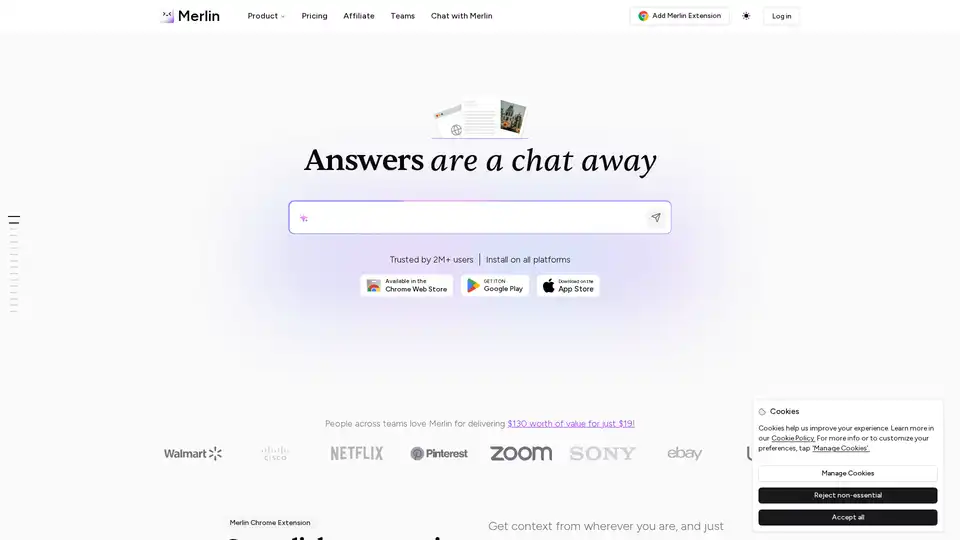
Merlin AI is an AI Chrome Extension and web app that acts as your AI-powered assistant. Summarize videos, articles, PDFs, and websites, write emails and social media content. Access top AI models like ChatGPT, Claude, and more.
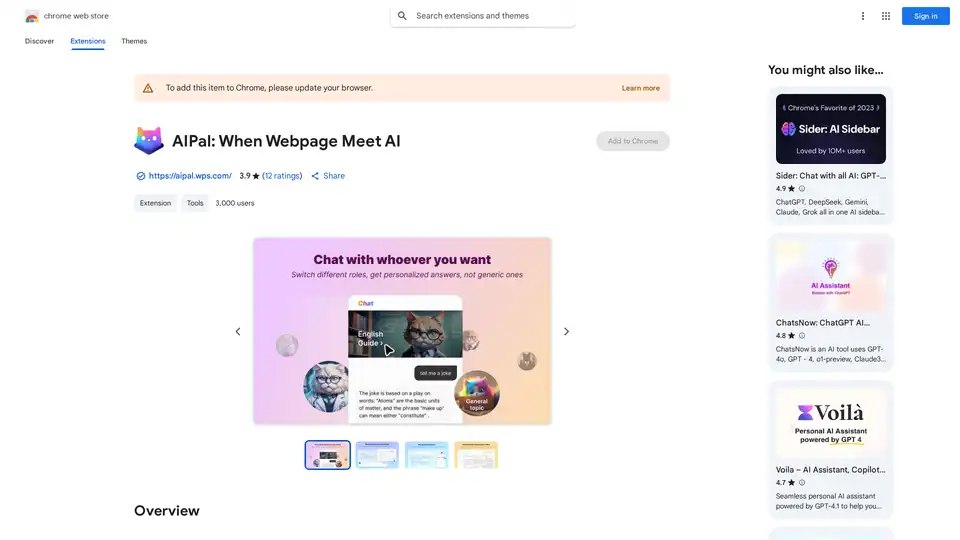
AIPal is a powerful Chrome extension that integrates AI models like GPT-4 and Claude 3 for chatting, writing, translating, and summarizing content directly on any webpage, boosting your browsing productivity.
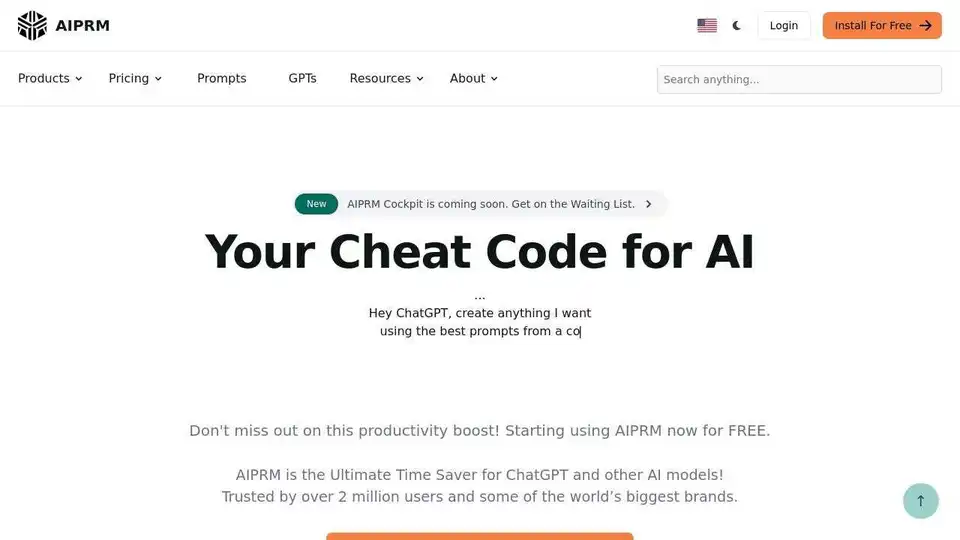
AIPRM is a browser extension with a vast library of AI prompts for ChatGPT, Claude, and Midjourney, trusted by over 2 million users to boost productivity.
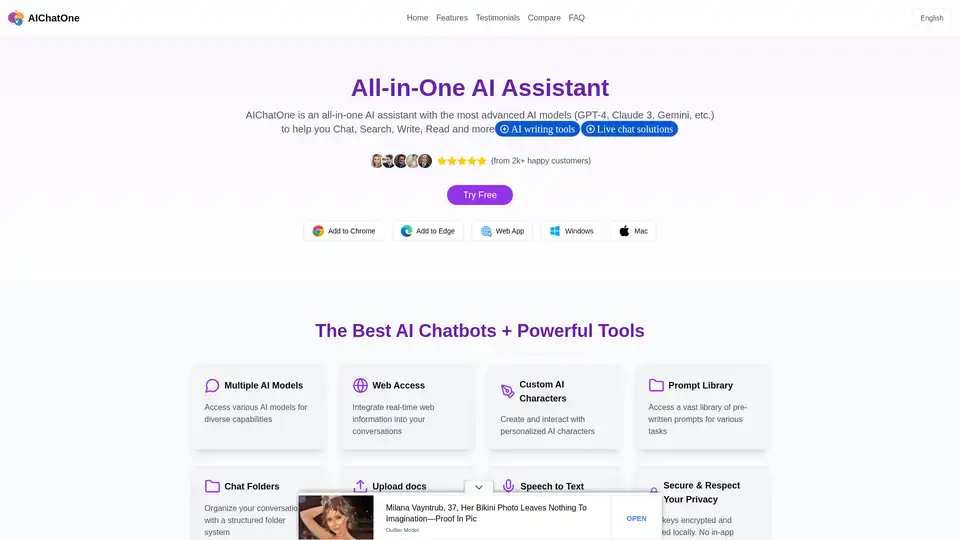
AIChatOne is an all-in-one AI assistant Chrome extension for chatting with multiple AI models like ChatGPT, Gemini, and Claude. Boost your productivity with custom AI characters, prompt library, and more.