
GPTChat for Slack
Overview of GPTChat for Slack
What is GPTChat for Slack?
GPTChat for Slack is a powerful AI-driven application designed to enhance team collaboration within the Slack platform. By integrating seamlessly with OpenAI's advanced language models, this tool allows users to leverage artificial intelligence directly in their daily workflows. Whether you're brainstorming ideas, drafting content, or troubleshooting code, GPTChat for Slack brings the revolutionary capabilities of OpenAI right into your Slack channels, making it easier than ever to supercharge productivity.
This Slack app stands out as a versatile AI assistant, enabling teams to generate high-quality outputs without leaving their communication hub. It's particularly useful for remote and distributed teams who rely on Slack for real-time interaction. With its focus on simplicity and efficiency, GPTChat for Slack transforms mundane tasks into quick, AI-assisted processes, saving time and fostering creativity.
How Does GPTChat for Slack Work?
At its core, GPTChat for Slack operates by connecting your Slack workspace to the OpenAI API. Users need to provide their Slack API keys for integration and an OpenAI API key to access the AI engine. Once set up, the app listens for commands or queries within Slack conversations and processes them through OpenAI's models to deliver relevant responses.
The workflow is straightforward:
- Installation and Setup: Register using your Slack organization email and obtain an OpenAI API key. Add the app to your Slack workspace via the provided integration link.
- Querying AI: Type commands or natural language prompts in Slack, such as requesting email drafts, article outlines, lists, or code snippets. The app interfaces with OpenAI to generate responses in real-time.
- Response Delivery: AI-generated content appears directly in the Slack channel, allowing for immediate feedback and iteration.
To ensure smooth operation, the app temporarily stores conversation logs for up to 30 days for error-handling and user experience improvements. These logs are securely managed and automatically deleted afterward, prioritizing user privacy without compromising functionality.
This integration not only streamlines communication but also embeds AI intelligence into team dynamics, making it a go-to tool for AI Slack integration enthusiasts looking to boost efficiency.
Core Features of GPTChat for Slack
GPTChat for Slack offers a range of features tailored to diverse professional needs. Here's a breakdown of its primary capabilities:
Generate Emails and Articles
One of the standout features is the ability to create professional emails, newsletters, or full-length articles on demand. For instance, if you're preparing a client update or a blog post, simply prompt the AI with key details, and it will produce polished, context-aware content. This is ideal for marketing teams or content creators who need to maintain a consistent voice across communications.
Generate Lists and Best Practices
Need quick research? Ask for curated lists, such as "top 10 marketing strategies for 2023" or best practices for project management. The app pulls from OpenAI's vast knowledge base to deliver structured, actionable insights, saving hours of manual searching.
Write Code or Ask Anything
Developers and non-technical users alike benefit from the code-writing assistance. Request snippets in languages like Python, JavaScript, or SQL, and get functional code with explanations. Beyond coding, the "ask anything" functionality covers a broad spectrum—from fact-checking to creative brainstorming—making it a comprehensive AI companion in Slack.
And More
The app's revolutionary AI engine supports endless possibilities, from summarizing meetings to generating ideas for team-building activities. Its flexibility ensures it adapts to evolving team needs, positioning it as more than just a tool—it's a productivity multiplier.
These features are powered by OpenAI's cutting-edge models, ensuring high accuracy and relevance in every output. For teams exploring OpenAI content generation tools, GPTChat for Slack provides an accessible entry point without requiring separate platforms.
Who is GPTChat for Slack For?
This tool is perfect for a variety of users and teams:
- Slack-Heavy Organizations: Companies using Slack as their primary collaboration tool will find immense value in embedding AI directly into channels.
- Content Creators and Marketers: Those involved in email campaigns, article writing, or social media will appreciate the rapid generation of high-quality text.
- Developers and IT Teams: With code writing and debugging support, it's a boon for quick prototyping or troubleshooting sessions.
- Remote and Hybrid Teams: Enhances real-time collaboration by providing instant AI assistance during discussions.
- Small to Medium Businesses: Affordable integration (via OpenAI API costs) without the need for custom development.
If you're part of a dynamic team seeking to integrate AI into daily operations, GPTChat for Slack targets professionals who value efficiency and innovation. It's not suited for standalone use outside Slack but excels in team environments.
Practical Value and Use Cases
The real-world impact of GPTChat for Slack lies in its ability to reduce task completion time significantly. For example:
- Marketing Scenario: A team brainstorming a product launch can generate email templates and best practice lists in minutes, allowing focus on strategy rather than drafting.
- Development Workflow: During a sprint planning meeting in Slack, developers can request code examples for new features, accelerating implementation.
- Customer Support: Quickly draft responses to common queries or create knowledge base articles on the fly.
Users report enhanced creativity and reduced bottlenecks, as the AI handles repetitive writing tasks. By leveraging OpenAI's capabilities, it democratizes access to advanced AI, making sophisticated tools available to non-experts.
In terms of SEO and discoverability, searching for "AI Slack bot for content generation" or "OpenAI integration for teams" often leads to solutions like this, highlighting its relevance in the growing market for collaborative AI tools.
How to Use GPTChat for Slack
Getting started is simple and user-friendly:
- Register: Sign up with your Slack email and secure an OpenAI API key from the official OpenAI dashboard.
- Install the App: Use the "Add to Your Slack" button to integrate it into your workspace. Grant necessary permissions for API access.
- Start Interacting: In any channel, type a prompt like "/gpt generate email about project update" and receive instant results.
- Customize and Iterate: Refine outputs by providing more context in follow-up messages.
For best results, ensure your OpenAI API key has sufficient credits. The app's developer contact is available for support, and it's featured on Product Hunt—consider upvoting to show support.
Why Choose GPTChat for Slack?
In a sea of AI tools, GPTChat for Slack differentiates itself through its native Slack integration, eliminating context-switching. It combines the familiarity of Slack with OpenAI's power, offering a seamless experience that boosts team morale and output quality. Plus, with a strong emphasis on data security—API keys stored securely and logs deleted after 30 days—it builds trust for enterprise use.
Compared to standalone AI chatbots, this app fosters collaborative AI usage, where teams can co-create content in shared spaces. For those searching for the "best way to use OpenAI in Slack," it's a top contender due to its versatility and ease of adoption.
Potential Limitations and Tips
While powerful, the tool relies on OpenAI's API, so costs can accrue based on usage. It's also limited to text-based interactions within Slack, without native support for images or advanced analytics yet. To maximize value:
- Start with simple prompts for quicker results.
- Train your team on effective querying to avoid vague outputs.
- Monitor API usage to manage expenses.
Overall, GPTChat for Slack represents a smart investment for teams aiming to harness AI for code writing assistance, email generation, and beyond. Its practical applications make it an essential resource in the evolving landscape of AI-enhanced collaboration tools.
AI Article Generation AI Text Polishing AI Writing Assistance Paper and Report Generation News and Blog Generation Email and Business Writing
Best Alternative Tools to "GPTChat for Slack"
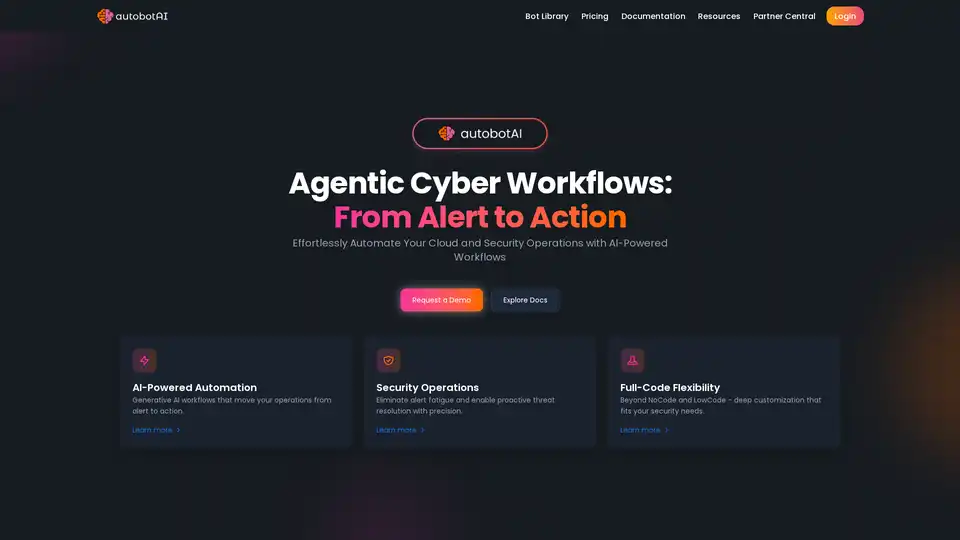
autobotAI is an AI-powered hyperautomation platform for cloud security and operations. It uses Generative AI to automate workflows, eliminate alert fatigue, and enhance decision-making with no-code, low-code, and full-code flexibility.
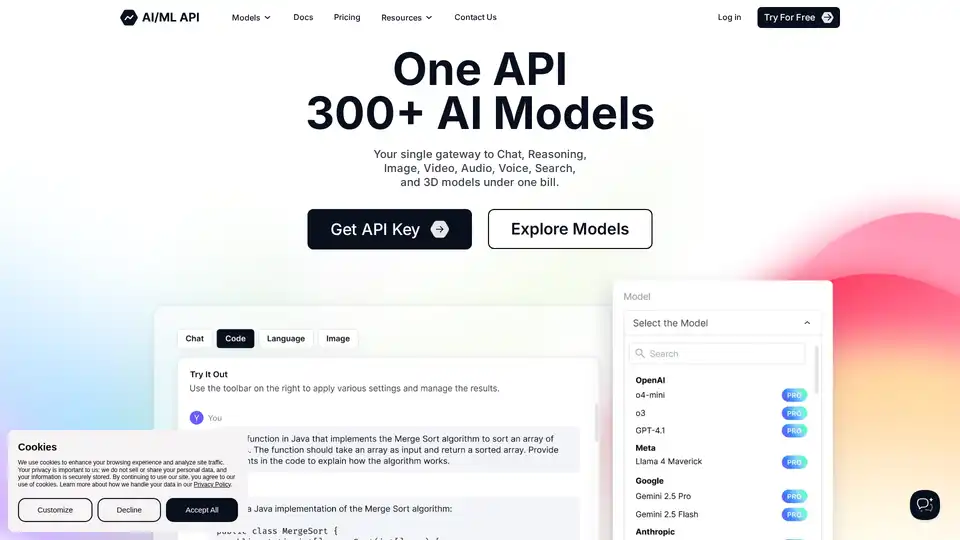
AIMLAPI provides a single API to access 300+ AI models for chat, reasoning, image, video, audio, voice, search, and 3D. It offers fast inference, top-tier serverless infrastructure, and robust data security, saving up to 80% compared to OpenAI.
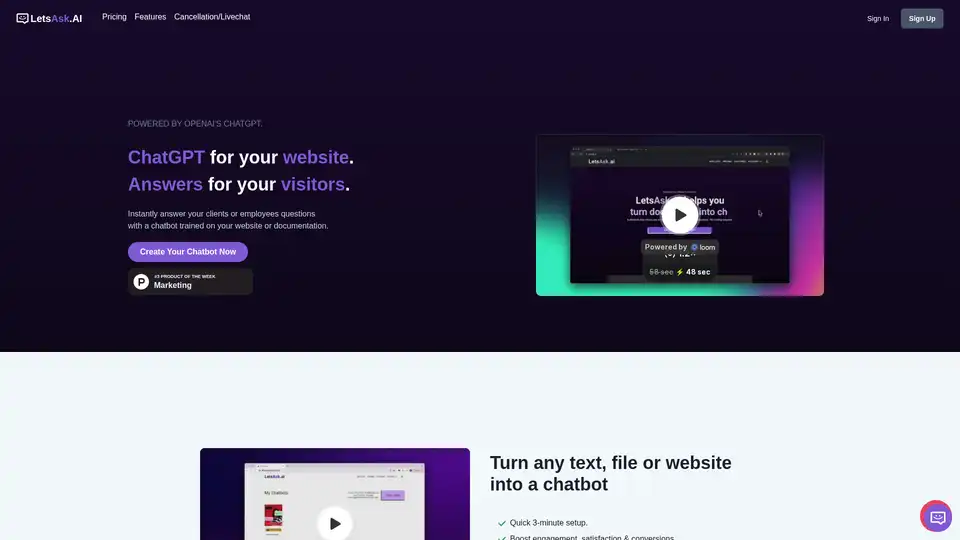
LetsAsk.AI allows you to create ChatGPT-powered chatbots for your website by training it on your content. Customize the chatbot, easily integrate it, and select a plan that suits your needs.
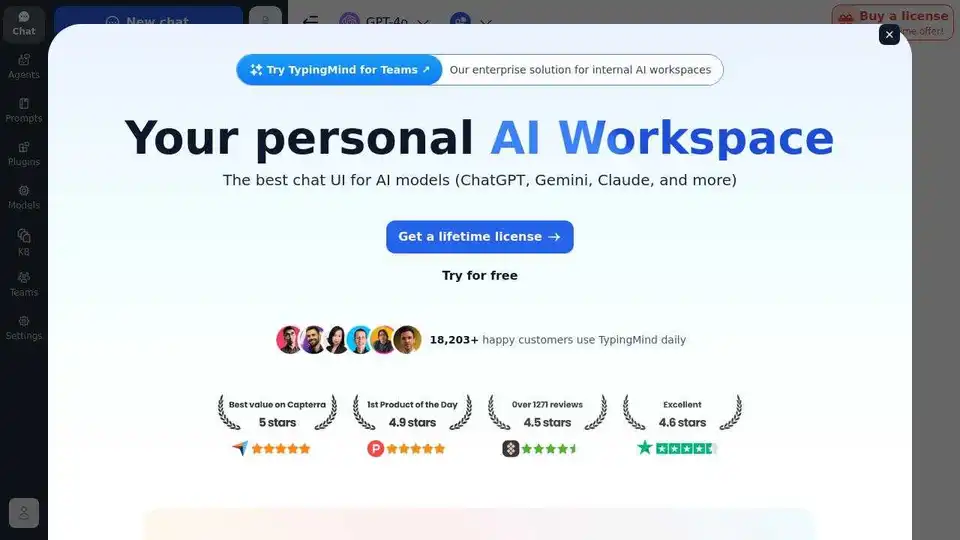
TypingMind is an AI chat UI that supports GPT-4, Gemini, Claude, and other LLMs. Use your API keys and pay only for what you use. Best chat LLM frontend UI for all AI models.