
gpt-engineer
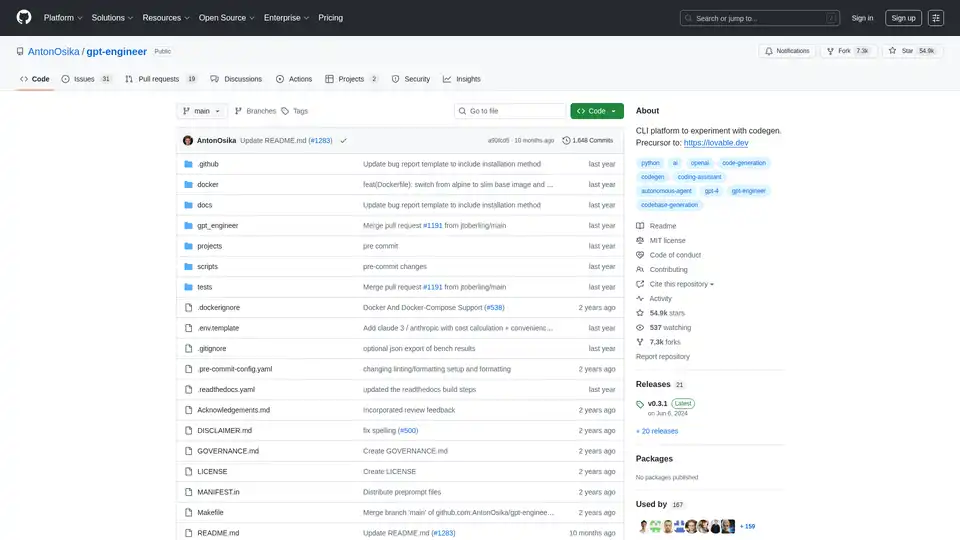
Overview of gpt-engineer
What is GPT-Engineer?
GPT-Engineer is an innovative open-source command-line interface (CLI) platform designed for experimenting with AI-powered code generation. Originally created as a precursor to lovable.dev, this tool allows developers to specify software requirements in natural language and watch as artificial intelligence systems like GPT-4 automatically write and execute code.
How Does GPT-Engineer Work?
GPT-Engineer operates through a straightforward workflow:
- Project Setup: Users create a project directory with a
promptfile containing natural language instructions - AI Processing: The tool sends these instructions to AI models (primarily GPT-4 or alternative models)
- Code Generation: The AI generates complete codebases based on the provided specifications
- Execution: The system can automatically execute and test the generated code
- Iteration: Users can request improvements and refinements through additional prompts
Core Features
- Natural Language to Code: Transform plain English descriptions into functional code
- Multiple Model Support: Works with OpenAI GPT-4, Azure OpenAI, Anthropic models, and open-source alternatives
- Vision Capabilities: Supports image inputs for vision-capable models (UX/architecture diagrams)
- Custom Pre-prompts: Allows customization of AI agent identity and behavior
- Benchmarking Tools: Includes 'bench' binary for testing custom agents against public datasets
- Cross-Platform Compatibility: Supports Python 3.10-3.12 with Docker options available
Installation and Setup
Stable Release Installation
python -m pip install gpt-engineer
Development Installation
git clone https://github.com/gpt-engineer-org/gpt-engineer.git
cd gpt-engineer
poetry install
poetry shell
API Key Configuration
Users must set up their OpenAI API key either through environment variables or a .env file:
export OPENAI_API_KEY=[your api key]
Usage Scenarios
Creating New Code
- Create an empty project folder
- Add a
promptfile with instructions - Run:
gpte projects/my-new-project
Improving Existing Code
- Locate existing code folder
- Add improvement instructions in
promptfile - Run:
gpte projects/my-old-project -i
Vision-Enhanced Development
gpte projects/example-vision gpt-4-vision-preview --prompt_file prompt/text --image_directory prompt/images -i
Supported Benchmarks
GPT-Engineer currently supports benchmarking against:
- APPS dataset
- MBPP (Mostly Basic Python Problems)
The community has also initiated additional benchmarking efforts as documented in their research materials.
Target Audience
- Software Developers looking to accelerate prototyping and development
- AI Researchers experimenting with code generation models
- Technical Teams seeking to automate repetitive coding tasks
- Educators teaching programming and AI concepts
- Open-Source Contributors interested in advancing AI-assisted development tools
Practical Value
GPT-Engineer provides significant value by:
- Reducing development time through automated code generation
- Lowering the barrier to entry for non-experts to create software
- Enabling rapid prototyping and experimentation
- Facilitating learning by demonstrating how AI interprets natural language into code
- Supporting research in AI-assisted software development
Community and Governance
The GPT-Engineer project is governed by a board of long-term contributors and actively encourages community participation. Significant contributors include @ATheorell, @similato87, @TheoMcCabe, and @captivus among others.
Relation to GPTEngineer.app
While GPT-Engineer is the original open-source experimentation platform, GPTEngineer.app represents its commercial evolution—a managed service with UI capabilities for non-technical users connected to git-controlled codebases. The commercial team actively supports the open-source community.
Technical Requirements
- Python: 3.10-3.12 (last version supporting 3.8-3.9 was 0.2.6)
- API Access: OpenAI, Azure OpenAI, or alternative model access
- Storage: Adequate space for generated projects and dependencies
Why Choose GPT-Engineer?
GPT-Engineer stands out for its:
- Open-source nature allowing complete customization and transparency
- CLI-focused approach catering to developer workflows
- Extensibility through custom pre-prompts and model support
- Active community with ongoing development and research
- Proven track record with 54.9k stars and 7.3k forks on GitHub
For developers and researchers interested in the forefront of AI-assisted coding, GPT-Engineer provides a robust, hackable platform for experimentation and innovation in code generation technology.
AI Programming Assistant Auto Code Completion AI Code Review and Optimization AI Low-Code and No-Code Development
Best Alternative Tools to "gpt-engineer"
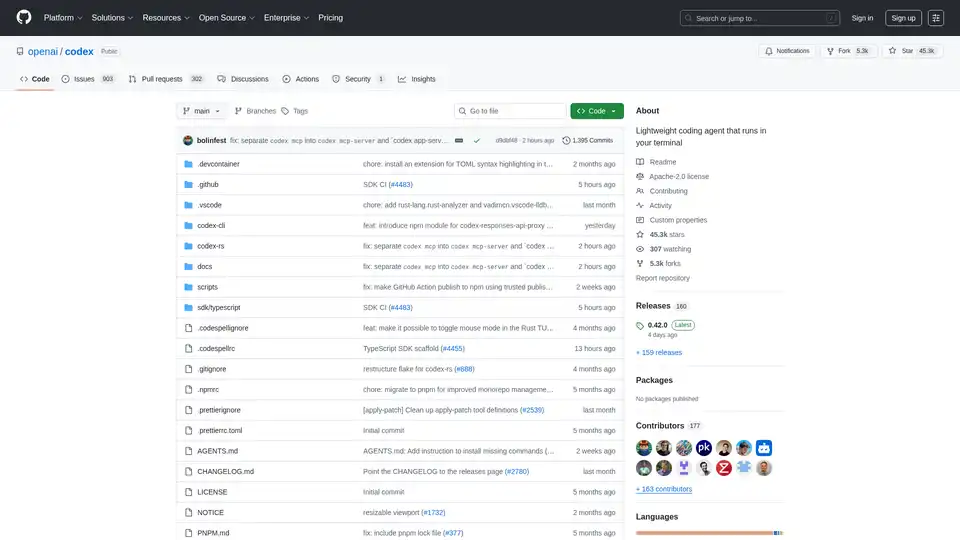
Codex CLI is OpenAI's open-source coding agent that runs in your terminal, offering AI-powered assistance for programming tasks. Install via npm or Homebrew for seamless integration into your workflow.
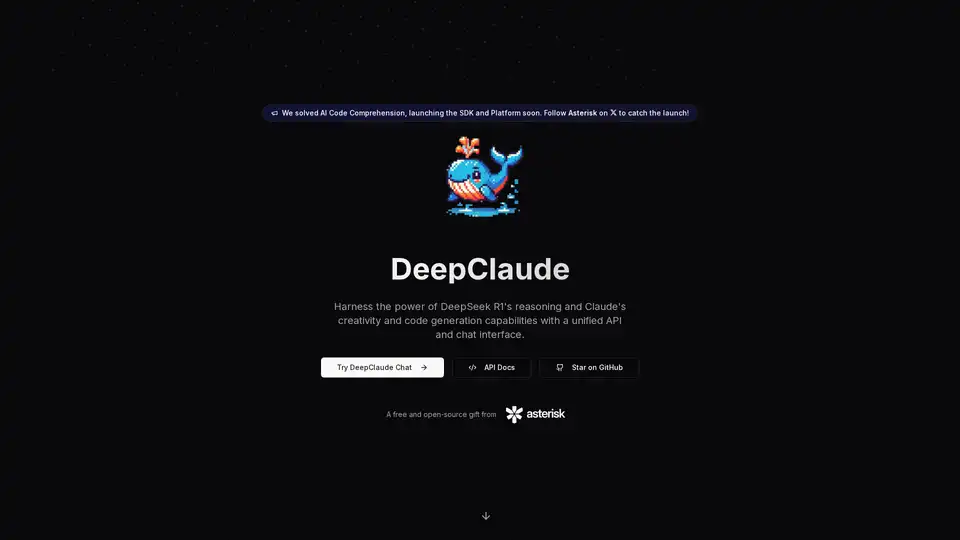
DeepClaude is an open-source tool that merges DeepSeek R1's advanced reasoning with Claude's creativity for seamless AI code generation. Enjoy zero-latency responses, privacy, and customizable APIs—no signup required.
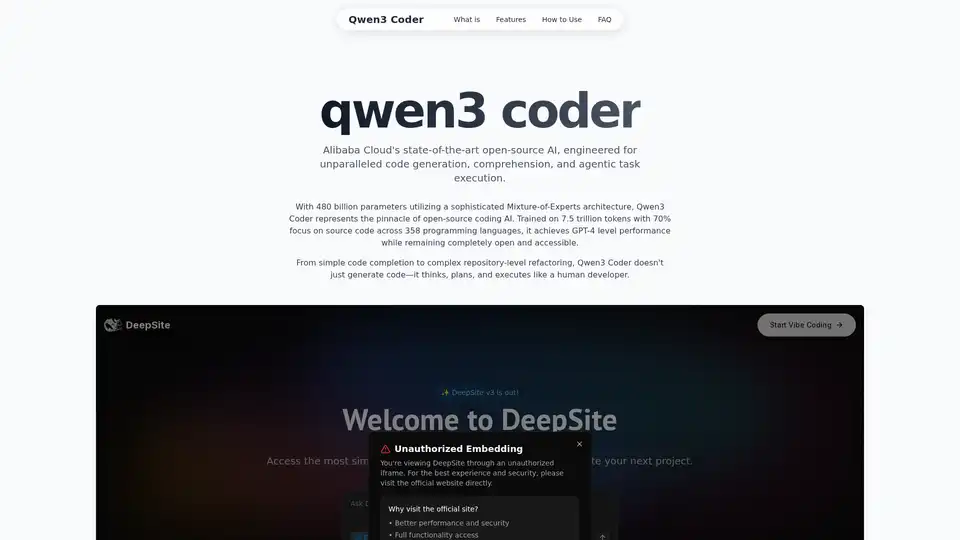
Explore Qwen3 Coder, Alibaba Cloud's advanced AI code generation model. Learn about its features, performance benchmarks, and how to use this powerful, open-source tool for development.
GitHub Next explores the future of software development by prototyping tools and technologies that will change our craft. They identify new approaches to building healthy, productive software engineering teams.