GoPDF
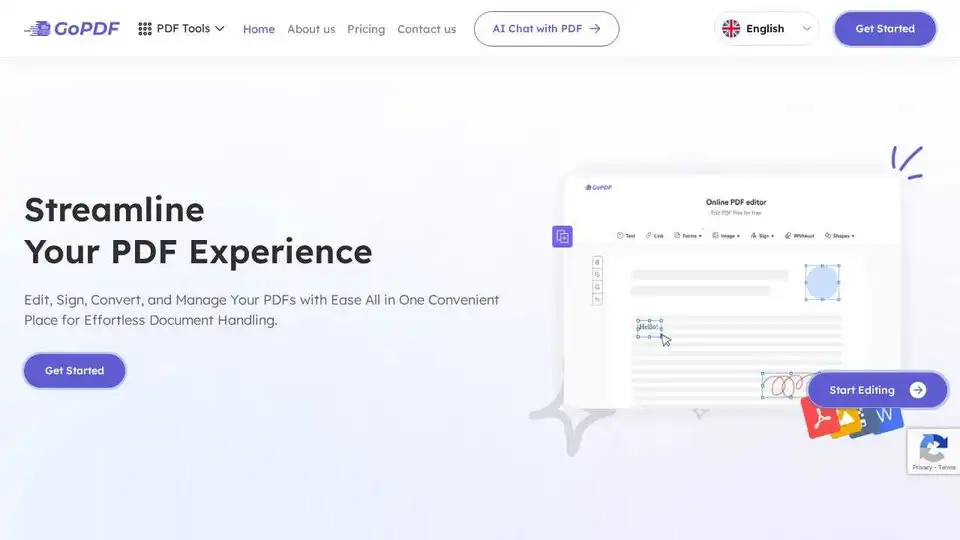
Overview of GoPDF
GoPDF: The All-In-One Solution for PDF Management
What is GoPDF? GoPDF is a versatile online PDF editor designed to simplify your document handling tasks. It offers a range of tools to edit, convert, sign, merge, and manage your PDFs effortlessly, all in one convenient place. Powered by AI, GoPDF is the ultimate solution for streamlining your workflow and boosting productivity.
How does GoPDF work? GoPDF works by providing a user-friendly interface with a comprehensive suite of PDF tools. You can directly edit your PDF files by adding text, images, shapes, and annotations. The platform also supports converting PDFs to various formats like JPG and Word, making editing even easier. The AI-powered features, such as the AI Chat with PDF and Quiz Builder, enhance your interaction with documents and provide innovative ways to utilize your PDF content.
Key Features of GoPDF:
- Edit PDF: Quickly modify text and images without needing extra software.
- Fill & Sign: Add manual or image signatures for a personalized touch.
- Search and Replace: Efficiently find and replace text using shortcuts.
- PDF to JPG/Word: Convert PDFs to other formats for easy editing and sharing.
- AI Chat with PDF: Ask questions and get answers directly from your PDF files.
- AI-Powered Quiz Builder: Generate engaging quizzes tailored to your PDF content.
- Invoicing: Create and manage invoices with an easy-to-use tool.
- Compress PDF: Reduce file sizes without compromising quality.
- Merge PDF: Combine multiple PDF files into one.
- Protect PDF: Secure your documents with passwords.
Why Choose GoPDF?
- Secure & Reliable: Uses SSL encryption to protect all communications and ensure document privacy.
- Simplicity at Your Fingertips: Intuitive user interface for a seamless experience.
- Accessible from Anywhere: Fully responsive and mobile-friendly.
- 24/7 Customer Support: Dedicated team available to assist with any queries.
- No Unnecessary Downloads: Access and utilize the PDF editor without additional software installations.
Real User Testimonials
- Marilyn Young: "I really like the signing feature. It is so easy-to-use and also I can find everything I need on a document with a search and replace tool either. So useful for students to create academic materials and for preparing homework papers."
- Jones Miller: "GoPDF really changed my life by teaching me how to create real PDF documents. The free trial is endless and it is very budget friendly when its features come to mind!"
- Adele Patrick: "When I need to merge lots of documents, GoPDF is a life saver! No need to download, just user friendly solutions."
- Allie Grater: "GoPDF comes to rescue like a breath of fresh air, offering rich and advanced features on an intuitive interface without the high price tag that may premium PDF editors command."
How to Use GoPDF
- Visit the GoPDF Website: Navigate to the GoPDF website.
- Upload Your PDF: Choose the PDF file you want to edit or manage.
- Select Your Tool: Select tool you want,like edit PDF, fill & sign ,or conver PDF to JPG.
- Edit and Modify: Use the various tools to edit, sign, convert, or manage your PDF.
- Download Your Document: Once finished, download your modified PDF file.
Common Use Cases
- Business Professionals: Easily fill out forms, e-sign contracts, and manage invoices.
- Students: Create academic materials, prepare homework papers, and manage research documents.
- Educators: Generate engaging quizzes with the AI-Powered Quiz Builder and manage course materials.
- Anyone needing to manipulate PDFs: Compress, merge, protect, and convert PDF files with ease.
How to get started with GoPDF
Start by visiting the GoPDF website and exploring the various tools available. Whether you need to edit a PDF, sign a document, or convert files, GoPDF offers a user-friendly and efficient solution. With both free and premium plans available, you can choose the option that best fits your needs.
Why is GoPDF important? GoPDF is important because it simplifies the often complex process of managing PDF documents. Its user-friendly interface and comprehensive toolset make it accessible to users of all skill levels. By providing AI-powered features and ensuring data security, GoPDF enhances productivity and streamlines workflows.
What is the pricing of GoPDF?
GoPDF offers both free and premium plans. The free plan provides access to basic features, while premium plans unlock advanced tools and increased usage limits. Visit the 'Pricing' page on the GoPDF website to explore the different plans and choose the one that best fits your individual or business needs.
Conclusion
GoPDF is your ultimate all-in-one PDF solution. With its easy-to-use interface, comprehensive toolset, and AI-powered features, it simplifies document handling and enhances productivity. Whether you're a business professional, student, or educator, GoPDF provides the tools you need to manage your PDF documents efficiently. Try GoPDF today and experience effortless document management!
AI Task and Project Management AI Document Summarization and Reading AI Smart Search AI Data Analysis Automated Workflow
Best Alternative Tools to "GoPDF"
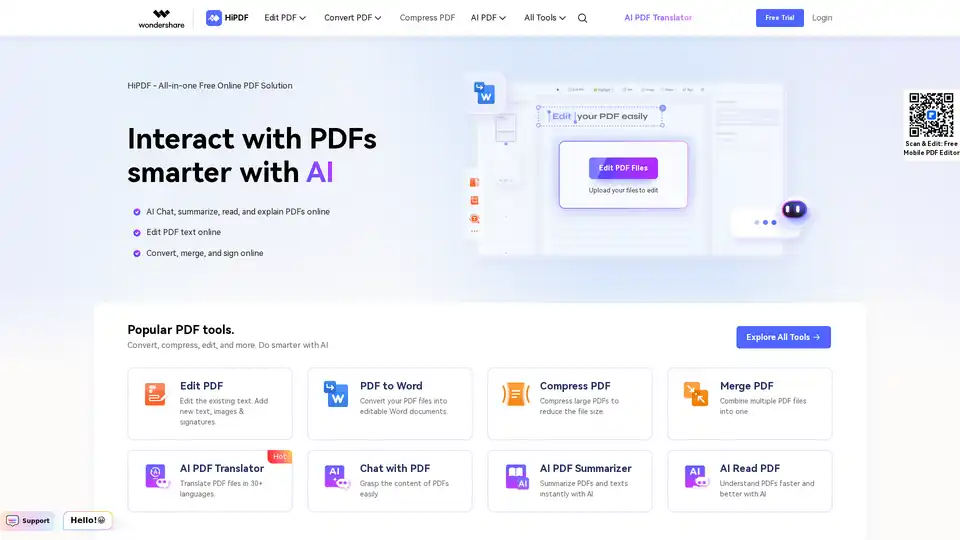
HiPDF is a free online PDF tool that lets you edit, convert, merge, compress, and sign PDF files. It also provides AI-powered features to chat, summarize, translate, and read PDFs smarter and faster.
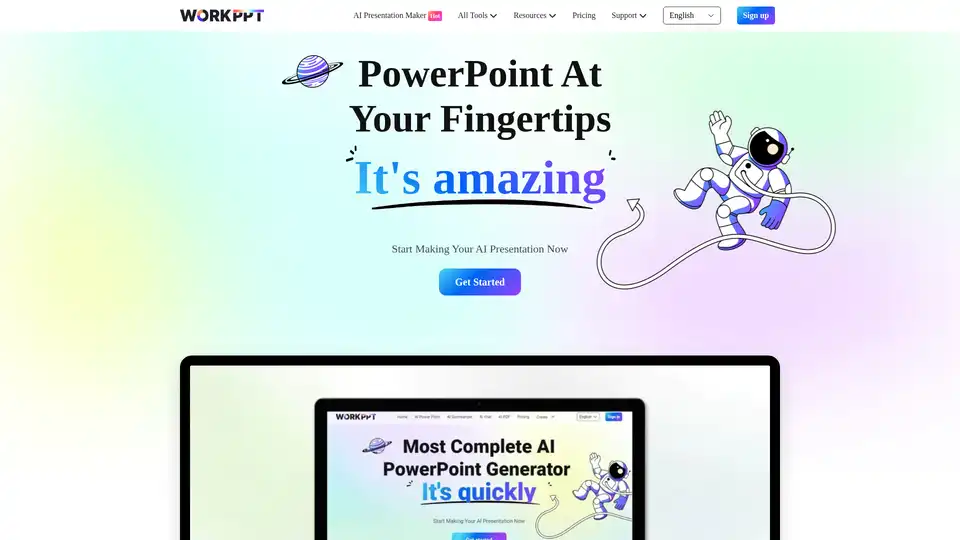
WorkPPT is an AI-powered platform that helps you create presentations, summarize content, chat with AI, and manage PDF files. It offers tools for generating slides, summarizing text, and more, all in one place.
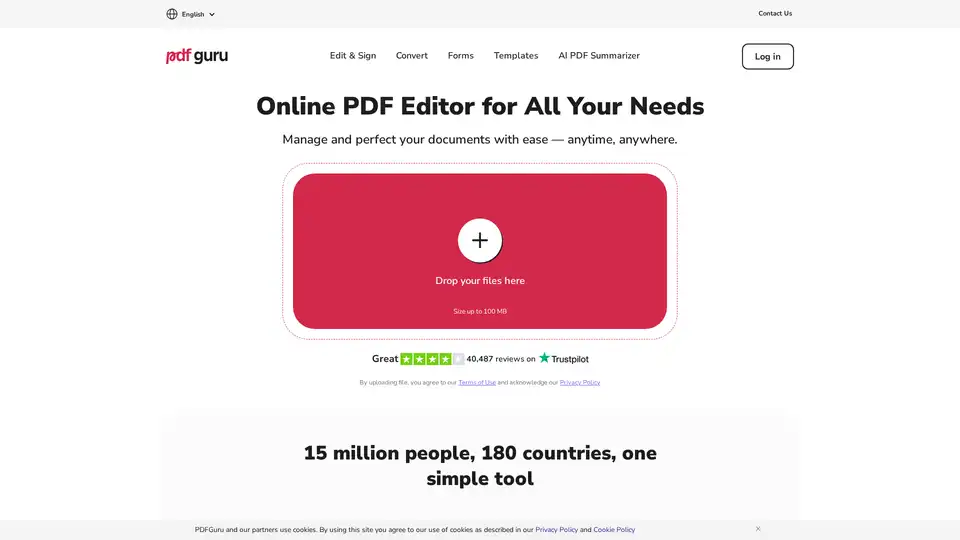
PDF Guru: Powerful online PDF editor with tools for editing, converting, signing, and summarizing PDFs. Easy to use, no installs needed.
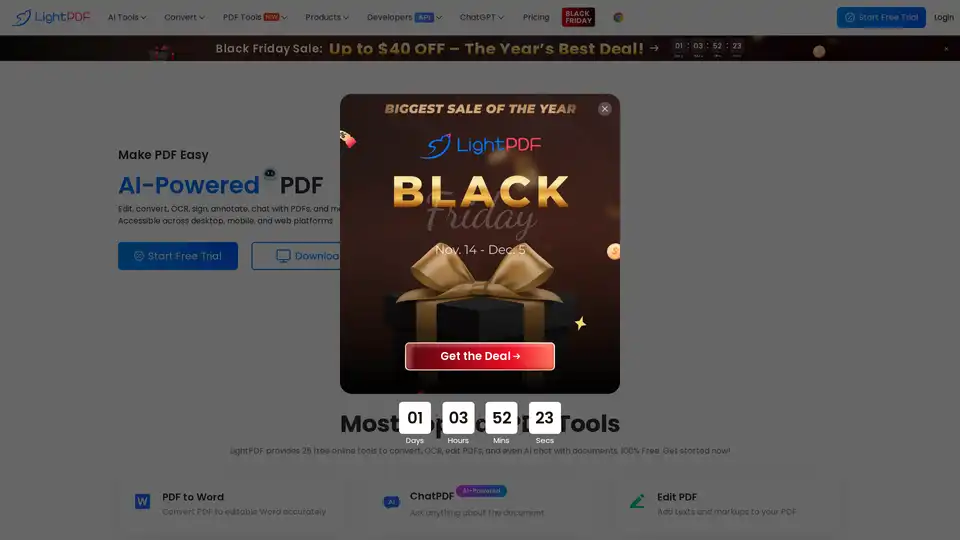
LightPDF is an AI-powered free online PDF editor, converter & reader. Edit, convert, OCR, sign, annotate, chat with PDFs easily.