
Google Sheets
Overview of Google Sheets
Google Sheets: AI-Powered Cloud-Based Spreadsheet Platform
What is Google Sheets? Google Sheets is a cloud-based spreadsheet platform designed to help businesses of all sizes collaborate with clients and partners to create and edit data on spreadsheets. Leveraging artificial intelligence (AI), it offers advanced features for data analysis, collaboration, and security.
Key Features and Benefits
- Real-Time Collaboration: Google Sheets allows employees to add collaborators to projects, view real-time changes in the sheet, and chat with team members directly within the documents.
- AI-Powered Data Analysis: The AI-enabled system allows users to explore data and gain insights through customizable visuals in real-time.
- Data Loss Prevention (DLP): Google Sheets offers a data loss prevention (DLP) module, enabling organizations to detect potential data breaches and prevent data leaks by blocking sensitive data visibility among unauthorized members.
- Integration Capabilities: Google Sheets provides an API and Zapier integration, connecting with several third-party platforms such as BigQuery, Microsoft Office, Outlook, Apps Script, Trello, Slack, Mailchimp, and more.
- Access Control: Administrators can set expiration dates on projects and grant permissions to download, copy, or print content among specific collaborators.
- Additional Features: Customizable templates, analytics, survey creation, revision history, conditional formatting, and more.
How does Google Sheets work?
Google Sheets works by providing a centralized, cloud-based platform where multiple users can access and modify spreadsheets simultaneously. The AI capabilities enhance data analysis by automatically identifying trends and generating insights. The integration with other platforms ensures seamless data flow and workflow automation.
How to use Google Sheets?
- Create a Spreadsheet: Start a new spreadsheet from scratch or use a pre-designed template.
- Add Data: Input your data manually or import it from various sources.
- Collaborate: Invite team members to collaborate in real-time.
- Analyze: Use the Explore feature to generate charts and insights.
- Secure: Set permissions and expiration dates to protect sensitive data.
Why Choose Google Sheets?
- Accessibility: Access your spreadsheets from any device with an internet connection.
- Collaboration: Real-time collaboration makes teamwork seamless.
- AI Insights: AI-powered analysis helps you uncover hidden trends and insights.
- Integration: Connects with other tools you already use, such as Microsoft Office, Slack, and more.
- Security: Protect your data with advanced security features like DLP.
Who is Google Sheets for?
Google Sheets is ideal for:
- Businesses of all sizes
- Teams needing to collaborate on data analysis
- Individuals looking for an accessible and powerful spreadsheet tool
Google Sheets and Google E-E-A-T requirements
Google Sheets aligns with Google's E-E-A-T (Experience, Expertise, Authoritativeness, and Trustworthiness) guidelines by:
- Providing a reliable and secure platform for data management (Trustworthiness).
- Offering AI-powered insights that enhance data analysis (Expertise).
- Enabling real-time collaboration, improving team productivity (Experience).
- Supporting integrations with industry-standard tools (Authoritativeness).
Best way to enhance teamwork?
The best way to enhance teamwork with Google Sheets is to:
- Use shared spreadsheets for project management and tracking.
- Leverage real-time collaboration features for brainstorming and decision-making.
- Integrate Google Sheets with other collaboration tools like Slack and Trello.
- Utilize templates to standardize data collection and reporting.
With its robust feature set and seamless integration capabilities, Google Sheets is an invaluable tool for businesses looking to streamline their data management and collaboration processes. Whether you are analyzing sales data, tracking project progress, or managing customer information, Google Sheets provides the tools you need to succeed.
AI Task and Project Management AI Document Summarization and Reading AI Smart Search AI Data Analysis Automated Workflow
Best Alternative Tools to "Google Sheets"

Basedash is an AI-native business intelligence platform that allows users to generate dashboards, reports, and insights using natural language. Connect to 600+ data sources and visualize your data without SQL.
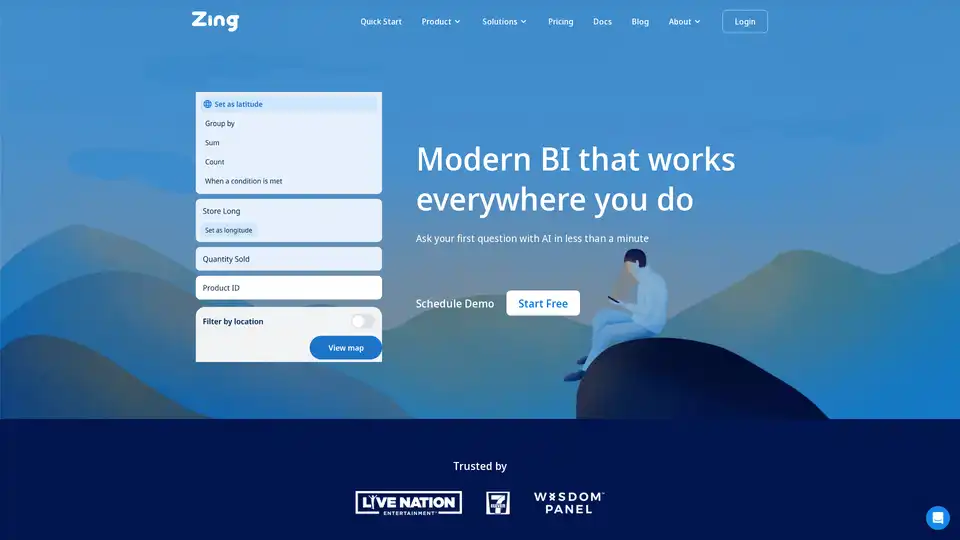
Zing Data is a modern GenAI business intelligence platform that enables anyone in your organization to get answers from data in seconds using natural language and visual querying on mobile and web.
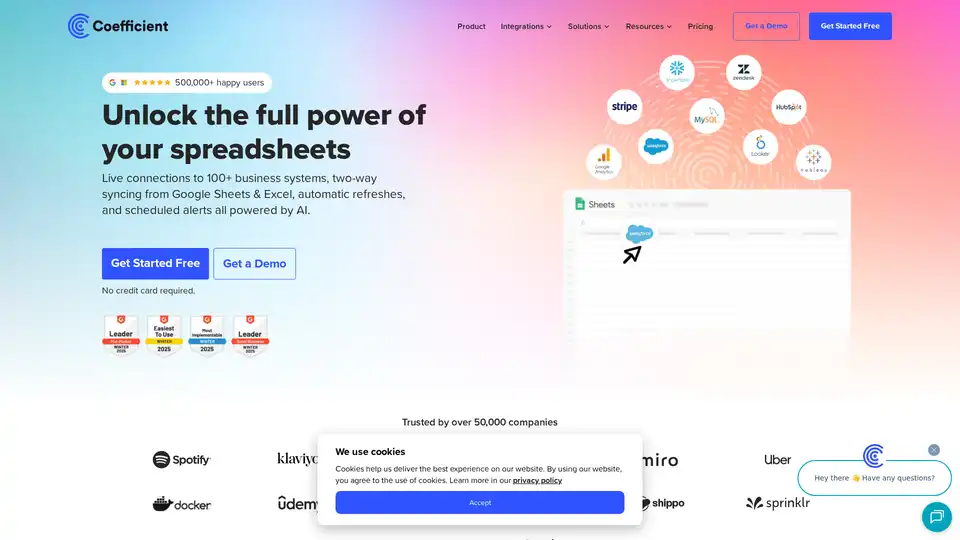
Coefficient connects Google Sheets & Excel to 100+ business systems, enabling live data syncing, automated refreshes, and AI-powered insights for streamlined reporting and data analysis.

Unlock the power of your data with Textify Analytics! Leverage cutting-edge generative AI to enhance your analytics capabilities.