
GMass
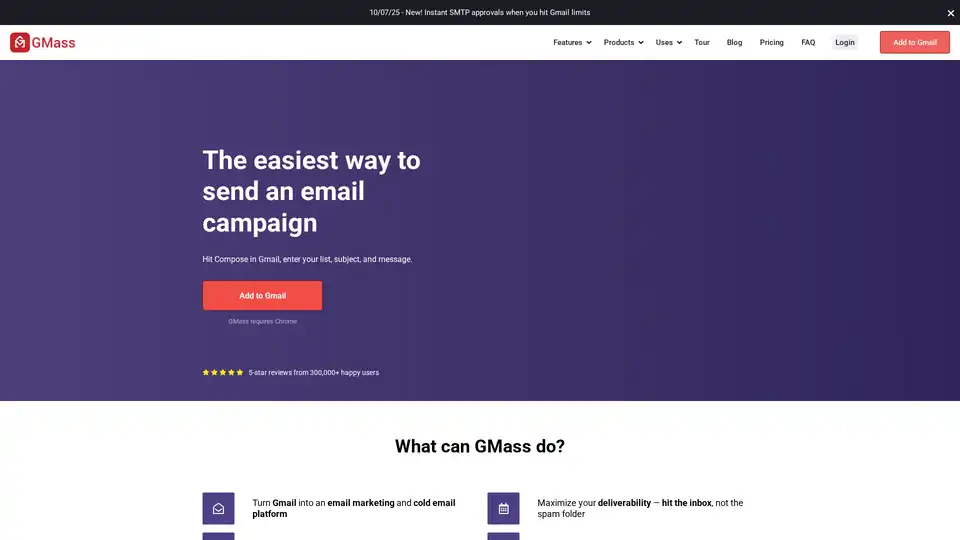
Overview of GMass
GMass: The Easiest Way to Send Email Campaigns with Gmail
What is GMass? GMass is a powerful browser extension that turns your Gmail account into a full-fledged email marketing and cold email platform. With GMass, you can easily send mass emails, mail merge campaigns, and automated follow-up sequences directly from your Gmail interface, bypassing the usual Gmail sending limits.
Key Features:
- Mail Merge with Google Sheets: Connect GMass to Google Sheets and personalize mass emails using any column in your spreadsheet. No more dealing with clunky CSV files!
- Cold Email Sequences: GMass simplifies the process of sending cold email sequences, helping you boost response rates.
- Email List Building: Build email lists directly from your Gmail account by searching for messages containing recipients you want to email.
- Bypass Gmail Sending Limits: GMass's distribution technology allows you to send virtually unlimited emails.
- Email Reporting Analytics: Track your campaign's performance with reports showing opens, clicks, replies, and bounces.
- Personalization: Personalize your emails with first names, last names, or any other data you have in your Google Sheet. GMass can even auto-detect first names if you don't have them.
- Automatic Follow-Up Emails: Set up automated follow-up emails to send until a recipient replies, maximizing your chances of getting a response.
- Scheduling: Schedule your mass emails and mail merges for any time in the future, or set them to repeat daily or hourly.
- Behavior-Based Campaigns: Target segments of a prior campaign, such as everyone who opened or didn't click the last campaign.
- Reply Management: Automatically categorize replies and bounces to prevent inbox clutter.
How Does GMass Work?
GMass works by integrating directly into your Gmail interface as a Chrome extension. Once installed, you can:
- Compose a New Email: Simply hit the Compose button in Gmail.
- Enter Your Recipient List: Add your list of email addresses directly into the "To" field, or connect to a Google Sheet.
- Write Your Message: Craft your email subject and body, using personalization tags as needed.
- Configure Settings: Adjust settings such as sending speed, follow-up sequences, and tracking options.
- Send or Schedule: Send your email immediately or schedule it for a later time.
Why Choose GMass?
GMass stands out from other email marketing platforms due to its seamless integration with Gmail and its user-friendly interface. It offers a cost-effective solution for sending mass emails and managing email campaigns without the complexity of traditional email marketing software.
Who is GMass For?
GMass is ideal for:
- Small Businesses: Who need an affordable and easy-to-use email marketing solution.
- Sales Professionals: Who send cold email sequences to generate leads.
- Non-Profits: Who need to communicate with their members and donors.
- Anyone: Who needs to send mass emails from their Gmail account.
Maximize Your Deliverability
GMass helps you hit the inbox, not the spam folder, by offering features such as:
- List Verification: Verify your email list to remove invalid addresses.
- Link Testing: Test your links before sending to ensure they are working properly.
- Spam Trigger Detection: Identify and fix potential spam triggers in your email.
Real-Time Stats
GMass provides real-time statistics on your email campaigns, including:
- Lifetime Emails Sent: See the total number of emails sent through GMass.
- Emails Sent Today: Track the number of emails sent since midnight.
What's New in GMass?
GMass is constantly evolving to meet the needs of its users. Recent updates include:
- Instant SMTP Approvals: Get instant SMTP approvals when you hit Gmail limits.
User Reviews
Most users love GMass for its ease of use and powerful features. While some may find it less appealing, the vast majority of reviews are positive.
Categories
GMass falls under the following categories:
- Email Marketing in Gmail
- Email Newsletters in Gmail
- Mail Merge in Gmail
- Mass Email in Gmail
- Cold Email Master Guide
Get Started with GMass
Ready to turn your Gmail into an email marketing powerhouse? Add the GMass extension to Chrome and start sending email campaigns today!
AI Article Generation AI Text Polishing AI Writing Assistance Paper and Report Generation News and Blog Generation Email and Business Writing
Best Alternative Tools to "GMass"
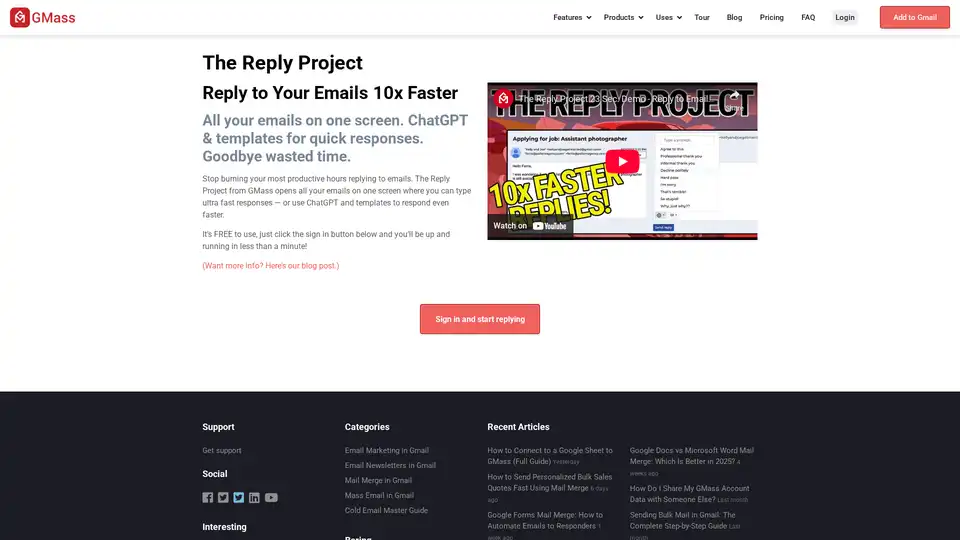
The Reply Project is a FREE Gmail extension that uses AI & templates to help you reply to emails 10x faster. Save time and boost productivity today!

Sheetsy revolutionizes email outreach by enabling AI-driven personalization using Google Sheets and Gmail. Effortlessly create, schedule, and track bulk personalized emails without coding for better engagement and results.
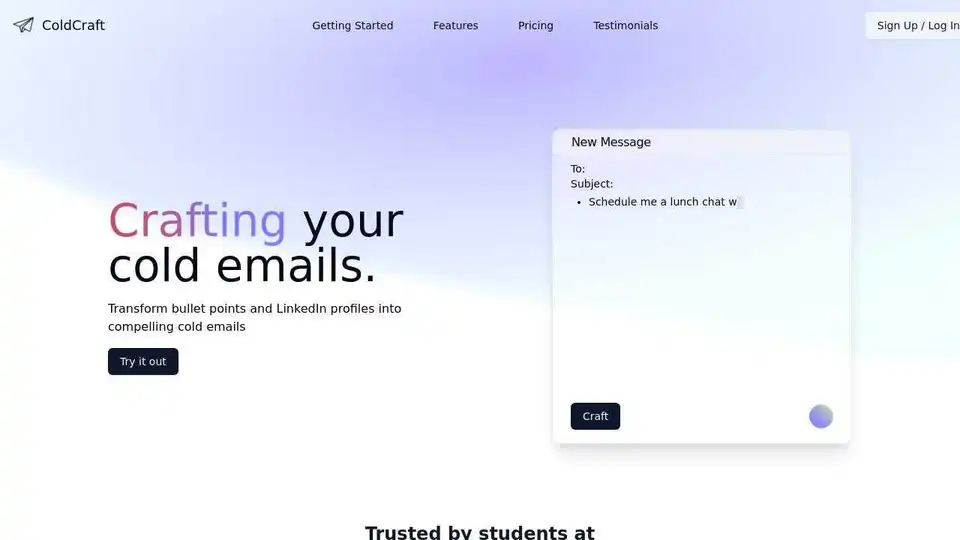
ColdCraft crafts personalized cold emails from LinkedIn profiles & resumes. Save time & increase response rates with our easy-to-use browser extension.

TypeflowAI is an AI tool generator that allows users to create AI tools using dynamic forms and advanced prompts without coding. Embed these tools into your website to boost SEO and generate leads.