
Glasp
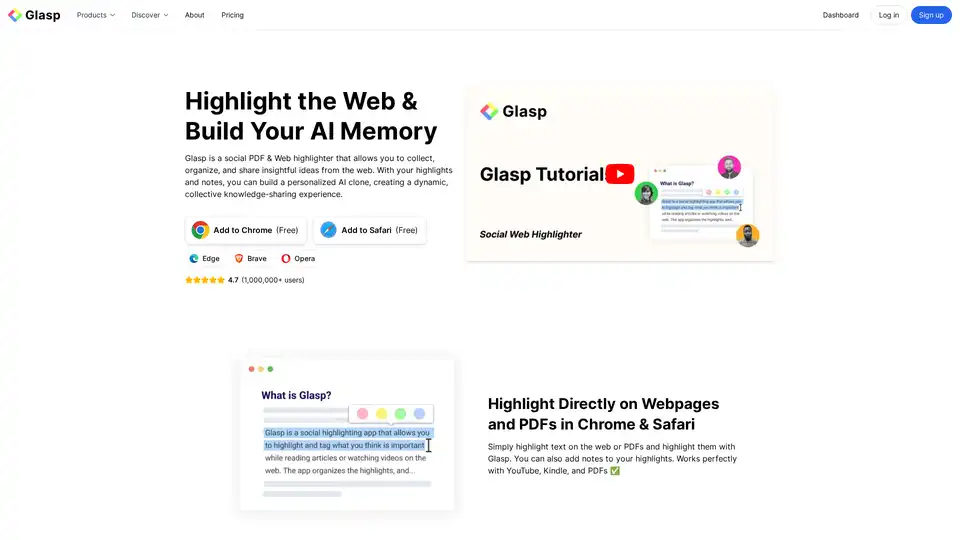
Overview of Glasp
Glasp: Highlight, Organize, and Share Insights from the Web and PDFs
Glasp is a social PDF & Web highlighter designed to help researchers, learners, and anyone who wants to capture and share insightful ideas from the web. This tool allows users to highlight text directly on webpages and PDFs, add notes to their highlights, and organize their findings for future reference. With the added capability of building a personalized AI clone, Glasp enhances knowledge-sharing and provides a dynamic, collective learning experience.
What is Glasp?
Glasp is a browser extension that acts as a social highlighter for web pages and PDFs. It enables users to mark important information, add annotations, and share their highlights with others. Beyond simple highlighting, Glasp allows users to create an AI clone that learns from their interactions, offering personalized insights and recommendations.
How does Glasp work?
Glasp integrates seamlessly with Chrome, Safari, Edge, Brave, and Opera browsers. Once installed, users can:
- Highlight Directly: Select text on any webpage or PDF and highlight it with Glasp.
- Add Notes: Include additional context or personal reflections by adding notes to highlights.
- Organize Highlights: Use tags and authors to categorize and easily search for highlights and notes.
- Share Highlights: Share findings with friends and peers, fostering a collaborative learning environment.
- Build AI Clone: Glasp learns from your highlights and notes, providing personalized insights and recommendations.
Key Features of Glasp
- Web & PDF Highlighting: Highlight text on webpages and PDFs with ease.
- YouTube Highlighting: Highlight YouTube videos with timestamps and notes.
- AI Summarization: Summarize webpages, PDFs, and YouTube videos using AI.
- Note-Taking & Organization: Add and organize notes with tags and authors.
- Export Highlights: Export highlights to note-taking apps like Roam Research, Notion, and Obsidian in various formats (Markdown, HTML, CSV, JSON).
- AI Clone: Chat with your highlights and notes to get personalized insights and recommendations.
- Import Highlights: Import highlights from Kindle, Pocket, Medium, and other platforms.
- Knowledge Graph: Keep track of your learning progress with a visual knowledge graph.
Why Choose Glasp?
- Enhance Learning: Glasp enforces active reading, helping users retain more information.
- Improve Productivity: Quickly refer to important parts of articles and videos for assignments and work.
- Collaborate with Peers: Share highlights and discover insightful content from like-minded individuals.
- Build Personal Knowledge Base: Organize and categorize highlights to create a searchable knowledge repository.
- AI-Powered Insights: Use your AI clone to get personalized insights and recommendations from your highlights and notes.
Who is Glasp for?
Glasp is ideal for:
- Researchers: Collect and organize information from various sources for research projects.
- Students: Enhance learning and retention by actively highlighting and annotating study materials.
- Content Creators: Gather and organize inspiration and research for creating engaging content.
- Professionals: Stay informed and organized in their respective fields by highlighting and sharing relevant articles and resources.
- Lifelong Learners: Build a personal knowledge base and connect with others who share similar interests.
How to Use Glasp?
- Install the Extension: Add Glasp to your Chrome or Safari browser.
- Start Highlighting: Browse the web or open a PDF and select the text you want to highlight.
- Add Notes: Click on the highlight to add notes and context.
- Organize Your Highlights: Use tags and authors to categorize your highlights.
- Share Your Findings: Share your highlights with others or export them to your favorite note-taking app.
What are the benefits of using Glasp?
- Improved Focus: Helps users focus on key information while reading.
- Better Retention: Enforces active reading, leading to better retention of information.
- Enhanced Collaboration: Facilitates knowledge-sharing and collaboration with peers.
- Personalized Learning: AI clone provides personalized insights based on your highlights and notes.
- Streamlined Research: Organizes and categorizes information for easy retrieval and future reference.
User Reviews and Testimonials
Many users have expressed their love for Glasp, citing its ease of use, organizational capabilities, and collaborative features.
- Olive, Product Designer: "Highlighting with Glasp enforces me to actually read rather than scan through an article. I retain so much more info and can easily revisit my previously read articles to recall details and notes I've made."
- Michael Simmons, Bestselling Author: "Glasp is the best hands-down... it helps learners get recognized for finding amazing highlights, and it helps them connect with others who..."
- Puppy Tsai, Product Manager: "I was hooked immediately for the ease of use (highlight directly on the article web page), organized feed, and learning from others' highlights and notes."
Integrations
Glasp seamlessly integrates with several popular tools and platforms, including:
- Obsidian: Export highlights to Obsidian for a comprehensive note-taking experience.
- Notion: Export highlights to Notion to organize and manage your knowledge.
- Roam Research: Export highlights to Roam Research for networked thought and knowledge management.
- Readwise: Sync highlights with Readwise for daily review and spaced repetition.
- YouTube: Highlight and summarize YouTube videos with timestamps.
- ChatGPT: Highlight ChatGPT conversations for future reference.
Conclusion
Glasp is a powerful and versatile tool for anyone looking to enhance their learning, research, and knowledge-sharing capabilities. By providing a seamless way to highlight, organize, and share insights from the web and PDFs, Glasp helps users build a personalized knowledge base and connect with like-minded individuals. Whether you're a researcher, student, content creator, or lifelong learner, Glasp can help you stay informed, organized, and engaged with the content that matters most. This web and PDF highlighter, combined with AI capabilities, truly sets it apart.
What is the best way to enhance your online reading and research? Glasp offers a comprehensive solution that makes learning more effective and collaborative.
AI Task and Project Management AI Document Summarization and Reading AI Smart Search AI Data Analysis Automated Workflow
Best Alternative Tools to "Glasp"
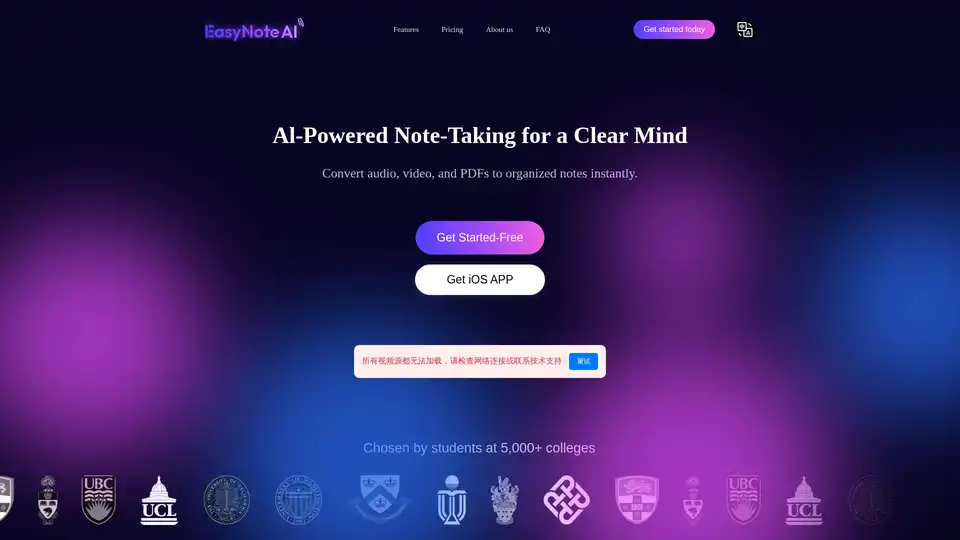
EasyNoteAI is a powerful AI note-taking assistant that converts audio, online videos, and PDFs into organized notes, outlines, flashcards, quizzes, summaries, and chatbots for efficient learning and productivity.
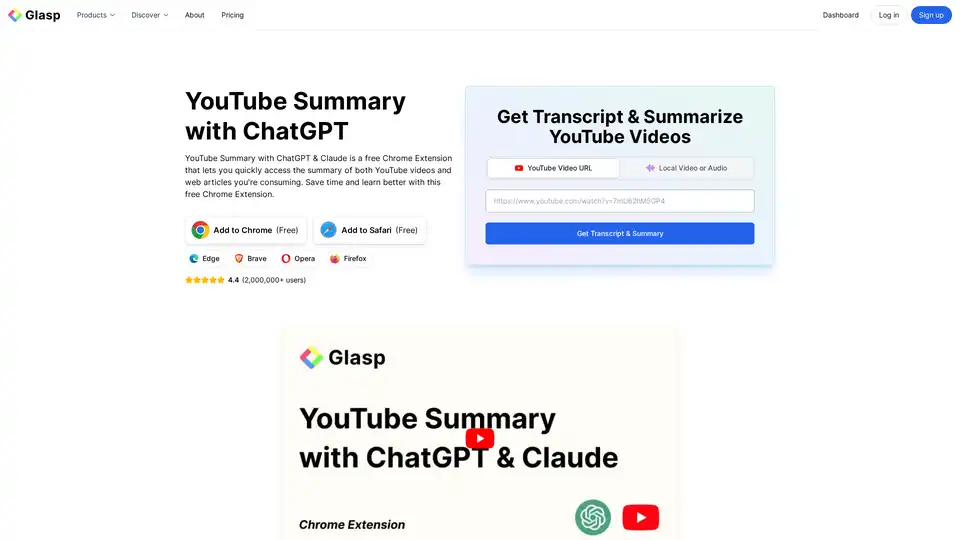
YouTube Summary with ChatGPT & Claude is a free browser extension that provides quick AI-powered summaries and transcripts for YouTube videos, PDFs, and web articles using models like ChatGPT and Gemini. Save time and boost productivity effortlessly.
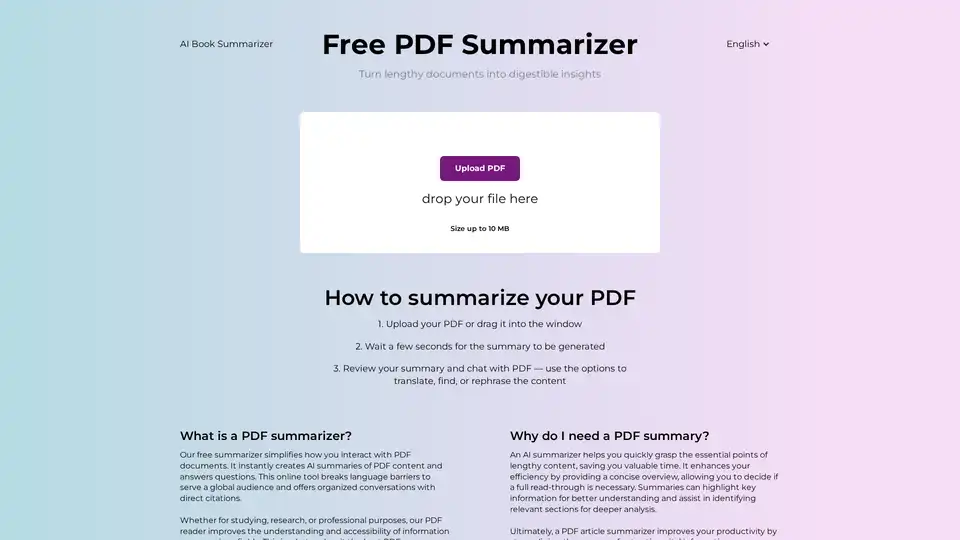
Discover the free AI PDF Summarizer at PDFsummarizer.net. Upload your document and get instant, accurate summaries in seconds. Perfect for quick insights from research papers, manuals, and more, with secure, multilingual support.
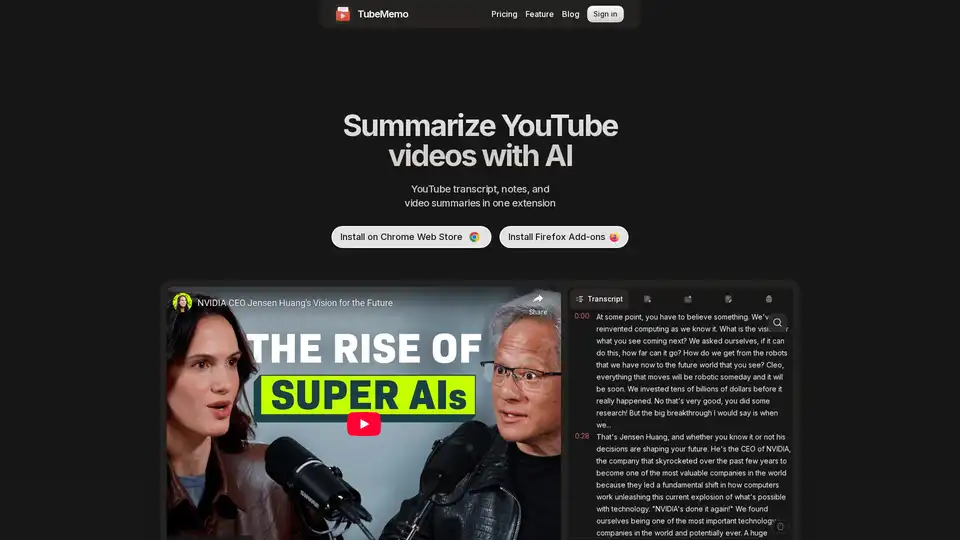
Use TubeMemo to extract, enhance, and summarize YouTube transcripts with AI. Turn videos into smart, searchable notes in seconds.