
GitPack
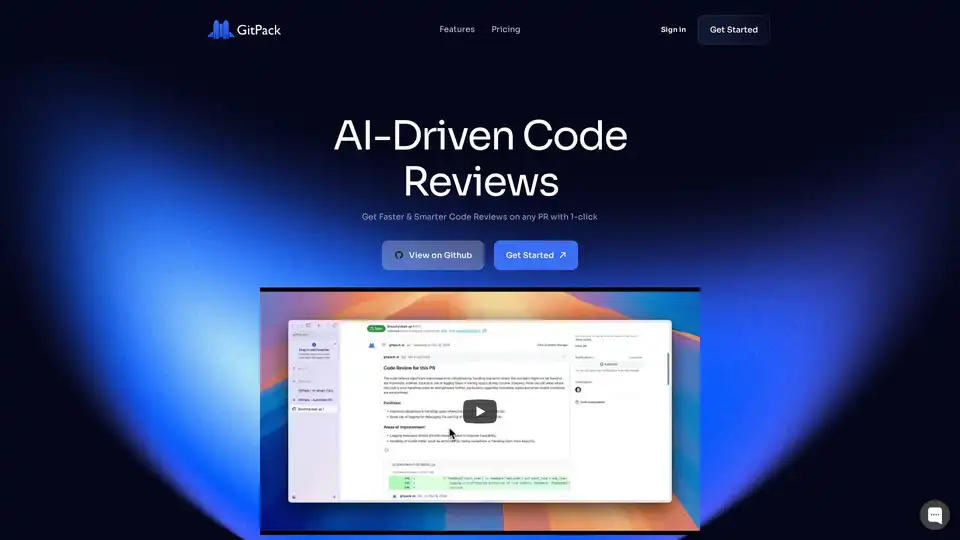
Overview of GitPack
What is GitPack?
GitPack is an innovative AI-powered GitHub App designed to revolutionize the way developers handle code reviews. By automating the review process for pull requests (PRs), it delivers faster, smarter feedback that helps teams maintain high code quality without the drudgery of manual checks. Whether you're working on open-source projects or private repositories, GitPack integrates seamlessly into your GitHub workflow, using advanced AI models like OpenAI's GPT-4o and Anthropic's Opus to analyze changes, detect bugs, and suggest improvements.
At its core, GitPack addresses a common pain point in software development: time-consuming code reviews that slow down progress. Instead of developers spending hours poring over lines of code, GitPack steps in to provide context-aware, line-by-line reviews. This not only saves time but also ensures consistency across your team, catching issues that might slip through human oversight.
How Does GitPack Work?
GitPack operates as a background service in your GitHub ecosystem. Once installed via a simple one-click process from the GitHub Marketplace, it automatically activates on new pull requests. Here's a breakdown of its workflow:
Detection and Analysis: When a PR is created, GitPack scans the code changes using AI to understand the context of your project. It doesn't treat code generically; instead, it tailors its analysis to your specific codebase, considering unique needs and preferences.
Automated Testing and Feedback: Leveraging models like GPT-4o for basic and advanced reviews, GitPack runs unit and integration tests. It provides detailed, line-by-line comments, highlighting potential bugs, style inconsistencies, and optimization opportunities. For more complex scenarios in the Business plan, it incorporates cutting-edge models like O1 Preview for deeper insights.
Instant Delivery: Feedback appears directly in the PR interface, just like a human reviewer's comments. This end-to-end quality assurance extends to production-like testing, helping you improve app and service reliability before deployment.
No complex setup is required—it's plug-and-play for public and private repos alike. Importantly, GitPack emphasizes privacy: it doesn't store your code or use it for model training, ensuring your intellectual property remains secure.
Key Features of GitPack
GitPack stands out with a suite of features that cater to modern development teams:
- Seamless GitHub Integration: Works effortlessly with any GitHub repository, public or private, without disrupting your existing tools.
- Context-Aware AI Reviews: Goes beyond basic linting by understanding project-specific logic, offering suggestions that align with your coding standards.
- Scalable Testing: Supports unlimited PR reviews and tests, scaling from solo developers to large teams.
- Multi-Model Support: Access to powerful AI backends, including OpenAI GPT-4o for standard use and premium models for advanced analysis.
- 24/7 Support Options: From email assistance in Basic plans to chat support in Business tiers, help is always available.
These features make GitPack a versatile tool for enhancing code health while freeing up developers to focus on innovation.
Pricing Plans: Flexible Options for Every Team
GitPack offers tiered pricing to suit different needs, starting with a 14-day free trial for organizations:
Free Plan: Ideal for open-source projects. Includes unlimited developers, public repos, PR reviews, and line-by-line analysis powered by GPT-4o. Perfect for hobbyists or community-driven work at $0 per month.
Basic Plan ($5 per developer/month): Geared toward startups and solo developers. Adds unlimited private repos, unit/integration tests, and email support. Billed monthly or yearly for savings.
Business Plan ($10 per developer/month): For high-caliber teams needing detailed reviews with improved testing. Features premium AI models (O1 Preview & Anthropic Opus), plus chat support.
All plans emphasize value, with no hidden fees and easy upgrades as your team grows. The yearly billing option provides cost efficiencies for long-term users.
| Plan | Price (per dev/month) | Key Features | Support |
|---|---|---|---|
| Free | $0 | Unlimited public repos, PR reviews, GPT-4o | None |
| Basic | $5 | Unlimited private repos, tests, GPT-4o | |
| Business | $10 | Premium models, detailed reviews | Email + Chat |
Who is GitPack For?
GitPack is tailored for a wide range of users in the software development space:
- Solo Developers and Startups: If you're juggling multiple roles and need quick, reliable feedback without hiring reviewers, the Basic plan streamlines your solo workflow.
- Open-Source Contributors: The free tier empowers maintainers of public projects to ensure quality contributions without manual effort.
- Enterprise Teams: Larger organizations benefit from scalable, consistent reviews that maintain standards across distributed teams, reducing onboarding time for new members.
- DevOps Engineers: Those focused on CI/CD pipelines will appreciate the integration with production testing for robust quality assurance.
In essence, if your work involves GitHub and you want to elevate code quality while boosting productivity, GitPack is an essential ally. It's particularly valuable for teams dealing with high PR volumes, where manual reviews become bottlenecks.
Why Choose GitPack Over Traditional Code Review Tools?
In a landscape crowded with linters and static analyzers, GitPack differentiates itself through AI-driven intelligence. Unlike rule-based tools that flag surface-level issues, GitPack understands intent and context, suggesting meaningful improvements that prevent bugs from reaching production. User testimonials highlight its speed—reviews that once took hours now happen in minutes—and its accuracy in catching subtle errors.
For instance, common scenarios like refactoring legacy code or integrating third-party libraries benefit from its nuanced feedback. By automating routine tasks, it lets developers innovate rather than debug, leading to faster feature releases and happier teams.
How to Get Started with GitPack
Getting up and running is straightforward:
- Visit the GitHub Marketplace and search for GitPack.
- Click 'Install' for your organization or personal account.
- Authorize access to your repositories.
- Create a PR, and watch GitPack provide instant AI feedback.
If questions arise, the FAQ covers essentials like private repo support (yes, in paid plans) and code privacy (no storage or training use). For deeper integration queries, the dedicated support team is ready to assist.
The Practical Value of GitPack
Investing in GitPack translates to tangible benefits: reduced review cycles by up to 80%, fewer production bugs, and improved team morale. In an era where AI is transforming development, tools like GitPack ensure you're not left behind. By fostering a culture of quality from the first commit, it supports long-term project success and scalability.
Whether you're optimizing for speed in agile sprints or ensuring compliance in regulated industries, GitPack delivers ROI through smarter, automated code reviews. Explore the free trial today and experience the difference in your GitHub workflow.
AI Programming Assistant Auto Code Completion AI Code Review and Optimization AI Low-Code and No-Code Development
Best Alternative Tools to "GitPack"
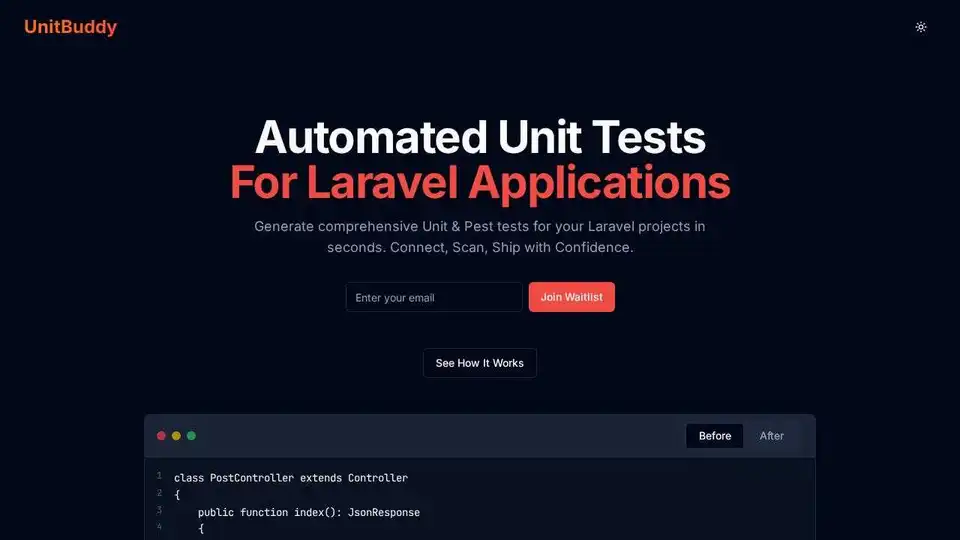
UnitBuddy automates Laravel application testing with AI, generating comprehensive unit tests and integrating seamlessly with CI/CD pipelines. Start your free trial today!
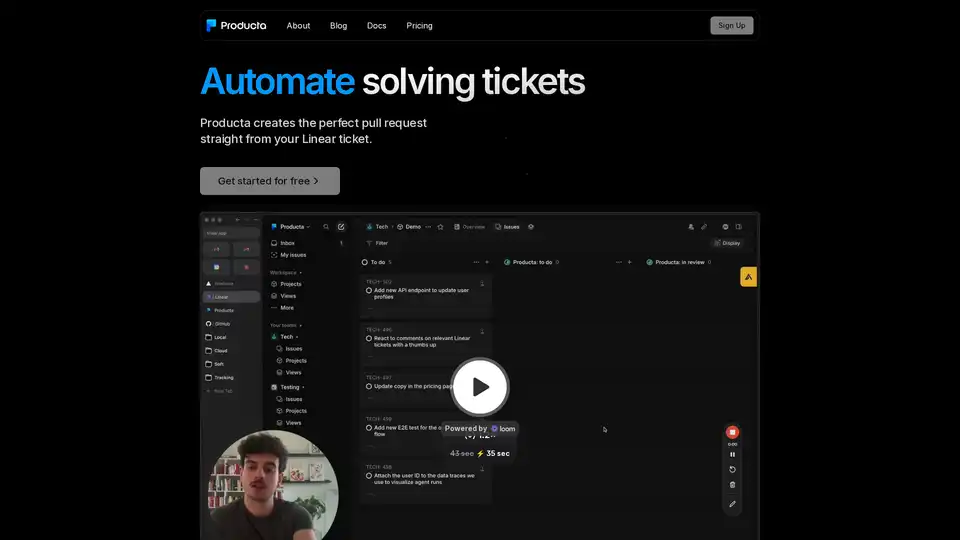
Producta automates technical ticket resolution using AI, generating precise pull requests from Linear tickets to relieve team backlogs and enhance developer productivity.

Gru.ai is an advanced AI developer tool for coding, testing, and debugging. It offers features like unit test generation, Android environments for agents, and an open-source sandbox called gbox to boost software development efficiency.
Keploy is an AI-powered, open-source testing platform that automates unit, integration, and API testing. It uses AI to generate test cases and mocks, achieving up to 90% test coverage rapidly. Ideal for developers seeking efficient testing.