
GitHub Copilot Voice
Overview of GitHub Copilot Voice
GitHub Copilot Voice: Code with Your Voice
What is GitHub Copilot Voice? GitHub Copilot Voice, previously known as "Hey, GitHub!," allowed developers to write code using voice commands, eliminating the need for a keyboard. The technology preview concluded on April 3, 2024, and its learnings have been integrated into the VS Code Speech extension.
Key Features:
- Write/Edit Code: Use natural language to state your intent, and Copilot Voice will suggest a code snippet. If you don't like the suggestion, you can ask for changes in plain English.
- Code Navigation: Navigate your codebase without using a mouse or arrow keys. You can ask Copilot Voice to go to a specific line, method, or block.
- IDE Control: Control Visual Studio Code with voice commands. You can toggle zen mode, run the program, or use any other Visual Studio Code command.
- Code Summarization: Understand unfamiliar code by asking Copilot Voice to explain specific lines and get a summary of what the code does.
How does GitHub Copilot Voice work?
GitHub Copilot Voice enables hands-free coding. You can simply state your intentions in natural language, and the tool translates those intentions into code. The examples provided demonstrate the ability to:
- Import libraries
- Manipulate data
- Generate plots
- Run programs
The tool understands context and can make modifications based on voice commands, such as changing a plot type from a line graph to a scatterplot.
How to use GitHub Copilot Voice?
While GitHub Copilot Voice is no longer available as a separate technical preview, its functionality is now integrated into the VS Code Speech extension. To use voice coding, download and install the VS Code Speech extension from the VS Code Marketplace. Follow the extension's instructions to set up voice commands and begin coding.
Who is GitHub Copilot Voice for?
GitHub Copilot Voice and the VS Code Speech extension are ideal for:
- Developers who have difficulty typing.
- Developers who want to code more efficiently.
- Developers who want to explore new ways of interacting with their code.
Benefits of Voice Coding
- Increased Efficiency: By using voice commands, developers can write and edit code more quickly.
- Improved Accessibility: Voice coding makes coding more accessible for developers with disabilities.
- Hands-Free Coding: Developers can code without using their hands, freeing them up to focus on other tasks.
VS Code Speech extension
We encourage you to support the VS Code Speech extension. Your feedback is incredibly valuable and the VS Code Speech team would like to hear from you as they carry on this work.
AI Voice Synthesis AI Voice Changer AI Music Creation Speech to Text AI Voice Customer Service and Assistant Podcast and Video Dubbing
Best Alternative Tools to "GitHub Copilot Voice"

GitHub Next explores the future of software development by prototyping tools and technologies that will change our craft. They identify new approaches to building healthy, productive software engineering teams.
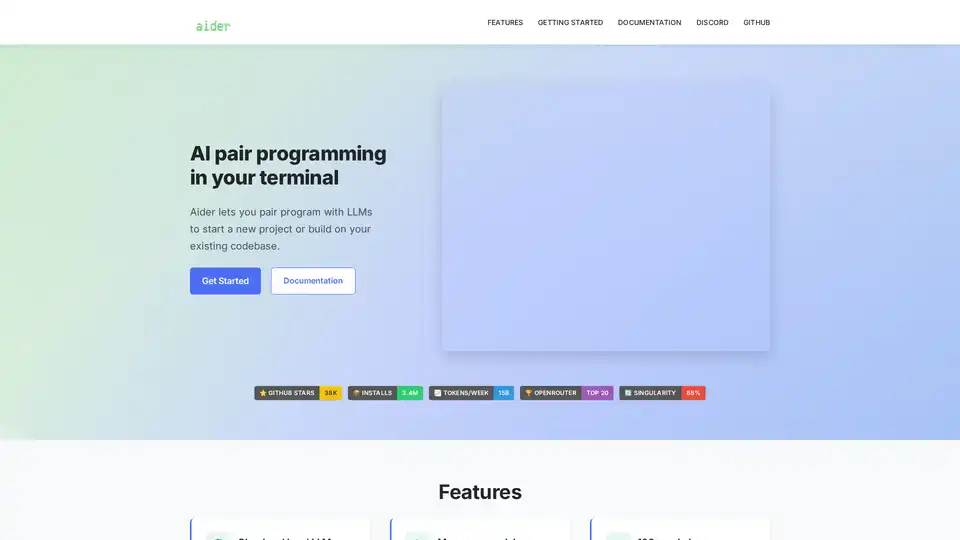
Aider is an open-source AI pair programming tool that works directly in your terminal, supporting multiple LLMs including Claude 3.7 Sonnet, DeepSeek, and GPT-4o for code generation and collaboration.

Toolmark.ai is a no-code platform for building AI tools that generate text, images, voice, and more using models like GPT-4o and DALL-E. Drag-and-drop interface empowers non-coders to create, embed, and monetize custom AI apps effortlessly.

InstaWebAI uses AI to generate professional, SEO-driven websites in seconds. No coding or design skills needed. Launch your website instantly!