
Frontender
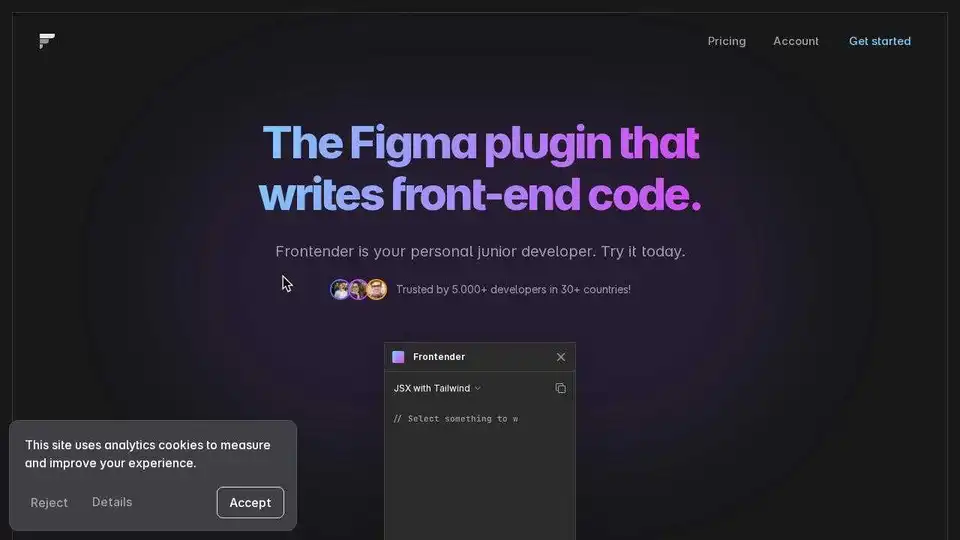
Overview of Frontender
Frontender: Your Figma to Code Assistant
What is Frontender?
Frontender is a Figma plugin designed to convert your Figma designs into clean, production-ready front-end code. It's like having a personal junior developer that translates your designs into code.
How does Frontender work?
- Select a layer: Simply select any layer or group of layers within your Figma design.
- Convert to Code: Frontender analyzes the selected layers and generates the corresponding front-end code.
- Choose Your Style: You can choose to generate different kinds of code, like:
- Only CSS
- Only CSS-in-JS
- Only Tailwind
- HTML with CSS
- HTML with Tailwind
- JSX with CSS-in-JS
- JSX with Tailwind
Why is Frontender important?
Frontender streamlines the design-to-development workflow, saving you time and effort. It allows designers to quickly prototype and iterate on designs without needing extensive coding knowledge. Front-end developers can also leverage Frontender to speed up the initial coding process and focus on more complex tasks.
Key Features:
- Figma Compatibility: Works seamlessly with any Figma file, regardless of complexity or organization.
- CSS & Tailwind Expertise: Understands CSS and Tailwind, including arbitrary values and custom configurations.
- Framework Support: Generates code compatible with popular frameworks like Next.js, React (JSX), Vue, and Svelte (HTML).
- Custom Tailwind Config: Supports custom Tailwind configurations by pasting your config into Frontender.
- Free to Use: Offers 15 free conversions every month without requiring an account. It's free forever! This is an awesome transactional intention, giving the user value right away.
User Testimonials:
- Zheng Haibo: "A game-changing tool for designers looking to streamline their workflow."
- Mian Azan: "Being a front-end developer, I must say this plugin is the greatest I've ever seen."
- Krish Nerkar: "Love this product - generates crazy accurate results!"
How to use Frontender:
- Install the Frontender plugin from the Figma marketplace.
- Open your Figma design.
- Select the layers you want to convert to code.
- Run the Frontender plugin and choose your desired code output.
- Copy the generated code and integrate it into your project.
Pricing:
Frontender offers 15 free conversions per month. There is no mention of paid plans, so for now it is safe to assume it is 100% free.
Where can I use Frontender?
Frontender can be used to accelerate the design-to-development process for a wide range of projects, including:
- Websites
- Web Applications
- Mobile Apps (React Native)
- UI Kits
- Design Systems
Conclusion:
Frontender is a valuable tool for designers and front-end developers looking to speed up their workflow and generate high-quality code from Figma designs. Its compatibility with various frameworks and its ability to handle messy Figma files make it a versatile and powerful asset. The free tier allows users to test the tool and experience its benefits without any financial commitment. It's a must-have for anyone working with Figma and front-end code. This is the best way to create UI elements quickly!
AI Programming Assistant Auto Code Completion AI Code Review and Optimization AI Low-Code and No-Code Development
Best Alternative Tools to "Frontender"
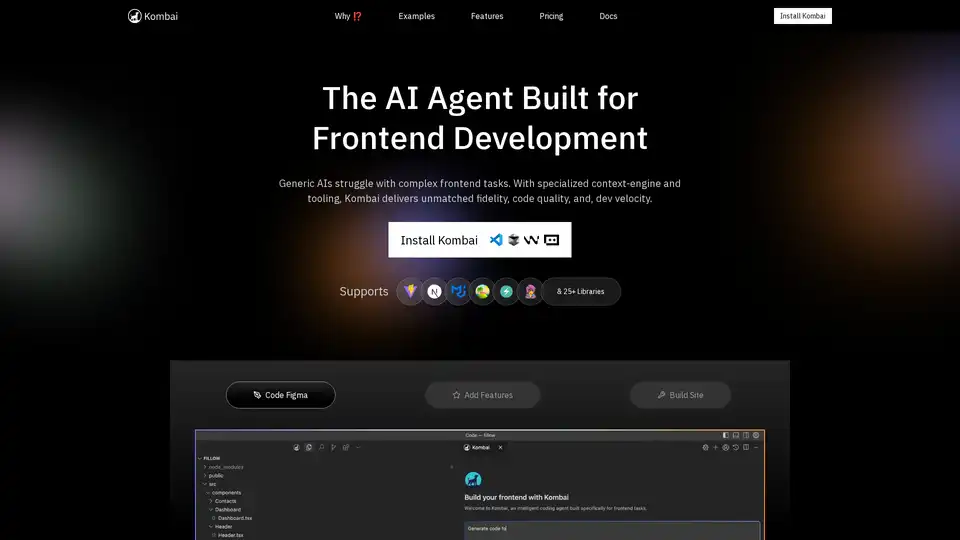
Kombai is a specialized AI agent for frontend development, excelling in converting Figma designs, images, and text prompts into high-fidelity code with superior speed and accuracy for React and more.
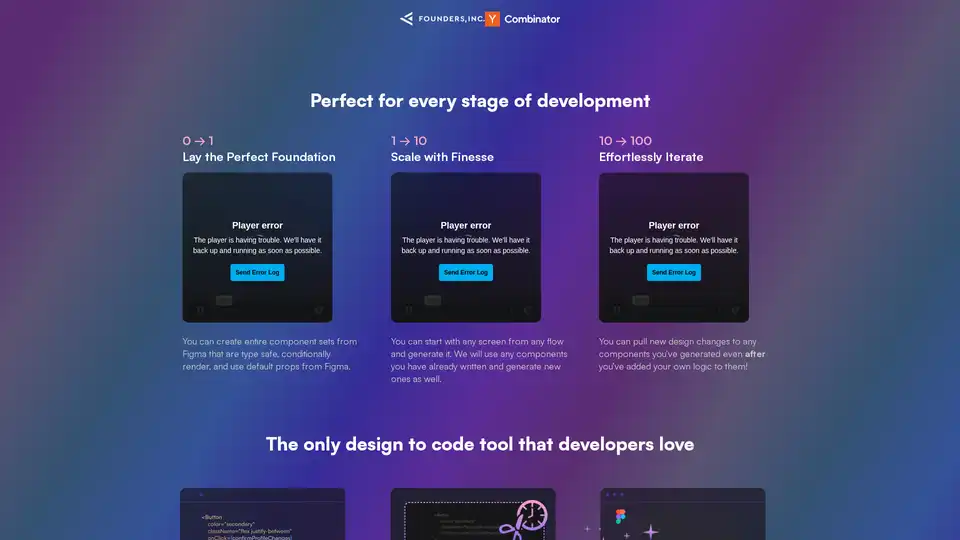
Bifrost uses AI to automatically convert Figma designs into clean React code with Tailwind and Chakra UI support, saving development time.
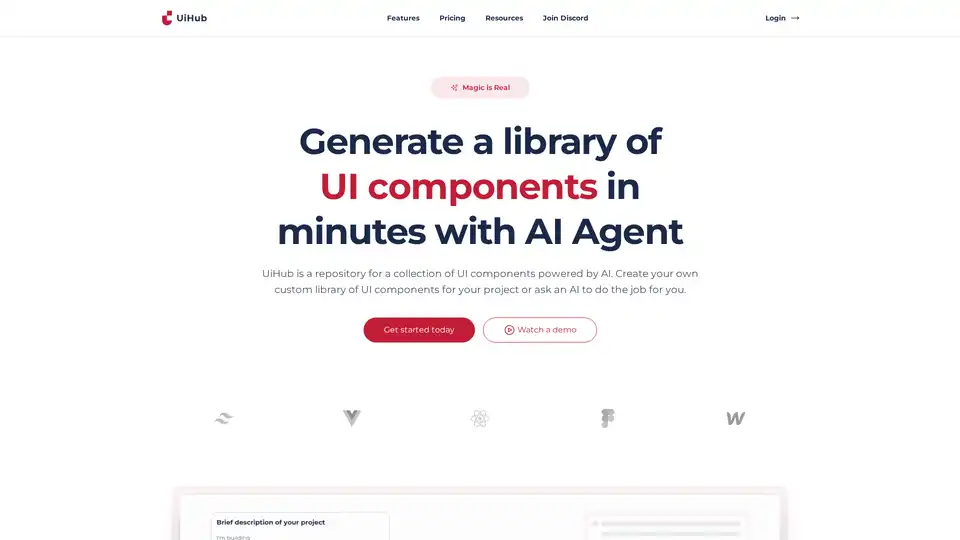
UiHub is an AI-powered platform for generating and managing TailwindCSS UI components. Create custom libraries or use AI to speed up your frontend development workflow.
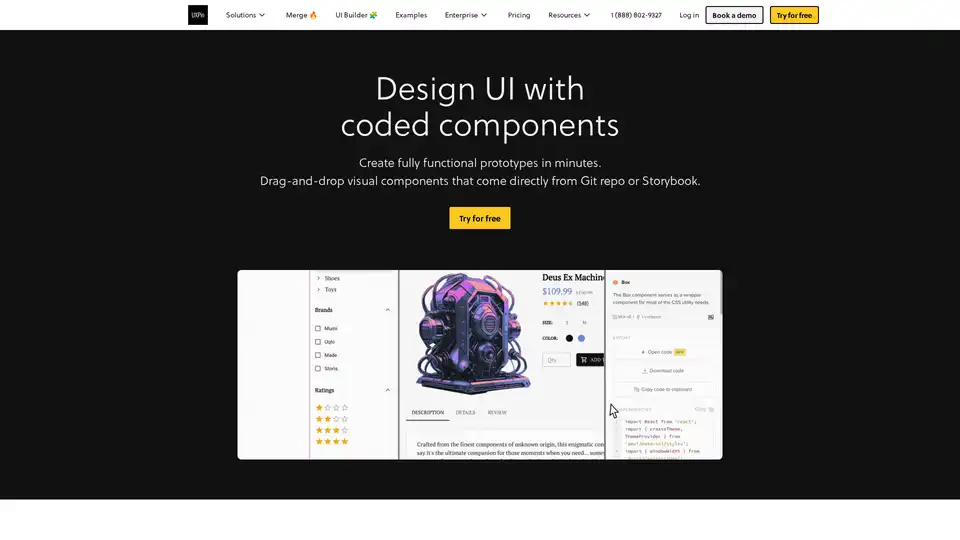
UXPin Merge accelerates UI design 8.6x faster with AI-generated components, coded libraries like MUI and Tailwind UI, and seamless React code export for developers.