
FreeTTS
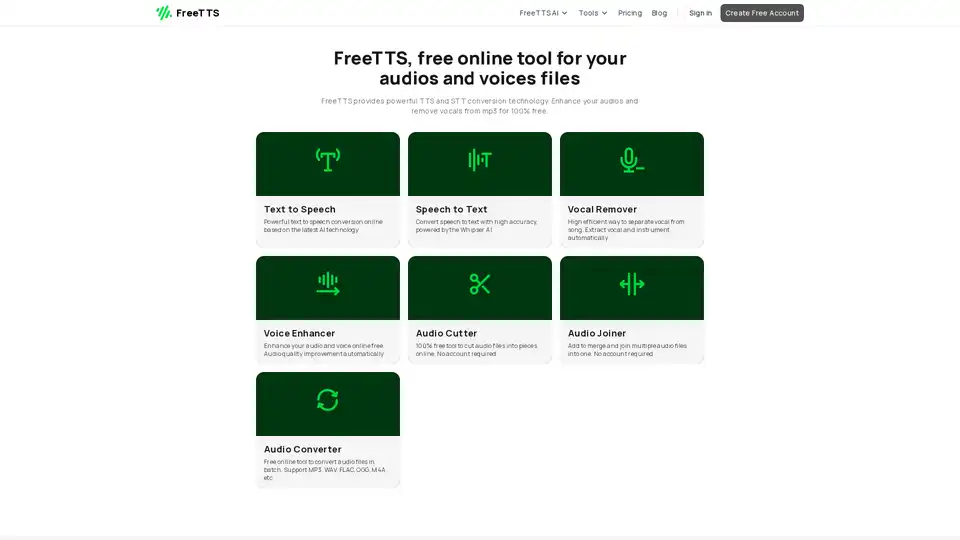
Overview of FreeTTS
FreeTTS: Your All-in-One Free Online Audio Toolkit
FreeTTS is a comprehensive online platform offering a suite of AI-powered tools designed to handle various audio and voice-related tasks. From converting text to speech and enhancing audio quality to removing vocals from songs and converting between different audio formats, FreeTTS provides a range of functionalities accessible directly from your browser, all completely free of charge.
What is FreeTTS?
FreeTTS is a collection of free online tools designed to help users with audio and voice file manipulation. It leverages advanced AI technology to deliver accurate and efficient results across all its features. The platform provides tools for converting text to speech (TTS), speech to text (STT), vocal removal, voice enhancement, audio cutting, audio joining, and audio conversion.
How does FreeTTS work?
FreeTTS utilizes cutting-edge AI algorithms to power its various tools. Here's a brief overview of how some of the key features work:
- Text to Speech: Converts written text into natural-sounding speech using advanced AI models. Users can input text and select from a range of voices to generate realistic audio.
- Speech to Text: Powered by Whisper AI, this tool accurately transcribes audio into editable text. It's useful for converting spoken words into written documents quickly and easily.
- Vocal Remover: Employs AI to separate vocals from instrumentals in a song. This tool is ideal for creating karaoke tracks or isolating specific elements of a song.
- Voice Enhancer: Improves audio quality by reducing noise and optimizing clarity. The AI analyzes the audio and automatically applies enhancements to create a cleaner, more professional sound.
- Audio Converter: Converts audio files between various formats, such as MP3, WAV, FLAC, and OGG. The tool supports batch processing, allowing users to convert multiple files at once.
Key Features of FreeTTS
- Text to Speech: Convert text into natural, high-quality speech with FreeTTS. Powered by advanced AI, it’s ideal for presentations, audiobooks, or voiceovers with human-like voices.
- Speech to Text: Transform audio into editable text quickly with Free TTS’s AI-driven Speech to Text tool. Powered by Whisper AI, it offers high accuracy for transcription and note-taking.
- AI Vocal Remover: Separate vocals and instruments effortlessly with the AI Vocal Remover. Perfect for karaoke, remixing, or music production, it delivers clean, isolated tracks automatically.
- AI Voice Enhancer: Enhance your voice and audio with Free TTS’s AI Voice Enhancer. It improves sound quality, eliminates noise, and optimizes clarity, ideal for podcasts or voiceovers.
- Audio Converter: Convert audio files between formats like MP3, WAV, FLAC, and more using the Free TTS Audio Converter. Fast and free, it supports batch conversion for maximum efficiency.
- Audio Cutter: The Free TTS Audio Cutter allows you to cut audio files into smaller parts quickly and easily. Ideal for trimming unwanted sections or extracting specific segments of a track.
- Audio Joiner: Merge multiple audio files into one seamlessly with the Free TTS Audio Joiner. Perfect for combining tracks, creating audio mixes, or assembling podcast segments into a single file.
Why Choose FreeTTS?
- Completely Free: All tools are accessible without any hidden fees, subscriptions, or usage limits.
- AI-Powered: Cutting-edge AI technology ensures high accuracy and efficiency.
- Multiple Audio Formats: Supports a wide range of audio formats, including MP3, WAV, FLAC, OGG, and more.
- Batch Processing: Convert or enhance multiple files simultaneously, saving time and streamlining workflows.
- User-Friendly Interface: Quick and intuitive interface suitable for both beginners and professionals.
- Secure and Private: Uploaded files and results are cleared within 12 hours, ensuring data security and privacy.
How to use FreeTTS?
Using FreeTTS is straightforward. Simply visit the website and select the desired tool. Each tool provides a clear and intuitive interface. For example, to use the Text to Speech tool:
- Navigate to the Text to Speech section.
- Enter the text you want to convert.
- Choose a voice and adjust settings as needed.
- Click the "Convert" button to generate the audio.
Similarly, other tools have simple drag-and-drop interfaces or straightforward input fields to facilitate easy usage.
Who is FreeTTS for?
FreeTTS is designed for a broad audience, including:
- Content Creators: Ideal for generating voiceovers for videos, presentations, and audiobooks.
- Musicians: Useful for creating karaoke tracks, remixing songs, and isolating vocal or instrumental elements.
- Podcasters: Helpful for enhancing audio quality and cleaning up recordings.
- Students: Useful for converting study materials into audio format for easy listening.
- Professionals: Valuable for transcribing meetings, creating voice memos, and converting documents into audio.
Frequent Asked Questions
1. Do I need an account to use Free TTS?
A free account is required for the Text to Speech feature to access all voices and settings. However, no account is needed for other features like speech-to-text, vocal remover, voice enhancer, and audio converter.
2. Does Free TTS support batch processing?
Yes, Free TTS supports batch processing, allowing you to convert or enhance multiple files at once.
3. What file formats are supported by Free TTS?
Free TTS supports a wide range of audio formats including MP3, WAV, FLAC, OGG, M4A, etc.
4. How accurate is the Speech to Text feature?
The Speech to Text feature is powered by Whisper AI and offers high accuracy for transcription and note-taking.
5. Is my data secure on Free TTS?
Yes, all uploaded files and results will be cleared up in about 12 hours. No one will access your files, and no data is collected from you.
6. Is Free TTS really free?
Yes, Free TTS is completely free to use. There are no hidden fees, subscriptions, or limits on usage.
Conclusion
FreeTTS stands out as a versatile and accessible online platform for audio and voice manipulation. Its AI-powered tools, combined with a user-friendly interface and completely free access, make it an excellent choice for anyone looking to convert, enhance, or modify audio files. Whether you're creating content, producing music, or simply looking to improve your audio quality, FreeTTS provides the tools you need to get the job done efficiently and effectively.
AI Voice Synthesis AI Voice Changer AI Music Creation Speech to Text AI Voice Customer Service and Assistant Podcast and Video Dubbing
Best Alternative Tools to "FreeTTS"
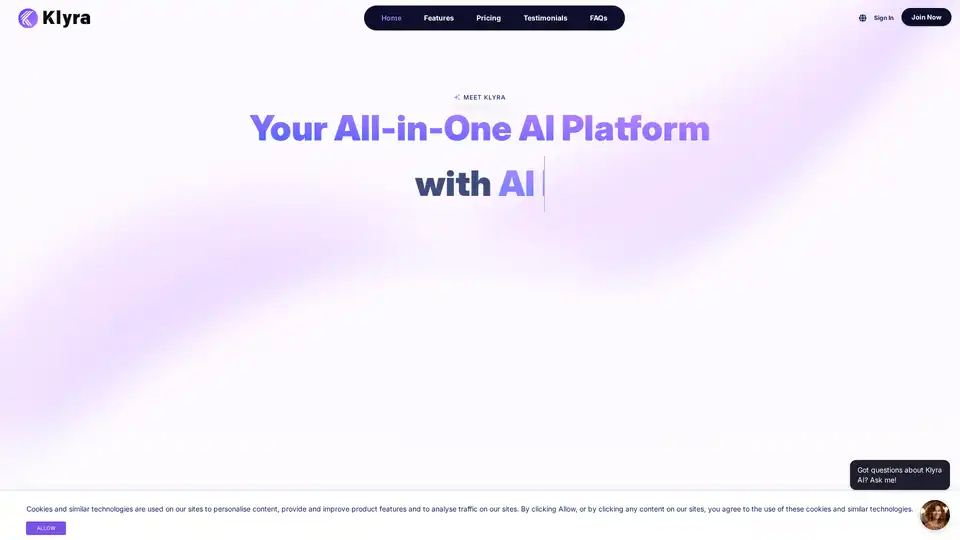
Klyra AI is the ultimate all-in-one platform for creating videos, voiceovers, images, blogs, music, and more using advanced AI tools. Boost productivity with seamless content automation and powerful features.
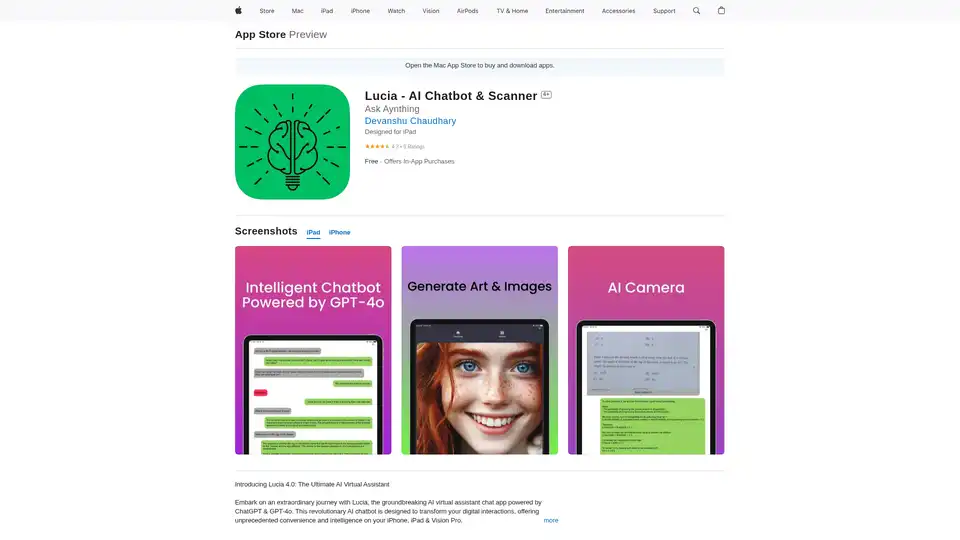
Lucia is an AI chatbot & scanner app powered by ChatGPT & GPT-4o, designed to boost productivity. It offers text completion, image generation, language enhancement and more.
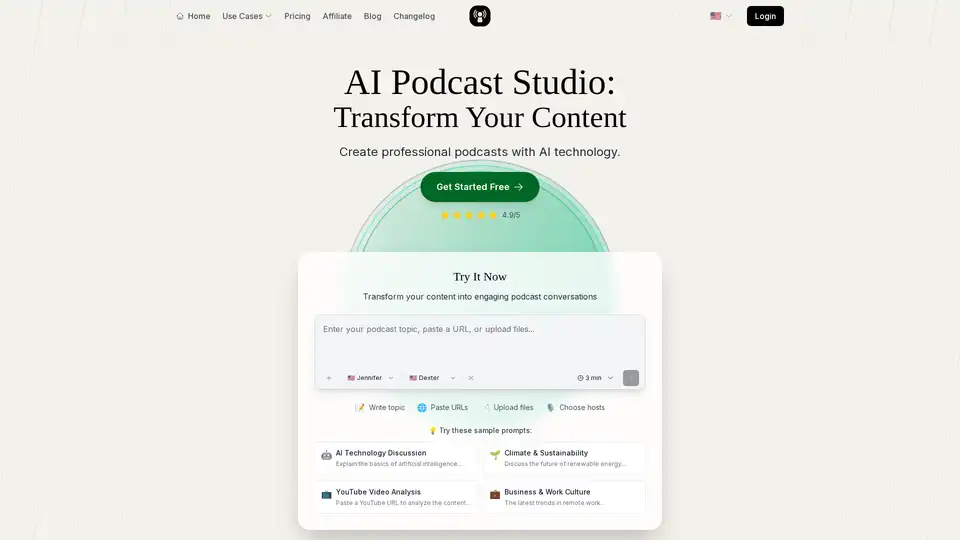
PodGen.io is an AI podcast generator that converts text, YouTube videos, PDFs, blogs, and more into professional podcasts. Features 1000+ voices, 25+ languages, editing tools, analytics, and easy distribution. Ideal for creators, educators, and marketers.
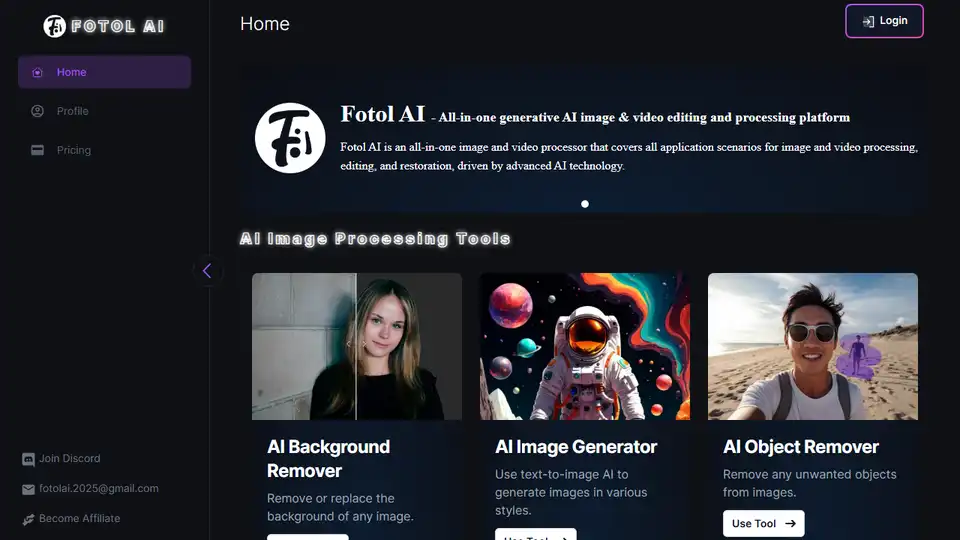
Fotol AI provides a gateway to AGI, offering powerful AI solutions for video, image, speech, music, 3D asset generation, and conversation. Dream it, make it!